 Digital TransformationReplatforming From Drupal, AEM or .NET Without DowntimeWebsite replatforming from Drupal, AEM or .NET without downtime: choose the target platform, run delta content syncs, plan the cutover and test your rollback.
CodeeoInsightsDigital Transformation
Construction CRM Software: Features, Choices and Integrations
What construction CRM software does for builders and contractors, the features that matter, how to choose a system and when a custom CRM makes sense.
Construction CRM software is a customer relationship management system set up for builders, contractors and subcontractors: it tracks leads and bids, keeps every client conversation in one place and links won work to project schedules, budgets and accounting. It replaces scattered email threads and spreadsheets, so estimators, project managers and clients see the same information. This guide covers the features that matter, how to choose a system and when a custom build makes sense.
Why construction firms outgrow spreadsheets
A construction business juggles many moving parts at once. Estimators chase bids, project managers coordinate subcontractors, site teams send photos and change requests, and clients want progress updates. When all of this lives in inboxes, phone calls and spreadsheets, three things go wrong. Leads slip through because nobody follows up. Change orders get lost between site and office. And managers find out about delays or budget problems after they have already happened.
A CRM gives that information a single home. The difference between the two approaches is easiest to see side by side.
| Area | Spreadsheets and email | Construction CRM |
|---|---|---|
| Lead management | Manual lists, easy to miss follow ups | Automatic capture, pipeline stages, reminders |
| Bids and estimates | Files in folders, versions unclear | Bids linked to the client, status tracked |
| Communication | Spread across email, calls and messages | One record per client and project |
| Project visibility | Updates arrive late or not at all | Live status, tasks and milestones |
| Reporting | Built by hand at month end | Dashboards on win rate, pipeline and margins |
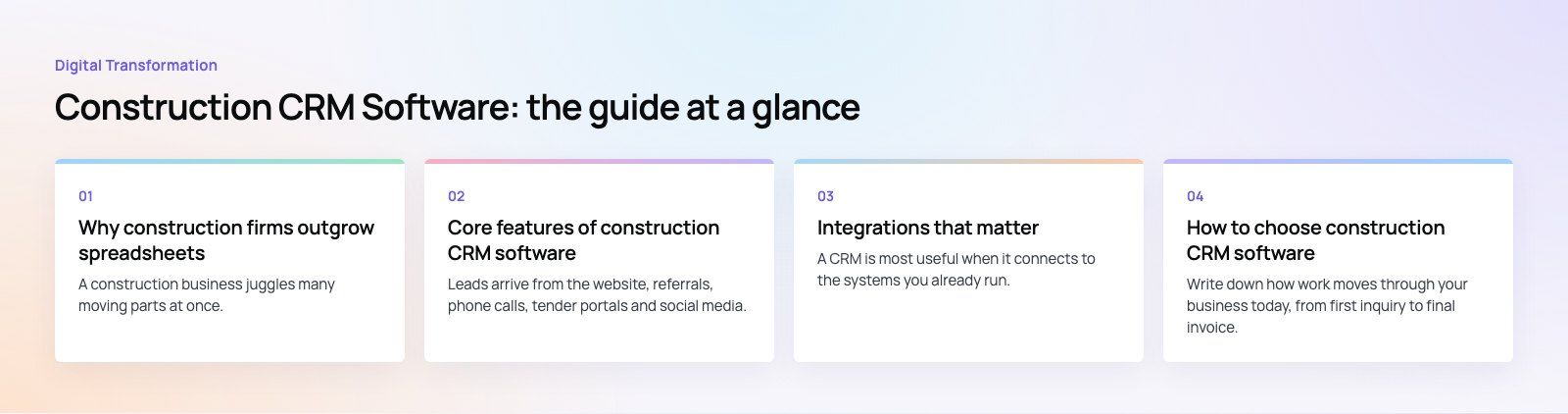
Core features of construction CRM software
Lead capture and pipeline management
Leads arrive from the website, referrals, phone calls, tender portals and social media. A good CRM captures them through web forms and integrations, then moves each one through stages such as new inquiry, site visit, estimate sent, negotiation and won or lost. Automatic reminders and email sequences make sure no promising inquiry goes cold.
Bid and estimate tracking
Construction sales revolve around bids. Look for a system that links each estimate to the client and opportunity, tracks versions, records the reason a bid was won or lost and shows your win rate by project type. That data tells you which work to chase and where your pricing is out of step.
A central communication hub
Every call, email, meeting note, drawing and approval should sit on the client or project record. Subcontractors and clients can be given limited access through portals, so they see the documents and updates meant for them. This cuts down on "which version is current?" questions and gives you a clear record if a dispute arises later.
Project visibility and scheduling
Some construction CRMs include project tools such as task lists, Gantt charts and milestone tracking. Others connect to dedicated construction project management software. Either way, the goal is that a won bid flows into a project without retyping, and that sales and operations see the same status.
Mobile access for site teams
Work happens on site, not at a desk. A usable mobile app lets supervisors log progress, upload photos, record change requests and check contact details from the field. If the app is slow or awkward, crews will go back to text messages and the CRM will fall out of date.
Reporting and analytics
Dashboards should show pipeline value, conversion by source, win rate, project margins and client satisfaction. Use them to find which lead sources produce profitable work, which project types run over and where follow up is slipping.
Benefits beyond project management
- Better client experience. Clients get timely updates and clear answers because everyone is working from the same record.
- Less admin. Automated follow ups, reminders and status updates free estimators and managers for higher value work.
- Stronger collaboration. Office, site and subcontractors share documents and tasks instead of passing them around.
- Fewer surprises. Early warnings on schedules and budgets help teams act before small problems become delays or overruns.
- Repeat business. A full history of past clients and projects makes it easy to stay in touch and win the next job.
Integrations that matter
A CRM is most useful when it connects to the systems you already run. The most common links for construction firms are:
- Accounting. Connecting to tools such as QuickBooks or Xero passes client details, invoices and payments between systems without double entry. QuickBooks publishes its integration options through the Intuit developer platform.
- Project management. Won opportunities should create projects automatically in your scheduling or construction management tool.
- Email and calendar. Messages and meetings log to the right record without manual copying.
- Website and ads. Forms and call tracking feed new leads straight into the pipeline.
- Document storage. Drawings, contracts and photos stay linked to the project they belong to.
How to choose construction CRM software
Start with your workflow
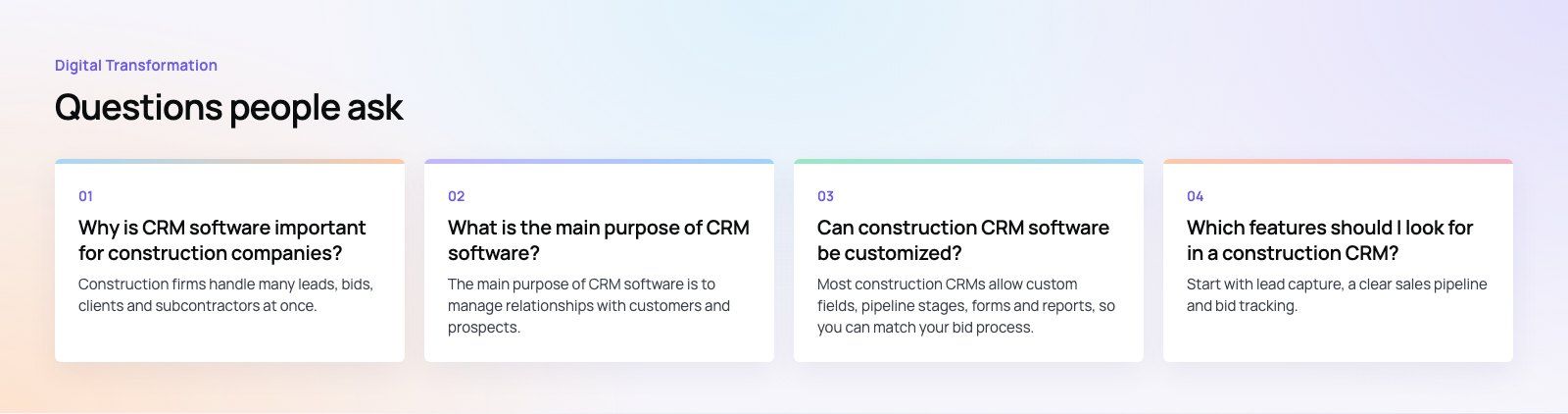
Write down how work moves through your business today, from first inquiry to final invoice. Note where information gets lost or retyped. The right CRM fixes those points. A residential builder with many small jobs needs different features from a commercial contractor with long tender cycles.
Prioritize the features you will use
Rank lead capture, bid tracking, mobile access, project tools, client portals and reporting by how much they matter to you. Avoid paying for modules nobody will open.
Check scalability
Choose a system that can add users, projects and locations as you grow, and check whether pricing jumps sharply at certain tiers.
Test usability with real users
Run a trial with an estimator, a project manager and a site supervisor. If they find it awkward, adoption will suffer. Plan training sessions and name an internal owner for the system.
Understand what drives cost
Pricing usually depends on the number of users, the feature tier, add on modules, integrations and support. Most vendors offer demos or free trials, so test before you commit, and ask for the total cost over several years, including setup and data migration.
Off the shelf, specialist or custom
| Option | Best for | Trade offs |
|---|---|---|
| General CRM (configured) | Firms that want a mature, flexible platform | Needs setup to fit bids, projects and subcontractors |
| Construction specific CRM | Builders and contractors who want industry features out of the box | Less flexible if your process is unusual |
| Custom CRM or custom layer | Firms with complex workflows or many systems to connect | Higher upfront effort, needs ongoing ownership |
Specialist tools for contractors often include subcontractor management, change order tracking and bid management. A custom build or custom layer makes sense when your process does not fit any package, when you need a client or subcontractor portal shaped around your work, or when the CRM must connect to an ERP, accounting and project system at once. Many firms take a middle path: a proven CRM platform with custom integrations and portals built around it.
Implementation tips
- Clean your data first. Remove duplicate contacts and close dead opportunities before migration.
- Start with the pipeline. Get leads and bids working before adding project and reporting features.
- Connect accounting early. Invoice and payment data make the reports far more useful.
- Train by role. Estimators, managers and site teams use the system differently, so train them separately.
- Review after a month. Check what people actually use and remove fields and steps that slow them down.
A construction CRM pays off when leads, projects and accounts share one source of truth. Codeeo has delivered 200+ projects across the UAE and the US, including sales automation, CRM migration and custom software for teams whose process does not fit a package. If you run on Microsoft, we also work with Dynamics 365. See our real estate work for related projects.
Frequently asked questions
Construction firms handle many leads, bids, clients and subcontractors at once.
A CRM keeps all of that in one place, so follow ups happen on time, bids are tracked to a result and everyone sees the same project information. The result is fewer lost leads, clearer communication with clients and earlier warning when a project starts to slip.
Digital TransformationReplatforming From Drupal, AEM or .NET Without DowntimeWebsite replatforming from Drupal, AEM or .NET without downtime: choose the target platform, run delta content syncs, plan the cutover and test your rollback. Digital TransformationWhat a Good Enterprise Website SLA ContainsWhat a website maintenance SLA should contain, clause by clause: scope, severity tiers, response and resolution times, uptime, reporting, remedies and exit.
 Digital TransformationTreating Your Website as a Production System: The Case for an SLAWhy a business critical website needs an SLA: hypothetical incident costs, what changes with agreed response times, and how to make the case for support.
Tell us what the business needs. We will tell you what to build first.
Schedule a free consultation and get a written recommendation, with costs, before you commit to anything.
Get in touchPROVEN RESULTS
4.7 / 5verified reviews on Google