 App DevelopmentProtecting Your Website Content From Copying and ScrapingHow to protect website content from copying and scraping: AI crawler rules in robots.txt, scraper controls, DMCA takedowns and UAE copyright basics explained.
Employee Management App Development: Features, Risks and Benefits
When a custom employee management app makes sense, the features and integrations to plan, common development problems and the benefits to expect.
Employee management app development makes sense when your people processes have outgrown spreadsheets, shared inboxes and a patchwork of HR tools that do not talk to each other. A custom app puts attendance, leave, shifts, performance and employee records in one place that staff can reach from a phone. It is worth building when your workflows are specific enough that off the shelf HR software forces you to work around it.
This guide covers what to decide before you build, the features that matter, the problems teams usually hit during development, and the benefits you can realistically expect once the app is live.
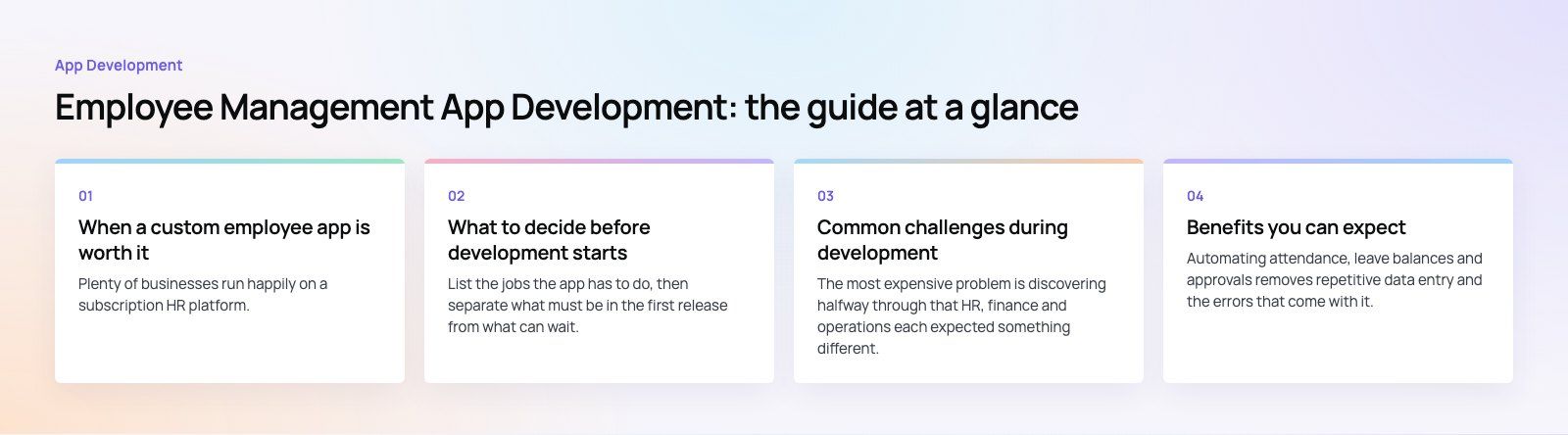
When a custom employee app is worth it
Plenty of businesses run happily on a subscription HR platform. A custom build starts to pay off in a few recognizable situations:
- Shift based or field teams. Clinics, logistics firms, retail chains and facilities companies often need rostering, check in by location and shift swaps that generic tools handle badly.
- Several systems holding the same data. When payroll, attendance and the HR file each keep their own copy of an employee, errors creep in every month.
- Reporting you cannot get today. If managers export data into spreadsheets to answer basic questions about overtime, absence or turnover, the current system is not doing its job.
- Rules unique to your business. Approval chains, allowances, multi entity structures and local labor rules can make a packaged tool feel rigid.
If none of these apply, configuring an existing platform is usually faster. If several do, a custom app or a custom layer on top of your current systems is worth scoping properly.
What to decide before development starts
Core features and the first release
List the jobs the app has to do, then separate what must be in the first release from what can wait. Common core features include:
- Employee profiles and document storage
- Time tracking, attendance and geofenced check in
- Leave requests with approval flows
- Shift scheduling and swaps
- Performance goals, reviews and feedback
- Announcements, notifications and team messaging
- Payroll inputs exported to your payroll provider
A tight first release that people actually use beats a large one that arrives late. Payroll calculation itself is often best left to a dedicated payroll system, with the app feeding it clean attendance and leave data.
Integrations
Most of the value comes from connecting the app to what you already run: payroll, accounting, your ERP, single sign on and calendar tools. Map every data flow early. Decide which system is the source of truth for each field, such as job title, salary band or manager, so that two systems never fight over the same record.
Mobile access and offline behavior
Staff will mostly use the app on their phones, so design for mobile first. Decide whether you need native iOS and Android apps or whether a responsive web app is enough. Field teams may need offline check in that syncs once the connection returns.
Security and data protection
Employee records hold some of the most sensitive data a company keeps: identity documents, salaries, medical leave and performance notes. Plan for encryption in transit and at rest, role based access, audit logs and multi factor sign in. Check which data protection laws apply where your staff are based. Teams with employees in the EU, for example, fall under the EU General Data Protection Regulation, and other countries have their own rules on consent, retention and cross border transfers.
Permissions and customization
Define roles before design starts: employee, line manager, HR, finance and administrator at a minimum. Each role sees different data and approves different requests. Build configurable rules for approvals, leave types and reports so HR can adjust them without a developer.
Scalability
Plan for more people, more departments and more locations than you have today. That affects the data model (multiple entities, cost centers and time zones), hosting and how reports are generated as records grow.
Ownership, support and cost drivers
Agree who owns the source code, who hosts the app and who handles fixes after launch. Cost is driven mainly by the number of roles and workflows, the number of integrations, whether you need native apps, and how much reporting you want. Ongoing hosting, maintenance and operating system updates are a running cost, not a one off.
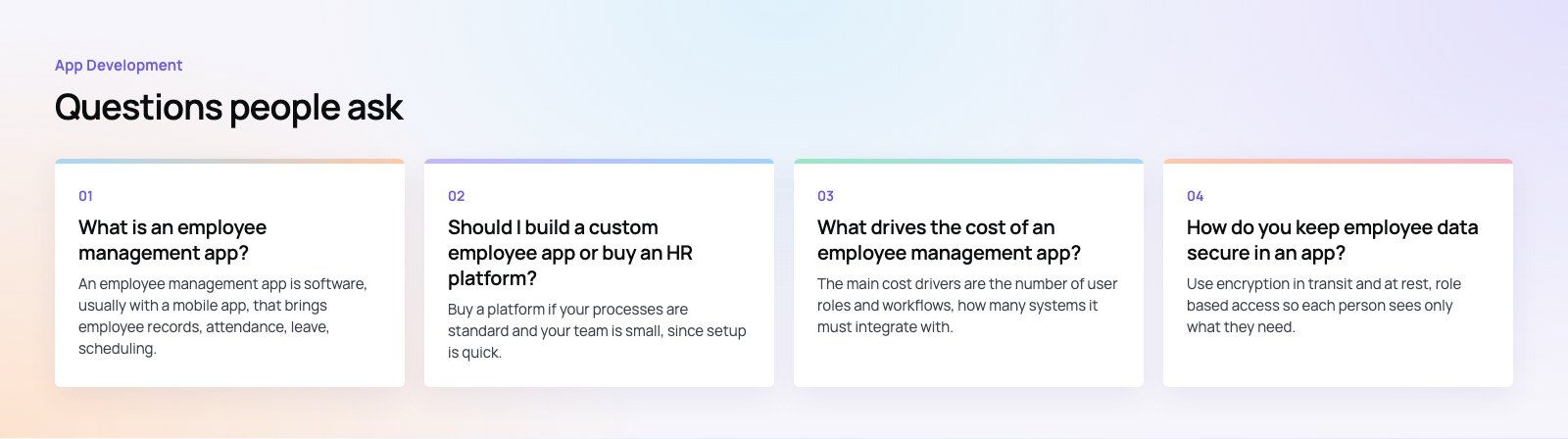
Build, buy or extend: a quick comparison
| Option | Best for | Trade offs |
|---|---|---|
| Off the shelf HR platform | Standard HR needs and small teams | Fast to start, but you adapt your process to the tool |
| Custom layer on existing systems | Firms with a payroll or ERP they want to keep | Fills the gaps without replacing what works, needs solid integration |
| Fully custom app | Shift based, multi entity or highly specific workflows | Fits exactly, but takes longer and needs ongoing maintenance |
Common challenges during development
Vague requirements
The most expensive problem is discovering halfway through that HR, finance and operations each expected something different. Run short workshops with each group, write user stories and agree on the first release before design starts. A structured product scoping exercise keeps this phase short.
Integration with legacy systems
Older payroll and HR systems may have limited APIs or none at all. Budget time to investigate them, and plan fallbacks such as scheduled file exports if a live connection is not possible.
User adoption
An app that staff avoid is worthless. Involve a few employees and managers in testing early, keep common tasks to a couple of taps, and roll out with short training and a clear contact for questions. One issue we often see is managers who keep approving leave by email; switching off the old route on a set date helps.
Balancing flexibility with simplicity
Every configurable option adds screens and testing. Keep configuration to the rules that genuinely change, and hard code the rest until there is a reason to make it flexible.
Timelines and vendor management
If you work with an outside team, agree on milestones, demos and acceptance criteria. Regular working demos expose misunderstandings before they become rework.
Maintenance after launch
Mobile operating systems update every year, labor rules change and new requests arrive. Plan for a maintenance arrangement from day one rather than treating launch as the finish line.
Benefits you can expect
Less manual HR work
Automating attendance, leave balances and approvals removes repetitive data entry and the errors that come with it. HR spends more time on hiring, training and retention and less on chasing forms.
One record per employee
A single profile that feeds payroll, reporting and access rights means a change made once is reflected everywhere. That alone removes a large class of payroll and compliance mistakes.
Better communication
Announcements, shift changes and policy updates reach staff directly on their phones, including people who never sit at a desk. Read receipts show who has seen what.
Fairer performance management
Goals, check ins and reviews stored in one place give managers consistent criteria and a history to refer back to, rather than relying on memory at review time.
Useful reporting
With clean data in one place, you can report on absence patterns, overtime, headcount by location and turnover without spreadsheet work. That supports better workforce planning.
Self service for staff
Employees can check leave balances, download documents and update their own details. Fewer routine questions reach HR, and staff get answers immediately.
How to get started
- Write down the five workflows that cause the most friction today.
- List every system that holds employee data and who owns it.
- Decide on roles and approval chains.
- Scope a first release around the top workflows only.
- Prototype the main mobile screens and test them with real staff.
- Build, test with each role, then roll out in phases by team or location.
For a sense of what a workforce product can look like in practice, the Distinct healthcare workforce platform covers a catalogue, shifts, bookings, incident reports, reviews and rewards, with a design system shared by web and admin.
If you are weighing up an employee management app, Codeeo's mobile app development and custom software teams can help you scope it, connect it to your existing systems and ship a first release your staff will use. Our team of 80+ across Dubai, Riyadh and Karachi has delivered 200+ projects across the UAE and the US. Get in touch to talk it through.
Frequently asked questions
An employee management app is software, usually with a mobile app, that brings employee records, attendance, leave, scheduling, performance and internal communication into one system.
Staff use it for self service tasks like requesting leave, while managers and HR use it for approvals, reporting and planning. It often connects to payroll and accounting so that data entered once flows everywhere it is needed.
App DevelopmentProtecting Your Website Content From Copying and ScrapingHow to protect website content from copying and scraping: AI crawler rules in robots.txt, scraper controls, DMCA takedowns and UAE copyright basics explained. App DevelopmentWeb Application Penetration Testing: When It Is NecessaryWeb application penetration testing explained: when contracts, launches or major changes make it necessary, how it differs from scanning and how to prepare.
 App DevelopmentSteganography Explained: How Data Hiding Works and Is DetectedSteganography in cybersecurity explained: common data hiding techniques, how attackers use them, legitimate digital watermarking and how steganalysis works.
Tell us what the business needs. We will tell you what to build first.
Schedule a free consultation and get a written recommendation, with costs, before you commit to anything.
Get in touchPROVEN RESULTS
4.7 / 5verified reviews on Google