 AIAI in Cybersecurity: What It Does Well and Where It FailsAI in cybersecurity explained: where AI threat detection and security automation help, where models fail, how attackers use AI phishing and what to ask vendors.
How Can AI Help My Business? Practical Uses and First Steps
Where AI helps in service, sales, marketing, operations and finance, how to pick a first use case, whether to buy or build, and what to plan for.
AI can help your business by handling repetitive work, answering routine customer questions, drafting content, scoring leads, forecasting demand and pulling insight out of data you already hold. The value comes from applying it to specific tasks with clear measures, not from adopting "AI" in general. Start with one well defined problem, prove the result, then expand.
This guide looks at where AI helps in each part of a business, how to choose your first use case, whether to buy or build, and the problems to plan for.
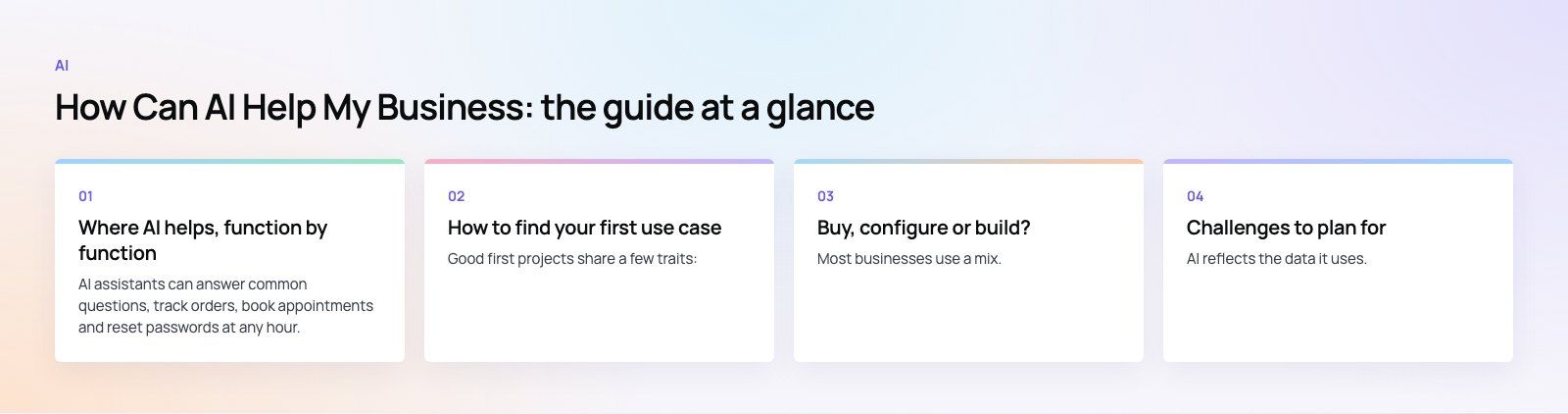
Where AI helps, function by function
Customer service
AI assistants can answer common questions, track orders, book appointments and reset passwords at any hour. They work best when they draw on your own help content and hand over to a person when a request is complex. Behind the scenes, AI can summarize ticket history, suggest replies to agents and tag incoming messages so they reach the right team faster.
Sales
Sales teams use AI to score leads based on how likely they are to buy, draft follow up emails, summarize calls and keep the CRM up to date without manual data entry. Forecasting models can flag deals at risk early. These features are increasingly built into mainstream CRMs, and our sales automation service covers how to put them to work.
Marketing
AI helps produce first drafts of ad copy, emails and social posts, segment audiences, and personalize content for different customer groups. Ad platforms already use machine learning for bidding and targeting, so much of the gain comes from giving those systems better conversion data. People still need to own the strategy, the brand voice and the final edit. See how our digital marketing team approaches this.
Operations
Operations is often where AI saves the most time. Typical uses include reading invoices and forms, matching documents, forecasting stock, planning routes and scheduling staff. When AI is connected to your ERP or inventory system, it can turn manual checks into exceptions that only need attention when something looks wrong.
Finance and admin
AI tools categorize expenses, flag unusual transactions, reconcile accounts and draft reports. They reduce errors in routine work and give finance teams more time for analysis.
Product development
Product teams use AI to analyze reviews and support tickets for recurring complaints, cluster feature requests, and test ideas faster with prototypes. Developers use coding assistants to write tests, explain old code and speed up routine programming.
Internal knowledge
An assistant that can search your policies, manuals and past projects saves staff from hunting through shared drives. This is often one of the quickest wins, because the content already exists.
A quick guide to common uses
| Business area | Typical AI use | What to measure |
|---|---|---|
| Customer service | Chat assistant, ticket tagging, reply suggestions | Resolution time, share of queries resolved, satisfaction |
| Sales | Lead scoring, call summaries, CRM updates | Response time to leads, conversion rate |
| Marketing | Draft content, audience segments, personalization | Cost per lead, engagement, production time |
| Operations | Document reading, forecasting, scheduling | Processing time, error rate, stock levels |
| Finance | Expense coding, anomaly detection, reconciliation | Close time, errors caught |
| Knowledge | Internal search assistant | Time spent searching, repeat questions |
How to find your first use case
Good first projects share a few traits:
- The task is repetitive and happens often enough that time saved adds up.
- The data exists in a usable form, such as tickets, documents, CRM records or sales history.
- Mistakes are easy to spot and cheap to correct, so a person can review output safely.
- Success is measurable against how the task is done today.
Ask each team what work they would happily hand off. Then rank the answers by time spent and how easy results are to check. Avoid starting with high risk decisions such as hiring, lending or medical advice, where errors are costly and regulation is strict.
How to implement AI, step by step
- Define the problem and the measure. For example, "cut first response time on support emails" rather than "use AI in support".
- Check your data. Make sure it is accurate, reasonably complete and that you are allowed to use it for this purpose.
- Try existing tools first. Many CRMs, help desks and office suites now include AI features. Test them before building anything.
- Run a pilot. Use a small group of users and a fixed period. Compare results with the old process.
- Keep a person in the loop. Review outputs, especially early on, and collect examples of errors.
- Integrate and scale. Once the pilot works, connect the tool properly to your systems and train the wider team.
- Monitor over time. Models can drift as your products, prices and customers change. Review accuracy regularly.
Buy, configure or build?
| Approach | When it fits | Trade off |
|---|---|---|
| Buy a ready made tool | Common tasks such as writing help, meeting notes or chat support | Quick to start, but limited control and fit |
| Configure features in your existing platforms | You already use a CRM, ERP or help desk with AI built in | Works with your data, but tied to that vendor |
| Build a custom solution | Your process or data is unique, or AI is part of your product | Best fit and ownership, but needs more time and upkeep |
Most businesses use a mix. They buy for general productivity, configure what their core platforms offer, and build only where AI gives them a real advantage or where off the shelf tools cannot reach their data. Low code platforms such as Microsoft Power Platform sit between configuring and building, and our Power Platform developers often use them for internal automation.
Challenges to plan for
Data quality
AI reflects the data it uses. Duplicate customer records, out of date help articles or inconsistent product data lead to poor answers. Cleaning data is often the first real piece of work.
Accuracy
Language models can produce answers that sound right but are wrong. Ground them in your own approved content, limit what they are allowed to answer and give users an easy route to a person.
Privacy and security
Check where data goes when staff use AI tools, whether it is stored, and whether it is used to train someone else's model. Set a clear policy on what staff may paste into public tools, and follow the data protection laws that apply to your customers.
Skills and adoption
Tools only help if people use them well. Short, practical training on real tasks works better than general awareness sessions. Name an owner for each AI tool so someone is accountable for its results.
Cost and return
Cost depends on licences, usage based model fees, integration work and ongoing upkeep. Measure the time saved or revenue gained during the pilot so you can judge return on real numbers rather than vendor claims.
Responsible use
Be open with customers when they are talking to an AI, check for unfair outcomes, and document how important decisions are made. The NIST AI Risk Management Framework is a useful, free reference for setting this up.
Is your business ready for AI?
You are ready to start if you can answer yes to most of these: you have a specific, repetitive task in mind; the data for it is digital and reasonably clean; someone owns the project and its results; and you can measure how the task performs today. If several answers are no, the first step may be tidying data or connecting systems, which pays off whether or not you add AI.
Codeeo has delivered 200+ projects across the UAE and the US with a team of 80+ across Dubai, Riyadh and Karachi. If you want help choosing and scoping a first AI use case, start with product scoping, or talk to our custom software team about building AI into your systems.
Frequently asked questions
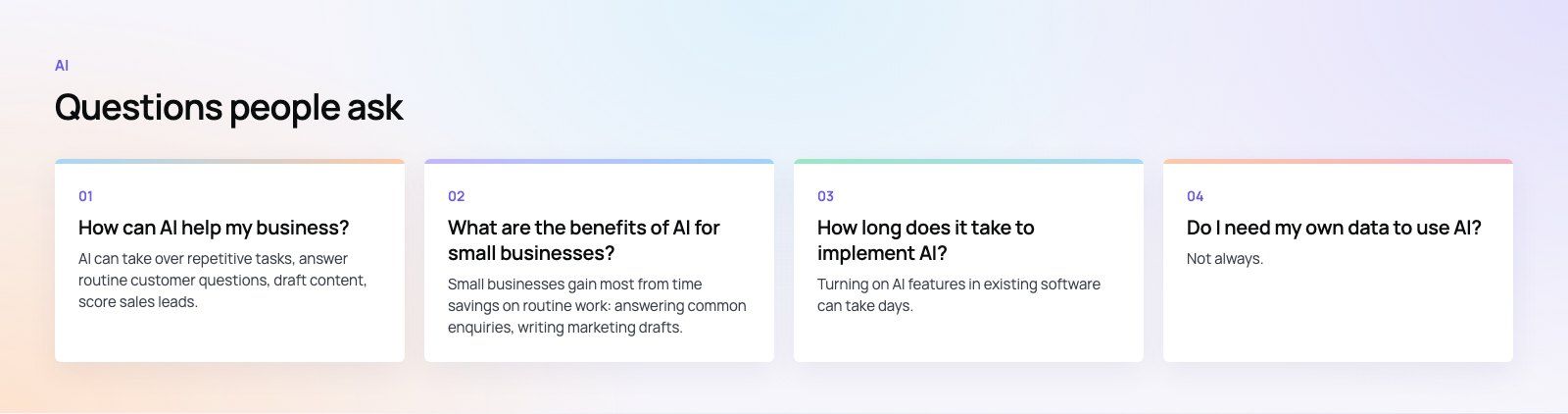
AI can take over repetitive tasks, answer routine customer questions, draft content, score sales leads, forecast demand and help staff find information quickly.
It works best on specific, frequent tasks where data already exists and results are easy to check. Start with one use case, measure the outcome against your current process, and expand once the results are proven in practice.
AIAI in Cybersecurity: What It Does Well and Where It FailsAI in cybersecurity explained: where AI threat detection and security automation help, where models fail, how attackers use AI phishing and what to ask vendors. AIMobile App Security Basics in the Age of Generative AIMobile app security basics for app owners: OWASP MASVS controls, secrets handling, AI feature risks such as prompt injection, testing steps and UAE rules.
 AIAI Coding Assistants: What Changed Since the Early ToolsHow the AI coding assistant moved from autocomplete to agents, and what that means for code quality, security and cost on the software projects you pay for.
Tell us what the business needs. We will tell you what to build first.
Schedule a free consultation and get a written recommendation, with costs, before you commit to anything.
Get in touchPROVEN RESULTS
4.7 / 5verified reviews on Google