 Web DevelopmentWordPress VIP or Self Hosted Enterprise WordPress in the UAEWordPress VIP or self hosted enterprise WordPress in the UAE: compare data residency, hosting SLA, cost drivers and code review rules, plus key setup notes.
How to Build a Real Estate Website: A Step by Step Guide
How to build a real estate website in nine steps: planning, platform, listings, search, lead capture, SEO, speed, CRM integration, launch and upkeep.
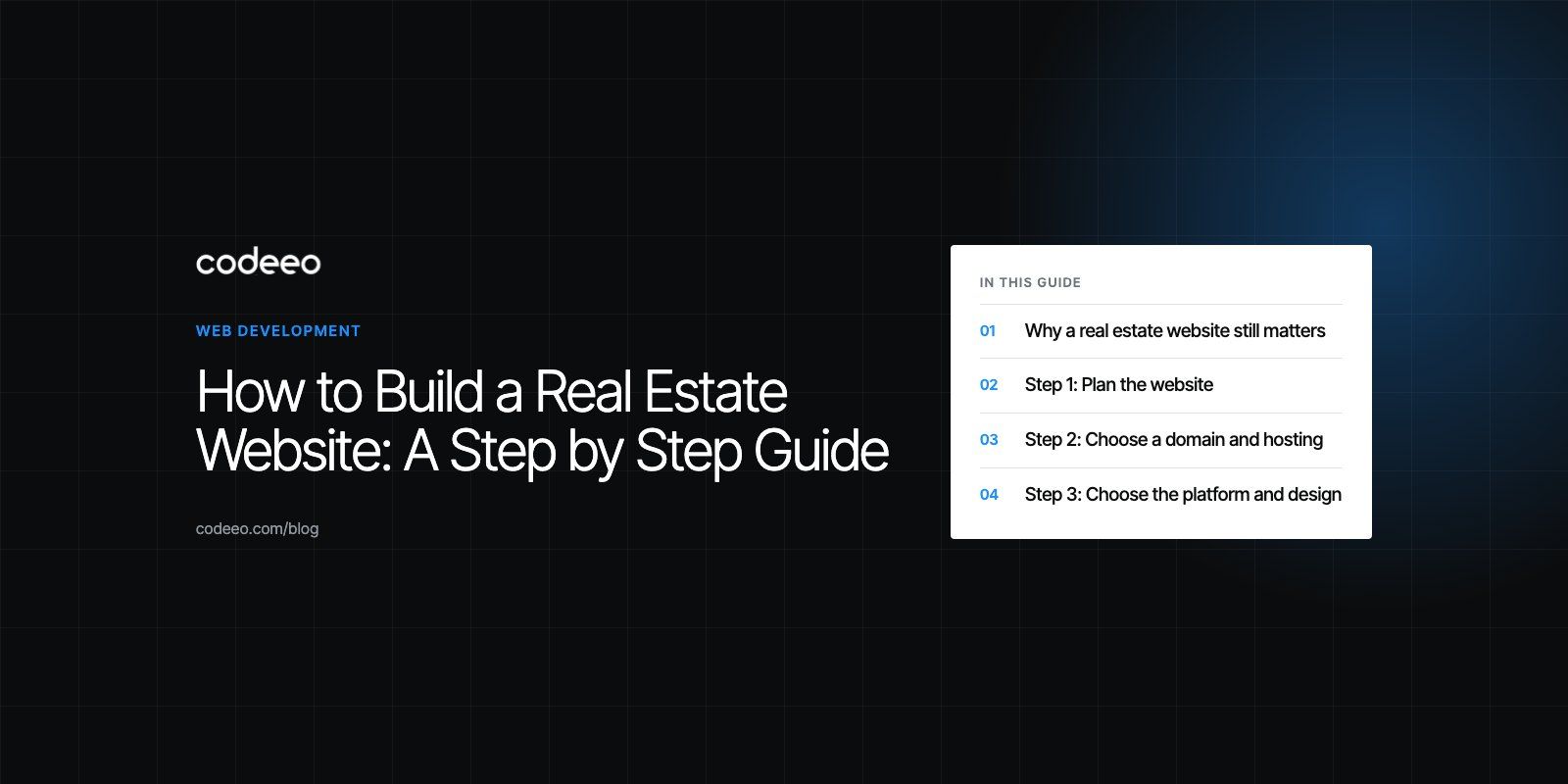
To build a real estate website, define who it is for and what it must achieve, choose a domain, hosting and platform, design around fast property search, connect a listings feed, add lead capture tied to a CRM, then publish local content and optimize for search before launch. The listings, the search and the enquiry flow matter far more than the visual theme. Everything else supports those three.
Below is the full process in nine steps, written for agents, brokerages and developers alike.
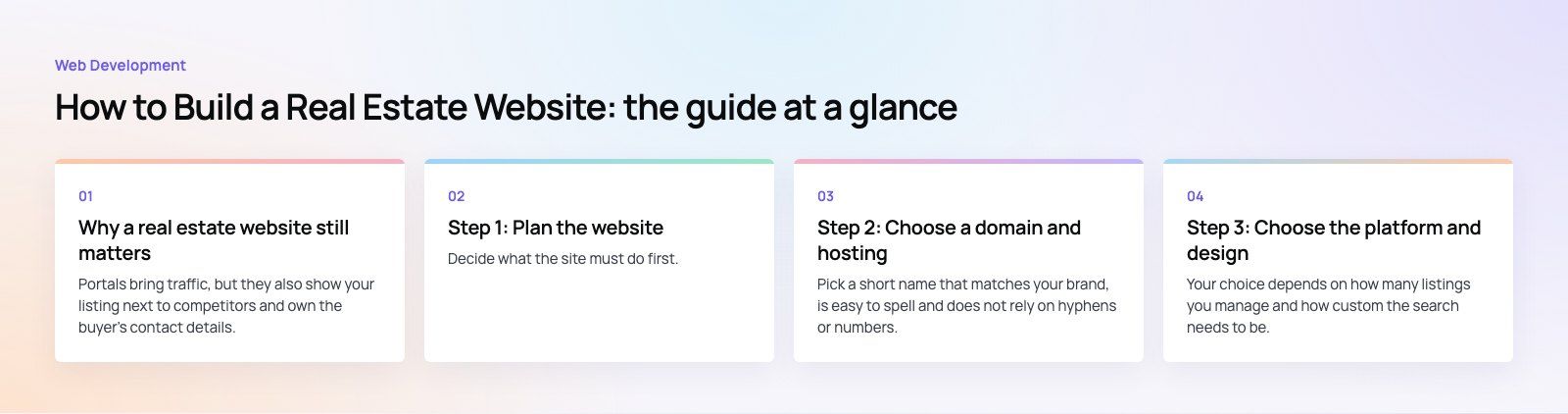
Why a real estate website still matters
Portals bring traffic, but they also show your listing next to competitors and own the buyer's contact details. Your own site is where you control the brand, the enquiry and the follow up.
| Benefit | What it means in practice |
|---|---|
| Visibility | Rank for local searches and reach buyers who never see a portal ad |
| Always open | Buyers browse listings and book viewings outside office hours |
| Lead ownership | Enquiries come straight to you, not through a portal |
| Brand credibility | A professional site supports pitches to sellers and landlords |
| Easy updates | New listings and price changes go live in minutes |
| Market authority | Area guides and market updates build trust with buyers |
Step 1: Plan the website
Define goals and audience
Decide what the site must do first. A brokerage selling resale homes needs strong search and fast enquiry. A developer launching one project needs a focused landing experience with floor plans, payment plan details and a registration form. An agent focused on landlords needs valuation requests front and center. Name your main audience, such as buyers, sellers, tenants, landlords or investors, and design for them first.
Research competitors
Look at the sites of the agencies you compete with and the portals buyers use. Note how fast search loads, how many clicks it takes to reach a listing, and how easy it is to enquire. Look for gaps you can fill, such as better area guides, clearer floor plans or faster mobile pages.
Step 2: Choose a domain and hosting
Domain name
Pick a short name that matches your brand, is easy to spell and does not rely on hyphens or numbers. If you work in one city, a local country domain can help with trust, but brand consistency matters more.
Hosting
Property sites carry many large photos, so choose hosting with good performance, a content delivery network for images, daily backups and responsive support. Cheap shared hosting is a common reason property sites feel slow.
Step 3: Choose the platform and design
CMS or website builder
Your choice depends on how many listings you manage and how custom the search needs to be.
| Option | Best for | Trade off |
|---|---|---|
| Website builder | A single agent with few listings | Limited search, filters and integrations |
| WordPress with a real estate theme or plugin | Most agencies and brokerages | Needs care with plugins and speed |
| Headless CMS with a custom front end | Large catalogs, several languages, heavy traffic | More development effort upfront |
| Fully custom build | Portals and developers with unusual workflows | Highest build and maintenance effort |
For most agencies, WordPress development with a well chosen listings plugin is the practical middle ground.
Theme and layout
Choose a responsive theme designed for property, with listing cards, galleries and map views already built. Keep navigation short: Buy, Rent, Sell, Areas, About, Contact. Put search on the home page above the fold.
Branding
Apply your logo, colors and typography consistently, and use your own photography where possible. Stock images of generic skylines weaken trust. Good design work here is less about decoration and more about making listings easy to scan.
Step 4: Build the key features
Property listings
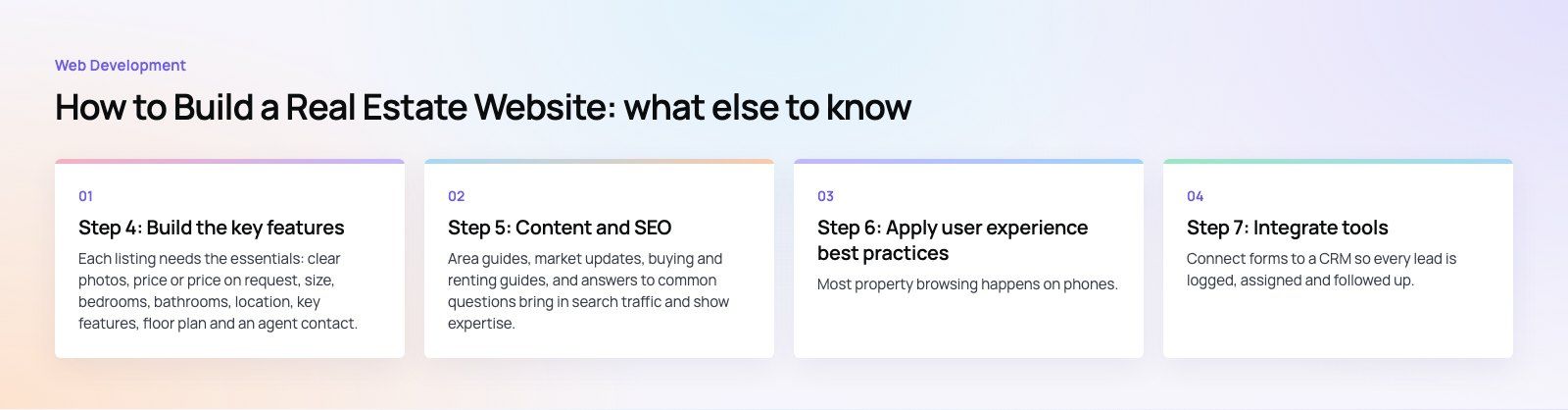
Each listing needs the essentials: clear photos, price or price on request, size, bedrooms, bathrooms, location, key features, floor plan and an agent contact. Video tours and virtual walkthroughs help for off plan or remote buyers. If you work in a market with a shared listings database, such as an MLS feed in the US, connect it so listings update automatically. Elsewhere, sync from your CRM or listings software to avoid typing listings twice.
Search and filters
Search is the most used feature on any property site. Let users filter by location, property type, price range, bedrooms, size and status, and save searches with alerts. Results should load fast and keep filters when the user goes back.
Lead capture
Use short enquiry forms on every listing, a call button and a messaging option on mobile, and clear calls to action such as Book a viewing or Get a valuation. Send every enquiry straight to the right agent with the listing reference attached.
Maps
Interactive maps let buyers see the location and what is nearby: schools, transport, shops. Map based search is especially useful for buyers new to a city.
Step 5: Content and SEO
Useful content
Area guides, market updates, buying and renting guides, and answers to common questions bring in search traffic and show expertise. Write about the neighborhoods you actually sell in, with real detail on transport, schools and property types.
Search engine optimization
Give every listing and area page a unique title and description, use clean URLs, add structured data and avoid thin duplicate pages for expired listings. Google's SEO starter guide covers the fundamentals. For agencies that sell in specific areas, local SEO and a well kept Google Business Profile often bring the best quality leads.
Step 6: Apply user experience best practices
Mobile first
Most property browsing happens on phones. Test search, galleries, maps and forms on real devices. Buttons need to be easy to tap, and galleries should swipe smoothly.
Speed
Compress and resize images, serve modern formats, lazy load galleries and use caching and a CDN. Slow listing pages lose buyers before the first photo loads. A Core Web Vitals review shows exactly which pages and elements slow the site down.
Accessibility
Follow the Web Content Accessibility Guidelines: readable font sizes, enough color contrast, keyboard navigation, form labels and alt text for property photos. Accessible sites are easier for everyone to use.
Step 7: Integrate tools
CRM
Connect forms to a CRM so every lead is logged, assigned and followed up. HubSpot, Salesforce and real estate specific CRMs all work. Automated follow ups and lead routing are where sales automation pays off.
Analytics
Set up Google Analytics with events for enquiries, calls, messaging clicks and saved searches. Track which listings and areas bring leads, not just traffic.
Social sharing
Add share buttons to listings and articles, and make sure share previews show the right photo and title.
Step 8: Test and launch
- Check every form sends to the right inbox and CRM.
- Test search filters with real data, including empty results.
- Proofread listings and pages, and check all links.
- Test on several phones, tablets and browsers.
- Run a short beta with a few agents or clients and fix what they find.
- Launch, announce it through email and social channels, and watch early analytics closely.
Step 9: Maintain and improve
Remove or mark sold listings quickly, publish new content regularly, keep the CMS and plugins updated and back up the site. Review analytics monthly to see which pages bring enquiries and which lose visitors. A periodic website audit catches broken forms, slow pages and SEO issues before they cost leads.
If you would rather have the site built for you, Codeeo builds real estate websites and property platforms, with 200+ projects delivered across the UAE and the US and a 4.7 rating from 23 Google reviews.
Frequently asked questions
Goals decide which features matter most.
A site aimed at buyers needs fast search and saved alerts, while one aimed at sellers needs valuation requests and proof of results. A developer's project site needs floor plans and registration. Without clear goals, sites end up with every feature half done and no obvious action for visitors, which lowers enquiries and makes the site harder to maintain.
Web DevelopmentWordPress VIP or Self Hosted Enterprise WordPress in the UAEWordPress VIP or self hosted enterprise WordPress in the UAE: compare data residency, hosting SLA, cost drivers and code review rules, plus key setup notes. Web DevelopmentWhat a WordPress Maintenance SLA Should CoverWhat WordPress maintenance services should cover in writing: core and plugin updates, security, backups, multilingual publishing support and response times.
 Web DevelopmentWordPress Release Management: Staging, QA and RollbackA WordPress deployment workflow that releases safely: Git based builds, a staging site that mirrors live, smoke tests to run and a rollback plan written first.
Tell us what the business needs. We will tell you what to build first.
Schedule a free consultation and get a written recommendation, with costs, before you commit to anything.
Get in touchPROVEN RESULTS
4.7 / 5verified reviews on Google