 E-CommerceGenerative AI in Online Retail: Uses That Pay BackGenerative AI ecommerce uses ranked by payback and risk: product descriptions, AI search and support assistants, plus Arabic quality checks for UAE stores.
How to Fulfill Dropshipping Orders on Shopify
The dropshipping order flow on Shopify, three ways to send orders to suppliers, how to set each up and fixes for stockouts, delays and missing tracking.
To fulfill dropshipping orders on Shopify, you pass each paid order to the supplier who holds the stock, the supplier packs and ships it to your customer, and you add the tracking number to the order in Shopify so it is marked fulfilled and the customer is notified. You can do this by hand, through a supplier or dropshipping app that sends orders automatically, or by setting the supplier up as a fulfillment service. The method matters less than getting accurate stock data, fast handoff and tracking back into Shopify every time.
This guide walks through the full order flow, the three ways to fulfill, how to set each one up and the problems that cause late or wrong deliveries.
What dropshipping fulfillment means
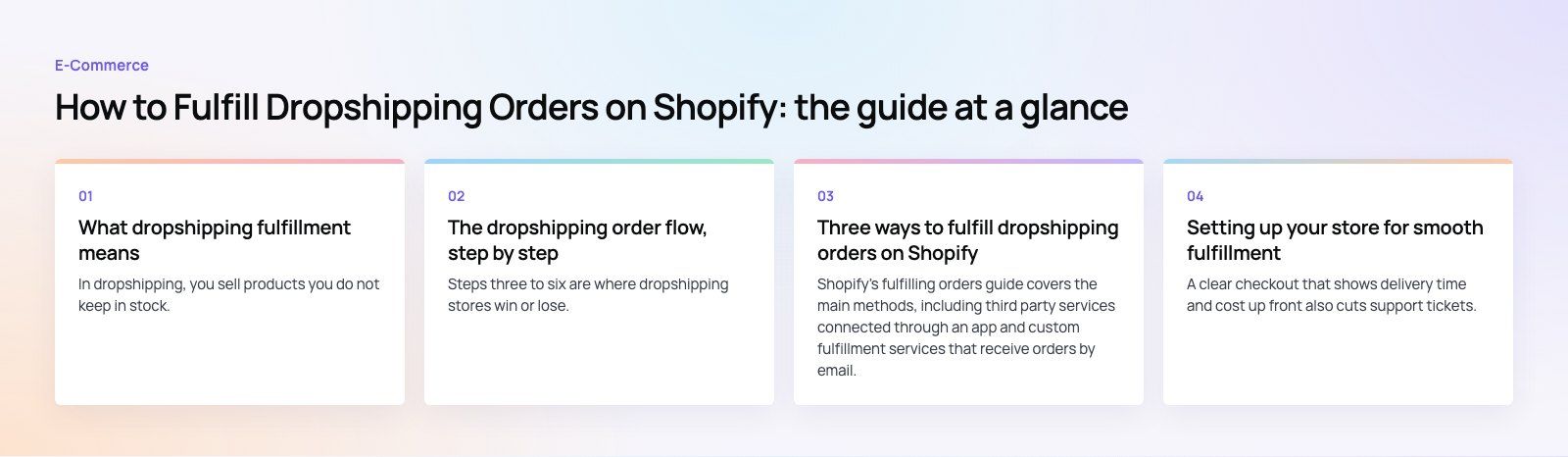
In dropshipping, you sell products you do not keep in stock. Your Shopify store handles the storefront, marketing, payment and customer service. A supplier or manufacturer holds the inventory, picks and packs the order and ships it directly to the buyer.
That split brings clear benefits: low upfront investment, no warehouse, and the freedom to test products without buying stock. It also brings risks. You depend on someone else for quality, stock accuracy and delivery speed, yet the customer holds your store responsible for all three.
The dropshipping order flow, step by step
- The customer places an order on your Shopify store and pays.
- Shopify sends an order confirmation email with the order number and items.
- You check the order for fraud risk, address problems and stock availability.
- The order goes to the supplier with the shipping address, items, quantities and any shipping method.
- The supplier picks, packs and ships the items and generates a tracking number.
- Tracking comes back to Shopify. The order is marked fulfilled and Shopify sends a shipping confirmation.
- The customer receives the order, and you handle any questions, returns or refunds.
Steps three to six are where dropshipping stores win or lose. Every hour an order waits before reaching the supplier adds to delivery time.
Three ways to fulfill dropshipping orders on Shopify
Shopify's fulfilling orders guide covers the main methods, including third party services connected through an app and custom fulfillment services that receive orders by email. You can even use different methods for different items in the same order, which suits stores working with more than one supplier.
| Method | How orders reach the supplier | Best for | Watch out for |
|---|---|---|---|
| Manual | You email the supplier or place the order on their portal | Very low order volume, testing a product | Delays, typing errors, forgotten orders |
| Supplier or dropshipping app | The app sends orders to the supplier and syncs tracking back | Stores using marketplaces or suppliers with a Shopify app | App limits, product mapping errors, stock sync gaps |
| Custom fulfillment service | Shopify emails the fulfillment request to the supplier | Suppliers without an app who accept email orders | Tracking still needs to be entered or sent back |
| Custom integration | An API connection sends orders and receives tracking | Higher volume or several suppliers with their own systems | Build and maintenance effort |
Manual fulfillment
Open each paid order, place the matching order with your supplier using the customer's address, then come back when the supplier ships and add the tracking number and carrier to the Shopify order. Shopify marks it fulfilled and emails the customer. This works for a handful of orders a week, but it does not scale and errors creep in quickly.
Using a supplier or dropshipping app
Many suppliers and sourcing marketplaces offer Shopify apps. Once installed, you link each Shopify product and variant to the supplier's product, and the app forwards new orders and imports tracking automatically. Check reviews and the app's current listing before relying on it, and test the full flow with a real order before launch.
Setting the supplier up as a fulfillment service
If a supplier has no app but accepts orders by email, you can add them as a custom fulfillment service in Shopify and assign their products to it. When an order comes in, Shopify sends the fulfillment request to the supplier's email. The supplier, or you, then adds the tracking number so the order closes properly.
Building a custom integration
Once volume grows, or when suppliers run their own systems with APIs, a direct integration can send orders instantly, pull live stock levels and post tracking back without anyone touching it. This is where custom software or a small private app pays for itself by removing manual work and errors.
Setting up your store for smooth fulfillment
- Map every variant. Each size and color in Shopify must point to the right supplier SKU, or customers receive the wrong item.
- Sync stock levels. Overselling an item the supplier has run out of is the most common cause of cancellations.
- Set honest shipping times. Show realistic delivery windows on product pages and at checkout, based on the supplier's actual dispatch times.
- Configure shipping rates. Make sure the rates you charge cover what the supplier charges you for each destination.
- Brand the paperwork. Ask suppliers to leave out their own invoices and marketing material so the parcel looks like it came from your store.
- Write a returns policy that matches what each supplier will actually accept.
A clear checkout that shows delivery time and cost up front also cuts support tickets. A checkout teardown is a quick way to find where buyers hesitate.
Common dropshipping fulfillment problems and fixes
Supplier reliability
Late dispatches, stockouts and quality slips all land on your reviews. Order samples before listing products, track each supplier's dispatch time and error rate, and keep a backup supplier for your best sellers.
Product quality
You never see most orders before they ship. Samples, clear specifications agreed in writing and a quick check of early customer feedback are your main controls.
Long or unpredictable shipping times
Long delivery times hurt conversion and increase "where is my order" messages. Favor suppliers who ship from warehouses near your main markets, and show realistic estimates rather than optimistic ones.
Several suppliers in one order
When a cart contains items from different suppliers, the customer receives several parcels with different tracking numbers. Tell customers this may happen, and make sure each fulfillment carries its own tracking.
Customer service and returns
Customers contact you, not the supplier. Keep templates for common questions, agree return addresses and timelines with each supplier, and process refunds quickly when a supplier fails.
Tax, import and consumer rules
Cross border orders can attract duties and taxes, and consumer protection rules differ by market. Check the requirements in each country you sell to and make sure your store's policies reflect them.
Metrics to track
- Time to dispatch: hours from payment to the supplier shipping.
- Delivery time by destination, compared against what your store promises.
- Cancellation rate caused by stockouts.
- Wrong item and damage rate per supplier.
- Refund and return rate per product.
Review these per supplier every month. The numbers make it easy to decide which suppliers to keep and which products to drop.
Building a dropshipping store that runs smoothly
Fulfillment is where a dropshipping business proves itself, and most problems trace back to product mapping, stock sync and tracking. Codeeo's Shopify developers set up stores, supplier apps and custom integrations for retail and ecommerce businesses, so orders reach suppliers quickly and customers always know where their parcel is.
Frequently asked questions
Not on its own.
Shopify records the order and can send it to a connected fulfillment app or a custom fulfillment service, but the supplier ships it. With a supplier or dropshipping app, orders are forwarded and tracking is synced back automatically. Without one, you place the order with the supplier yourself and add the tracking number to the Shopify order when it ships.
E-CommerceGenerative AI in Online Retail: Uses That Pay BackGenerative AI ecommerce uses ranked by payback and risk: product descriptions, AI search and support assistants, plus Arabic quality checks for UAE stores. E-CommerceConnecting WooCommerce to ERP, CRM and Shipping Without DuplicatesPlan a WooCommerce ERP integration that avoids duplicates: data ownership rules, idempotent order sync, CRM matching and UAE shipping, with Odoo and Dynamics.
 E-CommerceEnterprise Ecommerce Platform Selection: Requirements Before DemosChoose an enterprise ecommerce platform by setting integration, multi entity, data residency and order management requirements before any vendor demo starts.
Tell us what the business needs. We will tell you what to build first.
Schedule a free consultation and get a written recommendation, with costs, before you commit to anything.
Get in touchPROVEN RESULTS
4.7 / 5verified reviews on Google