 SEORecovering Traffic After a Failed Website MigrationSEO recovery after migration in the right order: diagnose the traffic drop, fix redirects, rebuild internal links, request reindexing, then report progress.
How to Improve a Web Page for Higher Rankings: A Page Checklist
A ten step checklist to improve one web page for higher rankings: search intent, content, on-page elements, internal links, mobile, speed and technical fixes.
To improve a web page for higher rankings, make sure it answers the searcher's question better than the pages already ranking, then remove anything that stops Google from crawling, understanding or trusting it. In practice that means matching search intent, writing a clear title and headings, adding depth competitors lack, linking to it from related pages, and making it fast and usable on mobile. Content and intent usually move rankings most; technical and speed fixes stop good content being held back.
This guide is a page level checklist. Pick one page you want to rank, work through each section and fix what is missing.
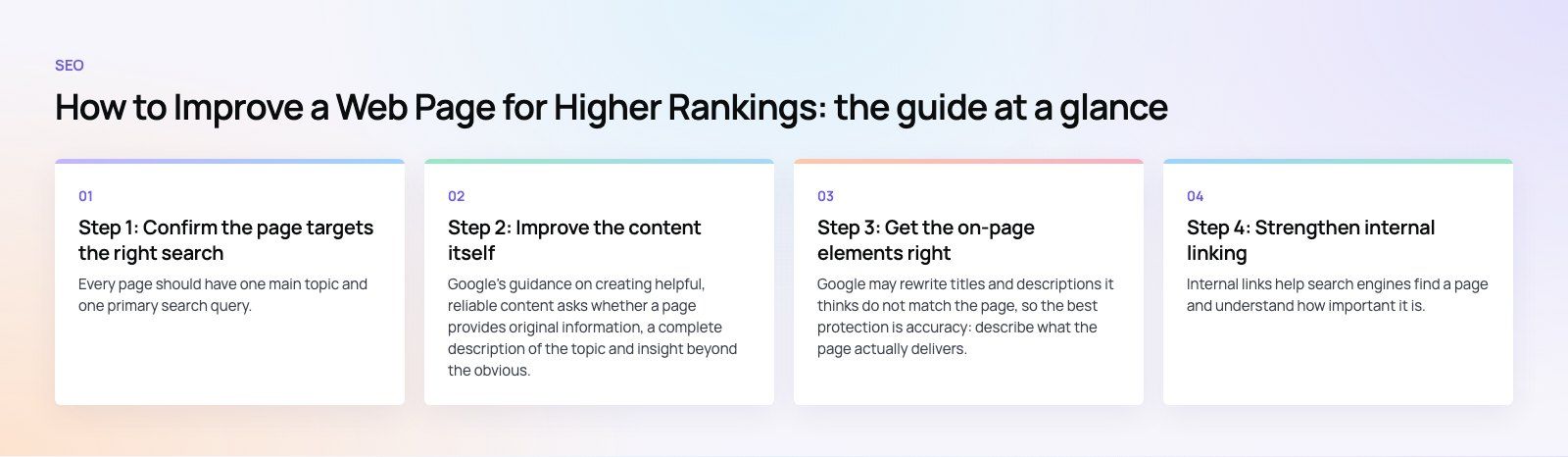
Step 1: Confirm the page targets the right search
Every page should have one main topic and one primary search query. Before editing, search for that query yourself and study the top results:
- What type of page ranks? Guides, product pages, comparison lists, service pages or tools. If the results are all guides and your page is a sales page, it will struggle no matter how well optimized it is.
- What questions do they answer? Note the subtopics every top result covers, and the ones none of them cover well.
- What do the "People also ask" questions show? They reveal what searchers want to know next.
Use long tail variations, such as "website redesign checklist for clinics" rather than "website", where competition is lower and intent is clearer. If two of your own pages target the same query, merge them or give each a distinct focus so they stop competing.
Step 2: Improve the content itself
Google's guidance on creating helpful, reliable content asks whether a page provides original information, a complete description of the topic and insight beyond the obvious. Practical ways to meet that bar:
- Answer first. Put the direct answer in the opening paragraph, then expand.
- Add what others lack. Real examples, step by step instructions, comparison tables, common mistakes and first hand experience.
- Show who is behind it. Author or company information and clear contact details build trust, especially for topics involving money or health.
- Update stale facts. Old statistics, prices and screenshots signal neglect. Replace or remove them.
- Use keywords naturally. Include the main query and related terms where they fit. Repeating a phrase unnaturally does not help.
Step 3: Get the on-page elements right
| Element | What good looks like | Common mistake |
|---|---|---|
| Title tag | Main query near the start, specific benefit, roughly 50 to 60 characters | Same title on many pages, or just the brand name |
| Meta description | A clear summary that earns the click, includes the query naturally | Missing, duplicated or stuffed with keywords |
| H1 heading | One per page, matches the topic | Several H1s, or a logo used as the H1 |
| Subheadings | H2 and H3 that follow a logical outline | Headings chosen for font size, not structure |
| URL | Short, readable, descriptive | Long strings of parameters or dates |
| Images | Descriptive file names and alt text, compressed files | Missing alt text, huge uncompressed images |
| Structured data | Schema that matches the content, such as Article, Product, FAQ or LocalBusiness | Markup for content that is not on the page |
Google may rewrite titles and descriptions it thinks do not match the page, so the best protection is accuracy: describe what the page actually delivers.
Step 4: Strengthen internal linking
Internal links help search engines find a page and understand how important it is. They also keep visitors moving through the site.
- Link to the page from related articles and service pages using descriptive anchor text, not "click here".
- Make sure important pages are reachable within a few clicks of the home page.
- When you publish something new, go back to older related posts and add links to it.
- Fix or remove internal links that point to redirects or deleted pages.
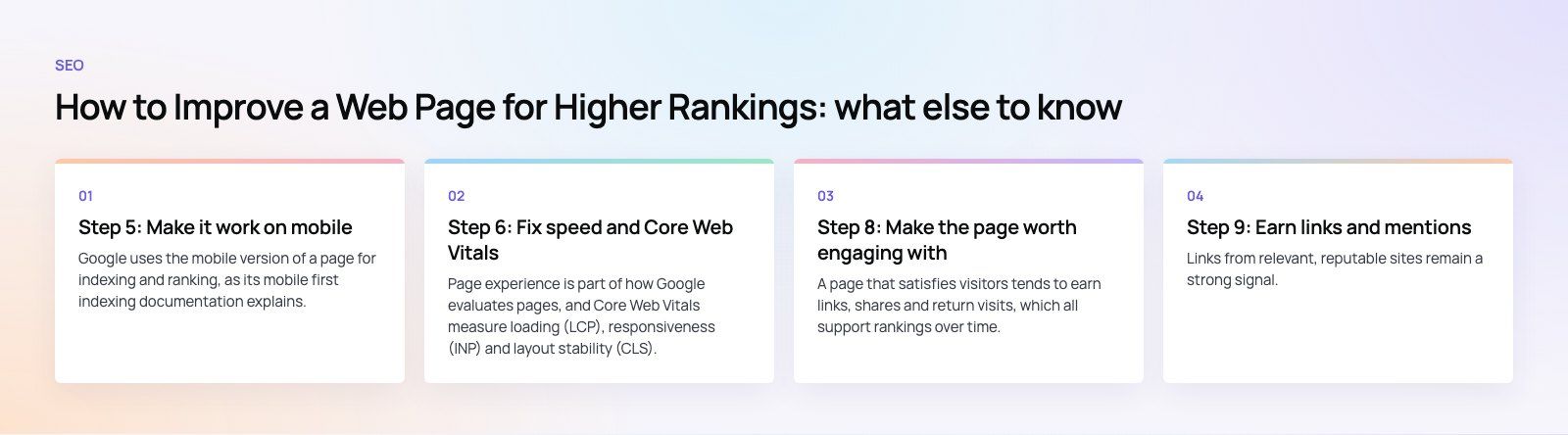
Step 5: Make it work on mobile
Google uses the mobile version of a page for indexing and ranking, as its mobile first indexing documentation explains. That means:
- The mobile page must contain the same main content, headings and structured data as desktop.
- Text must be readable without zooming, and buttons must be easy to tap.
- Avoid intrusive pop ups that cover the content as soon as someone lands, especially on mobile.
Step 6: Fix speed and Core Web Vitals
Page experience is part of how Google evaluates pages, and Core Web Vitals measure loading (LCP), responsiveness (INP) and layout stability (CLS). Speed rarely beats better content on its own, but a slow page loses visitors before they engage. The quick wins are compressing images, enabling caching, removing unneeded scripts and setting image dimensions. For the full process, see our guides on checking and improving site speed, or our Core Web Vitals service.
Step 7: Clear technical barriers
- Indexing: use URL Inspection in Google Search Console to confirm the page is indexed and that Google sees the right canonical version.
- Robots and noindex: check that robots.txt does not block it and that no stray noindex tag is present.
- Sitemap: include the page in your XML sitemap and submit the sitemap in Search Console.
- Redirects: use permanent (301) redirects when URLs change, and avoid chains of several redirects.
- Broken links: fix links on the page that return errors.
- HTTPS: serve every page securely and redirect the HTTP version to HTTPS.
Step 8: Make the page worth engaging with
A page that satisfies visitors tends to earn links, shares and return visits, which all support rankings over time. Make content easy to scan with short paragraphs, lists and tables. Add images, diagrams or video where they explain something better than text. Give a clear next step, such as a related guide, a calculator or a contact form, so visitors do not leave to search again.
Step 9: Earn links and mentions
Links from relevant, reputable sites remain a strong signal. Pages earn them by being useful to reference: original data, clear guides, tools and well designed comparisons. Business directories, industry associations, partners and local press are realistic sources for most companies.
Step 10: Measure and iterate
In Search Console, track the page's impressions, clicks, average position and the queries it appears for. If it ranks for queries you did not target, add sections that serve them. If impressions are high but clicks are low, rewrite the title and description. Review the page every few months and refresh it when the facts or the search results change.
Mistakes that hold pages back
- Targeting a query whose results show a different type of page.
- Thin pages created only to hold a keyword.
- Changing URLs without redirects during a redesign or site migration.
- Chasing tools' scores instead of what searchers need.
If you want an outside view of a page or a whole site, Codeeo's technical SEO review lists the issues in priority order, and our digital marketing team handles content and SEO on an ongoing basis. Businesses serving one city can also look at our local SEO work.
Frequently asked questions
Match the page to what searchers want by studying the current top results, then make it more complete and useful than they are.
Write a clear title, headings and opening answer, add internal links from related pages, make sure it works well on mobile and loads quickly, and confirm in Search Console that it is indexed. Review its queries and update it regularly.
SEORecovering Traffic After a Failed Website MigrationSEO recovery after migration in the right order: diagnose the traffic drop, fix redirects, rebuild internal links, request reindexing, then report progress. SEOPlanning an Enterprise Rebuild That Keeps SEO, UX and GovernancePlan an enterprise website rebuild that protects rankings, user tasks and content governance, with one shared inventory, phase gates and agreed launch criteria.
 SEOProtecting Lead Flow During a Redesign, Not Only RankingsAvoid a website redesign conversion drop: map lead paths, rebuild form tracking, protect ad landing pages and test CRM integration before and after launch day.
Tell us what the business needs. We will tell you what to build first.
Schedule a free consultation and get a written recommendation, with costs, before you commit to anything.
Get in touchPROVEN RESULTS
4.7 / 5verified reviews on Google