 E-CommerceGenerative AI in Online Retail: Uses That Pay BackGenerative AI ecommerce uses ranked by payback and risk: product descriptions, AI search and support assistants, plus Arabic quality checks for UAE stores.
How to Start a Shopify Store: A Step by Step Guide
Every stage of starting a Shopify store, from niche and product research to theme, payments, shipping, SEO, analytics, testing and launch marketing.
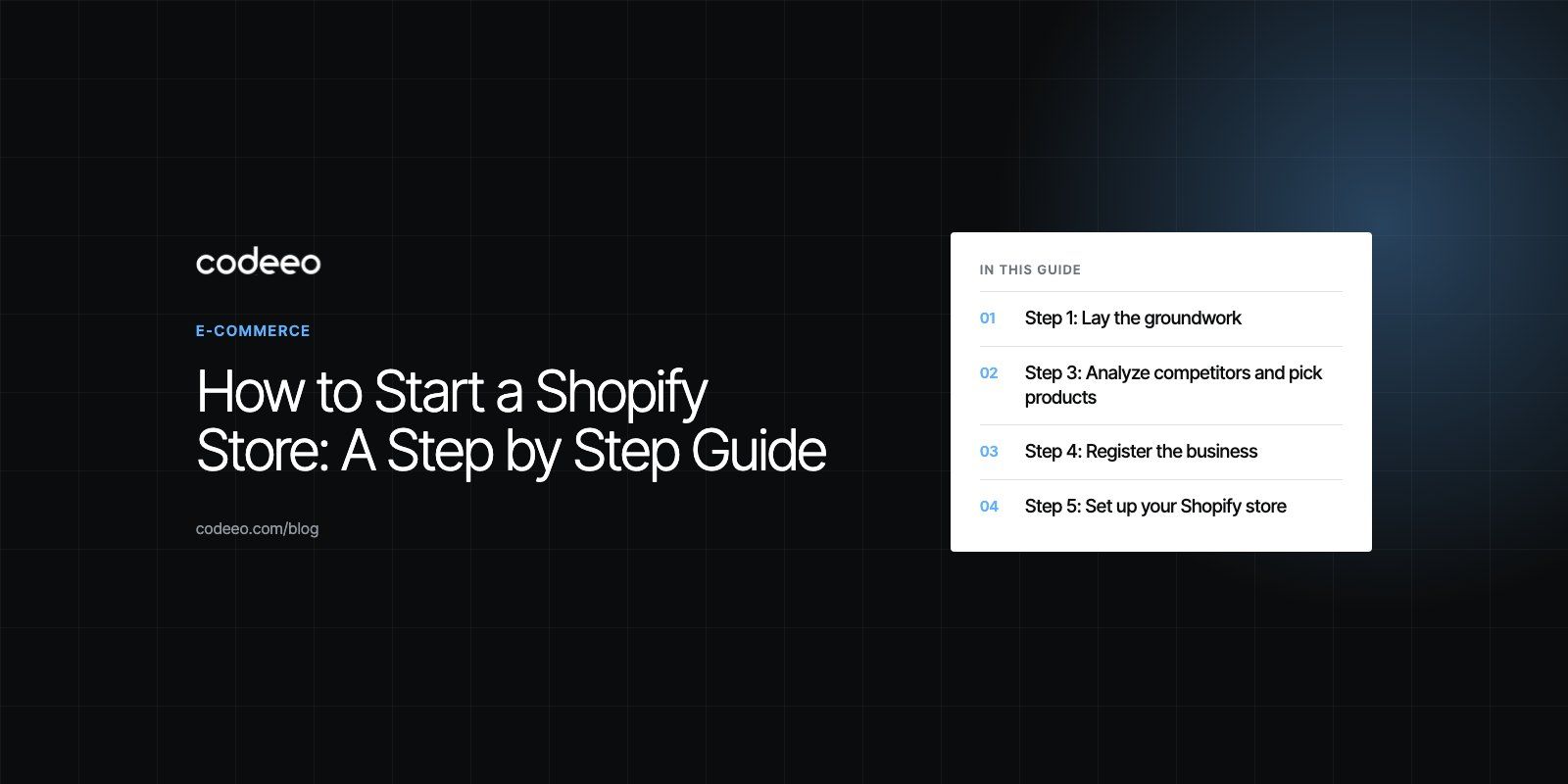
To start a Shopify store, pick a niche and products, sign up for a Shopify plan, choose and customize a theme, add products with clear photos and descriptions, set up payments, shipping and taxes, then test everything and launch with a marketing plan. The technical setup can take a day. The work that decides whether the store sells, such as choosing products, understanding buyers and bringing in traffic, takes longer and should start first.
This guide takes you through each stage in order, from groundwork to launch, with the mistakes to avoid along the way.
Step 1: Lay the groundwork
Choose a niche
List product areas that match your interests and knowledge, then test them against demand and competition. A niche that is too broad pits you against large retailers; one that is too narrow may not have enough buyers. Look for a specific audience with a clear need that current sellers serve poorly.
Set clear goals
Decide what the store is for: a side income, a full time business or a direct channel for a brand you already run. Your goal shapes how much you invest, which products you choose and how quickly you need results.
Understand Shopify's plans
Shopify offers several plans with different features, staff accounts and transaction fees. Compare them on Shopify's pricing page, and use the trial to explore the admin before committing. Remember to budget for a domain, paid apps, a premium theme if you want one, payment processing and marketing.
Write a simple business plan
One or two pages are enough: target customer, products, how you will source them, your pricing logic, the marketing channels you will use and the numbers you need to hit to cover costs. It keeps decisions consistent once the store is live.
Step 2: Understand your audience
- Market research. Use search trends, keyword tools, social media and competitor reviews to learn what buyers want and what frustrates them.
- Buyer personas. Describe two or three typical customers: their age, location, budget, motivations and objections.
- Customer conversations. Short interviews or surveys with people in your target group reveal the words they use, which feed directly into product copy and ads.
Step 3: Analyze competitors and pick products
Study the competition
Find the stores and marketplace sellers your customers already buy from. Review their product range, pricing approach, product pages, delivery promises and customer reviews. Gaps in their offer, such as poor sizing guidance or slow delivery, become your selling points.
Check demand and profitability
For each product, estimate demand and calculate the margin after cost of goods, shipping, payment fees, returns and the advertising needed to win a sale. Products with thin margins and heavy competition are hard to grow profitably.
Decide how you will source stock
You can make products yourself, buy wholesale and hold stock, use print on demand or dropship from a supplier. Each choice changes your upfront cost, margin and control over quality and delivery.
Step 4: Register the business
Before you take payments, register the business in the way your country requires. Common structures include sole proprietorships, partnerships, limited liability companies and corporations, and they differ in personal liability, tax treatment and paperwork. Payment providers will ask for business and identity details, and you may need a license or tax registration. Take local advice for your situation. If you are setting up in the UAE, our business setup team handles licensing for ecommerce companies.
Step 5: Set up your Shopify store
- Create your account and complete the store details: name, address, currency and time zone.
- Connect a custom domain.
- Add staff accounts with only the permissions each person needs.
- Set up the core pages: about, contact, shipping, returns, privacy and terms.
- Configure notifications such as order confirmation and shipping emails in your brand's voice.
Shopify handles hosting, security certificates and payment card compliance for its checkout, which removes a lot of technical work compared with self hosted platforms.
Step 6: Design your brand's look and feel
Define the brand
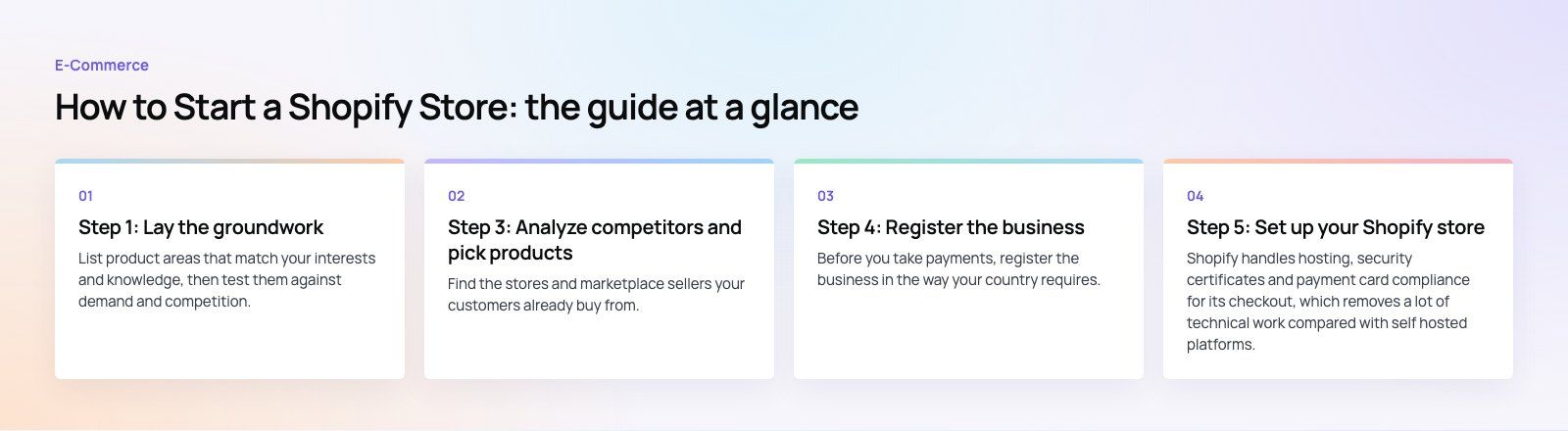
Settle your name, logo, colors, typography and tone of voice before touching the theme. Consistency across the store, packaging and social media builds recognition.
Choose and customize a theme
Pick a theme from the Shopify Theme Store built for your type of catalog, whether that is a few hero products or thousands of SKUs. Customize colors, fonts and layout, but resist adding every section the theme offers. A clean layout converts better than a busy one. For a store that needs to stand out, professional design pays off.
Design for mobile first
Most shoppers browse on phones. Check every page on a small screen: readable text, tappable buttons, fast images and a menu that makes sense.
Step 7: Add products with strong visuals
- Photography. Use consistent, well lit photos with several angles, close ups and lifestyle shots that show scale and use.
- Descriptions. Lead with the benefit, then list specifications, materials, sizing and care. Answer the questions customers would otherwise email about.
- Variants. Set up sizes and colors properly so stock and images match each option.
- Video and extra media. Short clips showing the product in use can help hesitant buyers.
- Collections. Group products the way customers shop, for example by use, style or occasion.
Step 8: Set up payments and checkout
Offer the payment methods your customers expect, such as cards, digital wallets and local options like buy now, pay later where they are common. Keep the checkout short, allow guest checkout and show shipping costs before the final step. Shop Pay and other accelerated checkouts let returning customers pay quickly. If you need a gateway Shopify does not support natively, payment integration is a specialist job worth getting right.
Step 9: Configure shipping and fulfillment
- Define shipping zones and the rates or carrier calculated pricing for each.
- Decide on a free shipping threshold that lifts order value without wiping out margin.
- Choose fulfillment: in house, a third party logistics provider or dropshipping.
- Set clear delivery estimates and a returns process, and publish both.
Step 10: Get the SEO basics right
Research the terms buyers use, then write unique titles, meta descriptions and headings for your key collection and product pages. Add descriptive image alt text, keep URLs clean and publish helpful content such as buying guides. Google's SEO starter guide explains the fundamentals, and a technical SEO review catches problems themes and apps can introduce.
Step 11: Set up analytics
- Use Shopify's analytics to watch sessions, conversion rate, average order value and top products.
- Connect Google Analytics and the ad platforms you plan to use, and confirm purchases are tracked correctly.
- Plan A/B tests for product pages, offers and messaging once you have enough traffic.
Step 12: Test, then launch
Pre-launch checklist
| Check | What to confirm |
|---|---|
| Test orders | Payment, confirmation email, fulfillment and refund all work |
| Devices and browsers | Pages display and function on phones, tablets and desktops |
| Speed | Images are compressed and unused apps are removed |
| Products | Prices, variants, stock levels and images are correct |
| Policies | Shipping, returns, privacy and terms pages are live and linked |
| Support | Email or chat is set up and someone will answer it |
Launch and promote
Announce the store to anyone who already knows you, through email and social media. Then build steady channels: search, content, email flows for welcome and abandoned carts, and paid ads on the platforms where your customers spend time. Partnerships with creators in your niche can bring early reach. Start small, measure cost per order and scale what works. Our digital marketing team runs these channels for ecommerce brands.
Mistakes new Shopify store owners make
- Spending weeks on design and no time on product research or marketing.
- Installing many apps that slow the store and clash with the theme.
- Pricing without counting fees, shipping, returns and advertising.
- Launching without test orders.
- Expecting sales without a plan to bring visitors.
Getting expert help
You can launch a basic Shopify store yourself. When you need a custom theme, complex catalog, integrations or a bilingual store, a specialist team saves time and avoids costly rework. Our EGO Sustainable case study shows a bilingual Shopify store selling in five markets with Tabby and Tamara at checkout. Codeeo's Shopify developers have helped deliver 200+ projects across the UAE and the US.
Frequently asked questions
The main costs are the Shopify plan, a domain, any paid theme or apps, payment processing and transaction fees, product stock or samples, and marketing.
Shopify's pricing page lists current plan prices for your country. Most new store owners find that marketing, not the platform, becomes the largest ongoing cost, so plan your launch budget around how you will attract the first customers.
E-CommerceGenerative AI in Online Retail: Uses That Pay BackGenerative AI ecommerce uses ranked by payback and risk: product descriptions, AI search and support assistants, plus Arabic quality checks for UAE stores.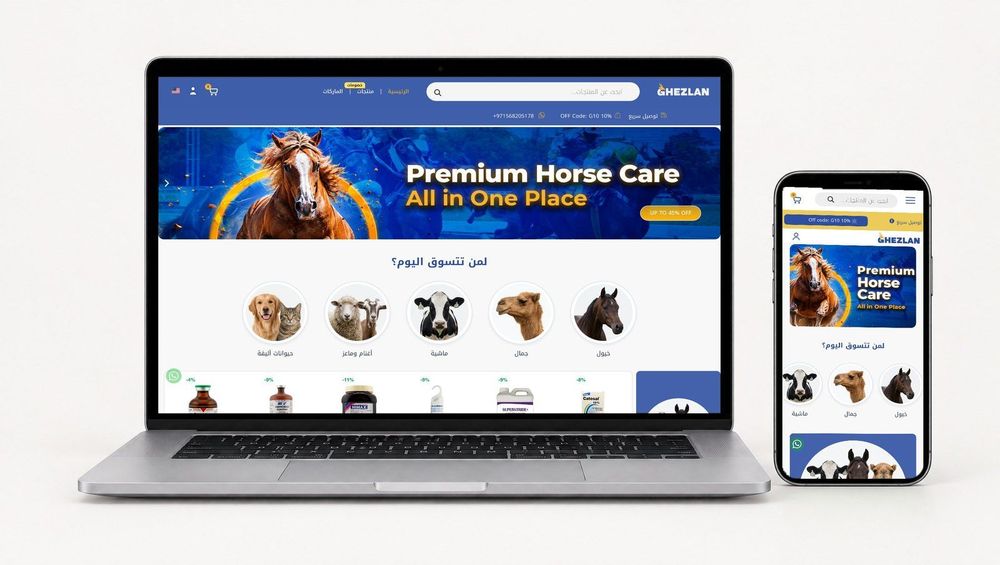 E-CommerceConnecting WooCommerce to ERP, CRM and Shipping Without DuplicatesPlan a WooCommerce ERP integration that avoids duplicates: data ownership rules, idempotent order sync, CRM matching and UAE shipping, with Odoo and Dynamics.
 E-CommerceEnterprise Ecommerce Platform Selection: Requirements Before DemosChoose an enterprise ecommerce platform by setting integration, multi entity, data residency and order management requirements before any vendor demo starts.
Tell us what the business needs. We will tell you what to build first.
Schedule a free consultation and get a written recommendation, with costs, before you commit to anything.
Get in touchPROVEN RESULTS
4.7 / 5verified reviews on Google