 App DevelopmentProtecting Your Website Content From Copying and ScrapingHow to protect website content from copying and scraping: AI crawler rules in robots.txt, scraper controls, DMCA takedowns and UAE copyright basics explained.
Inventory Management App Development: Features and Challenges
What to plan before building an inventory management app: scanning, cycle counts, offline mode, ERP integration, common challenges and benefits.
Inventory management app development is worth considering when stock counts, transfers and reorders still depend on paper, spreadsheets or a system your warehouse team cannot use from the floor. A purpose built app lets staff scan, count and move stock on a phone or handheld, with every change reaching the central record straight away. Done well, it cuts stockouts, overstock and the time lost reconciling numbers that never quite match.
Below we cover the features to plan, the decisions that shape the build, the challenges teams usually face and how to approach the project so the app gets used.
Why businesses build their own inventory app
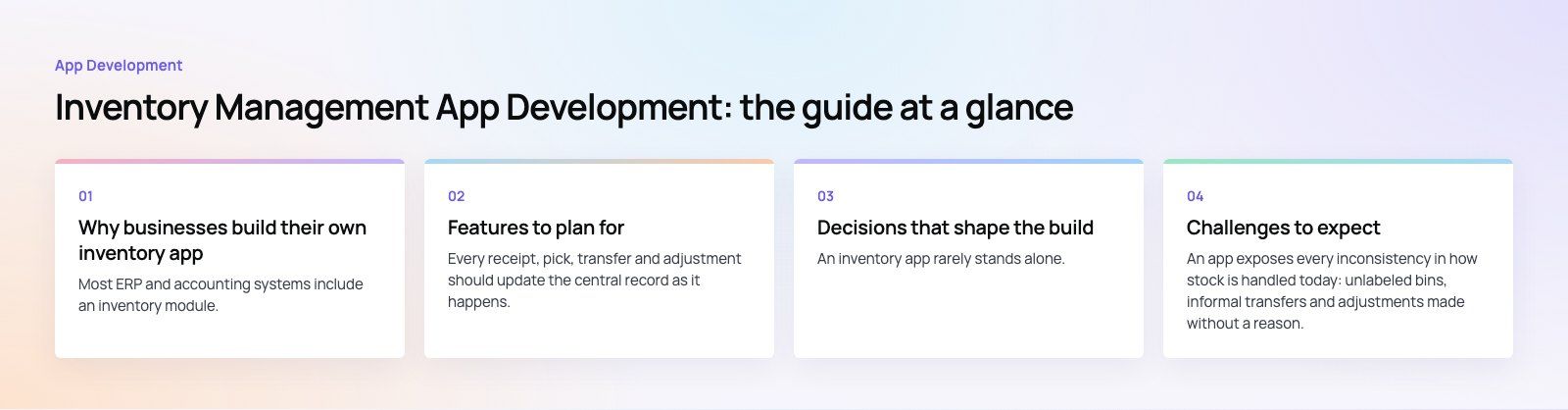
Most ERP and accounting systems include an inventory module. The trouble is usually not the back office but the front line: the people receiving goods, picking orders and counting shelves. Common triggers for a custom app include:
- Counts done on paper and typed in later, so the system is always behind reality.
- Several warehouses or stores with no reliable view of stock at each site.
- Online and offline channels selling the same items from separate stock figures.
- Processes such as batch tracking, expiry dates, kitting or consignment stock that the current tool handles poorly.
In many cases the right answer is not a new inventory system but a mobile app on top of the ERP you already run, built around the tasks your team performs every day.
Features to plan for
Real time stock updates
Every receipt, pick, transfer and adjustment should update the central record as it happens. That is what lets sales, purchasing and ecommerce trust the numbers. Decide early which system holds the master stock figure and make every other channel read from it.
Barcode and QR scanning
Scanning replaces typing and removes most counting errors. Phones can scan with the camera, while busy warehouses usually prefer rugged handhelds with dedicated scanners. If you label your own products, follow the GS1 barcode standards so your codes work with suppliers, marketplaces and retailers.
Multi location management
For more than one site, the app needs stock by location and bin, transfers between sites with an in transit status, and reports that can be filtered by location.
Cycle counting
Rather than shutting down for a full annual count, cycle counting checks a small set of locations or products on a schedule. The app should generate count lists, let staff count blind (without seeing the expected quantity) and route variances for approval.
Offline mode
Warehouses often have weak spots in Wi Fi coverage. An offline mode lets staff keep scanning and counting, then syncs when the connection returns. This needs careful conflict handling so two devices do not overwrite each other.
Alerts and forecasting
Low stock alerts and reorder points are the minimum. Forecasting based on sales history and lead times helps purchasing order the right quantity at the right time, though it only works once your historical data is clean.
Roles, permissions and audit trail
Pickers, supervisors, buyers and finance need different access. Every adjustment should record who made it, when and why, so variances can be traced.
Reporting
Useful reports include stock value by location, slow moving items, aging, shrinkage, count accuracy and fill rate. Let managers export or schedule them without asking a developer.
Decisions that shape the build
| Decision | Options | What to consider |
|---|---|---|
| Platform | Native app, cross platform app or web app | Scanner hardware support, offline needs, device fleet |
| Hardware | Staff phones or rugged handhelds | Scan volume, drop resistance, battery life |
| Back end | Existing ERP or a new inventory service | Whether your ERP has a usable API |
| Hosting | Cloud or on premises | Number of sites, remote access, IT capacity |
| Scope | Core flows first or full feature set | Time to value versus completeness |
Integrations
An inventory app rarely stands alone. It typically connects to accounting, the ERP, ecommerce stores, point of sale and shipping carriers. If you run Odoo or Business Central, a mobile layer on top of the existing inventory module is often faster and cheaper than replacing it.
Compliance
Some sectors carry extra rules. Pharmaceuticals, food and cosmetics often need batch and expiry tracking and the ability to trace a lot from supplier to customer. Check what applies to your products and markets before you design the data model, because adding traceability later is painful.
Cost drivers
Cost depends on the number of workflows, how many systems you integrate with, whether you need offline mode, the hardware you support and how much reporting you want. Ongoing maintenance, hosting and device management continue after launch, so include them in the business case.
Challenges to expect
Messy processes
An app exposes every inconsistency in how stock is handled today: unlabeled bins, informal transfers and adjustments made without a reason. Map and tidy the process first, then build. Otherwise the app simply digitizes the confusion.
Integration with existing systems
APIs differ in quality, data formats rarely match and some older systems need file based exchanges. Agree on a single source of truth for products, locations and quantities, and plan how errors are retried and reported.
Real time synchronization at scale
Many devices updating the same records at once can create race conditions and slow screens. Good architecture uses transactions, queues and clear rules for which update wins.
User experience on the floor
Warehouse staff work fast, often wearing gloves, in poor light. Large buttons, sound and vibration feedback on each scan, and as few taps as possible matter more than visual polish. Test with the people who will use it.
Performance with large catalogs
Tens of thousands of products across many locations can slow searches and reports. Indexing, pagination and caching need attention from the start, not after complaints.
Testing
Test real scenarios: receiving a partial delivery, transferring between sites, counting while orders are being picked, losing connection mid task. Include every role and every device type in the test plan.
Benefits of a well built inventory app
- Accurate stock figures that sales and ecommerce can trust, which reduces overselling.
- Fewer stockouts and less overstock through alerts and better purchasing data.
- Faster receiving, picking and counting because scanning replaces paperwork.
- Traceability for batches, serial numbers and expiry dates.
- Clear accountability through an audit trail on every adjustment.
- Better decisions from reports on slow movers, shrinkage and stock value.
A practical way to start
- Walk the warehouse and list the tasks staff perform each day.
- Identify where errors and delays come from today.
- Confirm which system is the master for products and stock.
- Scope a first release around receiving, picking, transfers and counts.
- Pilot at one site, measure count accuracy, then roll out.
A short product scoping session is a good way to turn that list into a build plan with clear priorities.
If stock accuracy is holding your business back, Codeeo's mobile app development and custom software teams can design an inventory app around how your warehouse actually works and connect it to the systems you already use. With a team of 80+ across Dubai, Riyadh and Karachi and 200+ projects delivered across the UAE and the US, we can help you scope it properly. Talk to us about your setup.
Frequently asked questions
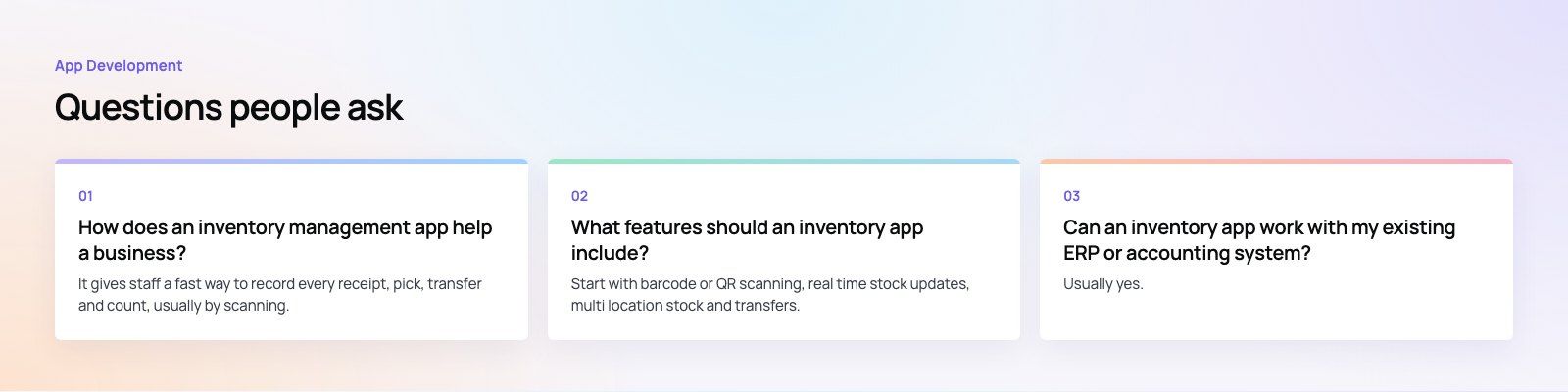
It gives staff a fast way to record every receipt, pick, transfer and count, usually by scanning, so the central stock figure stays accurate.
That reduces overselling, stockouts and excess stock, and saves time spent reconciling numbers. With reliable data, purchasing can reorder at the right time and managers can see stock value, slow movers and shrinkage by location.
App DevelopmentProtecting Your Website Content From Copying and ScrapingHow to protect website content from copying and scraping: AI crawler rules in robots.txt, scraper controls, DMCA takedowns and UAE copyright basics explained. App DevelopmentWeb Application Penetration Testing: When It Is NecessaryWeb application penetration testing explained: when contracts, launches or major changes make it necessary, how it differs from scanning and how to prepare.
 App DevelopmentSteganography Explained: How Data Hiding Works and Is DetectedSteganography in cybersecurity explained: common data hiding techniques, how attackers use them, legitimate digital watermarking and how steganalysis works.
Tell us what the business needs. We will tell you what to build first.
Schedule a free consultation and get a written recommendation, with costs, before you commit to anything.
Get in touchPROVEN RESULTS
4.7 / 5verified reviews on Google