 E-CommerceGenerative AI in Online Retail: Uses That Pay BackGenerative AI ecommerce uses ranked by payback and risk: product descriptions, AI search and support assistants, plus Arabic quality checks for UAE stores.
Lightspeed Shopify Integration: Linking Your POS and Online Store
How a Lightspeed Shopify integration keeps stock, products and prices in sync between your shops and your website, how to prepare your data and how to connect it.
A Lightspeed Shopify integration links your Lightspeed point of sale with your Shopify online store, so products, prices and stock levels stay in step between your shops and your website. Lightspeed Retail X-Series connects through Lightspeed's own app in the Shopify App Store; other Lightspeed products usually connect through third party connectors. The setup is not difficult, but the results depend on clean product data, consistent SKUs and a clear decision about which system owns each piece of information.
This guide explains what the integration does, which route fits your setup, how to prepare and connect it, and the problems to avoid.
What Lightspeed is
Lightspeed is a cloud based commerce platform for retailers and restaurants. Its retail products cover point of sale, inventory, purchasing, customer records and reporting across one or many stores. Shopify, on the other hand, is where many of those retailers run their online shop. Without a link between them, staff end up updating stock and prices twice, and the website sells items the shop floor already sold.
What the integration does
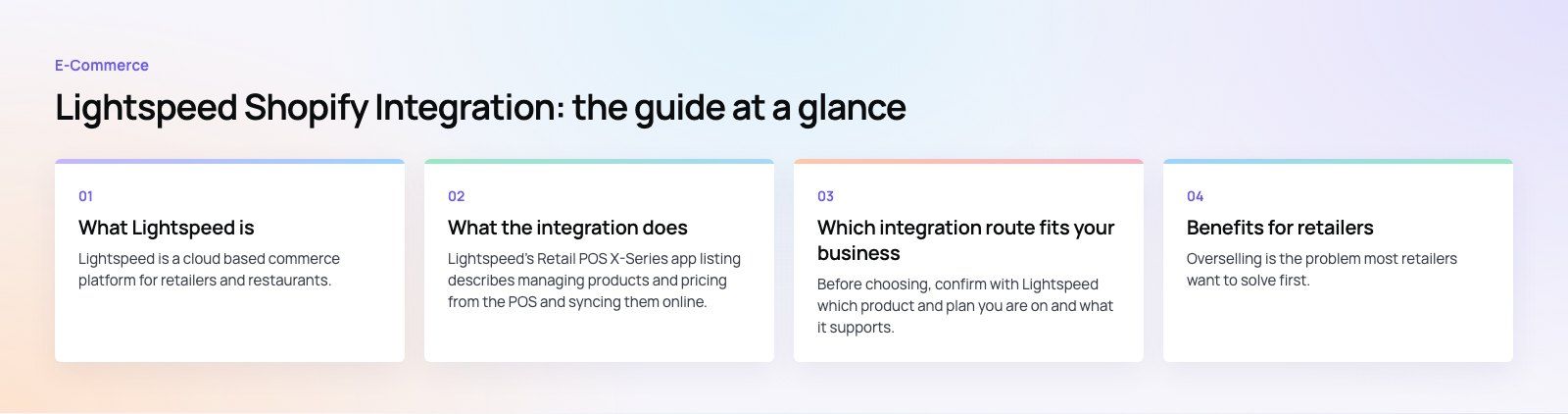
Lightspeed's Retail POS X-Series app listing describes managing products and pricing from the POS and syncing them online, with stock levels syncing in real time across multiple locations and the online store. In practice the integration covers:
- Inventory sync. A sale in the shop reduces online stock, and an online order reduces stock in the POS, which prevents overselling.
- Product and price management. Products, variants and prices are maintained in one place and published to the website.
- Sales and customer information. Sales and customer details are shared across channels, giving a fuller view of each customer.
- Multi location stock. Retailers with several shops can sell online from the combined stock or from chosen locations.
Which integration route fits your business
| Your setup | Typical route | Things to check |
|---|---|---|
| Lightspeed Retail X-Series and Shopify | Lightspeed's app in the Shopify App Store | Your Lightspeed plan includes the integration; locations and variants map cleanly |
| Other Lightspeed retail products and Shopify | Third party connector or integration platform | Which data types sync, in which direction, and how often |
| Complex rules, such as bundles, B2B pricing or an ERP in the middle | Custom integration using both platforms' APIs | Ongoing maintenance, error handling and monitoring |
Before choosing, confirm with Lightspeed which product and plan you are on and what it supports. Integrations and plan features change, and older guides often describe options that have since moved.
Benefits for retailers
Fewer stock errors
Overselling is the problem most retailers want to solve first. When the POS and the website share one stock figure, an item sold at the counter disappears from the website, and the refund and apology emails stop.
Less double entry
New products, price changes and markdowns are entered once. Staff time moves from typing to selling.
A clearer view of customers
When online and in store purchases sit together, you can see who buys in both channels and market to them accordingly, rather than treating them as two separate customers.
Joined up selling
Accurate stock by location makes it easier to offer options such as checking availability in a nearby shop or collecting an online order in store, where your setup supports them.
Better reporting
With sales from both channels in one place, decisions on reordering, ranges and staffing rest on the whole business, not half of it.
How to prepare for the integration
Most integration problems are data problems that existed before anyone connected anything. Fix these first.
- Decide the source of truth. With the X-Series app, products and pricing are designed to be managed in the POS and pushed online. Agree that rule with your team, so nobody edits prices in Shopify and wonders why they change back.
- Clean up SKUs. Every product and variant needs a unique, consistent SKU. Duplicates and blanks are the most common cause of mismatched stock.
- Standardize variants. Sizes and colors should use the same names and order in both systems.
- Review online content. The POS rarely holds rich descriptions, SEO titles or lifestyle images. Decide where that content lives and make sure the sync will not overwrite it.
- Count your stock. Sync accurate numbers. Syncing wrong counts faster does not help anyone.
Steps to connect Lightspeed and Shopify
- Confirm both subscriptions. Check that your Lightspeed and Shopify plans support the integration and the number of locations you need.
- Install the integration. For X-Series, install Lightspeed's app from the Shopify App Store and follow the prompts to connect your Lightspeed account. For other setups, install and authorize your chosen connector.
- Configure the settings. Choose which products publish online, which locations supply online stock, and how orders, payments and shipping are handled.
- Map products and variants. Match existing Shopify products to their Lightspeed records, usually by SKU, so the integration does not create duplicates.
- Turn on order and stock sync. Confirm that online orders reach the POS and reduce stock correctly.
- Test. Place test orders online, make test sales in store, adjust stock and change a price. Check every result in both systems.
- Train staff. Show the team where to add products, change prices, process returns and look up online orders.
- Go live and monitor. Watch sync logs and stock figures closely for the first weeks, and fix mismatches as they appear.
Common problems and how to avoid them
- Duplicate products after connection. Usually caused by missing or mismatched SKUs. Map products before turning on the sync.
- Online descriptions overwritten. Check which fields the sync controls and keep rich content in the system that owns it.
- Stock drifting out of line. Look for manual edits in Shopify, apps that change stock, or returns processed in only one system.
- Returns and exchanges across channels. Agree how an online order returned in store is processed, and test it before launch.
- No one watching errors. Assign someone to check sync errors daily at first, then weekly.
When a custom integration makes sense
A ready made app suits most retailers. A custom build is worth considering when you need logic the app does not offer, such as product bundles, wholesale pricing, marketplace feeds, or an ERP that must sit between the POS and the store. The trade off is ownership: a custom integration needs monitoring, error handling and updates whenever either platform changes its API.
Our Shopify developers set up, map and test POS integrations, and our custom software team builds connectors when an off the shelf app is not enough. We work with retailers across the retail and ecommerce sector, including the multi market Shopify store in our EGO Sustainable case study. If you are weighing up platforms, a platform fit review is a quick place to start, or contact us.
Frequently asked questions
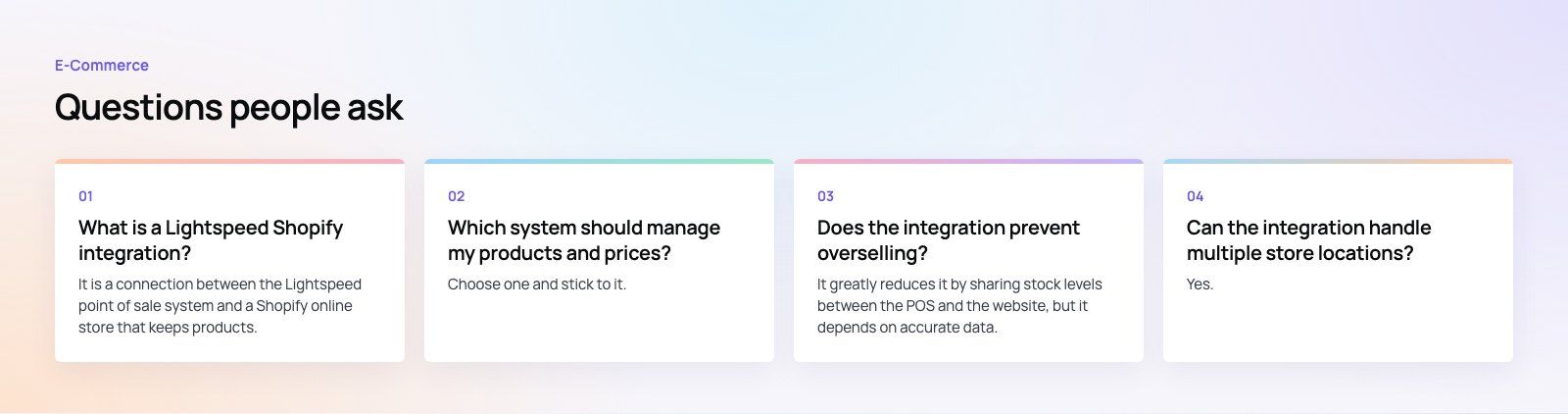
It is a connection between the Lightspeed point of sale system and a Shopify online store that keeps products, prices and stock levels consistent across both.
A sale in a physical shop reduces stock online, and an online order reduces stock in the POS. For Lightspeed Retail X-Series, Lightspeed offers its own app in the Shopify App Store; other setups typically use third party connectors.
E-CommerceGenerative AI in Online Retail: Uses That Pay BackGenerative AI ecommerce uses ranked by payback and risk: product descriptions, AI search and support assistants, plus Arabic quality checks for UAE stores. E-CommerceConnecting WooCommerce to ERP, CRM and Shipping Without DuplicatesPlan a WooCommerce ERP integration that avoids duplicates: data ownership rules, idempotent order sync, CRM matching and UAE shipping, with Odoo and Dynamics.
 E-CommerceEnterprise Ecommerce Platform Selection: Requirements Before DemosChoose an enterprise ecommerce platform by setting integration, multi entity, data residency and order management requirements before any vendor demo starts.
Tell us what the business needs. We will tell you what to build first.
Schedule a free consultation and get a written recommendation, with costs, before you commit to anything.
Get in touchPROVEN RESULTS
4.7 / 5verified reviews on Google