 App DevelopmentProtecting Your Website Content From Copying and ScrapingHow to protect website content from copying and scraping: AI crawler rules in robots.txt, scraper controls, DMCA takedowns and UAE copyright basics explained.
Mobile App Development Frameworks: How to Choose the Right One
React Native, Flutter, .NET MAUI, Kotlin Multiplatform, Ionic and native compared, with the outdated frameworks to avoid and a clear process for choosing.
The right mobile app development framework depends on three things: which platforms you need, how much the app relies on device features and performance, and what your team already knows. For most business apps that must run on both iOS and Android, React Native or Flutter is the practical default. Native Swift and Kotlin still win for apps that push the hardware, and .NET MAUI or Kotlin Multiplatform make sense when your team already lives in those ecosystems.
This guide covers the frameworks that are actively maintained in 2026, what each is good at, which older names you should stop considering, and a simple process for choosing.
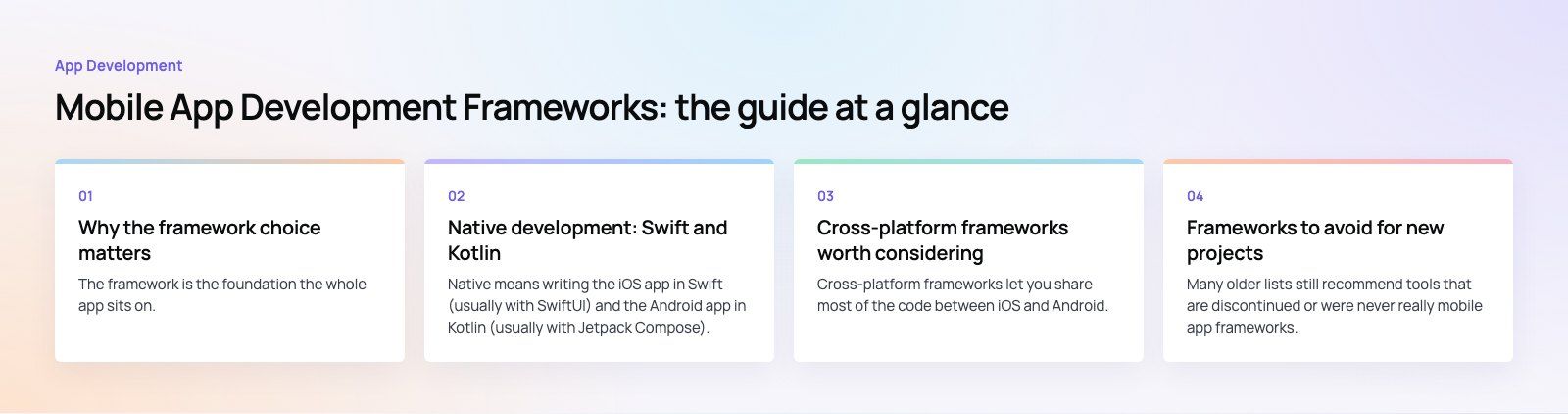
Why the framework choice matters
The framework is the foundation the whole app sits on. It decides how the interface renders, how easily you reach the camera, Bluetooth or payments, how fast new operating system features reach your users, and who you can hire to maintain the code. Switching later usually means rewriting large parts of the app, so the decision is worth a few days of honest thought.
Before comparing tools, answer three questions:
- Will the app need to scale in features, users or platforms over the next few years?
- Does the framework have an active community and regular releases?
- Does it fit the languages, backend and tools your team already uses?
Native development: Swift and Kotlin
Native means writing the iOS app in Swift (usually with SwiftUI) and the Android app in Kotlin (usually with Jetpack Compose). You build two apps, but each gets full access to its platform from the day Apple or Google ships a new feature.
Native is the stronger choice when the app does heavy real time work, such as audio streaming, complex animation, augmented reality or tight Bluetooth communication with hardware. Our work on Ourcast Live, which streams a venue's audio to attendees' phones in real time, used native iOS and Android apps for exactly that reason.
Cross-platform frameworks worth considering
Cross-platform frameworks let you share most of the code between iOS and Android. For the majority of business apps, such as booking, ordering, membership, field service and marketplaces, the trade off in performance is small and the saving in effort is large.
React Native
React Native, maintained by Meta and its community, lets you write the app in JavaScript or TypeScript using React, while rendering real native interface components. Its main strength is talent: any team that builds React websites can contribute quickly, and logic can often be shared with a web app. The official React Native documentation now recommends starting new projects with a framework such as Expo, which handles builds, updates and many device APIs.
- Single codebase for iOS and Android
- Very large ecosystem of libraries
- Fast Refresh for instant feedback during development
- Easy to share code and skills with React web projects
Flutter
Flutter, from Google, uses the Dart language and draws its own interface rather than using native components. That gives pixel level control and very consistent visuals across devices, which suits brand heavy apps, retail and products with custom animation. The same codebase can also target web and desktop.
- Rich widget library and full control over design
- Hot reload for quick iteration
- Consistent rendering across platforms
- Backed by Google with an active community
.NET MAUI (the successor to Xamarin)
If you are still considering Xamarin, stop. Microsoft's Xamarin support policy confirms that support for all Xamarin SDKs ended on May 1, 2024, with Xamarin.Forms replaced by .NET MAUI. MAUI lets C# teams build iOS, Android, macOS and Windows apps from one project and fits naturally with Visual Studio, Azure and the wider Microsoft stack. Existing Xamarin apps should be migrated.
Kotlin Multiplatform
Kotlin Multiplatform, from JetBrains, takes a different approach: share business logic, networking and data code across platforms, while keeping the interface native or sharing it with Compose Multiplatform. It is a good fit for teams with strong Android skills, or for apps where native feel matters but duplicated logic has become expensive.
Ionic with Capacitor
Ionic lets web developers build mobile apps with HTML, CSS and JavaScript, using Angular, React or Vue. Capacitor wraps the web app in a native shell and exposes device features through plugins. It is quick to start and works well for content and form based apps, or for turning an existing web app into a store listed app. It is less suited to graphics heavy or performance critical work.
NativeScript
NativeScript gives JavaScript and TypeScript developers direct access to native platform APIs, with native interface rendering. It works with Angular, Vue and other setups. The community is smaller than React Native's, so check that the plugins you need are maintained before committing.
Frameworks to avoid for new projects
Many older lists still recommend tools that are discontinued or were never really mobile app frameworks. We have left these out of the comparison:
- Xamarin: out of support since May 2024. Use .NET MAUI instead.
- Adobe PhoneGap and Intel XDK: both discontinued years ago. Capacitor and Ionic cover the same web based approach.
- jQuery Mobile: deprecated by the jQuery team and not suited to modern apps.
- Ext JS and Kendo UI: still active, but they are component libraries for data heavy web applications, not frameworks for building store listed mobile apps.
Comparison table
| Framework | Language | Platforms | Best for |
|---|---|---|---|
| Swift / Kotlin (native) | Swift, Kotlin | iOS or Android, one each | Performance heavy apps, deep hardware access |
| React Native | JavaScript, TypeScript | iOS, Android, web via libraries | Business apps, teams with React skills |
| Flutter | Dart | iOS, Android, web, desktop | Design led apps, consistent custom UI |
| .NET MAUI | C# | iOS, Android, macOS, Windows | Microsoft centered enterprises, Xamarin migrations |
| Kotlin Multiplatform | Kotlin | iOS, Android, desktop, web | Shared logic with native feel |
| Ionic with Capacitor | HTML, CSS, JavaScript | iOS, Android, web, PWA | Web teams, content and form apps |
| NativeScript | JavaScript, TypeScript | iOS, Android | JavaScript teams needing native APIs |
How to choose the right framework
1. Start with what the app must do
Write down the core features and the device capabilities they need: camera, location, background tasks, Bluetooth, payments, offline storage. A simple ordering app and a vehicle diagnostics tool have very different needs. On Runvse, a mobile app talks to microcontroller firmware in diesel trucks, which is the kind of requirement that should drive the framework choice from day one.
2. Decide on platforms
If you need both iOS and Android, a cross-platform framework usually saves significant effort. If you only need one platform, or one platform matters far more, native is easier to justify.
3. Be honest about performance
Most business apps run perfectly well on React Native or Flutter. Real time media, intensive graphics and very large lists on older devices are where native or carefully optimized code pays off.
4. Match your team
A React web team will be productive in React Native quickly. A C# team will be at home in .NET MAUI. A strong Android team may prefer Kotlin Multiplatform. Hiring for the next five years matters as much as building the first version, and if you lack the skills in house, dedicated developers can fill the gap.
5. Check community and maintenance
Look at release frequency, open issues and whether the plugins you depend on are maintained. A framework with an active community gets updates when Apple and Google change their requirements, which happens every year.
6. Think about total cost of ownership
All the frameworks above are free to use. The real cost drivers are how many codebases you maintain, how long builds and releases take, how much native work the cross-platform layer still needs, and how easily you can hire people who know the stack.
7. Look at testing and release tooling
Check support for automated tests, crash reporting, over the air updates where store rules allow them, and CI pipelines. These save more time over the life of an app than any single framework feature.
A sensible default
If you are unsure, start by asking whether React Native or Flutter can meet your requirements. For most new business apps one of them will, and the choice between them often comes down to whether your team prefers JavaScript or Dart and how custom the design needs to be. Move to native only when a specific requirement demands it.
Codeeo has delivered 200+ projects across the UAE and the US, including native and cross-platform apps. If you want a second opinion on your stack, our mobile app development team can review your requirements, or you can start with a short product scoping exercise.
Frequently asked questions
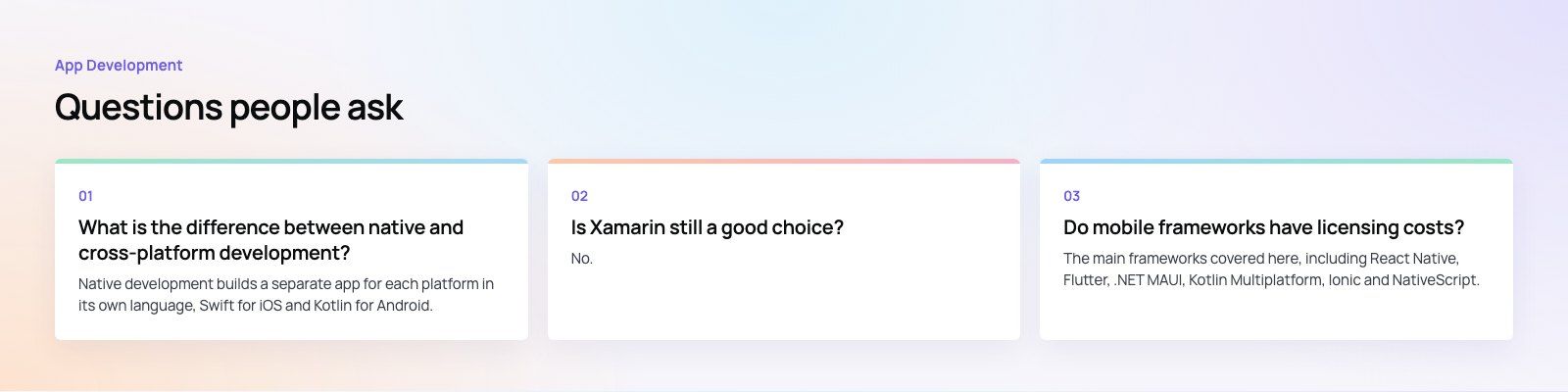
Native development builds a separate app for each platform in its own language, Swift for iOS and Kotlin for Android, giving full access to new features and the best performance.
Cross-platform development shares most of the code between platforms using a framework such as React Native or Flutter. It saves effort and keeps features in sync, with a small performance trade off for most apps.
App DevelopmentProtecting Your Website Content From Copying and ScrapingHow to protect website content from copying and scraping: AI crawler rules in robots.txt, scraper controls, DMCA takedowns and UAE copyright basics explained. App DevelopmentWeb Application Penetration Testing: When It Is NecessaryWeb application penetration testing explained: when contracts, launches or major changes make it necessary, how it differs from scanning and how to prepare.
 App DevelopmentSteganography Explained: How Data Hiding Works and Is DetectedSteganography in cybersecurity explained: common data hiding techniques, how attackers use them, legitimate digital watermarking and how steganalysis works.
Tell us what the business needs. We will tell you what to build first.
Schedule a free consultation and get a written recommendation, with costs, before you commit to anything.
Get in touchPROVEN RESULTS
4.7 / 5verified reviews on Google