 Web DevelopmentWordPress VIP or Self Hosted Enterprise WordPress in the UAEWordPress VIP or self hosted enterprise WordPress in the UAE: compare data residency, hosting SLA, cost drivers and code review rules, plus key setup notes.
Mobile Content Management Systems: Features, Platforms, How to Choose
What a mobile content management system is, the features that matter, how WordPress, headless and enterprise platforms compare, and how to pick one.
A mobile content management system is a CMS set up to create, manage and deliver content that works well on phones and tablets, whether that content appears on a responsive website, a mobile app or both. In practice it means responsive or API based delivery, fast loading over mobile networks, editing tools that work from a phone, and security suited to mobile access.
This article explains what separates a mobile ready CMS from a traditional one, the features that matter, the main platform types, and how to choose.
What is a mobile content management system?
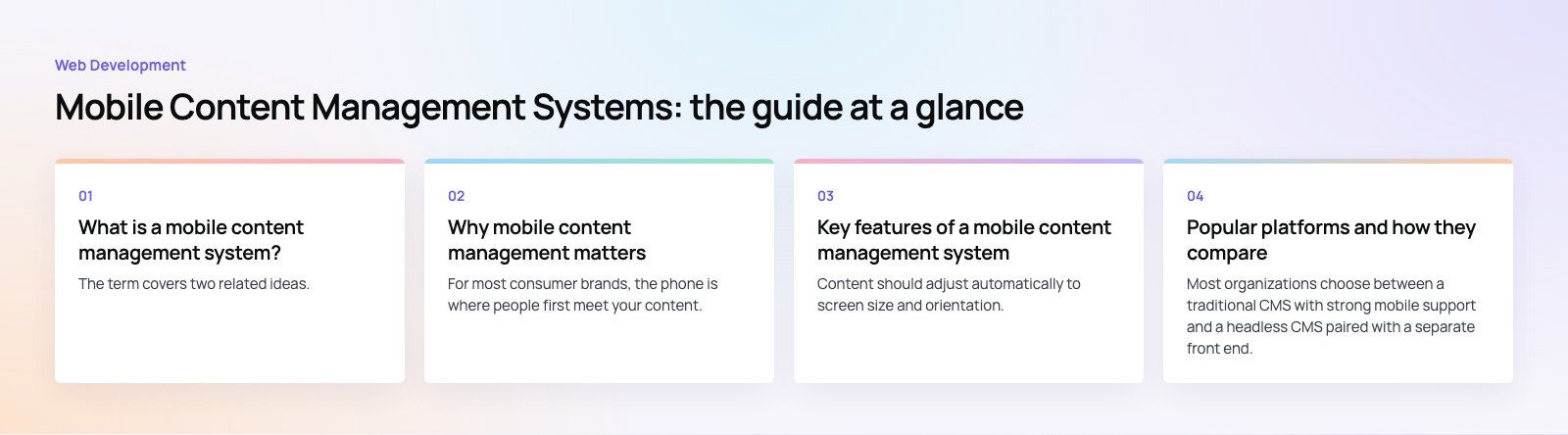
The term covers two related ideas. The first is a CMS that delivers content built for mobile readers: layouts that adapt to small screens, images sized for the device, and pages that load quickly on a cellular connection. The second is a CMS that lets your team manage content from mobile devices, so an editor can publish an update, approve a post or fix a typo without opening a laptop.
A traditional CMS was designed around desktop pages, with templates that assumed a wide screen and an editor sitting at a desk. A mobile content management system treats the phone as the main screen. Many modern platforms do both jobs, and the most flexible ones separate content from presentation entirely so the same article can feed a website, an iOS app and an Android app.
Why mobile content management matters
For most consumer brands, the phone is where people first meet your content. If a page is slow, cramped or breaks on a small screen, readers leave before they see your message. Search engines also index the mobile version of a page first, so a weak mobile experience affects visibility as well as conversions.
There is an operational side too. Content teams rarely sit in one place. Sales staff, field teams and managers want to update listings, upload photos or respond to news while they are out. A CMS that only works well on a desktop slows them down.
Key features of a mobile content management system
Responsive and adaptive delivery
Content should adjust automatically to screen size and orientation. Good platforms go further and serve appropriately sized images in modern formats, so a phone does not download a desktop sized photo.
Headless or API based delivery
A headless CMS stores content as structured data and sends it through an API to any front end. This is what lets one team feed a website, native apps, kiosks and email from the same source. Platforms such as Strapi and Contentful publish their API documentation openly, which is a useful way to judge how developer friendly they are.
CDN integration
A content delivery network caches content on servers close to each reader, which cuts load times on mobile networks and absorbs traffic spikes. Look for a CMS that handles cache purging automatically when content changes.
Mobile friendly editing
Editors should be able to draft, preview, schedule and publish from a phone. Touch friendly controls, simple media upload from the camera roll and clear previews of the mobile layout make the difference between a tool people use and one they avoid.
Offline access and sync
For apps and field teams, content that stays readable without a connection is valuable. Progressive web app techniques and native app caching allow this, with changes syncing back once the device reconnects. MDN's guide to progressive web apps covers how offline caching works on the web.
Mobile security
Editing from personal devices adds risk. Expect role based permissions, multi factor sign in, encrypted connections, session timeouts and an audit trail showing who changed what.
Benefits for your business
- Better reader experience. Fast, readable pages keep visitors engaged and reduce early exits.
- Wider reach. Content that loads on slower connections and older devices reaches more of your audience.
- Faster publishing. Teams can update content wherever they are, which matters for news, events, listings and promotions.
- One source for many channels. A headless setup removes the need to copy the same content into a website and an app separately.
- Easier governance. Workflows, scheduling and version history keep content consistent across channels.
Popular platforms and how they compare
Most organizations choose between a traditional CMS with strong mobile support and a headless CMS paired with a separate front end. The table below compares well known options neutrally.
| Platform | Type | Best suited to | Trade off |
|---|---|---|---|
| WordPress | Traditional, can run headless | Content sites and blogs that want a large plugin ecosystem and official mobile editing apps | Plugin sprawl can slow pages and add security work |
| Adobe Experience Manager | Enterprise suite | Large organizations already invested in Adobe's marketing tools | Licensing and implementation are heavy for smaller teams |
| Kentico | Digital experience platform | Mid sized and larger teams wanting content, marketing and commerce together | More platform than a simple site needs |
| Contentful | Headless, hosted | Teams delivering to web and apps from one content model | Needs developers to build every front end |
| Strapi | Headless, open source | Projects that want full control of hosting and data, including bilingual sites | You run and maintain the infrastructure |
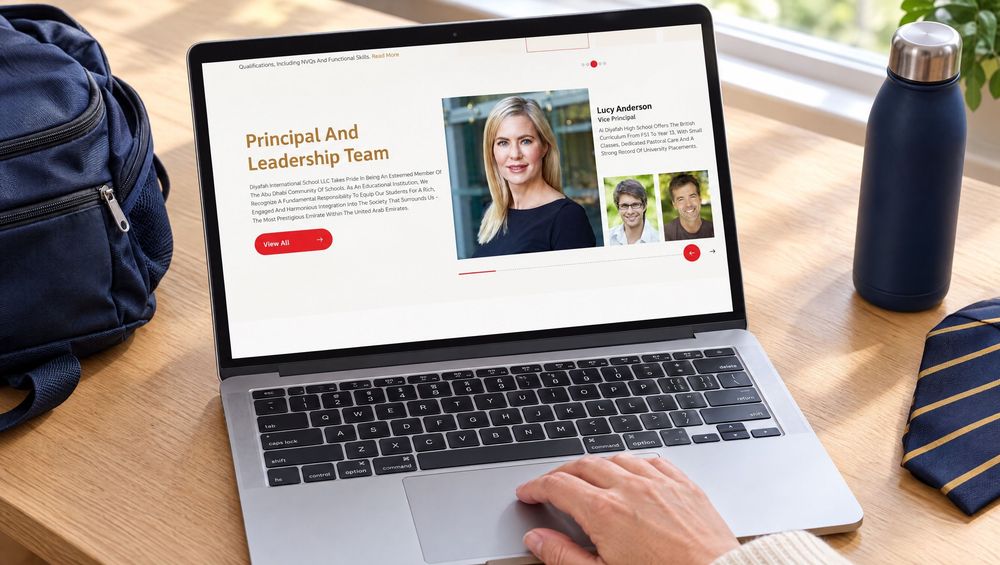
Our Diyafah school website is an example of the headless route: a bilingual site on Strapi, built right to left from the start.
How to choose the right mobile CMS
- List your channels. If you only need a responsive website, a traditional CMS such as WordPress may be enough. If an app is planned, a headless CMS avoids duplicating content later.
- Look at who edits. Non technical editors need a clean interface and good previews. Try the editing experience on a phone during evaluation, not just on a laptop.
- Check performance. Ask how images are optimized, how caching works and how the front end is built. A headless CMS with a Next.js front end can produce very fast mobile pages.
- Plan integrations. Map the CRM, ecommerce, search and analytics tools the CMS must connect to.
- Weigh total cost of ownership. Licensing, hosting, development, training and maintenance all count. Open source is not free once you add hosting and upkeep.
Common challenges
Device fragmentation
Screens, browsers and operating system versions vary widely. Test on real devices, not only in a desktop browser's mobile view.
Performance on weaker hardware
Heavy scripts and large images hurt older phones most. Set a performance budget and measure it with Core Web Vitals.
Offline sync conflicts
When two people edit the same item offline, someone's change can be lost. Decide early how conflicts are resolved and show editors clearly when content is out of date.
Integration complexity
Connecting a CMS to ERP, CRM or legacy systems takes planning. Define which system owns each piece of data before building.
Where mobile content management is heading
- AI assisted editing for drafts, summaries, alt text and translation, with human review before publishing.
- Personalization that changes content by location, behavior or segment, delivered through the same API.
- Progressive web apps that blur the line between a website and an installed app.
- Composable stacks where the CMS, search, commerce and analytics are separate services joined by APIs.
Codeeo's team of 80+ across Dubai, Riyadh and Karachi builds content managed websites and apps on traditional and headless platforms. If you are choosing a CMS for mobile first content, see our web development services or our mobile app development work.
Frequently asked questions
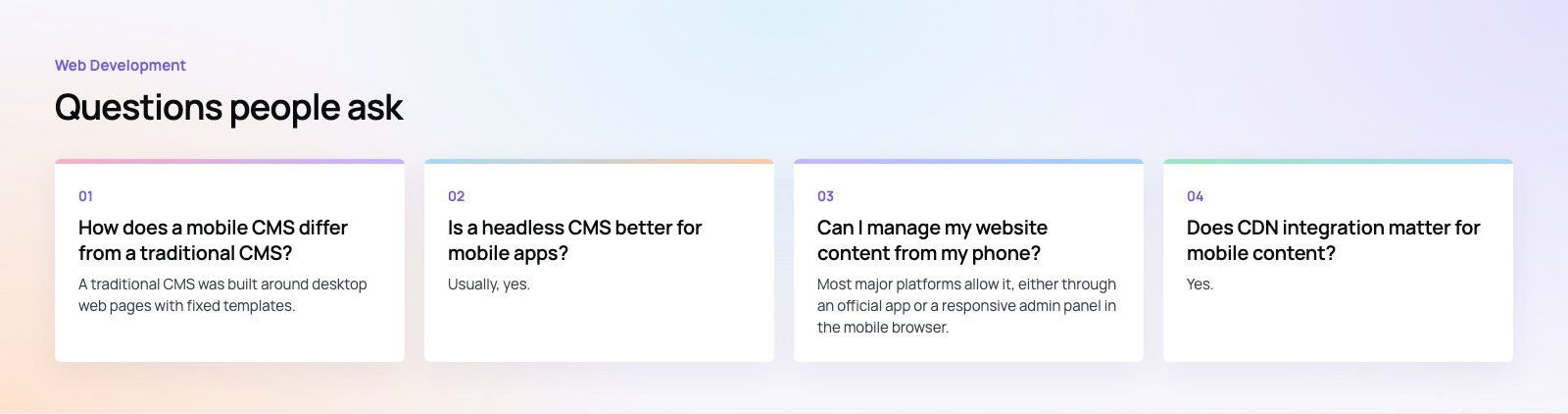
A traditional CMS was built around desktop web pages with fixed templates.
A mobile CMS treats phones as the main screen, with responsive or API based delivery, image optimization, mobile friendly editing and security for access from personal devices. Many modern platforms do both, and headless systems separate content from layout so it can feed websites and apps from one place.
Web DevelopmentWordPress VIP or Self Hosted Enterprise WordPress in the UAEWordPress VIP or self hosted enterprise WordPress in the UAE: compare data residency, hosting SLA, cost drivers and code review rules, plus key setup notes. Web DevelopmentWhat a WordPress Maintenance SLA Should CoverWhat WordPress maintenance services should cover in writing: core and plugin updates, security, backups, multilingual publishing support and response times.
 Web DevelopmentWordPress Release Management: Staging, QA and RollbackA WordPress deployment workflow that releases safely: Git based builds, a staging site that mirrors live, smoke tests to run and a rollback plan written first.
Tell us what the business needs. We will tell you what to build first.
Schedule a free consultation and get a written recommendation, with costs, before you commit to anything.
Get in touchPROVEN RESULTS
4.7 / 5verified reviews on Google