 App DevelopmentProtecting Your Website Content From Copying and ScrapingHow to protect website content from copying and scraping: AI crawler rules in robots.txt, scraper controls, DMCA takedowns and UAE copyright basics explained.
Native vs Hybrid App: Which Is Right for Your Business?
Native, cross platform, WebView hybrid or PWA? How each approach works, where each wins on performance, cost and features, and how to decide for your app.
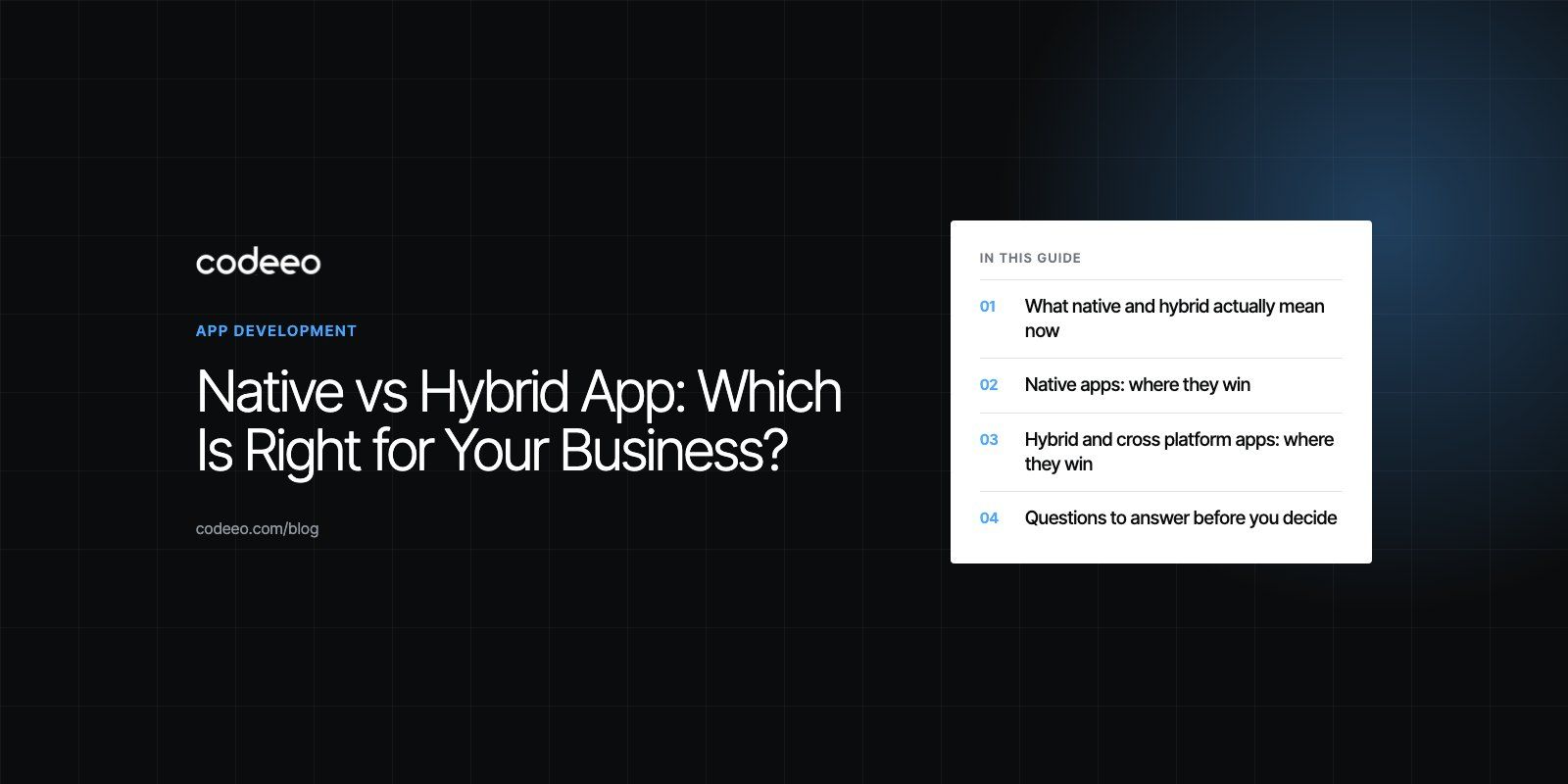
Choose a native app when performance, deep device access or a polished platform specific feel is central to the product. Choose a hybrid or cross platform app when you need to reach iOS and Android quickly from one codebase and the app is mainly forms, content, lists and standard features. For many business apps, a modern cross platform framework sits comfortably between the two.
This guide explains how each approach works today, where each one wins, and the questions that should decide it for your business.
What native and hybrid actually mean now
The old debate framed this as two options. In practice there are three main approaches, plus progressive web apps as a fourth route.
Native apps
A native app is built separately for each platform with that platform's own language and tools: Swift for iOS and Kotlin for Android. Each app has direct access to every device feature and follows the platform's design conventions closely.
Cross platform apps
Frameworks such as React Native and Flutter let one team write most of the code once and ship to both iOS and Android. React Native renders real native interface components, while Flutter draws its own interface with its own rendering engine. Both produce apps that feel close to native for most use cases, and both can call native code when they need a feature the framework does not cover.
WebView hybrid apps
Classic hybrid apps are web apps written in HTML, CSS and JavaScript, wrapped in a native shell. Tools such as Capacitor provide that shell and plugins for device features. This is the fastest route if you already have a web team or a web app, but the interface runs inside a browser view, which can feel less responsive in demanding screens.
When people say "hybrid" today they often mean cross platform frameworks too. Being precise about which one you mean avoids a lot of confusion in planning meetings.
Native apps: where they win
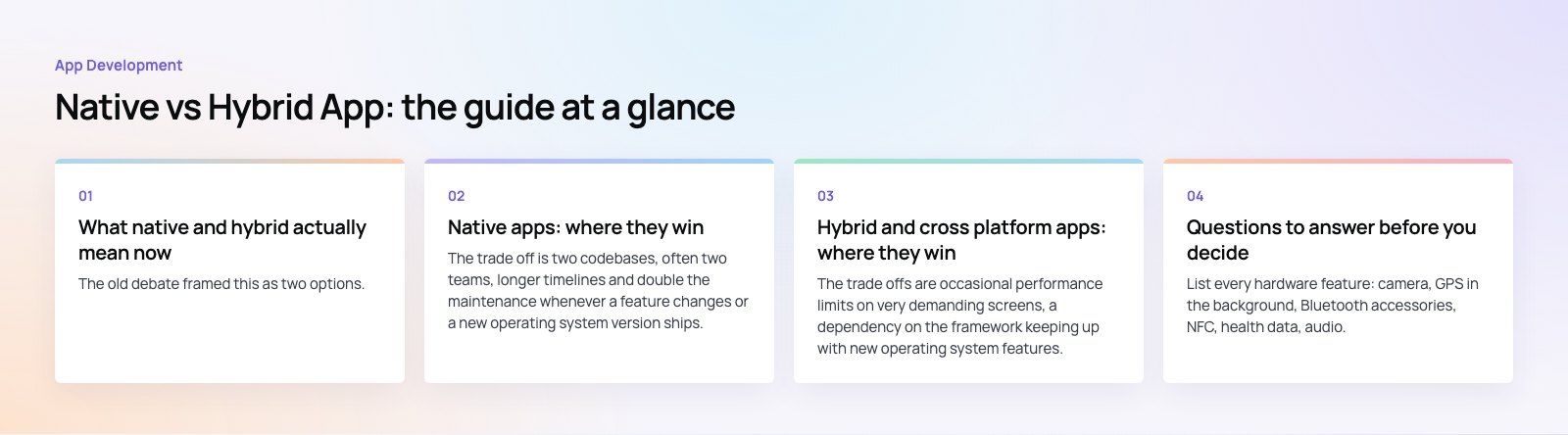
- Performance. Native code is the most responsive option for animation heavy interfaces, games, real time audio or video, and complex gestures.
- Full device access. Camera, Bluetooth, sensors, background processing, widgets and new operating system features are available as soon as Apple and Google release them.
- Platform feel. Native apps match the navigation patterns and accessibility behavior users expect on each platform.
The trade off is two codebases, often two teams, longer timelines and double the maintenance whenever a feature changes or a new operating system version ships.
Our Ourcast Live case study shows this kind of product: an assistive listening system that streams a venue's audio to attendees' phones in real time, built with native iOS and Android apps.
Hybrid and cross platform apps: where they win
- One codebase. Most features are written once, which shortens development and keeps both platforms in step.
- Faster launch. A minimum viable product can reach both app stores sooner, so you learn from real users earlier.
- Simpler maintenance. Bug fixes and new features ship to both platforms together.
- Shared skills. Web and JavaScript developers can move into React Native or Capacitor projects with less retraining.
The trade offs are occasional performance limits on very demanding screens, a dependency on the framework keeping up with new operating system features, and extra native work for unusual hardware integrations.
Native vs hybrid compared
| Factor | Native | Cross platform | WebView hybrid |
|---|---|---|---|
| Codebases | One per platform | Mostly shared | Shared with the web |
| Performance | Best | Close to native for most apps | Fine for content and forms, weaker for heavy animation |
| Device features | Full and immediate | Broad, with native modules for gaps | Through plugins, some gaps |
| Look and feel | Fully platform specific | Near native | Web like unless carefully styled |
| Time to market | Longest | Shorter | Shortest if a web app exists |
| Ongoing maintenance | Highest | Moderate | Lowest |
| Best for | Media, hardware, high performance apps | Most business and consumer apps | Internal tools, content apps, MVPs |
Questions to answer before you decide
What does the app need from the device?
List every hardware feature: camera, GPS in the background, Bluetooth accessories, NFC, health data, audio. If the core value depends on one of these working perfectly, lean native or plan native modules inside a cross platform app.
How demanding is the interface?
Forms, lists, dashboards, bookings and chat run well on cross platform frameworks. Heavy animation, 3D, real time media and games favor native code.
Who are your users and which platforms do they use?
If almost all of your audience uses one platform, a single native app may cost no more than a cross platform build and will feel better. If they are split, a shared codebase pays off quickly.
What is your timeline and budget?
Cost is driven mostly by the number of codebases, the number of screens and features, integrations with your back end and third parties, design complexity, and the testing needed across devices. Two native apps roughly double the client side work compared with one shared codebase.
How will the app grow?
Think two years ahead. Planned features such as offline mode, wearables or augmented reality may tip the decision even if version one is simple.
Do not forget progressive web apps
A progressive web app (PWA) is a website that can be installed to the home screen, work offline and send push notifications. There is no app store review and one codebase serves every device with a browser. PWAs suit content, ordering and service apps where store presence is not essential. Their limits are reduced hardware access and, on some platforms, fewer system integrations than an installed app.
A practical way to decide
- Write down the three features that make the app worth using.
- Check each one against what cross platform frameworks support today.
- Build a clickable prototype and test it with a handful of real users.
- If a feature needs native code, decide whether a native module inside a cross platform app is enough.
- Choose the approach that delivers those core features well at the lowest long term maintenance cost.
A product scoping session is a good way to work through these steps before any code is written.
Codeeo has delivered 200+ projects across the UAE and the US, including native and cross platform apps. If you are weighing up the options, see our mobile app development services or our React and React Native developers.
Frequently asked questions
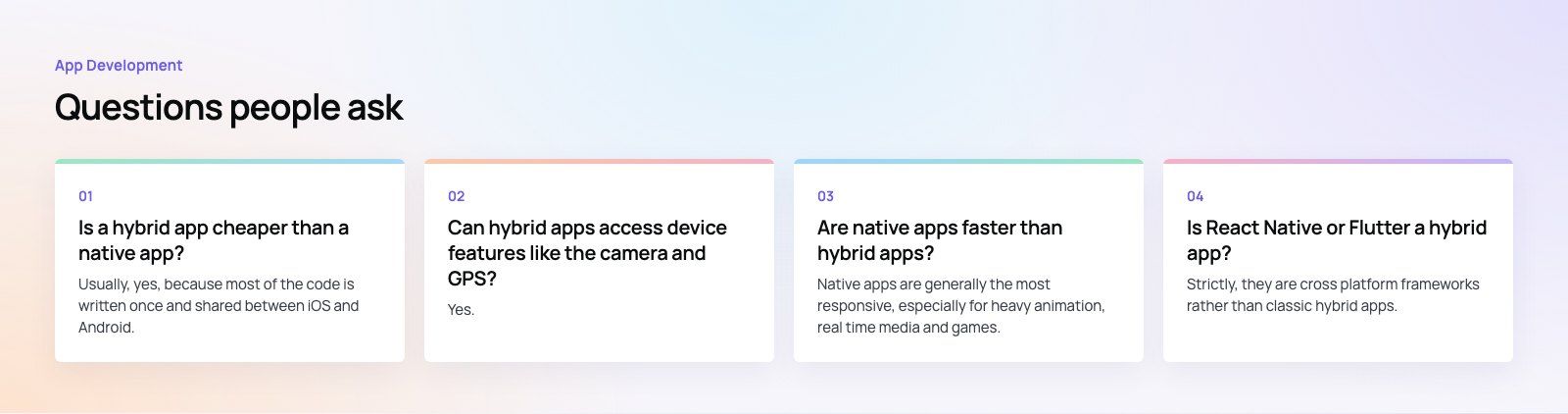
Usually, yes, because most of the code is written once and shared between iOS and Android.
That reduces build time, testing effort and ongoing maintenance. The saving shrinks if the app needs many native modules for hardware features or very demanding screens, because that work has to be done per platform anyway. Scope, not approach alone, drives the final cost.
App DevelopmentProtecting Your Website Content From Copying and ScrapingHow to protect website content from copying and scraping: AI crawler rules in robots.txt, scraper controls, DMCA takedowns and UAE copyright basics explained. App DevelopmentWeb Application Penetration Testing: When It Is NecessaryWeb application penetration testing explained: when contracts, launches or major changes make it necessary, how it differs from scanning and how to prepare.
 App DevelopmentSteganography Explained: How Data Hiding Works and Is DetectedSteganography in cybersecurity explained: common data hiding techniques, how attackers use them, legitimate digital watermarking and how steganalysis works.
Tell us what the business needs. We will tell you what to build first.
Schedule a free consultation and get a written recommendation, with costs, before you commit to anything.
Get in touchPROVEN RESULTS
4.7 / 5verified reviews on Google