 E-CommerceGenerative AI in Online Retail: Uses That Pay BackGenerative AI ecommerce uses ranked by payback and risk: product descriptions, AI search and support assistants, plus Arabic quality checks for UAE stores.
NetSuite WooCommerce Integration: Options, Steps and Pitfalls
How to connect NetSuite ERP and WooCommerce: what data to sync, connector vs iPaaS vs custom, setup steps on both sides, and the mistakes behind most sync errors.
A NetSuite WooCommerce integration connects your online store to your ERP so that orders, customers, inventory and payments move between them automatically. Orders placed in WooCommerce appear in NetSuite for fulfillment and accounting, while stock levels and prices flow back to the store. You can build it with a prebuilt connector, an integration platform or a custom integration, and the right choice depends on how standard your processes are.
This guide walks through what to sync, the integration options, the setup steps on both sides, and the mistakes that cause most data problems.
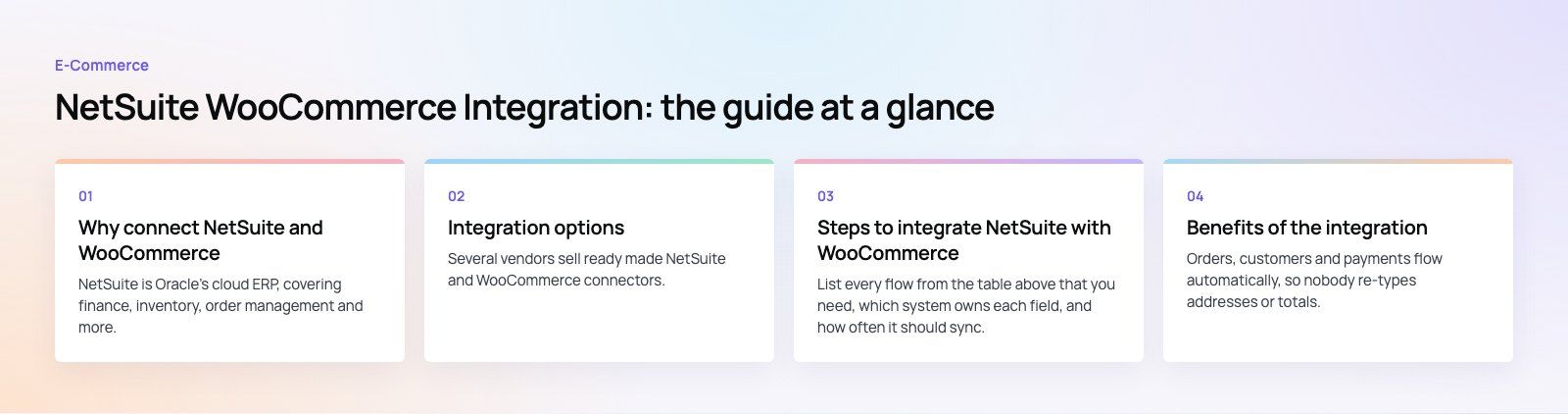
Why connect NetSuite and WooCommerce
NetSuite is Oracle's cloud ERP, covering finance, inventory, order management and more. WooCommerce runs the storefront on WordPress. Without a connection, someone re-keys every order into NetSuite and updates stock on the website by hand. That works at low volume and breaks quickly as the business grows: orders get missed, stock goes out of sync, and finance closes the month on numbers that do not match the store.
An integration makes NetSuite the single record for products, stock and money, and lets WooCommerce focus on selling.
What data to synchronize
| Data | Usual direction | Notes |
|---|---|---|
| Orders | WooCommerce to NetSuite | Create sales orders or cash sales, including tax, shipping and discounts |
| Customers | WooCommerce to NetSuite | Match on email to avoid duplicates; handle guest checkouts |
| Inventory levels | NetSuite to WooCommerce | Sync per location if you sell from more than one warehouse |
| Products and prices | NetSuite to WooCommerce | Decide which system owns descriptions and images |
| Fulfillments and tracking | NetSuite to WooCommerce | Update order status and send tracking to customers |
| Refunds and returns | Both ways | Agree where a refund starts so it is not processed twice |
| Payments | WooCommerce to NetSuite | Map each payment gateway to the right deposit account |
Integration options
Prebuilt connectors
Several vendors sell ready made NetSuite and WooCommerce connectors. They cover the standard flows of orders, customers, inventory and fulfillment, and are usually the fastest way to get started. The trade off is flexibility: if your business has unusual pricing, bundles, multiple subsidiaries or custom NetSuite records, you may hit the edge of what the connector can do.
Integration platforms (iPaaS)
Platforms such as Celigo, Jitterbit, Boomi and MuleSoft sit between the two systems and provide templates you can adjust. They suit businesses that also need to connect other systems, such as a 3PL, a marketplace or a CRM, because all flows live in one place with shared monitoring and error handling. They require ongoing subscription and someone who knows the platform.
Custom integration
A custom integration uses the WooCommerce REST API and NetSuite's web services directly, usually with a small middleware service and a queue. It gives full control over mapping, business rules and performance, and suits complex catalogs, high order volumes or processes no connector handles. It also means you own the code and its maintenance. Our custom software team typically recommends this only when a connector has been ruled out.
Steps to integrate NetSuite with WooCommerce
1. Map your requirements
List every flow from the table above that you need, which system owns each field, and how often it should sync. Decide how to handle edge cases early: partial shipments, backorders, bundles, gift cards, multi currency orders and tax. These details decide which integration option is realistic.
2. Choose the integration method
Match your requirements to a connector, an iPaaS or a custom build. Ask vendors for a demo using your own tricky cases, not their sample store.
3. Set up API access in NetSuite
In NetSuite, enable the web services features under Setup, Company, Enable Features, SuiteCloud, then create an integration record under Setup, Integration, Manage Integrations, and give it a dedicated role with only the permissions it needs. Pay attention to the authentication method. Oracle's SOAP removal FAQ says newly built integrations should use REST web services with OAuth 2.0, that new SOAP integrations cannot be built from the 2027.1 release, and that SOAP is removed in 2028.2. Any connector you choose should already be on REST and OAuth 2.0, or have a clear plan to move.
4. Set up API access in WooCommerce
In WordPress, go to WooCommerce, Settings, Advanced, REST API, and create a key for the integration with the permissions it needs, usually read and write. Create it under a dedicated user, store the key securely, and set up webhooks if the integration will listen for new orders rather than polling for them.
5. Configure field mapping
Map products by SKU, customers by email, and each WooCommerce payment method, shipping method and tax class to its NetSuite equivalent. Decide where new customers are created and how guest orders are recorded. Most data problems later trace back to a rushed mapping step.
6. Test with real scenarios
Use a NetSuite sandbox and a staging copy of the store. Place test orders covering discounts, coupons, multiple items, partial fulfillment, refunds and cancelled orders. Change stock in NetSuite and confirm it appears in WooCommerce. Check that totals, tax and payments reconcile to the cent.
7. Go live and monitor
Launch at a quiet time, watch the integration logs closely for the first days, and have a clear process for orders that fail to sync. Every integration fails occasionally; what matters is that failures are visible and easy to retry.
8. Maintain it
WordPress, WooCommerce, plugins and NetSuite all release updates, and your business rules will change. Review the integration after major updates, keep the mapping documented, and plan the move to REST and OAuth 2.0 if any part still relies on older methods.
Benefits of the integration
Fewer manual errors
Orders, customers and payments flow automatically, so nobody re-types addresses or totals. Staff spend their time on exceptions rather than data entry.
Accurate stock on the website
With NetSuite inventory syncing to the store, customers see what is actually available, which reduces overselling, cancellations and refund requests.
Faster fulfillment
Orders reach the warehouse as soon as they are placed, with complete shipping details, and tracking flows back to the customer without anyone copying it across.
One view of the customer
Online orders sit next to wholesale, phone and store orders in NetSuite, giving sales, service and finance a full purchase history.
Cleaner financial reporting
Sales, tax, fees and refunds post into NetSuite consistently, so month end reconciliation is faster and reports reflect what happened in the store.
Room to grow
A well built integration handles higher order volumes, more products and new channels without adding staff for data entry.
Common mistakes to avoid
- No clear owner for each field. If both systems can edit prices or descriptions, they will overwrite each other.
- Inconsistent SKUs. Clean up SKUs in both systems before mapping; mismatches are the most common cause of failed syncs.
- Ignoring guest checkouts. Decide how guest orders map to NetSuite customers, or you will end up with thousands of duplicates.
- Syncing too often or too rarely. Inventory may need near real time updates; full product catalogs usually do not.
- No error alerts. A silent failure can leave orders sitting unprocessed for days.
- Building on deprecated methods. Avoid new SOAP or token based integrations given Oracle's published timeline.
Codeeo has built WooCommerce stores such as Clock Springs Australia and Ghezlan, where catalog structure and stock accuracy shape the whole experience. If you are planning a NetSuite connection, our WooCommerce developers can review your requirements and recommend a connector, an iPaaS or a custom build. A platform fit review is a good first step if you are still deciding.
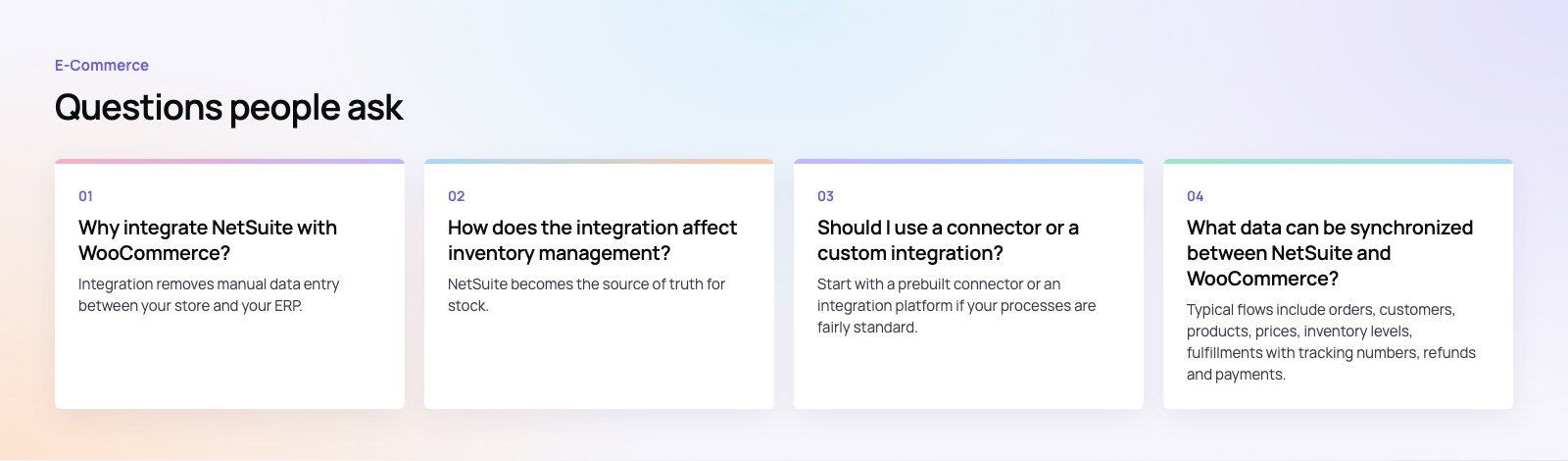
Frequently asked questions
Integration removes manual data entry between your store and your ERP.
Orders, customers and payments flow into NetSuite automatically, while stock levels, prices and tracking flow back to WooCommerce. That reduces errors, prevents overselling, speeds up fulfillment and makes financial reporting match what happened in the store. It becomes more valuable as order volume and the number of sales channels grow.
E-CommerceGenerative AI in Online Retail: Uses That Pay BackGenerative AI ecommerce uses ranked by payback and risk: product descriptions, AI search and support assistants, plus Arabic quality checks for UAE stores.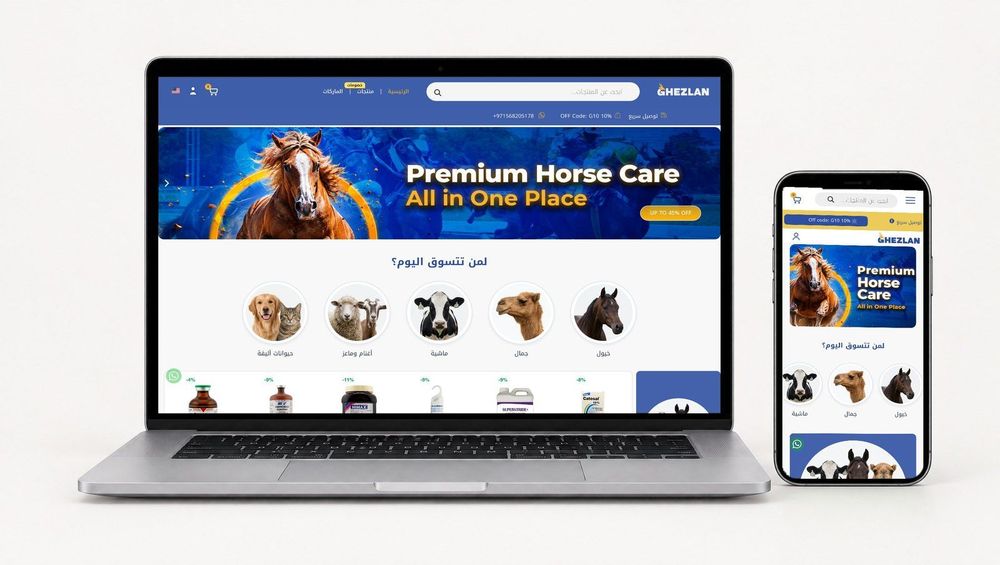 E-CommerceConnecting WooCommerce to ERP, CRM and Shipping Without DuplicatesPlan a WooCommerce ERP integration that avoids duplicates: data ownership rules, idempotent order sync, CRM matching and UAE shipping, with Odoo and Dynamics.
 E-CommerceEnterprise Ecommerce Platform Selection: Requirements Before DemosChoose an enterprise ecommerce platform by setting integration, multi entity, data residency and order management requirements before any vendor demo starts.
Tell us what the business needs. We will tell you what to build first.
Schedule a free consultation and get a written recommendation, with costs, before you commit to anything.
Get in touchPROVEN RESULTS
4.7 / 5verified reviews on Google