 E-CommerceGenerative AI in Online Retail: Uses That Pay BackGenerative AI ecommerce uses ranked by payback and risk: product descriptions, AI search and support assistants, plus Arabic quality checks for UAE stores.
Printify vs Shopify: What Each Does and Which You Need
Printify prints and ships products on demand; Shopify runs your store. See how they differ, how they work together, what drives cost and which you need.
Printify and Shopify are not really competitors. Shopify is the platform that runs your online store, while Printify is a print on demand service that prints and ships custom products when an order comes in. Most sellers who use Printify connect it to a store platform such as Shopify, so the real question is usually whether you need one, the other, or both.
This guide explains what each tool does, how they work together, where each falls short, and how to decide for your business.
What Printify does
Printify lets you put your designs on products such as t shirts, hoodies, mugs, posters, phone cases and tote bags, without holding any stock. You upload artwork, place it on a product in the mockup tool, and publish the listing to your store. When a customer orders, Printify sends the job to one of its print providers, which prints the item and ships it to the buyer.
How the print on demand model works
You set your retail price. Printify charges you the base cost of the product plus shipping when an order comes in, and the difference is your margin. Because nothing is printed until it sells, there is no upfront inventory and no unsold stock.
Strengths
- A large catalog of printable products from many providers.
- No inventory, warehouse or packing work.
- Choice of print provider by location, quality and production time.
- Integrations with popular store platforms and marketplaces.
Limitations
- Print quality and turnaround depend on the provider you choose, and can vary.
- Margins are thinner than with bulk printed stock, because you pay per item.
- You have limited control over packaging and delivery times.
- It is not a full store: you still need somewhere to sell, take payment and run marketing.
What Shopify does
Shopify is a hosted ecommerce platform. It gives you a storefront with themes, a product and order admin, checkout and payments, shipping settings, discount codes, customer accounts, reporting and an app store. It handles hosting and security, so you focus on products and customers.
Strengths
- A complete store: catalog, checkout, payments, taxes and order management in one place.
- Themes that work on mobile, plus a visual editor.
- Thousands of apps, including Printify and other print on demand services.
- Sells any product type, not only printed goods.
Limitations
- A monthly subscription, plus the cost of any paid apps.
- Deeper design changes need theme code knowledge or a developer.
- Additional transaction fees can apply if you use an outside payment gateway.
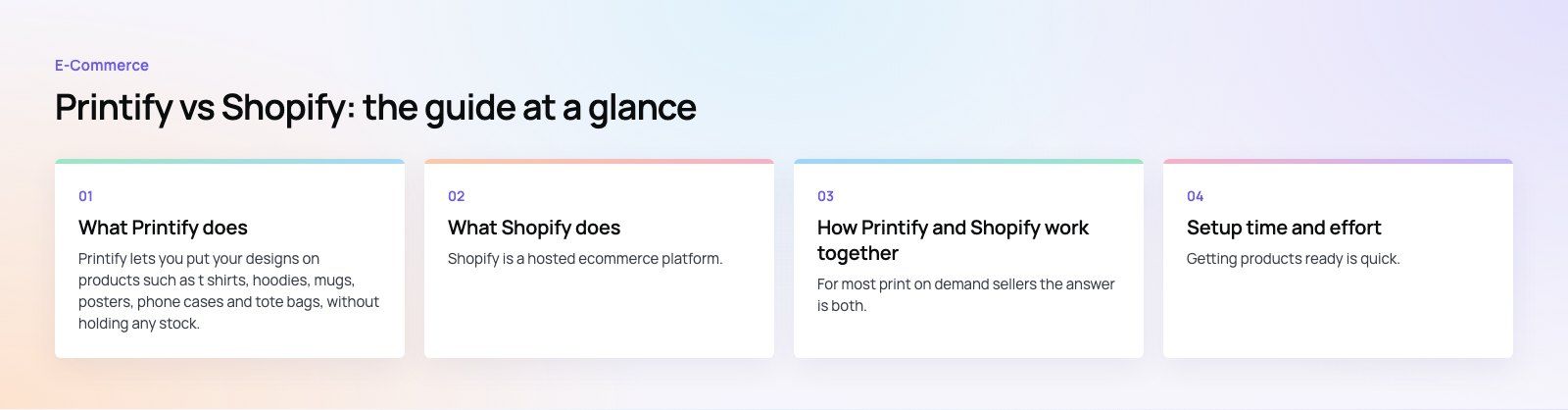
Printify vs Shopify at a glance
| Question | Printify | Shopify |
|---|---|---|
| What is it? | Print on demand production and fulfillment | Online store platform |
| Holds inventory? | No, items are printed per order | Tracks whatever inventory you have |
| Storefront and checkout | Relies on a connected store or marketplace | Built in |
| Product types | Printable products from its catalog | Anything you can legally sell |
| Shipping | Handled by the print provider | You or your fulfillment partner ship |
| Main cost driver | Base cost per item plus shipping | Subscription, apps and payment fees |
| Best for | Merch, designs and testing ideas without stock | Running a brand store of any kind |
How Printify and Shopify work together
For most print on demand sellers the answer is both. The usual setup looks like this:
- Create a Shopify store and choose a theme.
- Install the Printify app from the Shopify App Store and connect your account.
- Design products in Printify and publish them to Shopify, where titles, descriptions, images and prices appear as normal listings.
- When a customer orders on Shopify, the order passes to Printify, which routes it to the print provider.
- The provider prints and ships, and tracking details flow back to the Shopify order.
This gives you Shopify's checkout, marketing and reporting, with Printify doing the production. You can also mix models: sell printed merch through Printify alongside products you stock yourself, all in one store.
Other places Printify connects
Printify is not tied to Shopify. It also integrates with other store platforms, including WooCommerce, and with marketplaces. If you already run a WordPress site, WooCommerce can be a sensible home for a print on demand range without moving platforms.
Setup time and effort
Printify
Getting products ready is quick. Uploading artwork, placing it on a product and creating a listing takes minutes per design. The slower work is ordering samples to check print quality and choosing providers you trust.
Shopify
A basic store can be live in a few days. Making it convert takes longer: product photography or mockups, clear size guides, delivery and returns information, and a theme adjusted to your brand. That work is where most of the effort, and most of the results, sit.
Support and help
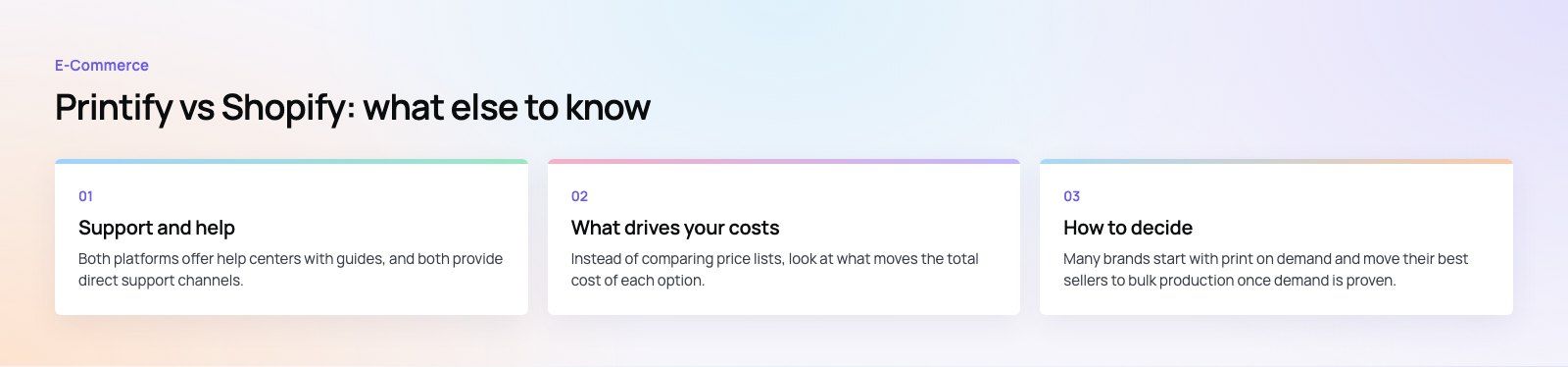
Both platforms offer help centers with guides, and both provide direct support channels. Shopify's support covers your whole store, from payments to domains. Printify's support focuses on products, orders and providers. When something goes wrong with a print order, you will usually deal with Printify; when it is a checkout or store issue, Shopify.
What drives your costs
Instead of comparing price lists, look at what moves the total cost of each option.
- Printify: product base cost, shipping per order, and whether an optional paid tier lowers your base costs enough to justify it at your volume.
- Shopify: the plan you choose, paid apps, theme or design work, and payment processing fees.
- Both: sample orders, returns and reprints for damaged or misprinted items, and advertising to bring in traffic.
Run the numbers on a few typical orders before you set retail prices. Print on demand margins can disappear quickly once shipping, discounts and ad costs are counted.
How to decide
Choose Printify plus a store if
- You sell designs, art or merch and want to avoid holding stock.
- You want to test product ideas before committing to bulk orders.
- You are happy to trade some margin and control for low upfront risk.
Choose Shopify on its own if
- You sell products you make, buy wholesale or manufacture in bulk.
- You want full control over packaging, delivery speed and quality.
- Printed items are not part of your range.
Plan to outgrow print on demand
Many brands start with print on demand and move their best sellers to bulk production once demand is proven. Shopify supports both, so the store does not need to change when the fulfillment model does.
Mistakes to avoid
- Skipping samples. Always order your own products before selling them.
- Using only mockups. Real photos of samples build more trust than generated images.
- Hiding delivery times. Print on demand takes longer than shipping from stock. Say so clearly on product pages.
- Underpricing. Include shipping, payment fees, returns and ad spend in your margin.
- Overloading the store with apps. Extra apps slow pages and add cost.
Printify and Shopify solve different problems, and they work best as a pair for most merch and design led brands. If you need help setting up or improving the store side, our Shopify developers build and tune stores, and our design team can make the storefront feel like your brand rather than a template. You can also start with a platform fit review if you are unsure which store platform suits your plans.
Frequently asked questions
Yes.
Printify's catalog is made up of printable products such as clothing, accessories, home goods and wall art, which are produced per order. If you want to sell other items too, you list them in your store platform alongside the Printify products. Shopify, for example, can hold both printed and stocked products in the same catalog and checkout.
E-CommerceGenerative AI in Online Retail: Uses That Pay BackGenerative AI ecommerce uses ranked by payback and risk: product descriptions, AI search and support assistants, plus Arabic quality checks for UAE stores. E-CommerceConnecting WooCommerce to ERP, CRM and Shipping Without DuplicatesPlan a WooCommerce ERP integration that avoids duplicates: data ownership rules, idempotent order sync, CRM matching and UAE shipping, with Odoo and Dynamics.
 E-CommerceEnterprise Ecommerce Platform Selection: Requirements Before DemosChoose an enterprise ecommerce platform by setting integration, multi entity, data residency and order management requirements before any vendor demo starts.
Tell us what the business needs. We will tell you what to build first.
Schedule a free consultation and get a written recommendation, with costs, before you commit to anything.
Get in touchPROVEN RESULTS
4.7 / 5verified reviews on Google