 Web DevelopmentWordPress VIP or Self Hosted Enterprise WordPress in the UAEWordPress VIP or self hosted enterprise WordPress in the UAE: compare data residency, hosting SLA, cost drivers and code review rules, plus key setup notes.
PWA Push Notifications: How They Work and How to Implement Them
How PWA push notifications work, browser and iPhone support, a step by step implementation guide, and how to send notifications users actually want.
PWA push notifications let a progressive web app send alerts to a user's device even when the site is closed, much like a native app. They work through a service worker, the browser's Push API and a push service run by the browser vendor, and they only reach users who have explicitly granted permission. Used sparingly and with relevant content, they are one of the most effective ways to bring people back to a web app.
This guide explains how web push works, how to implement it step by step, how to customize notifications, and the mistakes that lead users to switch them off.
How PWA push notifications work
Four pieces work together:
- Service worker. A script the browser runs in the background, separate from your page. It receives push messages and displays notifications even when no tab is open.
- Push subscription. When a user grants permission, the browser creates a subscription object containing a unique endpoint URL and encryption keys for that device.
- Push service. Each browser vendor runs a service that delivers messages to its users' devices. Your server never connects to the device directly.
- Your application server. It stores subscriptions and sends encrypted messages to each subscription's endpoint when there is something to say.
The standards behind this are the Push API, the Notifications API and the VAPID specification (RFC 8292), which lets push services confirm that messages come from your server.
Browser and platform support
Chromium based browsers, Firefox and Safari all support web push. On iPhone and iPad, Apple added support in iOS and iPadOS 16.4, announced on the WebKit blog in 2023, but only for web apps the user has added to the home screen. That detail matters: if many of your users are on iOS, your install prompt and onboarding have to guide them to add the app first, or they will never see the permission request.
How to implement PWA push notifications
1. Register a service worker
Check that the browser supports service workers, then register your service worker file from the main page. Serve the site over HTTPS, since service workers and push only run in secure contexts. Keep the service worker file at the root of the site so its scope covers every page.
2. Generate VAPID keys once
Create one public and private VAPID key pair for your application and store the private key as a secret on the server. A common mistake in sample code is generating new keys on every server start, which silently invalidates every existing subscription.
3. Ask for permission at the right moment
Call the Notifications API permission request only in response to a clear user action, such as tapping a "Notify me about my order" button. Browsers increasingly suppress or quietly block prompts that appear on page load, and a user who denies permission is very hard to win back. Explain the benefit in your own interface first, then show the browser prompt.
4. Subscribe the user and save the subscription
Once permission is granted, use the service worker's push manager to subscribe with your public VAPID key. Send the resulting subscription object to your server and store it against the user, with the device and the date it was created.
5. Send messages from the server
Use a web push library for your back end language, such as the web-push package for Node.js, to encrypt the payload and post it to each subscription endpoint. Keep payloads small: a title, a short body, an icon and a URL to open are usually enough.
6. Handle the push event in the service worker
Listen for the push event, read the payload and call showNotification with the title and options. Wrap this in the event's waitUntil call so the browser keeps the worker alive until the notification is shown. Always display a notification for every push, since some browsers penalize silent pushes.
7. Handle clicks and clean up
Listen for the notificationclick event to open or focus the right page and to record the click. On the server, delete subscriptions when the push service responds that they have expired or no longer exist, so your list stays accurate.
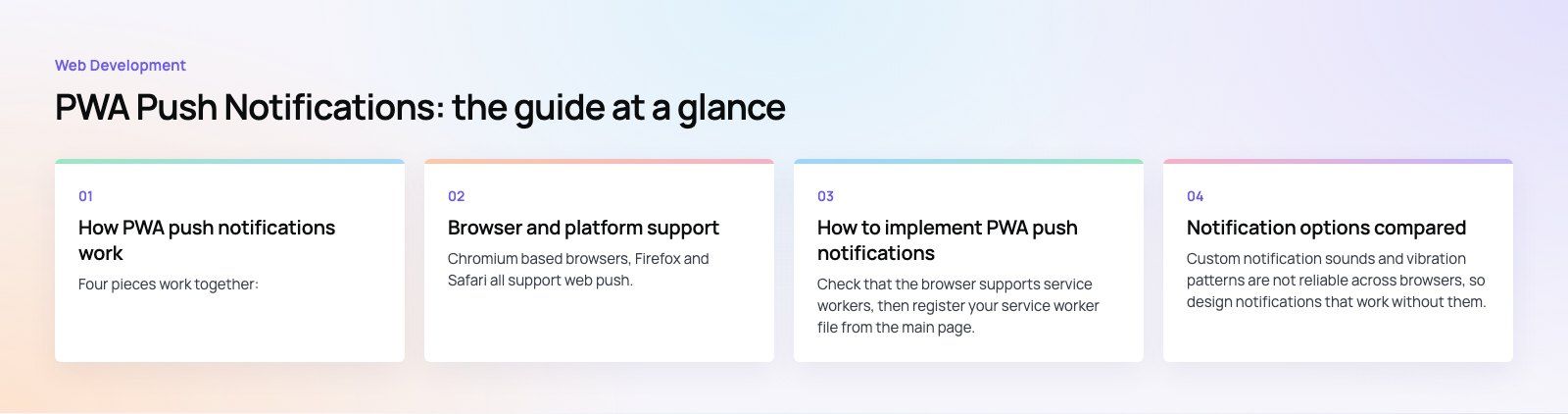
Notification options compared
| Option | What it does | Support notes |
|---|---|---|
| title and body | The main text of the notification | Supported everywhere |
| icon and badge | Your logo and a small monochrome status bar icon | Widely supported, badge mainly on Android |
| image | A large picture inside the notification | Mainly Chromium browsers on Android and desktop |
| actions | Buttons such as "View order" or "Snooze" | Chromium browsers, limited elsewhere |
| tag and renotify | Replace an older notification instead of stacking a new one | Broadly supported |
| data | Hidden values such as the URL to open on click | Supported everywhere |
Custom notification sounds and vibration patterns are not reliable across browsers, so design notifications that work without them. Test on each platform your users actually use.
How to make push notifications worth receiving
Personalize the content
Use what the user has told you or done in the app: their name, the item they saved, the order they placed, the city they follow. A generic "Check out our new offers" is the fastest route to being muted.
Let users choose topics
Offer a simple preference screen: order updates, price drops, new content, reminders. Users who choose what they get are far less likely to revoke permission entirely.
Use action buttons with care
One or two clear actions save the user a step. Too many make the notification harder to read, and some platforms will not show them at all.
Get timing and frequency right
Respect time zones and quiet hours, cap how many messages a user receives per week, and send transactional updates immediately while holding promotional ones for sensible times.
Measure and test
Track delivery, click through, conversions and permission revocations. A/B test titles, timing and content on small groups before sending to everyone.
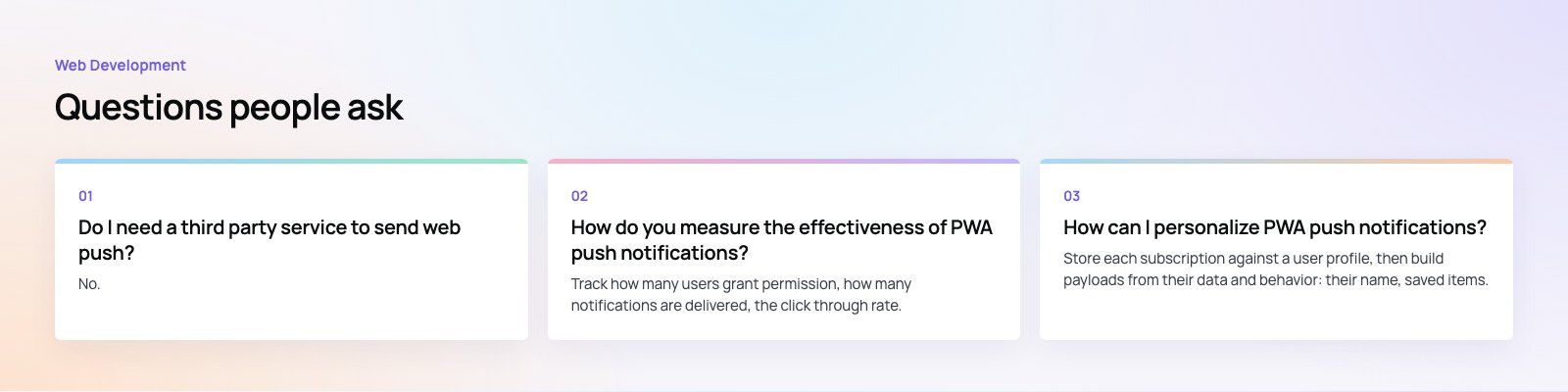
Business benefits of push in a PWA
- Bring users back without an app store download.
- Send transactional updates such as order status, bookings and reminders the moment they happen.
- Recover abandoned carts or unfinished sign ups with a timely nudge.
- Share relevant offers with users who opted in to hear about them.
- Keep one codebase for web and installed experiences.
Common mistakes to avoid
- Asking for permission on the first page load before the user knows what you offer.
- Regenerating VAPID keys and breaking every stored subscription.
- Ignoring iOS home screen requirements, so a large share of users never subscribe.
- Never removing expired subscriptions, which inflates your audience numbers.
- Sending the same promotional message to everyone at the same hour.
Codeeo has delivered 200+ projects across the UAE and the US, including web apps and mobile apps that rely on timely notifications. If you are planning a PWA or adding push to an existing site, see our web development services, our mobile app development work, or start with a product scoping session. For performance checks on an existing PWA, our Core Web Vitals service is a good starting point.
Frequently asked questions
Yes, from iOS and iPadOS 16.4 onward, but only for web apps that the user has added to their home screen.
A site opened in a normal Safari tab cannot ask for push permission on iPhone. Your onboarding should explain how to add the app to the home screen and then request permission from inside the installed app after a clear user action.
Web DevelopmentWordPress VIP or Self Hosted Enterprise WordPress in the UAEWordPress VIP or self hosted enterprise WordPress in the UAE: compare data residency, hosting SLA, cost drivers and code review rules, plus key setup notes. Web DevelopmentWhat a WordPress Maintenance SLA Should CoverWhat WordPress maintenance services should cover in writing: core and plugin updates, security, backups, multilingual publishing support and response times.
 Web DevelopmentWordPress Release Management: Staging, QA and RollbackA WordPress deployment workflow that releases safely: Git based builds, a staging site that mirrors live, smoke tests to run and a rollback plan written first.
Tell us what the business needs. We will tell you what to build first.
Schedule a free consultation and get a written recommendation, with costs, before you commit to anything.
Get in touchPROVEN RESULTS
4.7 / 5verified reviews on Google