 App DevelopmentProtecting Your Website Content From Copying and ScrapingHow to protect website content from copying and scraping: AI crawler rules in robots.txt, scraper controls, DMCA takedowns and UAE copyright basics explained.
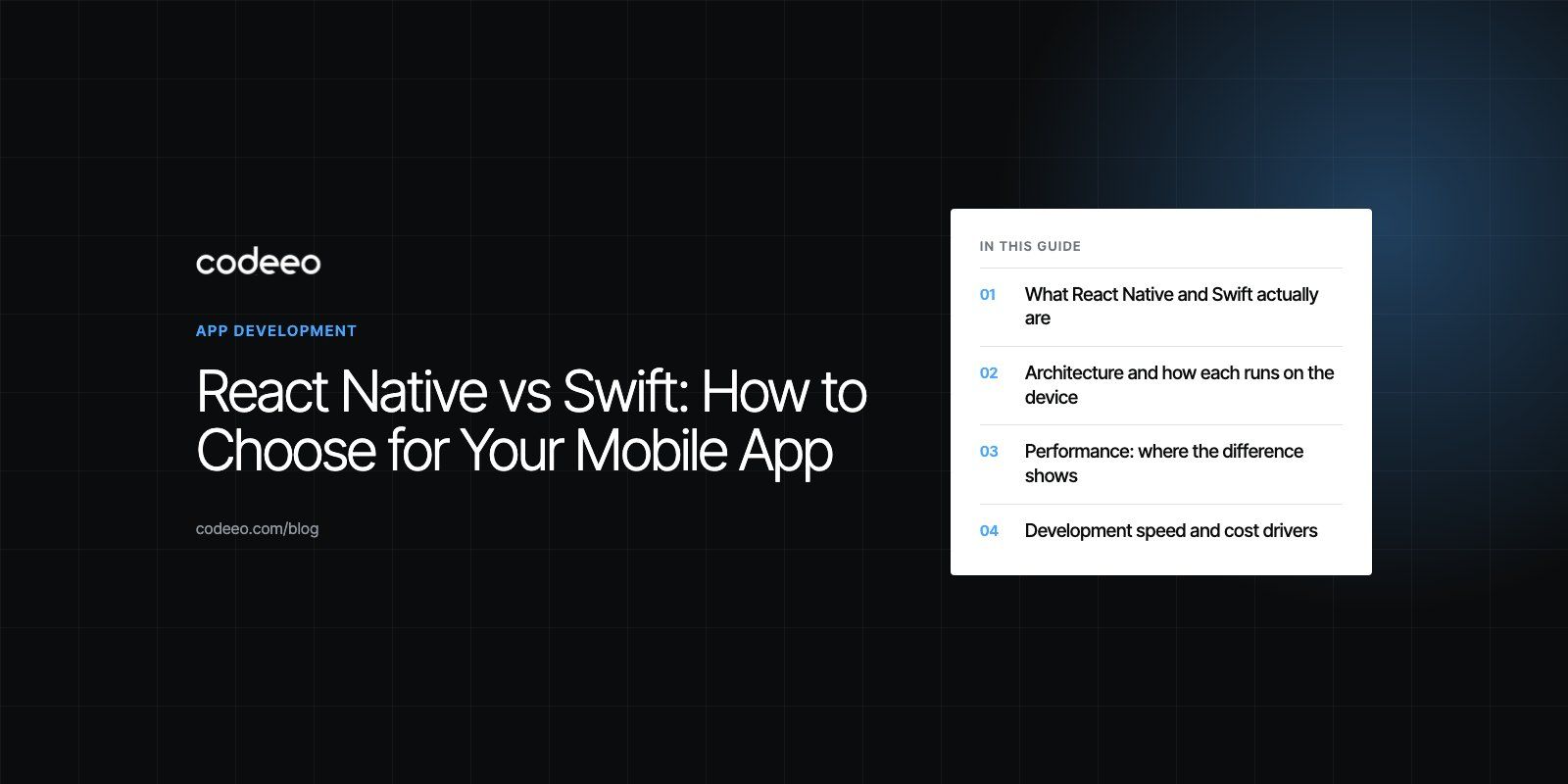
React Native vs Swift: How to Choose for Your Mobile App
React Native vs Swift compared on performance, speed, hiring and maintenance, with a clear way to choose the right option for your mobile app.
Choose React Native when you need one app on both iOS and Android, your team already knows JavaScript or TypeScript, and the product is mostly screens, forms, lists and API calls. Choose Swift when the app is iOS only, or when it depends on heavy graphics, low latency audio, deep Apple hardware features or the newest Apple APIs on day one. Neither is better in general; the right pick follows from your platforms, your team and the hardest feature on your roadmap.
This guide compares the two on architecture, performance, development speed, hiring and long term maintenance, then gives a simple way to decide for your own project.
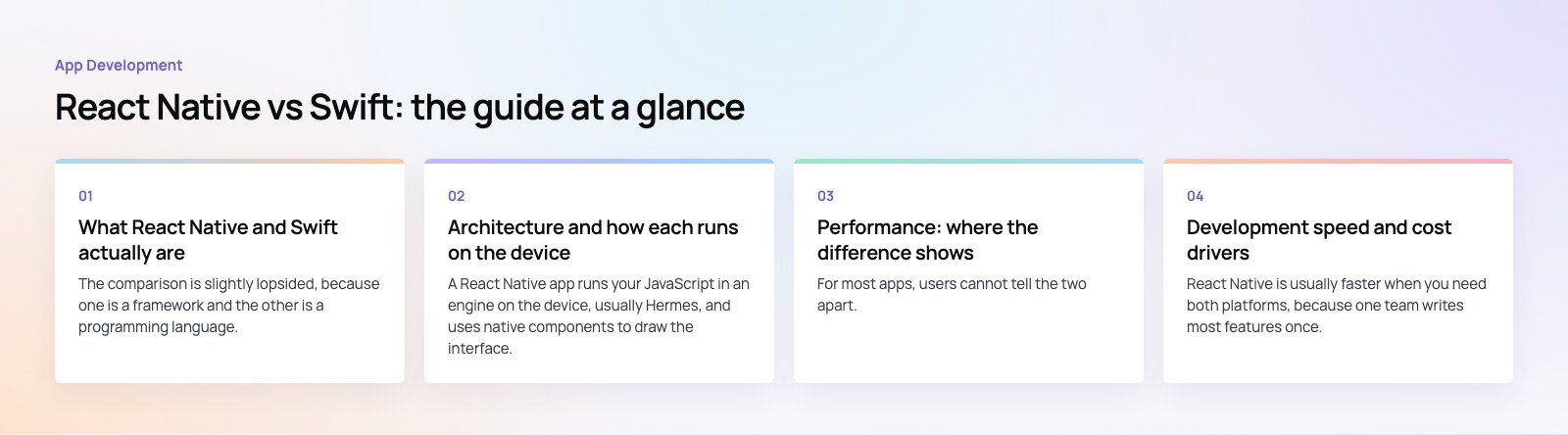
What React Native and Swift actually are
The comparison is slightly lopsided, because one is a framework and the other is a programming language. Understanding that difference clears up most of the confusion in this debate.
React Native
React Native is an open source framework from Meta for building mobile apps with React and JavaScript or TypeScript. You write components once, and React Native renders them as real native views on iOS and Android rather than inside a web page. Most of the codebase is shared across both platforms, with platform specific code added where the two operating systems differ.
The framework has changed a lot since its early years. Its New Architecture is now enabled by default in new projects. It replaces the old asynchronous bridge with JSI, an interface that lets JavaScript call native code directly without serializing every message. That removed one of the most common performance complaints about older React Native apps. The project is also published under the MIT license, so the licensing concerns raised about it years ago no longer apply.
Swift
Swift is Apple's programming language for iOS, iPadOS, macOS, watchOS, tvOS and visionOS. Native iOS apps are written in Swift using Apple's frameworks, either UIKit, the older imperative UI toolkit, or SwiftUI, Apple's declarative UI framework. Swift is open source and also runs on servers and Linux, but for mobile work it means building for Apple devices only.
A Swift app has no translation layer between your code and the operating system. Every Apple API is available the moment Apple ships it, and Xcode gives you Apple's own profiling, debugging and interface tools.
React Native vs Swift at a glance
| Factor | React Native | Swift |
|---|---|---|
| What it is | Cross platform framework | Programming language for Apple platforms |
| Language | JavaScript or TypeScript | Swift |
| Platforms | iOS and Android from one codebase | Apple platforms only |
| UI | Native views driven by React components | Native views via SwiftUI or UIKit |
| Performance | Strong for typical business apps | Best possible on iOS |
| Access to new Apple APIs | Often needs a native module | Immediate |
| Hiring pool | Large, overlaps with web developers | Smaller, specialist iOS developers |
| Updates | JavaScript updates can ship over the air within store rules | Every change goes through App Store review |
| Best fit | Two platforms, content and workflow apps | iOS only, graphics or hardware heavy apps |
Architecture and how each runs on the device
A React Native app runs your JavaScript in an engine on the device, usually Hermes, and uses native components to draw the interface. Your business logic lives in JavaScript, while anything the framework does not cover, such as a specialist SDK or a hardware feature, is written as a native module in Swift or Kotlin and exposed to JavaScript.
A Swift app compiles to machine code and talks to iOS directly. Teams usually structure it with patterns such as MVVM, or a similar layered approach, and Xcode templates give a clean starting point. There is no second runtime and no second language in the stack.
In practice, this means a React Native project still needs some native knowledge. Most production React Native apps contain at least a little Swift and Kotlin for push notifications, payments, deep links or device features. Plan for that rather than assuming the JavaScript layer covers everything.
Performance: where the difference shows
For most apps, users cannot tell the two apart. Lists, forms, maps, chat, booking flows and dashboards all run smoothly in modern React Native, especially with the New Architecture and the Hermes engine.
The gap appears in a narrower set of cases:
- Heavy graphics and games: custom rendering, complex animations at high frame rates and 3D work favor native Swift with Metal or SpriteKit.
- Real time media: low latency audio, video processing and camera pipelines are easier to tune natively.
- Large on device computation: image processing, on device machine learning and big local datasets benefit from compiled code without a JavaScript layer.
- Startup time on older devices: a native app usually starts slightly faster because there is no JavaScript bundle to load.
If none of those describe your core feature, performance should not decide the question for you. If one of them is the whole point of the product, it probably should.
Development speed and cost drivers
React Native is usually faster when you need both platforms, because one team writes most features once. Fast Refresh shows code changes in the running app within moments, and teams with React web experience become productive quickly.
Swift is often faster when you only need iOS. There is one platform to test, no cross platform abstraction to work around, and SwiftUI previews make interface work quick. Swift's strict type system and compiler also catch many mistakes before the app runs.
The main things that drive the cost and timeline of either choice are:
- How many platforms you need now and in the next two years.
- How much native functionality the app needs, such as Bluetooth, background location, HealthKit or widgets.
- Whether a web app or admin panel will share logic or developers with the mobile app.
- The skills of the team that will maintain the app after launch.
- How much custom design and animation the interface needs.
Building two separate native apps, one in Swift and one in Kotlin, gives the best platform fit but roughly doubles the feature work. That is why many companies with both iOS and Android users start with React Native and drop into native code only where it matters.
Learning curve and hiring
React Native is easier to pick up for anyone who already writes React for the web. The concepts, tooling and much of the ecosystem carry over. The harder part is the mobile specific knowledge: app store builds, signing, native modules and debugging platform differences.
Swift is a clean, modern language, but becoming a strong iOS developer also means learning Apple's frameworks, Xcode, memory management through ARC, and Apple's design and review rules. That takes time for someone new to the platform.
Hiring follows the same pattern. JavaScript and TypeScript developers are plentiful, and React Native skills often sit alongside web skills. Experienced iOS developers are a smaller, more specialized group. If you plan to grow a team, that difference matters as much as any technical factor. A dedicated development team can cover the gap if you need native and cross platform skills without hiring both in house.
Stability, updates and long term maintenance
Swift apps depend on Apple's release cycle. Each new iOS version brings new APIs and occasional deprecations, but Apple's tooling handles most of the migration work and Swift itself has been source stable for years.
React Native apps depend on the framework, on Apple and Google, and on every third party library in the project. Upgrading React Native versions takes planned effort, and abandoned libraries are a real risk. One issue we often see in older React Native apps is a long list of unmaintained packages that block upgrades. Keeping dependencies lean and upgrading regularly avoids most of that pain.
React Native has one maintenance advantage: JavaScript and asset changes can be delivered over the air through services such as Expo's update service, within Apple and Google's store rules. Bug fixes can reach users without waiting for a full store review, though native code changes still need a new build.
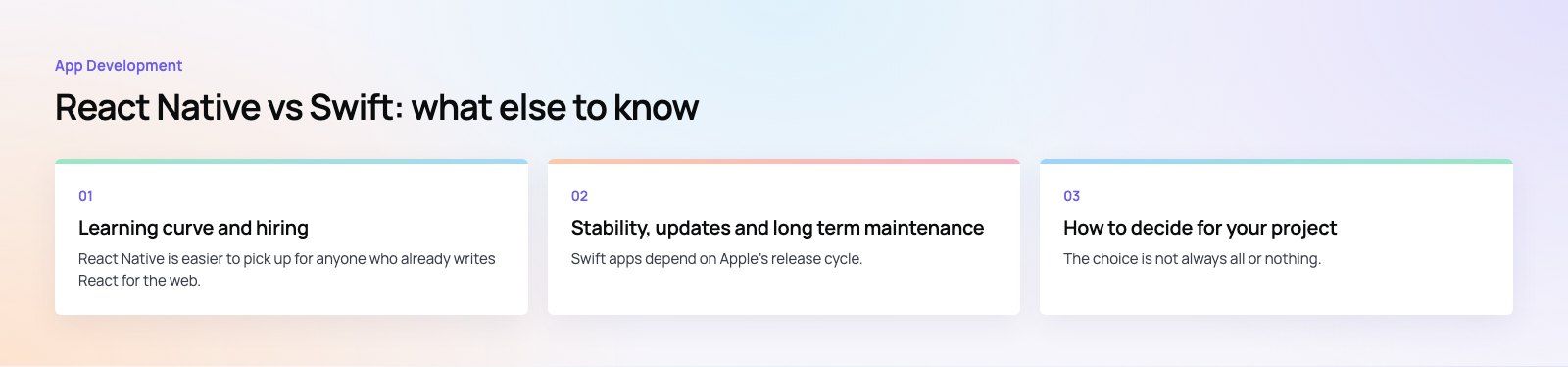
How to decide for your project
Choose React Native if
- You need iOS and Android at launch or soon after.
- The app is mainly content, commerce, booking, social or workflow screens.
- Your team, or your web team, already works in React and TypeScript.
- You want to share code or developers with a web product.
- Shipping quickly to both stores matters more than squeezing out the last bit of performance.
Choose Swift if
- Your audience is on iPhone and iPad only, or iOS is clearly the priority.
- The core feature depends on graphics, media, sensors or on device processing.
- You need new Apple features such as widgets, Live Activities or Vision Pro support as soon as Apple releases them.
- You already have or plan to hire experienced iOS developers.
Consider a hybrid approach
The choice is not always all or nothing. Many teams build the main app in React Native and write a few performance critical screens or modules natively. Others start native on iOS to validate the product, then add Android later with a cross platform rewrite. Mapping your hardest feature first, before choosing, is the cheapest way to avoid a costly change of direction later. A short product scoping session is a good place to do that.
Real projects show both paths. Our Ourcast Live case study covers an assistive listening product with native iOS and Android apps, where real time audio made native the sensible route. The Book My Trip travel app is the kind of booking and checkout flow where a shared codebase works well.
Common mistakes to avoid
- Deciding on language preference alone. Start from platforms, features and team, not from which language developers like.
- Assuming React Native means zero native code. Budget time for native modules and store configuration.
- Ignoring Android. An iOS only Swift app is a fine start, but know what you will do when Android users ask for the app.
- Adding too many libraries. Each dependency is something you must upgrade later.
- Skipping a review of an inherited codebase. If you are taking over an existing app, a codebase review shows whether to continue, refactor or rebuild.
Codeeo's team of 80+ across Dubai, Riyadh and Karachi has delivered 200+ projects across the UAE and the US, including native and cross platform apps. If you are weighing React Native against Swift for a real product, our mobile app development team can help you scope it, or see how our React developers work across web and mobile.
Frequently asked questions
For typical business apps such as booking, ecommerce, chat and dashboards, users rarely notice a difference.
React Native's New Architecture lets JavaScript call native code directly, which removed much of the old overhead. Swift still wins for heavy graphics, real time media, large on device computation and startup time on older devices. If one of those is your core feature, native Swift is usually the safer choice.
App DevelopmentProtecting Your Website Content From Copying and ScrapingHow to protect website content from copying and scraping: AI crawler rules in robots.txt, scraper controls, DMCA takedowns and UAE copyright basics explained. App DevelopmentWeb Application Penetration Testing: When It Is NecessaryWeb application penetration testing explained: when contracts, launches or major changes make it necessary, how it differs from scanning and how to prepare.
 App DevelopmentSteganography Explained: How Data Hiding Works and Is DetectedSteganography in cybersecurity explained: common data hiding techniques, how attackers use them, legitimate digital watermarking and how steganalysis works.
Tell us what the business needs. We will tell you what to build first.
Schedule a free consultation and get a written recommendation, with costs, before you commit to anything.
Get in touchPROVEN RESULTS
4.7 / 5verified reviews on Google