 MarketingVirtual Events and Immersive Experiences After the HypeVirtual events marketing after the metaverse hype: webinars and hybrid events that still produce leads, event lead capture steps and how to measure pipeline.
Shopify Email vs Mailchimp: Which Is Better for Your Store?
Shopify Email, now Shopify Messaging, against Mailchimp: ease of use, Shopify data, automation, segmentation, design and how pricing scales, with a clear way to choose.
For most Shopify stores starting out, Shopify Email, now called Shopify Messaging, is the better first choice: it lives inside your Shopify admin, uses your store data directly and is simple to run. Mailchimp is the better choice when you need deeper segmentation, more complex automations, detailed testing, or one marketing platform that also serves channels and systems outside Shopify. The deciding factors are how complex your marketing is and who will run it.
This comparison covers how each platform works today, where each is stronger, and how to decide for your store.
First, a name change: Shopify Email is now Shopify Messaging
Shopify has renamed its built in email app. According to the Shopify Help Center, Shopify Messaging, formerly known as Shopify Email, lets merchants create email, SMS and WhatsApp campaigns from the Shopify admin, with automations for email and SMS. It is available on the Basic, Grow, Advanced and Shopify Plus plans, and pricing is based on how many messages you send.
Many people still search for "Shopify Email", so this article uses both names. The comparison applies to the email side of Shopify Messaging, with notes on SMS and WhatsApp where they matter.
What to compare before you choose
- Setup and ease of use: how quickly can someone on your team build and send a good campaign?
- Ecommerce data: how easily can you use products, orders, carts and customer history in emails?
- Design and templates: how much control do you have over layout and branding?
- Automation: which flows can you build, and how complex can they get?
- Segmentation and testing: how precisely can you target, and can you test properly?
- Integrations: does it connect with the rest of your stack, such as a CRM, helpdesk or ads platforms?
- Cost as you grow: how does pricing change as your list and send volume increase?
Shopify Messaging (Shopify Email): strengths and limits
Strengths
Native to Shopify. Because it is built by Shopify, product details, prices, images, discount codes and customer data are available without syncing. You can drop a product into an email and it pulls the current information from your catalog.
Simple to use. The editor is drag and drop, with ready made templates styled from your store's branding. A store owner with no email marketing background can send a decent campaign quickly.
Several channels in one place. Email, SMS and WhatsApp campaigns sit in the same app, and Shopify's own automation recommendations appear alongside the campaigns you build yourself.
Pay as you send. Pricing follows message volume rather than a fixed monthly tier, which suits stores that send occasionally.
Limits
Less design control. Templates are clean but more constrained than Mailchimp's builder, so highly custom layouts are harder.
Simpler automation and segmentation. The common ecommerce flows are covered, such as welcome series, abandoned checkout and post purchase messages, but complex branching flows and detailed testing are more limited.
Shopify only. If you also sell through another platform or need email for non store activity, you will need something else alongside it.
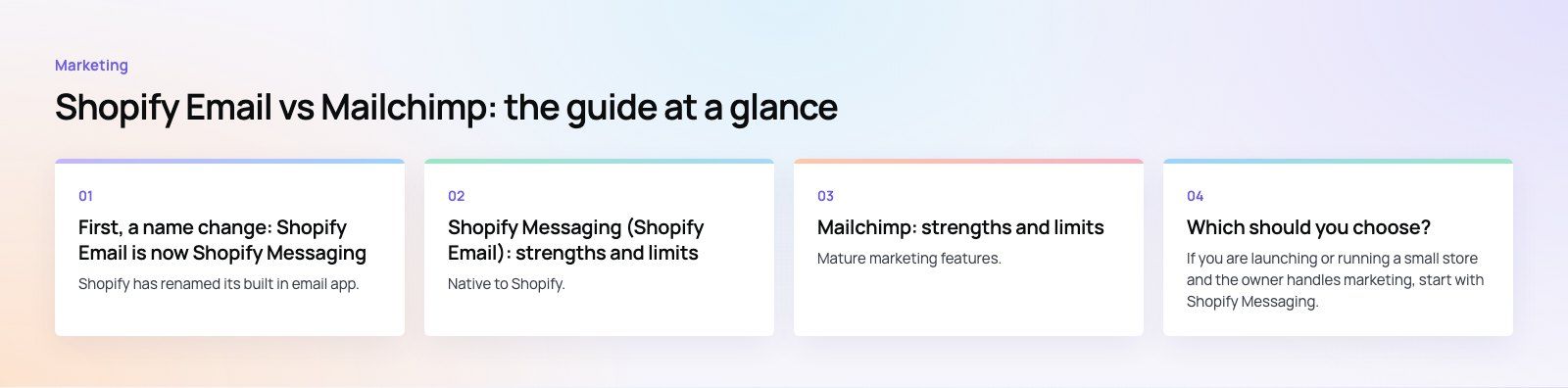
Mailchimp: strengths and limits
Strengths
Mature marketing features. Mailchimp offers advanced segmentation, a visual builder for multi step automations, A/B testing and detailed reporting, which matter once email becomes a major revenue channel.
Wide integration options. It connects with CRMs, analytics tools, form builders, ads platforms and many other services, so it can act as a marketing hub across more than your store.
Flexible design. A larger template library and a more flexible editor make it easier to produce highly branded emails and landing pages.
An official Shopify app. The Mailchimp app on the Shopify App Store, published by Intuit Mailchimp, syncs Shopify data into Mailchimp segments and supports abandoned cart reminders, back in stock alerts, product recommendations and unique discount codes, along with SMS and pop up forms.
Limits
Two systems to manage. Store data is synced into Mailchimp rather than living there natively. Sync usually works well, but someone has to watch for errors, duplicates and consent settings.
Steeper learning curve. The depth of features takes time to learn, and a poorly set up account can send the wrong message to the wrong segment.
Costs rise with your list. Mailchimp's plans include a free tier and paid tiers, and price is driven mainly by contact count and features, so a large list of inactive contacts can become expensive.
Side by side comparison
| Factor | Shopify Messaging (Shopify Email) | Mailchimp |
|---|---|---|
| Shopify data | Native, no sync needed | Synced through the official app |
| Ease of use | Very simple | More to learn |
| Templates and design | Branded templates, less flexibility | Large library, more control |
| Automation | Core ecommerce flows | Multi step flows with branching |
| Segmentation and testing | Good basics | Advanced segmentation and A/B testing |
| Channels | Email, SMS and WhatsApp | Email, SMS and forms |
| Integrations | Shopify ecosystem | Broad range of business and marketing tools |
| Pricing model | Based on messages sent | Based on contacts and plan tier |
| Best for | New and growing Shopify stores | Established brands with complex marketing |
Which should you choose?
New stores and small teams
If you are launching or running a small store and the owner handles marketing, start with Shopify Messaging. It removes setup work, keeps data in one place and covers the flows that make the most difference early on: a welcome series, abandoned checkout reminders and post purchase follow ups. You can send occasional campaigns without paying for a monthly tier you do not fully use.
Established and high volume stores
Once email drives a meaningful share of revenue, the limits start to show. You may want to segment by predicted spend, run multi branch automations, test subject lines and content properly, or feed email data into a CRM. Mailchimp handles this well, and its integrations make it easier to connect email with the rest of your marketing. Plan the move carefully: migrate contacts with their consent status, rebuild automations deliberately, and run both briefly while you check that sync is working.
Stores with more than one sales channel
If you also sell through a marketplace, a second storefront or offline channels, a platform that sits outside Shopify is usually the better hub. Connecting it to a CRM keeps customer history in one place; our CRM migration service covers that kind of consolidation.
Mistakes to avoid whichever you pick
- Importing contacts without consent. Only email people who opted in, and keep consent records with each contact.
- Skipping domain authentication. Set up SPF, DKIM and DMARC for your sending domain so messages reach the inbox.
- Sending only promotions. Mix offers with useful content such as care guides, restock news and order updates.
- Never cleaning the list. Remove or suppress contacts who have not engaged in a long time; they hurt deliverability and add cost.
- Running two tools with overlapping automations. If you switch, turn off the old flows so customers do not get duplicate messages.
A quick platform fit review can help if you are unsure which tools suit your stack. The EGO Sustainable case study shows a bilingual Shopify store selling across five GCC markets, the kind of setup where marketing tools need to handle more than one audience.
If you want your store and its marketing tools working together properly, our Shopify developers handle setup and integrations, and our digital marketing team can plan and run the campaigns.
Frequently asked questions
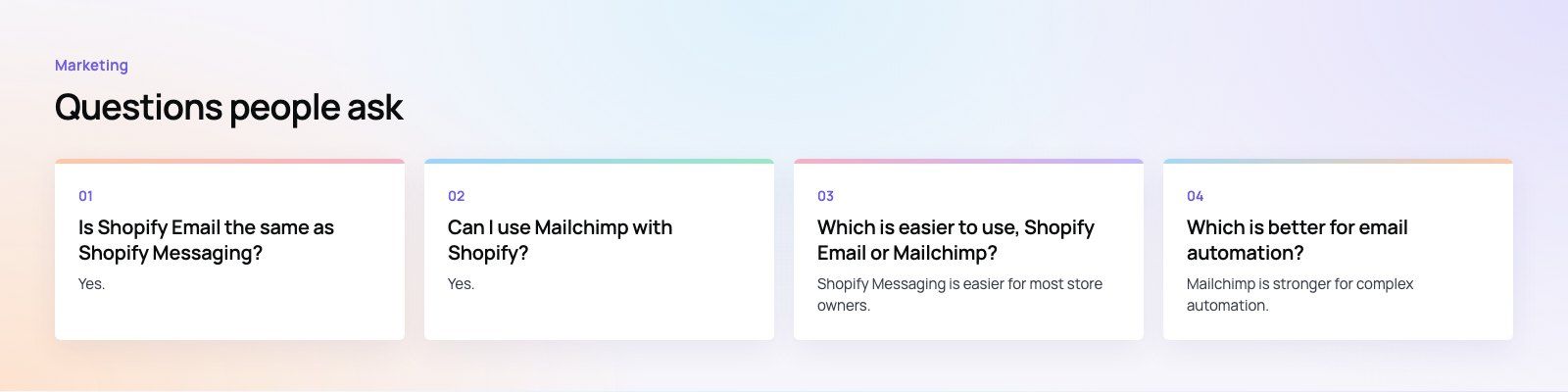
Yes.
Shopify renamed its built in email app to Shopify Messaging. It still handles email campaigns and automations, and it now also covers SMS and WhatsApp marketing from the Shopify admin. Pricing is based on how many messages you send. Many guides and merchants still call it Shopify Email, so you will see both names used.
MarketingVirtual Events and Immersive Experiences After the HypeVirtual events marketing after the metaverse hype: webinars and hybrid events that still produce leads, event lead capture steps and how to measure pipeline. MarketingWhat Happened to Metaverse Marketing and What Replaced ItMetaverse marketing after the hype: what faded, what lasted such as AR try on and gaming platform partnerships, and how UAE brands can judge immersive ideas.
 MarketingAudio and Spotify Ads: When Audio Belongs in the Media MixSpotify advertising for UAE brands: when audio suits your media mix, what drives Spotify ads cost, how to write audio creative and how to measure the real lift.
Tell us what the business needs. We will tell you what to build first.
Schedule a free consultation and get a written recommendation, with costs, before you commit to anything.
Get in touchPROVEN RESULTS
4.7 / 5verified reviews on Google