 E-CommerceGenerative AI in Online Retail: Uses That Pay BackGenerative AI ecommerce uses ranked by payback and risk: product descriptions, AI search and support assistants, plus Arabic quality checks for UAE stores.
Shopify ERP Integration: How to Connect Your Store and Back Office
What Shopify ERP integration does, the signs you need it, connector vs middleware vs custom options, how to choose an ERP and a step by step rollout plan.
Shopify ERP integration connects your Shopify store to an enterprise resource planning system so orders, inventory, products, customers and financial data stay in sync without manual entry. Orders placed on Shopify flow into the ERP for fulfilment and accounting, while stock levels and prices flow back to the store. It is worth doing once spreadsheets, double entry and overselling start costing you time and customers.
This guide explains what the integration does, the signs you need one, the ways to build it, how to choose an ERP, and the step by step process for a clean rollout.
Why growing Shopify stores hit a wall
Shopify is excellent at selling. It is not designed to be the whole business. As a store grows, other systems appear around it: accounting software, a warehouse, a purchasing process, perhaps a second sales channel or a retail shop. Each holds part of the truth.
The symptoms are familiar. Someone exports orders every morning and retypes them. Stock counts disagree between the warehouse and the website, so popular items oversell. Finance waits days for sales figures to reconcile. Customer service cannot see whether an order has left the building. Each problem is small, but together they cap how fast the business can grow.
An ERP brings purchasing, inventory, fulfilment, finance and often customer data into one system. Integrating it with Shopify means the store and the back office finally work from the same records.
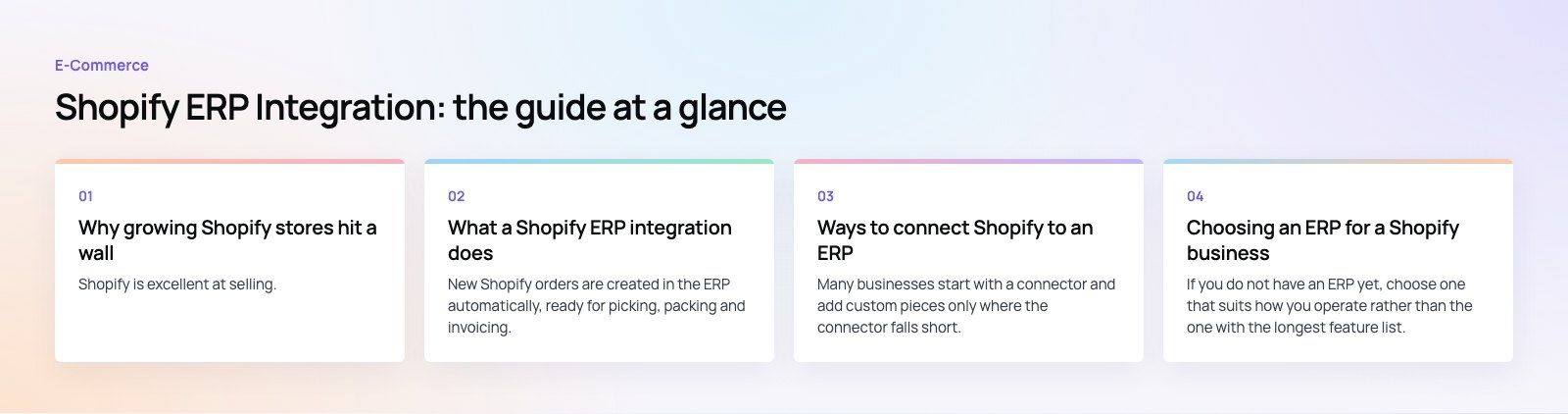
What a Shopify ERP integration does
Order flow
New Shopify orders are created in the ERP automatically, ready for picking, packing and invoicing. When the ERP marks an order fulfilled, the tracking details go back to Shopify and the customer is notified.
Inventory sync
The ERP usually holds the master stock figure across all warehouses. Available quantities are pushed to Shopify, ideally by location, so the website never sells stock you do not have.
Product and price data
Many businesses keep item codes, costs and prices in the ERP and publish them to Shopify. Marketing content such as descriptions and images often stays in Shopify. The integration needs clear rules on which fields each system owns.
Customers
Customer records, especially for trade or wholesale accounts, can be shared so the ERP knows who bought what and Shopify can show the right price lists or payment terms.
Finance
Payments, refunds, taxes, discounts and payout fees post to the ledger, which shortens month end and makes margins visible by product and channel.
The benefits in practice
- Less manual work. No more exporting, retyping and reconciling orders.
- Fewer errors. Data entered once is not mistyped a second time.
- Accurate stock. Fewer oversells and cancelled orders, and better buying decisions.
- Faster fulfilment. Orders reach the warehouse as soon as they are paid.
- Clearer finances. Sales, costs and fees in one ledger, available sooner.
- Room to grow. Adding a warehouse, a marketplace or a wholesale channel becomes a configuration task rather than a new spreadsheet.
Ways to connect Shopify to an ERP
| Approach | How it works | Good fit | Trade offs |
|---|---|---|---|
| Native or vendor connector | A connector built by the ERP vendor or Shopify app developer | Standard processes on a popular ERP | Limited room for unusual rules |
| Integration platform (iPaaS) | A middleware service with prebuilt Shopify and ERP connectors and a visual mapping tool | Several systems to connect, moderate customization | Ongoing subscription; still needs someone who understands both systems |
| Custom integration | Code built on the Shopify Admin API and the ERP's API, often with a queue in between | Unusual processes, regional ERPs, high volume | Higher upfront effort and ongoing maintenance |
Many businesses start with a connector and add custom pieces only where the connector falls short. That keeps the custom code small and the maintenance manageable.
Choosing an ERP for a Shopify business
If you do not have an ERP yet, choose one that suits how you operate rather than the one with the longest feature list. Common choices for Shopify merchants include Oracle NetSuite, Microsoft Dynamics 365 Business Central, Odoo, SAP Business One and Acumatica. Each has a different strength, and the right choice depends on your size, industry and existing tools.
What to compare
- Integration options. Is there a maintained Shopify connector? Oracle, for example, documents a NetSuite Connector for Shopify. Does the ERP have a well documented API for anything the connector misses?
- Inventory depth. Multiple locations, batches, serial numbers, kits and bundles if you need them.
- Finance and tax. Multi currency, multi entity and local tax requirements such as VAT.
- Scalability. Can it handle the order volume and catalog size you expect in three years?
- Usability. Will your team actually use it? Adoption matters more than features.
- Total cost of ownership. Licences, implementation, connectors, support and future changes, not just the first year.
- Local partner support. Someone who can help when month end breaks.
How to integrate Shopify with your ERP, step by step
1. Map your current processes
Document how an order moves today from checkout to delivery and invoice, including the exceptions: returns, exchanges, partial shipments, pre orders, bundles, gift cards and B2B orders. Integrations usually fail on exceptions, not on the normal path.
2. Decide the source of truth for each record
For every data type, name the owning system and the direction of sync. A common pattern: the ERP owns stock, costs and item codes; Shopify owns product content and the order at the moment it is placed; customers are shared with clear rules.
3. Choose the integration approach
Compare the connector, middleware and custom options against your process map. Check how each handles your exceptions and how errors are surfaced.
4. Map the data fields
Match SKUs, variants, locations, tax codes, payment methods, shipping methods and customer groups between the two systems. Clean up duplicates and inconsistent SKUs first. Bad data synced quickly is still bad data.
5. Set sync rules and timing
Decide what happens in real time (new orders, stock changes) and what can run in batches (product updates, financial summaries). Define what happens when a sync fails and who is alerted.
6. Test on a copy
Use a Shopify development store and an ERP sandbox. Run real scenarios, including a busy sale day, refunds and cancellations, and check that the numbers reconcile in finance.
7. Train the team and go live
Train staff on the new process before launch. Go live at a quiet time, run old and new checks in parallel for a short period, and watch the error log daily.
8. Monitor and improve
Review sync errors, reconciliation reports and team feedback regularly. Shopify and ERP vendors both update their APIs, so plan for maintenance from the start.
Common challenges
- Messy product data. Inconsistent SKUs and variants cause mismatches. Clean the catalog before integrating.
- Unclear ownership. When both systems edit the same field, they overwrite each other.
- Edge cases. Bundles, partial refunds and multi location fulfilment need specific design.
- Volume spikes. Sale days stress integrations; queues and retry logic prevent lost orders.
- Change management. Teams used to spreadsheets need training and a reason to trust the new process.
What drives the cost
The investment depends less on the platforms and more on your processes. The main drivers are the ERP chosen and its licensing, whether a maintained connector exists, the number of data types and channels involved, how many exceptions need custom logic, the state of your product data, and the support you need after launch. A scoping exercise that maps your processes first gives a far more reliable estimate than any rule of thumb.
An ERP integration is one of the most valuable projects a growing store can take on when it is planned around real processes. Codeeo has delivered 200+ projects across the UAE and the US with a team of 80+ across Dubai, Riyadh and Karachi. Our Shopify developers handle the store side, and our ERP teams work with Business Central, Odoo and wider Dynamics 365 projects. See our retail and ecommerce work or talk to us about your setup.
Frequently asked questions
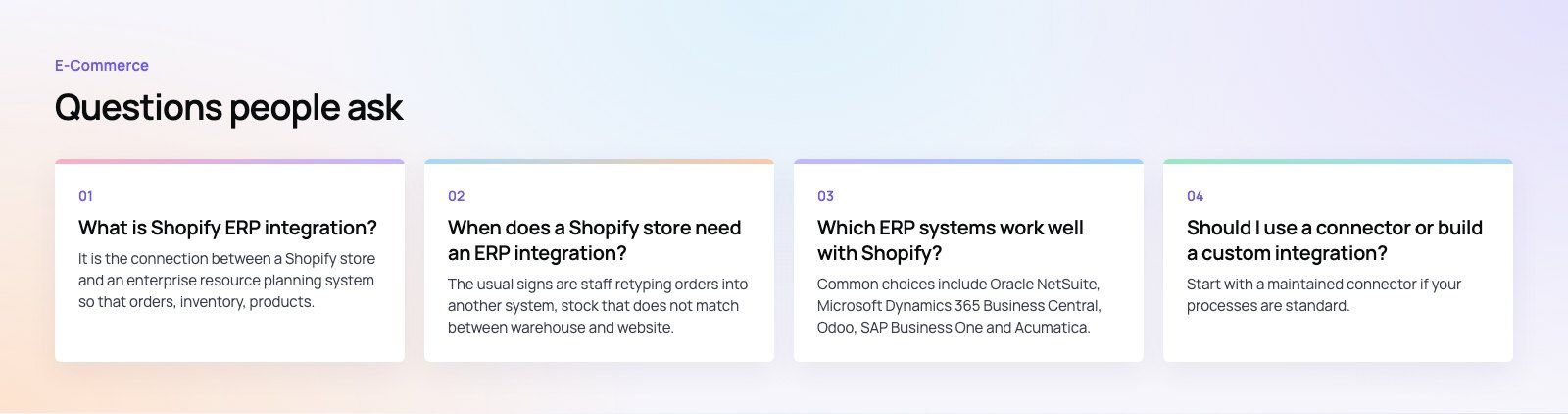
It is the connection between a Shopify store and an enterprise resource planning system so that orders, inventory, products, customers and financial data stay in sync automatically.
Orders move from Shopify to the ERP for fulfilment and accounting, and stock levels, prices and tracking details flow back to the store. It removes manual data entry and gives the whole business one set of records.
E-CommerceGenerative AI in Online Retail: Uses That Pay BackGenerative AI ecommerce uses ranked by payback and risk: product descriptions, AI search and support assistants, plus Arabic quality checks for UAE stores. E-CommerceConnecting WooCommerce to ERP, CRM and Shipping Without DuplicatesPlan a WooCommerce ERP integration that avoids duplicates: data ownership rules, idempotent order sync, CRM matching and UAE shipping, with Odoo and Dynamics.
 E-CommerceEnterprise Ecommerce Platform Selection: Requirements Before DemosChoose an enterprise ecommerce platform by setting integration, multi entity, data residency and order management requirements before any vendor demo starts.
Tell us what the business needs. We will tell you what to build first.
Schedule a free consultation and get a written recommendation, with costs, before you commit to anything.
Get in touchPROVEN RESULTS
4.7 / 5verified reviews on Google