 E-CommerceGenerative AI in Online Retail: Uses That Pay BackGenerative AI ecommerce uses ranked by payback and risk: product descriptions, AI search and support assistants, plus Arabic quality checks for UAE stores.
Shopify Xero Integration: How to Automate Your Store's Accounting
How Xero's Shopify integration works, daily summary versus per sale sync, step by step setup, payout reconciliation and the mistakes to avoid.

A Shopify Xero integration sends your store's sales, payouts, fees, refunds and taxes into Xero automatically, so your accounts stay current and bank reconciliation takes minutes instead of hours. Xero publishes its own Shopify integration, and other apps cover stores with more complex needs such as several gateways or sales channels. The setup, especially how accounts and tax rates are mapped, decides whether the result is reliable.
This guide explains what Xero does for a Shopify store, how the integration works, how to set it up step by step and where stores most often go wrong.
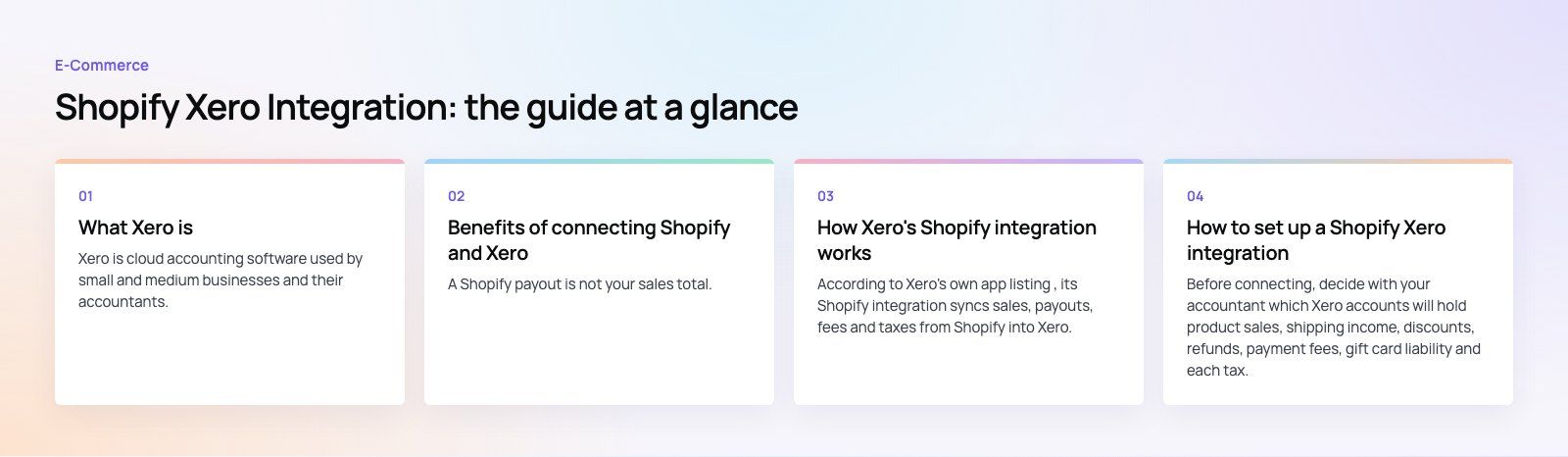
What Xero is
Xero is cloud accounting software used by small and medium businesses and their accountants. It handles invoicing, bills, bank feeds and reconciliation, sales tax or VAT, and financial reporting. A large part of its appeal is the app marketplace: Xero connects to payroll, inventory, expense and ecommerce tools, so it can sit at the center of a business's finance stack.
For a Shopify merchant, the value is simple. Shopify records what customers bought. Xero records what the business earned, what it paid in fees, what tax it owes and what reached the bank. The integration keeps both views in step.
Benefits of connecting Shopify and Xero
Payouts that match the bank
A Shopify payout is not your sales total. It is sales minus refunds and processing fees, grouped across days. Many stores record the deposit as income, which overstates revenue and hides costs. Xero's integration is designed to break each payout into sales, fees and refunds so it matches the bank feed line.
Accurate tax figures
When each Shopify tax is mapped to the correct Xero tax rate or liability account, the figures needed for sales tax or VAT returns build up automatically through the year. That removes a lot of end of period work and the risk of paying tax on deposits that were never income.
Less manual entry
No more exporting orders, copying totals and keying them into Xero. Your bookkeeper reviews and reconciles rather than retypes.
Clearer reporting
With sales, fees and refunds in the right accounts, Xero's profit and loss and cash flow reports show how the store really performs after costs. That is the view you need for pricing, stock and marketing decisions.
How Xero's Shopify integration works
According to Xero's own app listing, its Shopify integration syncs sales, payouts, fees and taxes from Shopify into Xero. The main choices you make are:
| Setting | Option | Suits |
|---|---|---|
| Sync format | Daily summary | Busier stores that want a lighter ledger and faster reconciliation |
| Sync format | Per sale transactions | Stores that need customer and product line detail in Xero |
| Tax mapping | Shopify taxes to Xero tax rates or liability accounts | Every store, set up with your accountant |
| Channels | Online store and Shopify POS | Merchants who sell in person as well as online |
The listing also says the integration can bring in a limited window of historical data when you first connect. If you need more history, or your store uses several gateways, currencies or marketplaces, compare it with dedicated reconciliation apps in the Xero and Shopify app stores before deciding.
How to set up a Shopify Xero integration
Step 1: Agree your accounts
Before connecting, decide with your accountant which Xero accounts will hold product sales, shipping income, discounts, refunds, payment fees, gift card liability and each tax. Create them first so the integration has somewhere sensible to post.
Step 2: Install and connect
- Find the integration in the Xero App Store or the Shopify App Store.
- Review its features, requirements and support options.
- Install it and authorize access to both your Shopify store and your Xero organization.
- Confirm you have connected the right store and the right Xero organization, which matters if you manage several.
Step 3: Map data and choose the sync format
Map sales, shipping, discounts, refunds, fees and taxes to the accounts you prepared. Choose daily summaries or per sale transactions. Set a start date that does not overlap with anything already entered by hand.
Step 4: Set up clearing accounts
Payouts are easiest to reconcile through a clearing account. Sales and fees post to it as they happen, and the payout moves the balance to your bank account. Each gateway, such as PayPal or a buy now pay later provider, should have its own clearing account.
Step 5: Test
Run a few test orders with a discount, a refund and shipping. Wait for a payout and reconcile it against the bank feed. Check tax totals against Shopify's reports.
Step 6: Monitor
Review the sync each week and reconcile monthly. Integrations can stop quietly when a connection expires or a new payment method is added, and a gap caught early is easy to fill.
Common mistakes
- Recording bank deposits as revenue. This hides fees and refunds and distorts tax.
- Running two sync tools at once. Duplicate invoices are slow to find and remove.
- Forgetting other gateways. Shopify Payments is only one source of payouts.
- Wrong tax mapping. A single wrong rate repeats on every order until someone notices.
- Importing old orders over manual entries. Pick a clean cut over date.
When you need more than an app
Most single stores are well served by an off the shelf integration. Consider a custom approach when:
- Several Shopify stores or brands report into one or more Xero organizations
- Stock and purchasing run through a separate inventory or ERP system
- You sell wholesale on payment terms alongside retail
- You need combined reporting across store, marketing and finance data
At that point the integration is part of how the business runs, and it is worth designing the data flow properly rather than layering apps. Our custom software team builds integrations between stores and finance systems, and our Shopify developers handle the store side. If you are outgrowing an accounting app altogether, Odoo and Business Central combine accounting with inventory and purchasing. To talk through your setup, get in touch.
Frequently asked questions
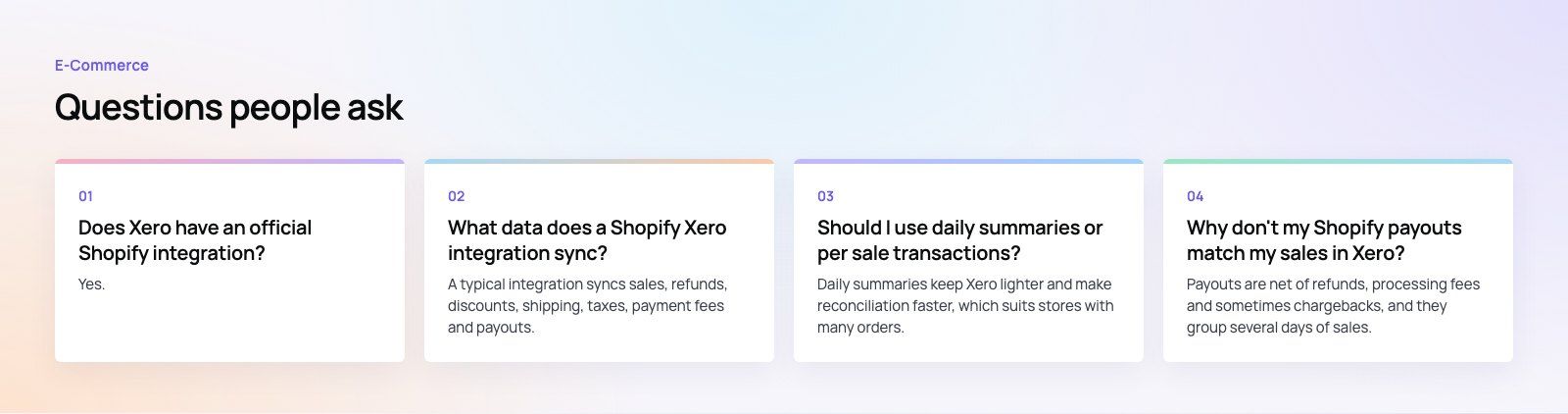
Yes.
Xero publishes a Shopify integration in its app marketplace. Its listing says it syncs sales, payouts, fees and taxes from Shopify into Xero, lets you choose daily summaries or per sale transactions, and supports Shopify POS sales as well as the online store. Check the current listing for requirements and features before connecting your store.
E-CommerceGenerative AI in Online Retail: Uses That Pay BackGenerative AI ecommerce uses ranked by payback and risk: product descriptions, AI search and support assistants, plus Arabic quality checks for UAE stores. E-CommerceConnecting WooCommerce to ERP, CRM and Shipping Without DuplicatesPlan a WooCommerce ERP integration that avoids duplicates: data ownership rules, idempotent order sync, CRM matching and UAE shipping, with Odoo and Dynamics.
 E-CommerceEnterprise Ecommerce Platform Selection: Requirements Before DemosChoose an enterprise ecommerce platform by setting integration, multi entity, data residency and order management requirements before any vendor demo starts.
Tell us what the business needs. We will tell you what to build first.
Schedule a free consultation and get a written recommendation, with costs, before you commit to anything.
Get in touchPROVEN RESULTS
4.7 / 5verified reviews on Google