 E-CommerceGenerative AI in Online Retail: Uses That Pay BackGenerative AI ecommerce uses ranked by payback and risk: product descriptions, AI search and support assistants, plus Arabic quality checks for UAE stores.
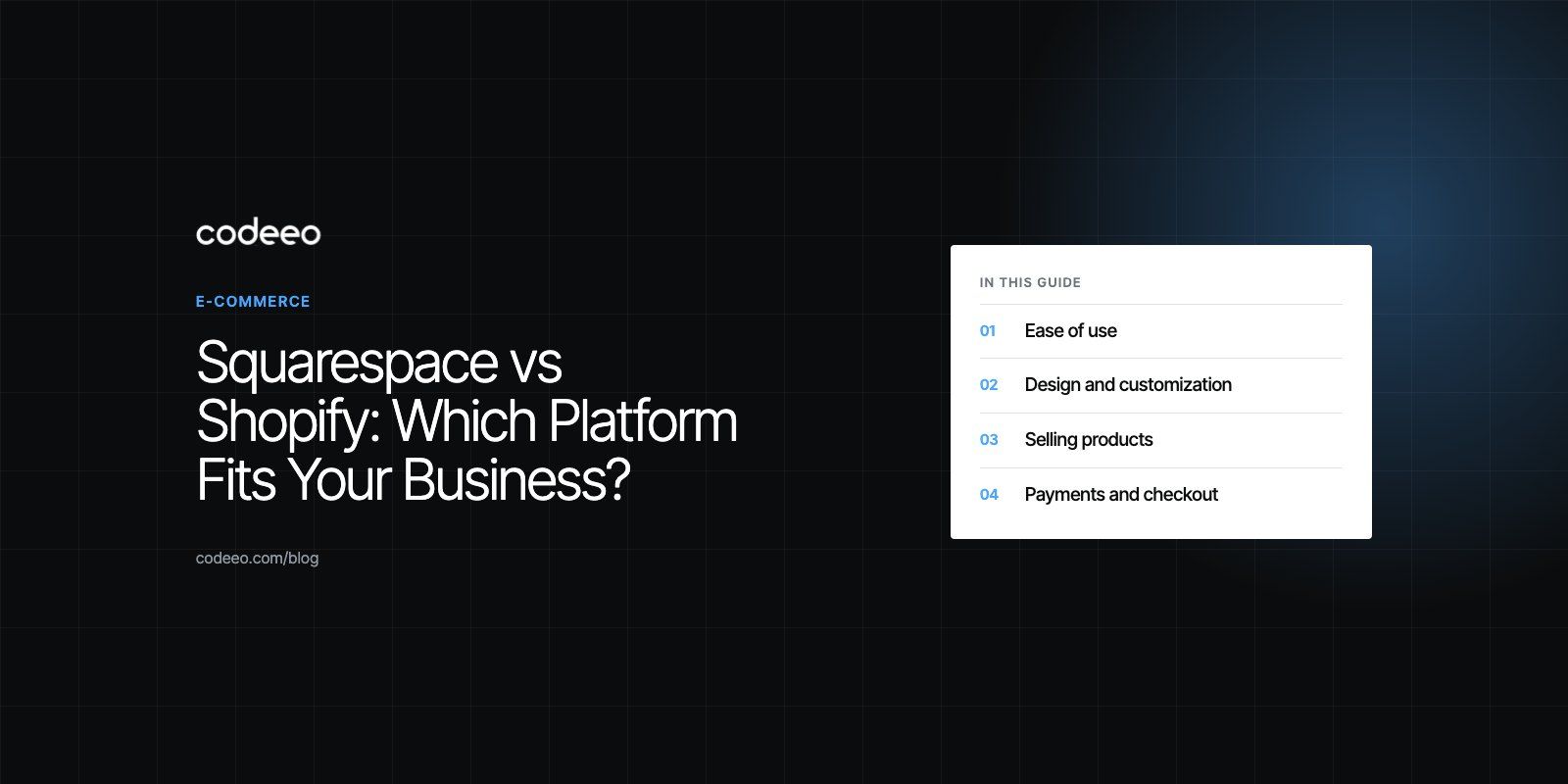
Squarespace vs Shopify: Which Platform Fits Your Business?
Squarespace vs Shopify compared on ease of use, design, product management, payments, apps and cost drivers, with a simple way to decide which fits.
Choose Squarespace if you mainly need a beautiful website and sell services, bookings or a small range of products. Choose Shopify if selling products is the core of the business, especially with a growing catalog, several sales channels or plans to scale. Squarespace is a website builder with commerce added; Shopify is a commerce platform with a website builder added, and that difference shapes everything else.
This comparison looks at ease of use, design, product management, payments, apps, services businesses, cost drivers and when to move from one to the other.
Squarespace vs Shopify at a glance
| Area | Squarespace | Shopify |
|---|---|---|
| Core focus | Website builder with commerce features | Commerce platform with website tools |
| Ease of use | Very beginner friendly, visual editing | Easy to start, more to learn as the store grows |
| Design | Polished templates, strong for visual brands | Wide theme choice, full code access for custom design |
| Catalog size | Comfortable with small to moderate catalogs | Built for large catalogs with many variants |
| Apps and extensions | Smaller set of extensions | Large App Store covering most needs |
| Selling in person | Limited | Shopify POS for retail and events |
| Services and bookings | Strong, with built in scheduling | Possible through apps |
| Best for | Creatives, consultants, service firms, small shops | Product brands, growing retailers, multi channel sellers |
Ease of use
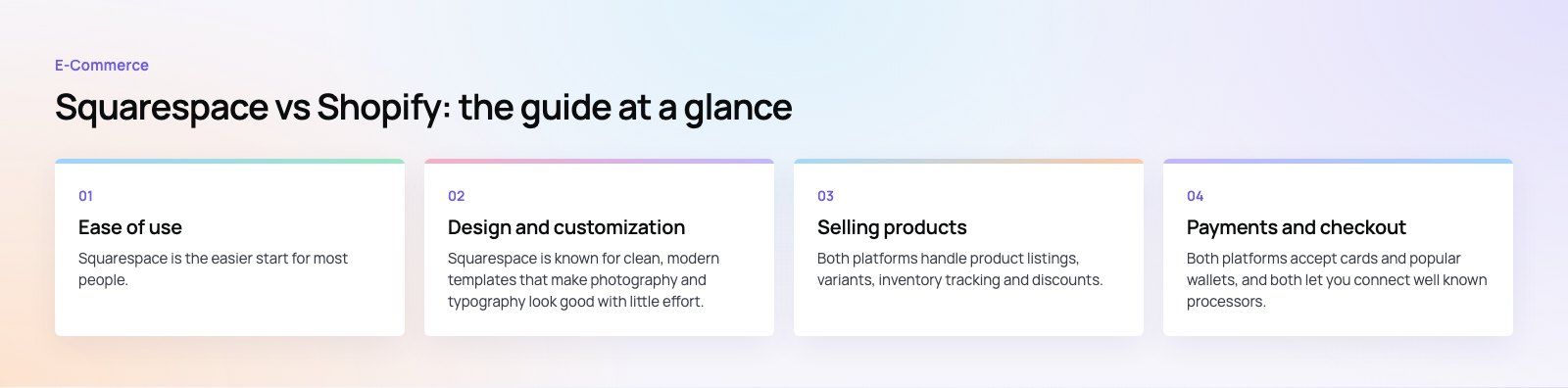
Squarespace is the easier start for most people. You pick a template, edit pages visually and publish. Navigation, blogging, forms and basic selling all live in one place, and there is little to configure. If you want a good looking site live quickly and do not want to think about apps or code, Squarespace is hard to beat.
Shopify is also easy to launch, but it is built around the store. Products, collections, inventory, shipping, taxes and payments are the center of the admin. That is exactly what product businesses need, but there are more settings to understand, and as a store grows it tends to collect apps and customizations that need managing. Many growing Shopify stores end up working with a developer for theme and app work.
Design and customization
Squarespace
Squarespace is known for clean, modern templates that make photography and typography look good with little effort. You can adjust layouts, styles and sections freely within the editor. What you cannot easily do is change how the platform fundamentally works. Custom code is possible in limited places, but the structure stays largely fixed.
Shopify
Shopify themes are built from sections and blocks you rearrange in the theme editor, and developers have full access to the theme code. That means almost any design or behavior can be built: custom product pages, bundles, size guides, bilingual layouts and more. The trade off is that deeper customization needs developer skills.
The rule of thumb: if you want a beautiful site with modest changes, Squarespace delivers. If you have a specific brand vision or unusual product requirements, Shopify gives you the control to build it.
Selling products
Catalog and variants
Both platforms handle product listings, variants, inventory tracking and discounts. Squarespace works well for a focused range. Shopify is built for larger catalogs, many variants, detailed collections and filtering, which matters as soon as customers need to narrow down hundreds of items.
Channels
Shopify connects the online store with in person selling through Shopify POS and with a wide range of sales channels and marketplaces through apps. Squarespace focuses mainly on the website itself.
Apps
Shopify's App Store covers almost every need: subscriptions, reviews, loyalty, bundles, advanced shipping, accounting and local payment options. Squarespace offers a smaller set of extensions. If you already know you need specific tools, check that they exist for your chosen platform before you commit.
Scaling
Shopify is designed to grow from a first sale to high volumes, with higher plans and Shopify Plus for larger businesses. Moving a large catalog off Squarespace later is possible but takes planning, so if fast growth is likely, starting on Shopify can save a migration.
Payments and checkout
Both platforms accept cards and popular wallets, and both let you connect well known processors. Shopify also offers its own Shopify Payments in supported countries and supports many local payment providers through apps, which matters in markets where buy now pay later or regional gateways are expected. Payment fees and transaction fees vary by plan, country and provider, so compare current terms on Shopify's pricing page and Squarespace's pricing page using your own expected sales volume.
Selling services
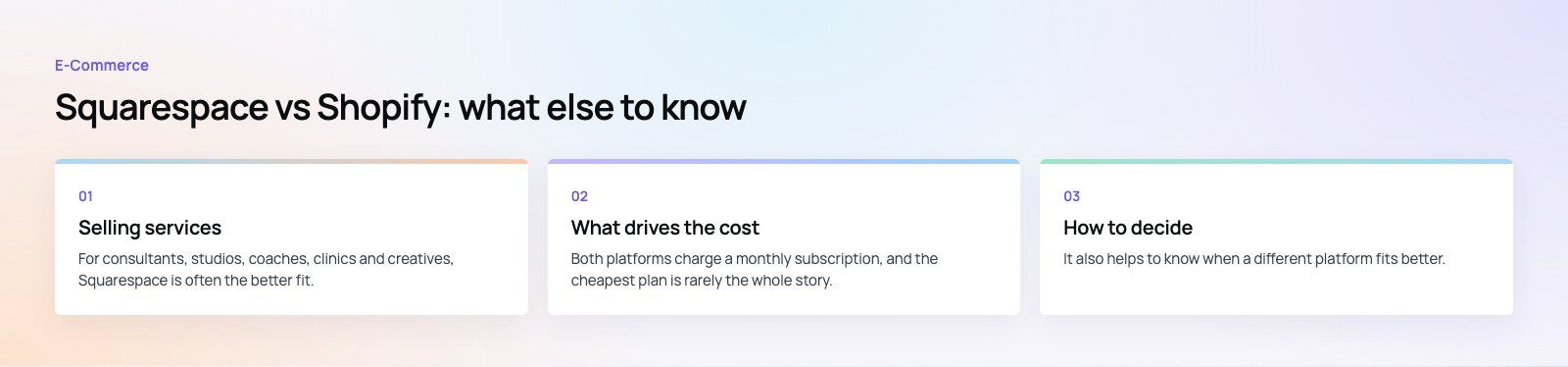
For consultants, studios, coaches, clinics and creatives, Squarespace is often the better fit. Its templates are made for portfolios and service pages, and its built in scheduling lets clients book appointments directly. You can also sell a few products, digital downloads or memberships alongside your services without adding complexity.
Shopify can sell services and bookings through apps, but you would be using a product focused platform for something it was not primarily designed for. If services are your main business and products are secondary, start with Squarespace.
What drives the cost
Both platforms charge a monthly subscription, and the cheapest plan is rarely the whole story. Total cost depends on:
- The plan you need for the features and transaction terms that suit your volume
- Payment processing fees, which grow with sales
- Paid themes and templates, if you choose one
- Apps and extensions, which on Shopify can add up as the store grows
- Design and development for custom work beyond what the editor allows
- Ongoing maintenance, content updates and marketing
Squarespace usually has a lower total cost for simple sites. Shopify can cost more in apps and development, but it removes limits that would otherwise force a rebuild as you grow.
How to decide
- What do you sell? Mostly services or a few products points to Squarespace. Mostly products points to Shopify.
- How big will the catalog get? Hundreds of products with variants favor Shopify.
- Do you sell in person or on marketplaces? Shopify connects these more easily.
- Who will run the site? A solo owner with no technical help may prefer Squarespace.
- Which tools must you have? Check that payments, shipping and apps you rely on are available in your country.
It also helps to know when a different platform fits better. Businesses already on WordPress often look at WooCommerce, and very large or complex catalogs sometimes need a custom or headless build.
Our view
There is no single best platform. Squarespace is the right call for presentation led businesses and small shops that value simplicity. Shopify is the right call for product businesses that plan to grow. If you are unsure, our platform fit review compares options against your catalog, markets and team. Our Shopify developers build and customize stores, our web development team builds service websites, and if you are moving between platforms, our site migration service protects your URLs and search rankings. See the EGO Sustainable case study for a bilingual Shopify build.
Frequently asked questions
Squarespace is generally easier for complete beginners.
Its visual editor and polished templates let you publish a good looking site quickly, with little to configure. Shopify is also easy to launch, but its admin is built around products, inventory, shipping and payments, and growing stores often add apps and customizations that take more effort to manage.
E-CommerceGenerative AI in Online Retail: Uses That Pay BackGenerative AI ecommerce uses ranked by payback and risk: product descriptions, AI search and support assistants, plus Arabic quality checks for UAE stores. E-CommerceConnecting WooCommerce to ERP, CRM and Shipping Without DuplicatesPlan a WooCommerce ERP integration that avoids duplicates: data ownership rules, idempotent order sync, CRM matching and UAE shipping, with Odoo and Dynamics.
 E-CommerceEnterprise Ecommerce Platform Selection: Requirements Before DemosChoose an enterprise ecommerce platform by setting integration, multi entity, data residency and order management requirements before any vendor demo starts.
Tell us what the business needs. We will tell you what to build first.
Schedule a free consultation and get a written recommendation, with costs, before you commit to anything.
Get in touchPROVEN RESULTS
4.7 / 5verified reviews on Google