 SEORecovering Traffic After a Failed Website MigrationSEO recovery after migration in the right order: diagnose the traffic drop, fix redirects, rebuild internal links, request reindexing, then report progress.
Technical SEO Best Practices: What Google Actually Asks For
Technical SEO best practices from Google's own guidance: crawling, indexing, Core Web Vitals, mobile first indexing, HTTPS, structured data, large and international sites.
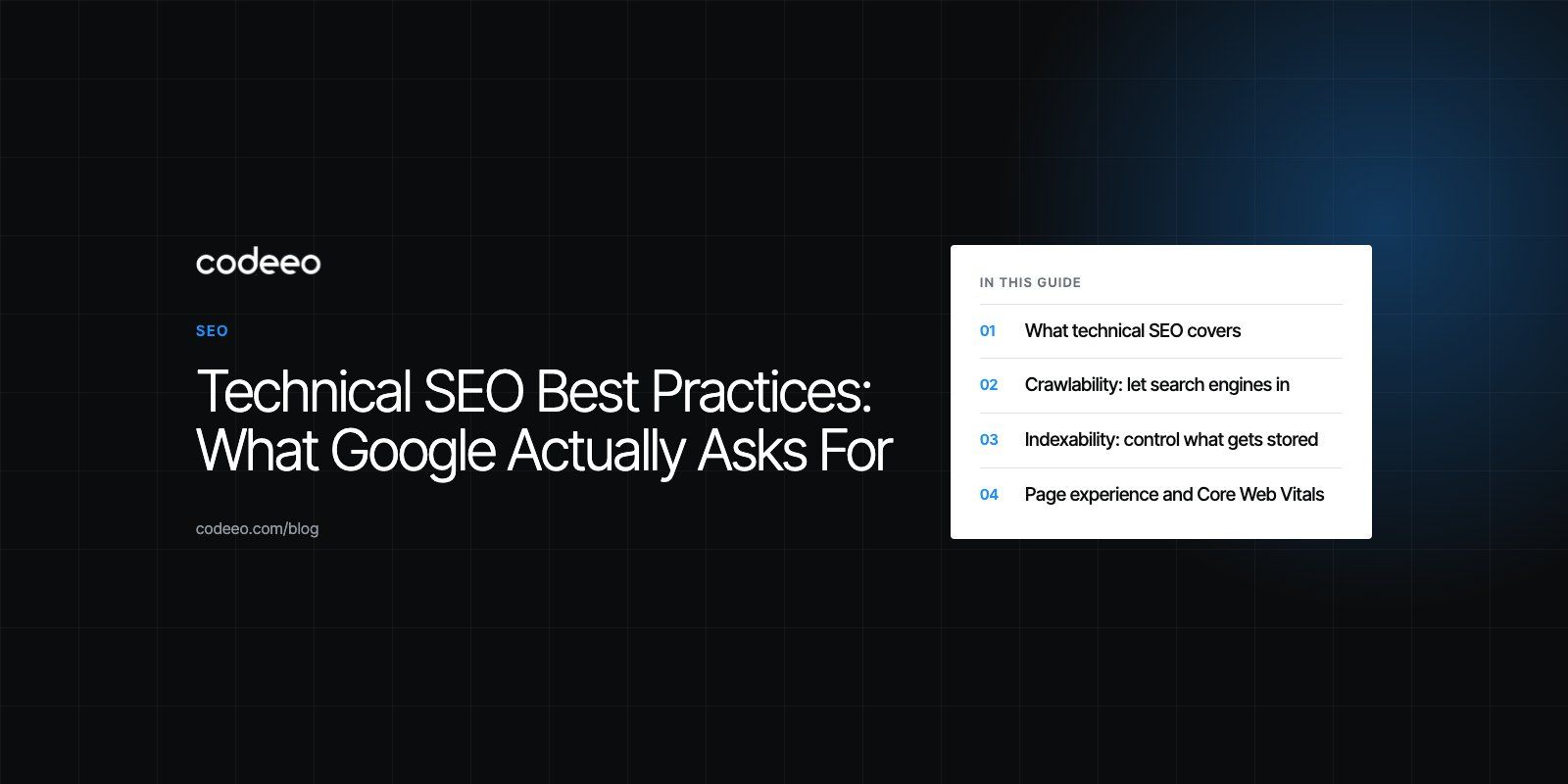
Technical SEO best practices come down to four things Google asks of every site: that it can crawl your pages, index the right versions of them, load them quickly on a phone, and understand what they are about. Get crawlability, indexing, page experience and structured data right, and your content has a fair chance to compete. Get them wrong, and even excellent content can stay invisible.
This guide explains each area as Google's own documentation describes it, then covers the extra work large, international and headless sites need.
What technical SEO covers
Technical SEO is everything about a website that affects how search engines access and process it, separate from the words on the page and the links pointing to it. It sits underneath content and off page SEO: if the foundations are weak, the rest cannot perform.
| Area | The question it answers | Main tools |
|---|---|---|
| Crawlability | Can search engine bots reach and fetch your pages? | robots.txt, internal links, XML sitemaps |
| Indexability | Are the right pages stored in the index, in the right version? | Canonical tags, noindex, status codes |
| Page experience | Do pages load fast and work well on phones? | Core Web Vitals, responsive design, HTTPS |
| Understanding | Can search engines tell what each page represents? | Structured data, clean HTML, headings |
Crawlability: let search engines in
robots.txt
The robots.txt file tells crawlers which parts of a site they may request. Use it to keep bots out of areas with no search value, such as internal search results, cart pages and admin paths. Be careful: a single wrong line can block an entire site, and blocking a page in robots.txt does not remove it from the index if other pages link to it. To keep a page out of results, allow crawling and use a noindex tag instead.
XML sitemaps
An XML sitemap lists the URLs you want indexed. Include only canonical, indexable pages that return a 200 status, keep it updated automatically when content changes, and submit it in Google Search Console. A sitemap full of redirects, errors and noindexed pages sends mixed signals.
Internal linking and site structure
Crawlers discover most pages by following links. A logical structure, with important pages reachable in a few clicks from the homepage and related pages linked to each other, helps both discovery and ranking. Pages with no internal links pointing to them, known as orphan pages, are often crawled rarely or not at all.
Indexability: control what gets stored
Many sites produce several URLs for the same content: with and without trailing slashes, with tracking parameters, with filter combinations, or in printer friendly versions. Google's guidance on consolidating duplicate URLs recommends picking one canonical version and signaling it consistently.
- Canonical tags point duplicates to the preferred URL.
- 301 redirects send users and bots permanently from old or duplicate URLs to the right one.
- Noindex keeps low value pages, such as thin tag archives, out of the index.
- Correct status codes matter too: missing pages should return 404 or 410, not a 200 page that says "not found".
The Pages report in Search Console shows which URLs are indexed and why others are not. Check it after every significant release.
Page experience and Core Web Vitals
Core Web Vitals are Google's metrics for real world user experience. According to web.dev, a good experience means Largest Contentful Paint within 2.5 seconds, Interaction to Next Paint of 200 milliseconds or less, and Cumulative Layout Shift of 0.1 or less, measured at the 75th percentile of page loads.
Older guides still mention First Input Delay. That metric was retired: Interaction to Next Paint replaced it as a Core Web Vital in March 2024, and INP is stricter because it measures responsiveness across the whole visit, not only the first tap. First Contentful Paint is still a useful diagnostic, but it is not a Core Web Vital.
How to improve each metric
- LCP: speed up server response, preload the main image, serve images in modern formats at the right size, and avoid render blocking CSS and JavaScript.
- INP: reduce heavy JavaScript, break up long tasks, and limit third party scripts such as chat widgets and tag managers.
- CLS: set width and height on images and embeds, reserve space for ads and banners, and avoid inserting content above what users are reading.
Use field data from the Core Web Vitals report in Search Console and from PageSpeed Insights, since lab tests alone do not reflect real devices and networks. Our Core Web Vitals service focuses on exactly this work.
Mobile first indexing
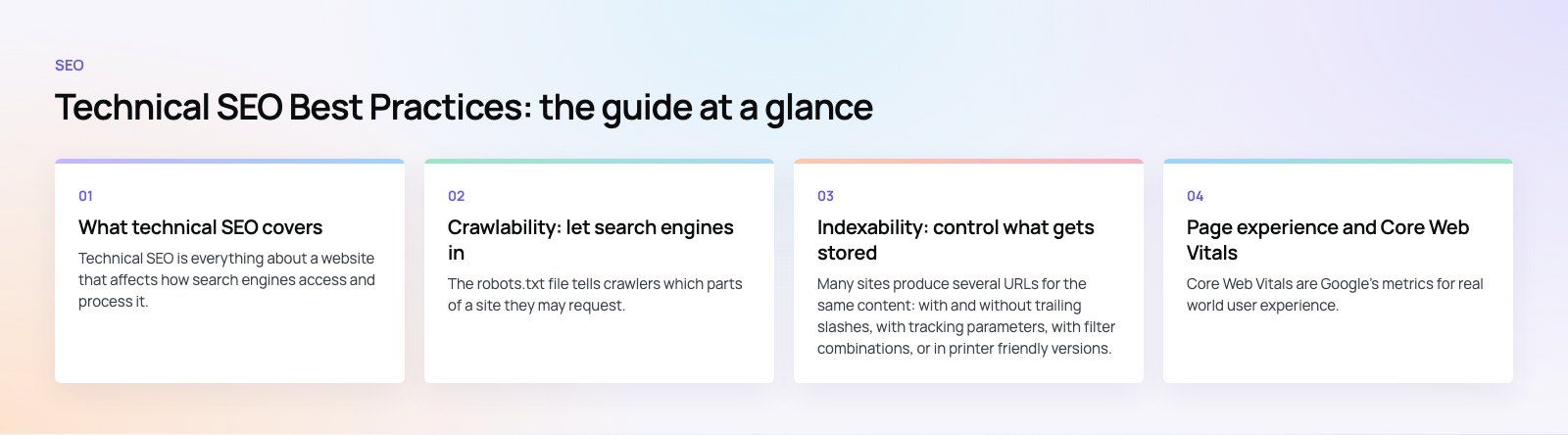
Google uses the mobile version of a site for indexing and ranking. Its mobile first indexing guidance asks that the mobile version carries the same content, structured data, metadata and images as the desktop version. Hiding content on mobile to simplify the layout can mean Google never sees it.
Responsive design, where one URL and one set of HTML adapt to any screen, is the simplest way to meet this. Google retired its standalone Mobile Friendly Test, so check pages with Lighthouse, PageSpeed Insights and real devices instead.
Security: HTTPS everywhere
HTTPS encrypts traffic between the visitor and your server, protecting logins, forms and payments. It is part of Google's page experience signals, and browsers label plain HTTP pages as not secure, which drives visitors away. Use a valid TLS certificate with automatic renewal, redirect all HTTP URLs to HTTPS in a single hop, and fix mixed content warnings where pages load images or scripts over HTTP.
Structured data
Structured data, usually written as JSON-LD, describes what a page represents in a format machines read reliably: an organization, an article, a product with a price and stock status, an event or a local business. Google's structured data documentation lists the types that can make a page eligible for rich results.
Mark up only what is visible on the page, validate with the Rich Results Test, and monitor the enhancement reports in Search Console. Structured data also helps AI driven search features understand your entities, which makes accurate markup more useful than ever.
Best practices for large websites
Crawl budget
Sites with many thousands of URLs, such as large stores, marketplaces and publishers, need to manage how crawlers spend their time. Google's guide to managing crawl budget recommends consolidating duplicates, blocking crawl traps such as infinite filter combinations, returning proper errors for removed pages and keeping sitemaps current.
Sitemap management at scale
Split sitemaps by content type, such as products, categories and articles, and reference them from a sitemap index. Generate them automatically from your database and include accurate last modified dates, so you can see indexing coverage for each section in Search Console.
Log file analysis
Server logs show exactly which URLs search engine bots requested and how often. Analyzing them reveals sections crawled too rarely, bots wasting time on parameters, and errors that never show in browser testing.
Content delivery networks
A CDN serves pages and assets from locations close to each visitor, which lowers load times for international audiences and absorbs traffic spikes. Configure caching rules carefully so search engines and users always receive current content.
Headless and JavaScript heavy sites
Headless commerce and JavaScript frameworks can deliver fast experiences, but they shift SEO responsibilities onto the development team. Render important content on the server or at build time rather than only in the browser, make sure every page has its own URL with proper titles and canonical tags, and generate sitemaps from the CMS. Frameworks such as Next.js support server rendering and static generation for this reason; our headless commerce and Next.js development work treats these as requirements, not extras.
International SEO
For sites serving several languages or countries, hreflang annotations tell search engines which version suits which audience. Google's guide to localized versions explains the rules: each version must list all alternates including itself, links must be reciprocal, and an x-default can catch visitors who match no version.
Translate and localize the content properly, including currency, contact details and examples, rather than only switching the language. Use a clear URL structure, such as subfolders per language, and include hreflang either in page headers or in XML sitemaps. For right to left languages such as Arabic, the layout itself must adapt, which the Diyafah case study shows on a bilingual school website built right to left from the start.
Keep technical SEO healthy over time
Technical SEO is not a one off project. Releases, plugins, redesigns and content changes all introduce new issues. Review Search Console weekly or monthly, run a full crawl of the site every quarter, and include SEO checks in your release process so problems are caught before they go live. When a Google core update rolls out, wait for it to finish, then compare affected pages with what now ranks before making changes.
Redesigns and platform changes deserve special care, since they are when most technical SEO damage happens; our site migration service plans redirects and checks before launch. For a clear list of what to fix on your current site, start with a technical SEO review.
Frequently asked questions
Technical SEO is the work of making a website easy for search engines to crawl, index, render and understand.
It covers robots.txt, sitemaps, site structure, canonical tags, status codes, page speed, mobile usability, HTTPS and structured data. It does not replace good content or links, but without it search engines may never see or trust the content you publish.
SEORecovering Traffic After a Failed Website MigrationSEO recovery after migration in the right order: diagnose the traffic drop, fix redirects, rebuild internal links, request reindexing, then report progress. SEOPlanning an Enterprise Rebuild That Keeps SEO, UX and GovernancePlan an enterprise website rebuild that protects rankings, user tasks and content governance, with one shared inventory, phase gates and agreed launch criteria.
 SEOProtecting Lead Flow During a Redesign, Not Only RankingsAvoid a website redesign conversion drop: map lead paths, rebuild form tracking, protect ad landing pages and test CRM integration before and after launch day.
Tell us what the business needs. We will tell you what to build first.
Schedule a free consultation and get a written recommendation, with costs, before you commit to anything.
Get in touchPROVEN RESULTS
4.7 / 5verified reviews on Google