 SEORecovering Traffic After a Failed Website MigrationSEO recovery after migration in the right order: diagnose the traffic drop, fix redirects, rebuild internal links, request reindexing, then report progress.
Technical SEO vs On-Page SEO: Differences and How They Work Together
Technical SEO gets your pages indexed; on-page SEO makes them rank. See what each covers, where they overlap and the order to fix problems in.
Technical SEO makes sure search engines can crawl, render, index and trust your site. On-page SEO makes each page relevant and useful for the searches you want to win. You need both: technical work decides whether a page can rank at all, and on-page work decides how well it ranks once it is in the index.
The two are often treated as rival budgets, which is the wrong way to think about them. This guide explains what each one covers, where they overlap, how to tell which one is holding your site back, and the order to fix things in.
Technical SEO vs on-page SEO at a glance
| Aspect | Technical SEO | On-page SEO |
|---|---|---|
| Main question | Can search engines reach, render and index this page? | Does this page answer the search better than the alternatives? |
| Where the work happens | Server, code, templates, site structure | Copy, headings, titles, images, links on the page |
| Typical owner | Developers, with an SEO specialist | Content writers and marketers, with an SEO specialist |
| Key elements | Crawlability, indexing, speed, mobile rendering, HTTPS, structured data, redirects | Search intent, content depth, title links, meta descriptions, headings, image alt text, internal links |
| Scope of a fix | Usually site wide: one template change affects hundreds of pages | Usually page by page |
| Symptom when it is missing | Pages not indexed, slow pages, ranking drops after a redesign | Pages indexed but stuck on page two or three, low click rates |
What technical SEO covers
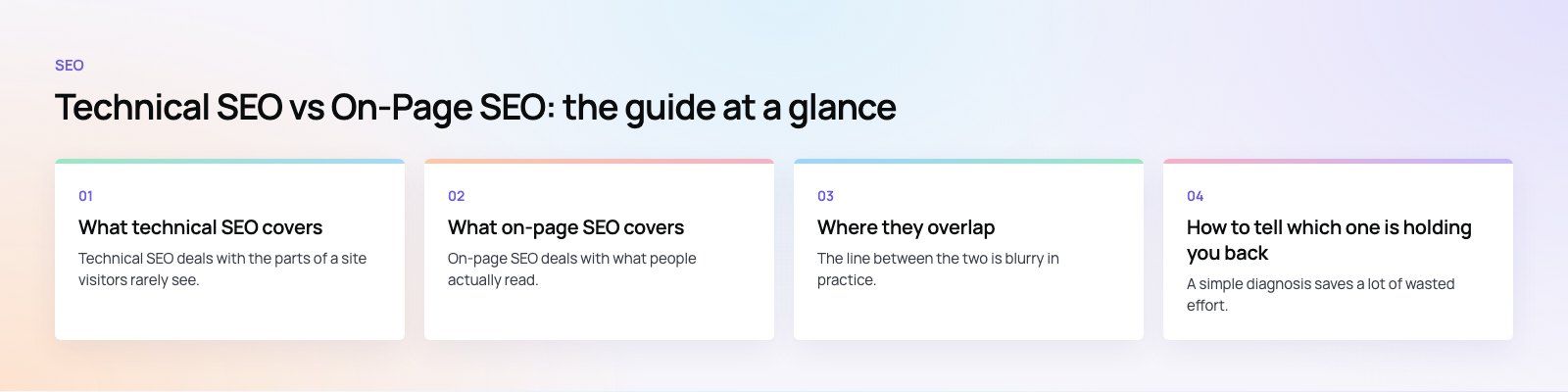
Technical SEO deals with the parts of a site visitors rarely see. Its job is to remove every obstacle between a search engine crawler and your content.
Crawlability
Crawlers discover pages by following links and reading sitemaps. Technical SEO makes sure that path is clear: a clean robots.txt file that does not block important sections, an XML sitemap that lists only live, canonical URLs, and internal links that are real HTML links rather than buttons that only work with JavaScript. Google's own robots.txt documentation is worth reading before anyone edits that file, because one wrong line can hide a whole site.
Indexing
Being crawled is not the same as being indexed. Pages can be left out because of a stray noindex tag, a canonical tag pointing somewhere else, thin duplicate content, or server errors. Search Console's page indexing report shows which URLs are excluded and why, and it is the first report to check when traffic falls.
Speed and Core Web Vitals
Fast pages help both rankings and conversions. Technical work here includes compressing and resizing images, serving modern formats, caching, trimming JavaScript, and choosing hosting that answers quickly. Google measures real user experience through the Core Web Vitals, which our Core Web Vitals service focuses on directly.
Mobile rendering
Google uses the mobile version of a site's content for indexing and ranking, as its mobile-first indexing guide explains. If your mobile layout hides content, drops structured data or loads a cut down page, that reduced version is what Google judges.
Security and site health
HTTPS is a baseline expectation, and mixed content warnings, broken redirects and redirect chains all waste crawl effort. Structured data also sits on the technical side: it does not boost rankings on its own, but it helps search engines understand what a page is about and can make it eligible for richer results.
What on-page SEO covers
On-page SEO deals with what people actually read. Its job is to make each page the best answer to a specific search.
Search intent and content
Every page should target one main topic and match what searchers expect to find. Someone searching for a comparison wants a comparison, not a sales pitch. Good on-page work starts with intent, then covers the topic thoroughly, answers the obvious follow up questions, and uses the words searchers use without forcing keywords into every sentence.
Title links and meta descriptions
The title tag is usually what Google shows as the clickable headline, although Google can rewrite it. Its title link guidance recommends descriptive, concise titles that avoid keyword stuffing and boilerplate. Meta descriptions do not directly change rankings, but a clear one can lift the click rate from the results page.
Headings and structure
Clear H2 and H3 headings help readers scan and help search engines understand how the content is organized. Short paragraphs, lists and tables where readers compare options all make a page easier to use, which tends to show up in engagement.
Image optimization
Here the two disciplines meet. On-page work writes accurate alt text and descriptive file names. Technical work makes sure images are compressed, correctly sized and lazy loaded below the fold. Both matter, and each fails without the other.
Internal linking
Internal links tell search engines which pages are most important and help readers find related content. On-page SEO decides which pages link to which and what anchor text to use. Technical SEO makes sure those links are crawlable and that no important page is left orphaned with no links pointing to it.
Where they overlap
The line between the two is blurry in practice. A few areas need both skill sets at once:
- Page speed: developers fix the code and server, while content teams stop uploading oversized images and heavy embeds.
- Mobile usability: templates must render well, and copy must stay readable on a small screen without walls of text.
- Site structure: the information architecture is a content decision, but the URLs, breadcrumbs and navigation are built in code.
- Local SEO: a fast, mobile friendly site supports location pages and your business profile, which is why local SEO projects usually include technical checks.
How to tell which one is holding you back
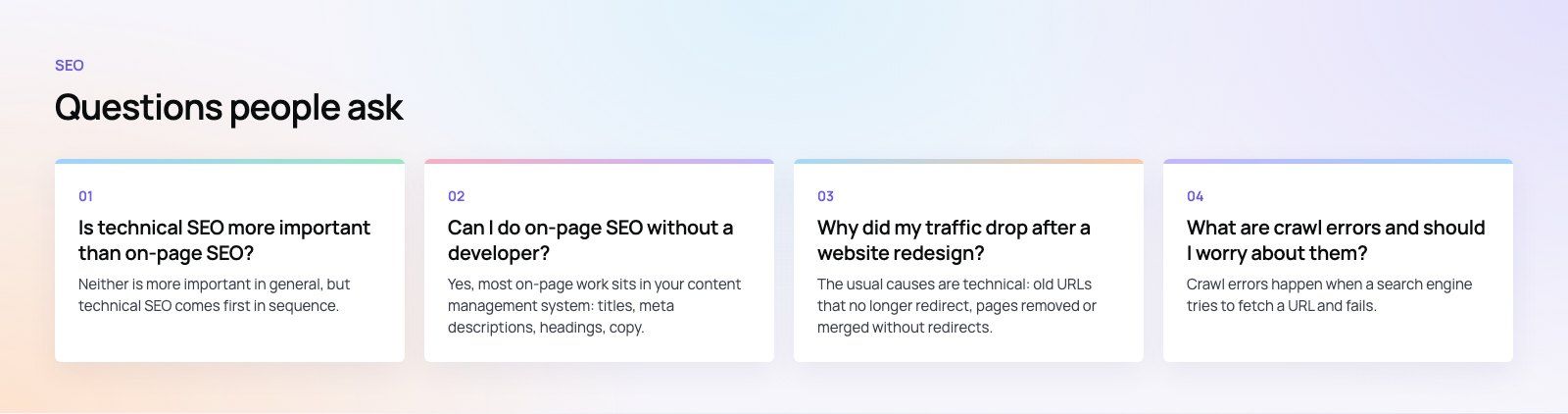
A simple diagnosis saves a lot of wasted effort. Start with Search Console and ask these questions in order.
- Are your important pages indexed? If not, the problem is technical. No amount of rewriting will help a page Google cannot see.
- Do indexed pages load quickly on mobile? If field data shows poor Core Web Vitals across many pages, fix the templates before the copy.
- Do pages get impressions but few clicks? That points to on-page work: titles and descriptions that do not match intent.
- Do pages rank on page two or three and stall? Usually an on-page issue: thin content, weak coverage of the topic, or few internal links pointing in.
- Did traffic drop right after a redesign or migration? Almost always technical: lost redirects, changed URLs, blocked sections or removed content.
A structured technical SEO review answers the first two questions quickly and gives you a fix list in priority order.
The right order to fix things
When budget is limited, sequence matters more than volume.
- Remove blockers. Fix robots.txt mistakes, stray noindex tags, broken canonicals and server errors. These can cancel out everything else.
- Fix templates. Speed, mobile rendering and structured data are usually template level problems. One fix improves every page using that template.
- Rework high value pages. Rewrite titles, descriptions and content for the pages closest to page one and the pages that drive leads or sales.
- Build internal links. Link from strong pages to the ones you want to lift.
- Repeat monthly. New content, plugins and design changes create new technical issues, so both kinds of checks need to be routine.
Common mistakes
- Spending months on content while key pages are excluded from the index.
- Running a redesign or migration without a redirect map. Our site migration work starts with that map for this reason.
- Chasing a perfect lab speed score while real user data stays poor.
- Writing one page per keyword variation, which splits relevance across thin, near duplicate pages.
- Treating SEO as a one time project rather than ongoing maintenance.
Getting both right
Technical SEO is the foundation and on-page SEO is what you build on it. A well written site on a broken foundation stays invisible, and a fast, clean site with weak content never earns the clicks. Codeeo has delivered 200+ projects across the UAE and the US, and our digital marketing and SEO team handles both sides together, so the developers and writers work from one list of priorities.
Frequently asked questions
Neither is more important in general, but technical SEO comes first in sequence.
If search engines cannot crawl or index a page, its content cannot rank at all. Once the technical foundation is sound, on-page work usually drives most of the ranking gains, because it decides how well each page matches the search intent behind the queries you want to win.
SEORecovering Traffic After a Failed Website MigrationSEO recovery after migration in the right order: diagnose the traffic drop, fix redirects, rebuild internal links, request reindexing, then report progress. SEOPlanning an Enterprise Rebuild That Keeps SEO, UX and GovernancePlan an enterprise website rebuild that protects rankings, user tasks and content governance, with one shared inventory, phase gates and agreed launch criteria.
 SEOProtecting Lead Flow During a Redesign, Not Only RankingsAvoid a website redesign conversion drop: map lead paths, rebuild form tracking, protect ad landing pages and test CRM integration before and after launch day.
Tell us what the business needs. We will tell you what to build first.
Schedule a free consultation and get a written recommendation, with costs, before you commit to anything.
Get in touchPROVEN RESULTS
4.7 / 5verified reviews on Google