 Web DevelopmentWordPress VIP or Self Hosted Enterprise WordPress in the UAEWordPress VIP or self hosted enterprise WordPress in the UAE: compare data residency, hosting SLA, cost drivers and code review rules, plus key setup notes.
Website Management for Small Business: Why It Pays Off
What website management for small business includes, why it matters, how to decide between doing it yourself and outsourcing, and a monthly checklist.
Website management for a small business means keeping the site secure, fast, up to date and useful after it launches: software updates, backups, security monitoring, content changes, search optimization and performance checks. Small businesses should consider it because a neglected website quietly loses customers through broken forms, slow pages, outdated information and security problems. Handing the work to a specialist frees the owner's time and keeps the site working as a sales tool.
This article covers what website management includes, the benefits for small businesses, the choice between doing it yourself and outsourcing, and how to pick the right partner.
Why small business websites get neglected
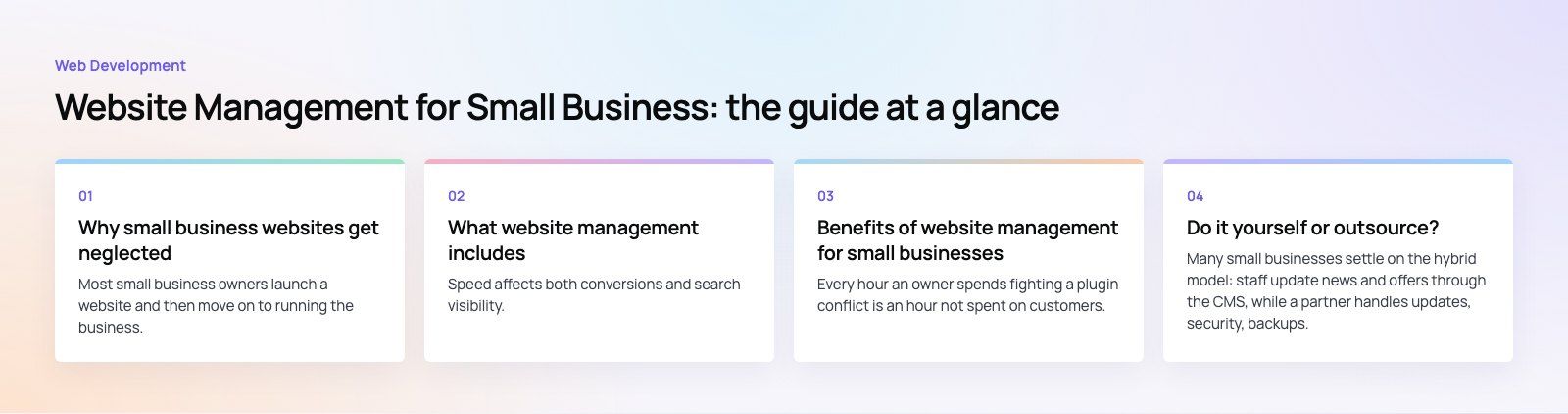
Most small business owners launch a website and then move on to running the business. Months later, plugins are out of date, the contact form has stopped sending emails, and the team page shows people who left. None of this is unusual. It happens because website care competes with everything else an owner has to do.
| Challenge | What it leads to |
|---|---|
| Limited time | Updates and content changes are postponed indefinitely |
| Limited technical skills | Security, speed and search problems go unnoticed |
| No in house IT team | Nobody owns the site, so nobody fixes it |
| Changing technology and search rules | The site falls behind competitors and expectations |
| No monitoring | Outages and broken forms are found by customers first |
What website management includes
Technical maintenance
- Software updates: keeping the CMS, theme and plugins current. WordPress, for example, publishes guidance on updating WordPress safely, and most security incidents on small sites trace back to outdated components.
- Backups: automatic, regular backups stored away from the web server, with restores tested from time to time.
- Security: HTTPS, strong passwords, two factor authentication for admins, a firewall, malware scanning and removal of unused plugins and accounts.
- Uptime monitoring: alerts when the site goes down, so problems are fixed before customers notice.
- Troubleshooting: fixing broken forms, errors and layout issues quickly.
Performance
- Compressing images and keeping page weight low.
- Caching and a CDN for faster delivery.
- Tracking Core Web Vitals and fixing regressions after updates.
Speed affects both conversions and search visibility. A speed optimization pass is often the quickest visible improvement on an older site.
Content management
- Accuracy: opening hours, prices, team members, services and contact details kept current.
- Fresh content: news, case studies, articles and offers published on a schedule.
- Calls to action: clear next steps on every important page, such as call, book, buy or enquire.
- A content calendar so updates happen regularly rather than in bursts.
Search optimization
- Titles, meta descriptions and headings that match what customers search for.
- Fixing broken links, redirect chains and indexing errors.
- Monitoring performance in Google Search Console.
- For businesses that serve a local area, keeping the Google Business Profile and location pages consistent through local SEO.
Design and usability
- Responsive layouts that work on phones, tablets and desktops.
- Clear navigation and readable text.
- Small design refreshes so the site does not look dated.
- New features as the business grows, such as booking, online payments or a blog.
Benefits of website management for small businesses
Time back for the business
Every hour an owner spends fighting a plugin conflict is an hour not spent on customers. Outsourcing routine care returns that time, and it removes the background worry about whether the site is working.
Access to specialist skills
Website care draws on several skill sets: development, security, design, content and search. A small business rarely has all of them in one person. A management team brings them together and keeps up with changes in browsers, platforms and search guidelines.
Predictable costs
Hiring full time staff for website work is rarely justified for a small business. A monthly management plan turns unpredictable emergency fixes into a known, regular cost, and catching small issues early prevents larger, more expensive repairs.
Better security
Small business sites are attractive targets precisely because they are often unpatched. Regular updates, monitoring and backups reduce the chance of a breach and shorten recovery if one happens.
More leads and sales
A fast, accurate, well structured site converts more visitors. Working forms, clear calls to action and current information all turn traffic into enquiries. Combined with a sensible digital marketing plan, a well managed site becomes a reliable source of leads.
Data led decisions
Good management includes regular reporting on traffic, enquiries, search performance and speed. That shows which pages work and where to invest next.
Do it yourself or outsource?
| Approach | Works well when | Risks |
|---|---|---|
| Do it yourself | The site is simple, someone on the team has time and basic technical skills | Updates slip, security gaps, no backup cover when that person is away |
| Freelancer | Needs are small and occasional | Availability, single point of failure, limited range of skills |
| Agency management plan | The site drives leads or sales and needs regular care | Choosing a provider that does not match your platform or communicates poorly |
| Hybrid | Your team edits content, a partner handles technical care | Unclear responsibilities unless agreed in writing |
Many small businesses settle on the hybrid model: staff update news and offers through the CMS, while a partner handles updates, security, backups, speed and technical SEO.
A simple monthly website checklist
- Apply CMS, theme and plugin updates after a backup, then check key pages.
- Confirm backups ran and are stored off the server.
- Submit every form and check the emails arrive.
- Review uptime alerts and security scan results.
- Check speed on mobile for the home page and top landing pages.
- Review Search Console for errors and falling pages.
- Update any outdated information: hours, team, services, offers.
- Publish at least one useful piece of new content.
Choosing a website management partner
- Platform experience. Make sure they work with your CMS daily. For WordPress sites, look for real WordPress development skills, not just plugin updates.
- Clear scope. Ask exactly what is included each month: updates, backups, security, content changes, reporting and response times.
- Testing process. Updates should be tested, ideally on staging, before going live.
- Communication. You should know who to contact and how quickly they respond.
- Ownership. Confirm you keep full access to your domain, hosting, CMS and analytics.
- Reporting. Expect a short monthly summary of work done and results.
Before choosing anyone, define what the site must achieve and compare proposals against those goals rather than on price alone.
Codeeo has delivered 200+ projects across the UAE and the US and is rated 4.7 from 23 Google reviews. If your site has been left alone for a while, a website audit is a practical first step to see what needs attention.
Frequently asked questions
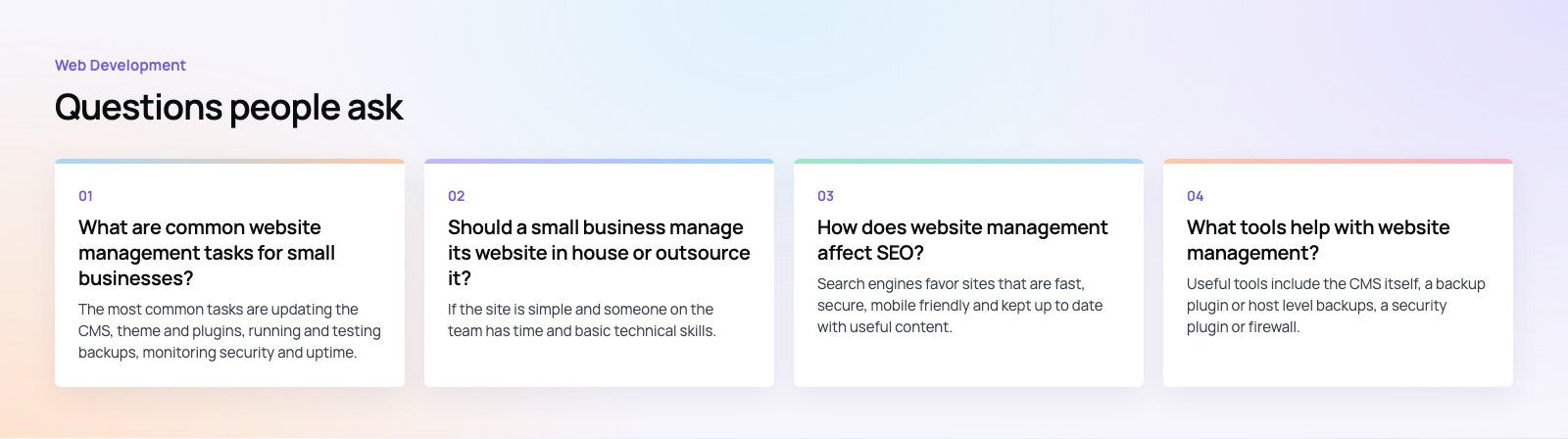
The most common tasks are updating the CMS, theme and plugins, running and testing backups, monitoring security and uptime, fixing broken forms and links, keeping business information current, publishing new content, checking page speed and reviewing search performance. Most can be organized into a monthly routine, with urgent fixes such as outages or security alerts handled as they happen.
Web DevelopmentWordPress VIP or Self Hosted Enterprise WordPress in the UAEWordPress VIP or self hosted enterprise WordPress in the UAE: compare data residency, hosting SLA, cost drivers and code review rules, plus key setup notes. Web DevelopmentWhat a WordPress Maintenance SLA Should CoverWhat WordPress maintenance services should cover in writing: core and plugin updates, security, backups, multilingual publishing support and response times.
 Web DevelopmentWordPress Release Management: Staging, QA and RollbackA WordPress deployment workflow that releases safely: Git based builds, a staging site that mirrors live, smoke tests to run and a rollback plan written first.
Tell us what the business needs. We will tell you what to build first.
Schedule a free consultation and get a written recommendation, with costs, before you commit to anything.
Get in touchPROVEN RESULTS
4.7 / 5verified reviews on Google