 App DevelopmentProtecting Your Website Content From Copying and ScrapingHow to protect website content from copying and scraping: AI crawler rules in robots.txt, scraper controls, DMCA takedowns and UAE copyright basics explained.
What Is Mobile App Development? Types, Process and Tools
What mobile app development involves: native, cross platform, hybrid and web apps, the stages of a project, the main tools and how to choose an approach.
Mobile app development is the process of planning, designing, building, testing and releasing software that runs on smartphones and tablets, then maintaining it after launch. Apps can be native (built separately for iOS and Android), cross platform (one codebase for both) or web based (running in the browser). The right approach depends on the features you need, your budget and how quickly you need to reach both platforms.
This guide explains the main types of apps, the stages of a typical project, the tools developers use and the decisions that matter most for a business commissioning its first app.
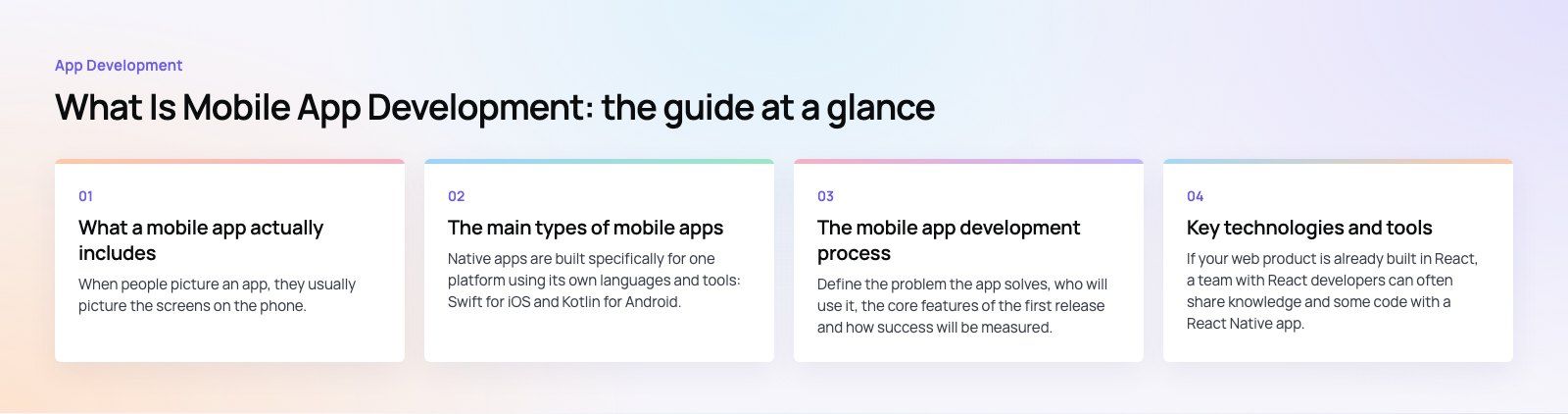
What a mobile app actually includes
When people picture an app, they usually picture the screens on the phone. In practice, most business apps have three parts:
- The app itself, installed from the App Store or Google Play, which users interact with.
- A backend, the servers, database and API that store data, handle logins and process payments.
- An admin panel, a web interface where your team manages content, users, orders or bookings.
Some products add more pieces. The Runvse case study, for example, combines a mobile app, an API and the microcontroller firmware that talks to diesel trucks. Understanding all the parts early avoids the common surprise of discovering that the "simple app" also needs a full backend.
The main types of mobile apps
Native apps
Native apps are built specifically for one platform using its own languages and tools: Swift for iOS and Kotlin for Android. Apple presents Swift as its language for its platforms, and Google describes Kotlin as Android's recommended language. Native apps offer the best performance and the fullest access to device features such as the camera, Bluetooth, sensors and background processing. The trade off is that you build and maintain two separate codebases.
Cross platform apps
Cross platform frameworks let one codebase produce apps for both iOS and Android. Flutter uses the Dart language and draws its own interface, while React Native uses JavaScript or TypeScript and renders native platform components. Both are mature and widely used for business apps. You save time on shared logic, though some features still need platform specific code.
Hybrid apps
Hybrid apps are web pages built with HTML, CSS and JavaScript, wrapped in a native container with tools such as Ionic and Capacitor. They are quick to build if you already have web developers, but complex interactions and animations can feel less smooth than native or cross platform apps.
Web apps and progressive web apps
Web apps run in the browser and need no installation. A progressive web app adds features such as installation to the home screen and offline support. They are easy to update and work on any device, but access to device features is more limited and they do not get the discovery benefits of the app stores.
| Type | Strengths | Limitations | Good fit for |
|---|---|---|---|
| Native | Best performance, full device access | Two codebases to build and maintain | Hardware heavy, real time or graphics heavy apps |
| Cross platform | One codebase, near native feel | Some platform specific work remains | Most business, booking and commerce apps |
| Hybrid | Reuses web skills and code | Less smooth for complex interfaces | Content and form based internal tools |
| Web or PWA | No install, instant updates | Limited device features, no store presence | Simple services and early validation |
Real time audio is a good example of when native development is worth it. Ourcast Live streams a venue's audio to attendees' phones in real time, with native iOS and Android apps and an admin for the venue.
The mobile app development process
1. Discovery and planning
Define the problem the app solves, who will use it, the core features of the first release and how success will be measured. This stage also covers technical decisions such as platform choice, integrations and the backend. A short product scoping engagement produces a written scope that developers can estimate accurately.
2. UX and UI design
Designers map user flows, create wireframes and then build visual designs and clickable prototypes. Testing prototypes with real users at this stage is far cheaper than changing finished code.
3. Development
Developers build the app, the backend and the admin panel, usually in short sprints with a working build at the end of each one. Regular demos let you see progress and adjust priorities.
4. Testing and quality assurance
Testing covers functionality, usability, performance, security and compatibility across devices and operating system versions. Beta testing through TestFlight or Google Play testing tracks puts the app in front of real users before public release.
5. Store submission and launch
The app is submitted to the App Store and Google Play for review. Each store has its own guidelines, and the listing needs a name, description, screenshots and a privacy policy. Plan launch marketing alongside submission.
6. Maintenance and updates
After launch, apps need bug fixes, compatibility updates for new operating system releases, security patches and new features based on user feedback and analytics. Budget for this from the start.
Key technologies and tools
| Category | Common choices |
|---|---|
| Native languages | Swift for iOS, Kotlin for Android |
| Cross platform frameworks | Flutter, React Native, Kotlin Multiplatform |
| Hybrid frameworks | Ionic with Capacitor |
| Development environments | Xcode for iOS, Android Studio for Android, VS Code for cross platform work |
| Backend | Node.js, Laravel, .NET or Python APIs, or a backend service such as Firebase |
| Design and prototyping | Figma |
| Testing and distribution | TestFlight, Google Play testing tracks, crash reporting tools |
If your web product is already built in React, a team with React developers can often share knowledge and some code with a React Native app.
Challenges to plan for
- Security: apps handle logins, personal data and payments, so encryption, secure storage and server side checks must be designed in.
- Device variety: screen sizes, operating system versions and hardware differ widely, especially on Android.
- Performance: startup time, battery use and behavior on weak connections shape reviews.
- Store rules: both stores review every release and update their requirements regularly.
- Getting and keeping users: a good app still needs a store listing, marketing and reasons for people to come back.
How to choose the right approach for your business
Start from the product, not the technology. Ask which device features you need, whether you must launch on both platforms at once, how complex the interface is, which skills your team already has and how long you plan to maintain the app. For most business apps that need both platforms, cross platform development is a sensible default. Choose native when performance, hardware access or platform specific polish is central to the product. If you are still deciding whether an app is needed at all, a platform fit review compares the options against your goals.
Some projects are better treated as custom software with a mobile front end, especially when the app connects to internal systems such as an ERP or CRM.
Codeeo has delivered more than 200 projects across the UAE and the US with a team of 80+ across Dubai, Riyadh and Karachi. To talk through your idea, see our mobile app development services.
Frequently asked questions
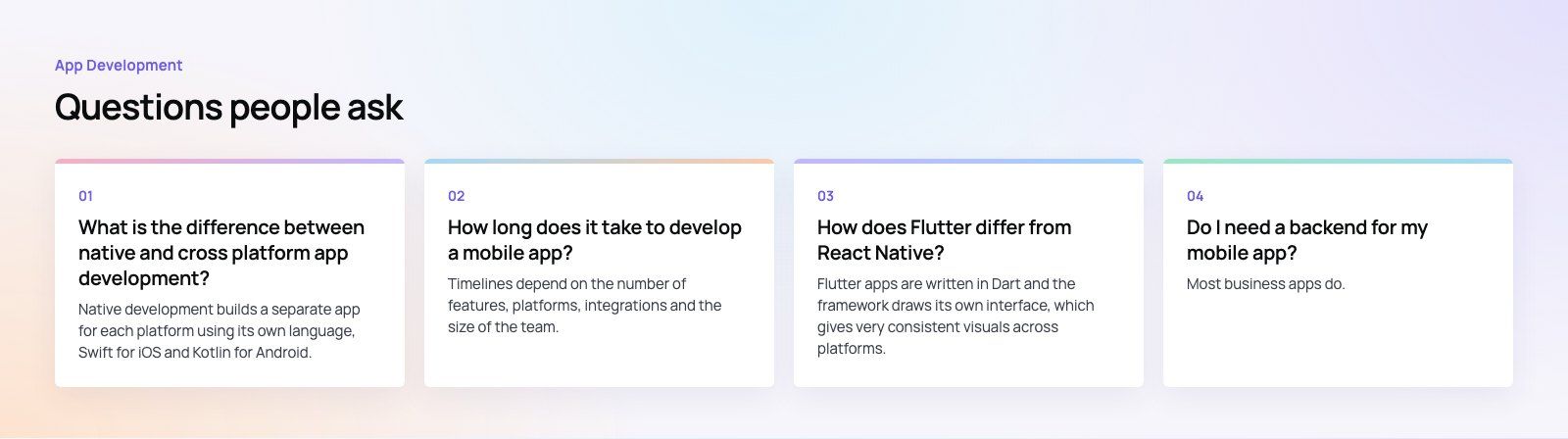
Native development builds a separate app for each platform using its own language, Swift for iOS and Kotlin for Android, which gives the best performance and full device access.
Cross platform development uses one codebase, with frameworks such as Flutter or React Native, to produce both apps. It usually saves time and keeps the apps consistent, with some platform specific work still required.
App DevelopmentProtecting Your Website Content From Copying and ScrapingHow to protect website content from copying and scraping: AI crawler rules in robots.txt, scraper controls, DMCA takedowns and UAE copyright basics explained. App DevelopmentWeb Application Penetration Testing: When It Is NecessaryWeb application penetration testing explained: when contracts, launches or major changes make it necessary, how it differs from scanning and how to prepare.
 App DevelopmentSteganography Explained: How Data Hiding Works and Is DetectedSteganography in cybersecurity explained: common data hiding techniques, how attackers use them, legitimate digital watermarking and how steganalysis works.
Tell us what the business needs. We will tell you what to build first.
Schedule a free consultation and get a written recommendation, with costs, before you commit to anything.
Get in touchPROVEN RESULTS
4.7 / 5verified reviews on Google