 SEORecovering Traffic After a Failed Website MigrationSEO recovery after migration in the right order: diagnose the traffic drop, fix redirects, rebuild internal links, request reindexing, then report progress.
Which CMS Is Best for SEO? Five Options Compared
Which CMS is best for SEO? WordPress, Magento, headless with Next.js, Drupal and Joomla compared on the SEO features that matter, with tips on choosing.
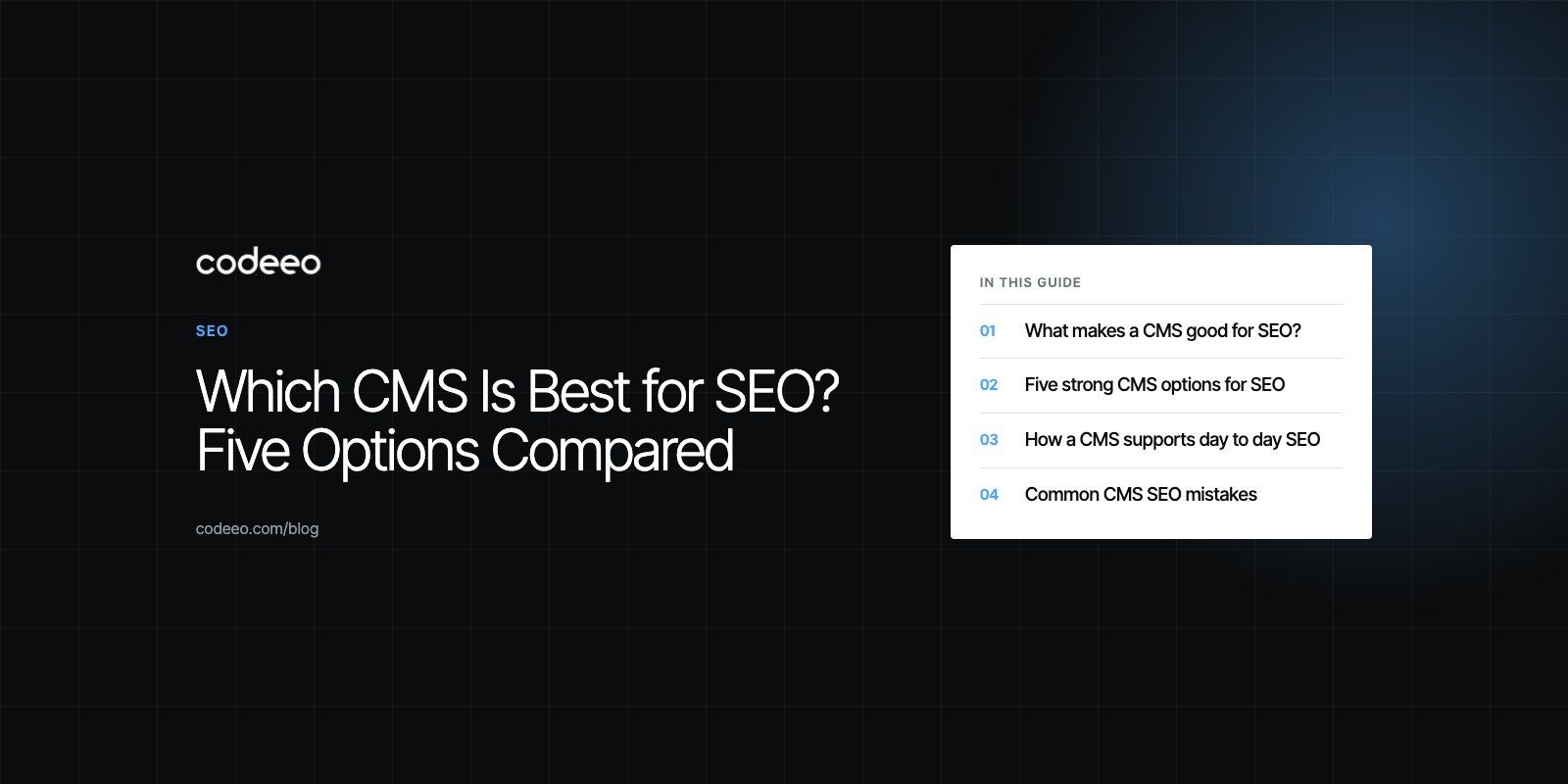
There is no single CMS that is best for SEO for every site. WordPress is the best fit for most content led business sites, Magento (Adobe Commerce) and similar platforms suit large online stores, a headless CMS paired with Next.js suits sites that need top performance, and Drupal or Joomla suit complex or structured content. What actually ranks a site is the content, the technical setup and the speed, so the right CMS is the one that makes those easy for your team.
This guide compares five strong options, explains which SEO features matter in a CMS, and shows how to choose.
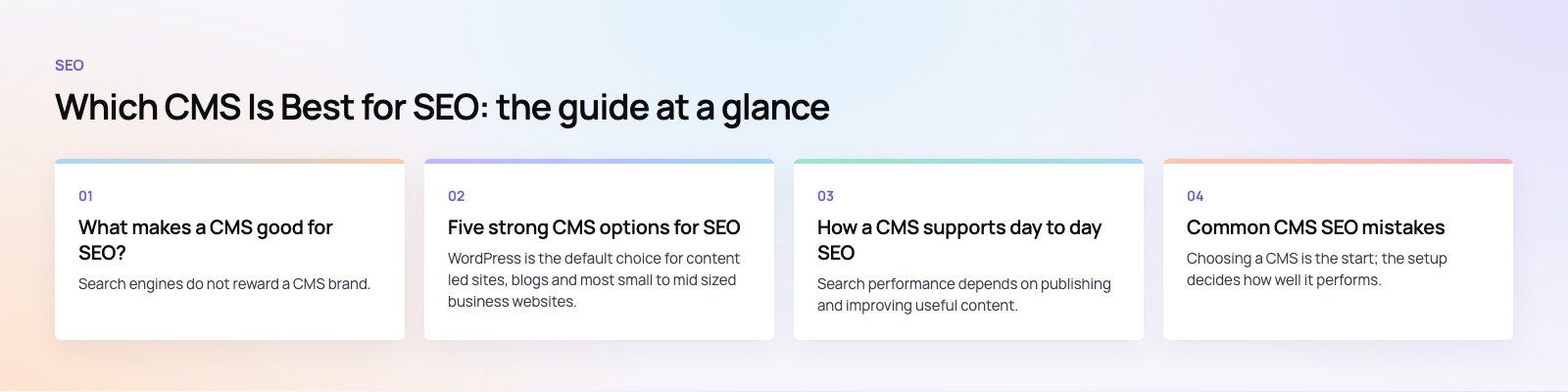
What makes a CMS good for SEO?
Search engines do not reward a CMS brand. They reward pages that are useful, crawlable, fast and clearly structured. A CMS helps or hurts by how easily it lets you control the things Google's SEO starter guide describes. Look for:
- Editable titles and meta descriptions on every page, with sensible defaults.
- Clean, editable URLs and automatic redirects when a URL changes.
- Canonical tags to handle duplicate or filtered pages.
- XML sitemaps that update automatically.
- Structured data support for articles, products, FAQs and organizations.
- Fast, lean page output with image optimization and caching.
- Mobile friendly templates, since Google indexes the mobile version of pages.
- Heading and alt text control for editors without touching code.
- Multilingual support with hreflang if you publish in more than one language.
Five strong CMS options for SEO
1. WordPress
WordPress is the default choice for content led sites, blogs and most small to mid sized business websites. Core WordPress handles clean permalinks and generates a basic XML sitemap, and plugins such as Yoast SEO, Rank Math and All in One SEO add title and meta description fields, schema markup, redirects and content analysis for editors.
The SEO risk with WordPress is not the platform but how it is built. Heavy themes, page builders and too many plugins slow sites down. A well built theme with only the plugins you need performs very well. Our WordPress development work focuses on exactly that balance.
2. Magento (Adobe Commerce)
Magento, now offered as Adobe Commerce and the open source Magento Open Source, is built for large catalogs. It includes URL rewrites, editable meta data for products and categories, canonical tag settings and XML sitemap generation, all documented in Adobe's SEO guide for Commerce.
Its strength is handling thousands of products and layered navigation without creating endless duplicate pages, provided canonical and indexing rules are set correctly. It needs experienced developers and good hosting to stay fast.
3. A headless CMS with Next.js
Next.js is a React framework rather than a CMS, but paired with a headless CMS such as Strapi, Sanity or Contentful it makes a very strong SEO setup. Next.js can render pages on the server or generate them in advance, so search engines receive complete HTML. Its metadata features make titles, descriptions, social images and sitemaps part of the code.
The result is usually excellent speed and full control over markup. The trade off is that SEO features editors expect, such as meta fields and redirects, must be designed into the CMS models rather than added by a plugin. Our Next.js developers build those fields in from the start.
4. Drupal
Drupal suits large, structured sites such as universities, government bodies and publishers. Modules such as Pathauto, Metatag, Redirect and Simple XML Sitemap give fine control over URLs, meta tags and sitemaps, and Drupal's caching performs well under heavy traffic. It is powerful but needs experienced developers, and editors may find it less intuitive than WordPress.
5. Joomla
Joomla offers search friendly URLs, per page meta descriptions and a built in redirect manager, and recent versions add structured data support. Extensions cover XML sitemaps and more advanced needs. It sits between WordPress and Drupal in flexibility and complexity, with a smaller extension ecosystem than WordPress.
Comparison at a glance
| CMS | Best for | SEO strengths | Watch out for |
|---|---|---|---|
| WordPress | Business sites, blogs, content marketing | Mature SEO plugins, easy editing, clean permalinks | Slow themes and plugin overload |
| Magento (Adobe Commerce) | Large ecommerce catalogs | URL rewrites, canonicals, product meta, sitemaps | Needs specialist developers and strong hosting |
| Headless CMS with Next.js | Performance focused sites, multi channel content | Server rendering, speed, full markup control | SEO fields and redirects must be built in |
| Drupal | Large, structured, multi team sites | Fine grained control through modules, strong caching | Steeper learning curve for editors |
| Joomla | Mid sized sites with varied content | Built in SEF URLs and redirects | Smaller extension ecosystem |
How a CMS supports day to day SEO
Easy content updates
Search performance depends on publishing and improving useful content. A CMS that editors find easy means pages get updated when products, prices or policies change, and new articles get published on schedule.
Consistent meta data
Templates can set default titles and descriptions for every page type, while editors override them where it matters. That prevents hundreds of pages going live with duplicate or empty tags.
Structured data
Product, article, FAQ and organization markup help search engines understand pages and can make them eligible for rich results. Google explains the basics in its introduction to structured data. The best setups generate it automatically from content fields.
Image handling
Good CMS setups resize and compress uploads, serve modern formats, lazy load images below the fold and require alt text. Images are often the biggest cause of slow pages.
Speed and Core Web Vitals
Caching, lean templates and a CDN keep pages fast. Whatever CMS you choose, measure speed regularly and fix regressions. Our Core Web Vitals service covers this in detail.
Analytics integration
Connecting analytics and Search Console shows which pages bring traffic, which queries they appear for, and where visitors drop off, so you know what to improve next.
How to choose the right CMS for SEO
- Start with the site type. Content site, store, portal or multi language platform each point to different options.
- Consider your editors. The best SEO features are useless if your team avoids the CMS.
- Check languages. Multilingual sites need proper language versions and hreflang. The Diyafah school website, built on Strapi right to left from the start, is an example of planning this early.
- Plan for growth. Think about catalog size, traffic and integrations over the next few years.
- Factor in migration. Moving CMS later means redirecting every URL. A careful site migration protects existing rankings.
- Test speed early. Build a prototype page and measure it before committing.
Common CMS SEO mistakes
- Installing several SEO plugins that output conflicting tags.
- Letting filters, tags and search results create thousands of thin indexable pages.
- Changing URL structures without redirects.
- Using heavy page builders that load large scripts on every page.
- Rendering key content only in the browser so crawlers see empty pages.
- Forgetting to remove a staging noindex setting at launch.
Choosing a CMS is the start; the setup decides how well it performs. Codeeo has delivered 200+ projects across the UAE and the US on WordPress, Shopify, headless and custom stacks. If you want a second opinion on your current platform, start with a technical SEO review.
Frequently asked questions
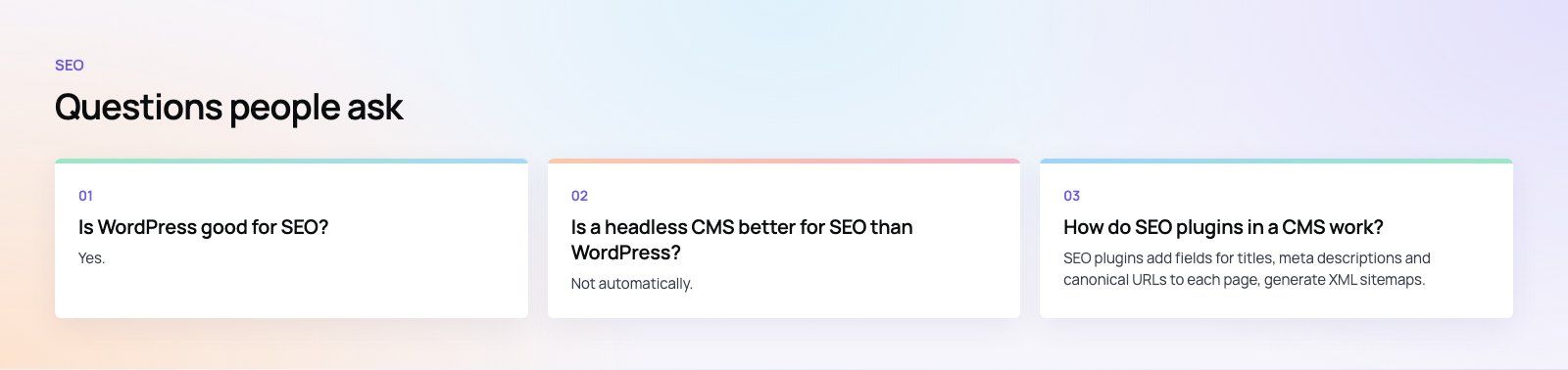
For most business websites and blogs, WordPress is the most practical choice because of its mature SEO plugins and easy editing.
Large online stores often suit Magento (Adobe Commerce). Performance focused sites benefit from a headless CMS with Next.js. Drupal suits large, structured sites. The platform matters less than how it is built, configured and maintained.
SEORecovering Traffic After a Failed Website MigrationSEO recovery after migration in the right order: diagnose the traffic drop, fix redirects, rebuild internal links, request reindexing, then report progress. SEOPlanning an Enterprise Rebuild That Keeps SEO, UX and GovernancePlan an enterprise website rebuild that protects rankings, user tasks and content governance, with one shared inventory, phase gates and agreed launch criteria.
 SEOProtecting Lead Flow During a Redesign, Not Only RankingsAvoid a website redesign conversion drop: map lead paths, rebuild form tracking, protect ad landing pages and test CRM integration before and after launch day.
Tell us what the business needs. We will tell you what to build first.
Schedule a free consultation and get a written recommendation, with costs, before you commit to anything.
Get in touchPROVEN RESULTS
4.7 / 5verified reviews on Google