 Web DevelopmentWordPress VIP or Self Hosted Enterprise WordPress in the UAEWordPress VIP or self hosted enterprise WordPress in the UAE: compare data residency, hosting SLA, cost drivers and code review rules, plus key setup notes.
Wix vs Squarespace vs WordPress: Which Should You Build On?
Wix, Squarespace and WordPress compared on ease of use, design, features, SEO, ownership and cost, plus the signs you have outgrown a website builder.
Choose Wix if you want the most freedom to drag things around without touching code, Squarespace if you want a polished design with very little effort, and WordPress if you need full ownership, deep SEO control and room to grow into custom features. For a small brochure site any of the three works; the differences show up once you need integrations, scale or a site that has to look unlike everyone else's.
This comparison covers how each platform handles ease of use, design, features, SEO, ownership and cost, and when it makes sense to move beyond a website builder altogether.
A quick overview of the three platforms
Wix
A hosted website builder with a freeform drag and drop editor. You can place almost any element anywhere on the page, add apps from the Wix App Market, and use built-in tools for bookings, events, online stores and email marketing. Wix also offers Wix Studio, aimed at designers and agencies who want more layout control.
Squarespace
A hosted builder known for clean, design led templates. The editor is more structured than Wix, using sections and grids, which makes it harder to produce a messy layout. Squarespace includes commerce, scheduling, member areas and email campaigns as part of the platform.
WordPress
Open source software that powers a large share of the web. There are two versions. WordPress.org is the free software you install on your own hosting, with full access to themes, plugins and code. WordPress.com is a hosted service built on the same software with plans that set how much of that access you get. In this article "WordPress" means the self hosted version unless we say otherwise.
Wix vs Squarespace vs WordPress at a glance
| Factor | Wix | Squarespace | WordPress (self hosted) |
|---|---|---|---|
| Ease of use | Very easy, freeform editor | Easy, structured editor | Moderate, steeper start |
| Design control | High within the editor | Polished but more fixed | Unlimited with a custom theme |
| Extensions | Wix App Market | Built-in features plus a smaller extension library | A very large free plugin directory |
| Hosting and security | Included and managed | Included and managed | Your responsibility or your host's |
| Ownership and portability | Locked to Wix | Locked to Squarespace | Full ownership, move host any time |
| SEO control | Good built-in tools | Good built-in tools | Full control, plugins and code |
| Best for | Small businesses wanting flexibility without code | Creatives and brands that value design | Growing businesses, content heavy sites, custom builds |
Ease of use
Wix is the easiest for a complete beginner because you see exactly what you get and can move anything with the mouse. The downside is that freedom makes it easy to break the layout on mobile, so check every page on a phone.
Squarespace is close behind. Its section based editor keeps spacing and alignment consistent, which helps non designers produce something tidy. You have fewer options, but fewer ways to go wrong.
WordPress has the steepest start. You choose hosting, install the software, pick a theme and add plugins. The block editor has made page building much easier than it once was, and many hosts offer one click installs, but you are still responsible for more decisions.
Design and templates
All three offer professional templates. Squarespace templates are consistently strong visually, which is why photographers, studios and restaurants often choose it. Wix offers a large range across industries, and its editor lets you change them heavily.
WordPress themes vary in quality, from excellent to poor. The real advantage is that a developer can build a custom theme so the site matches your brand exactly and loads only the code it needs. This is how most larger business sites on WordPress are built.
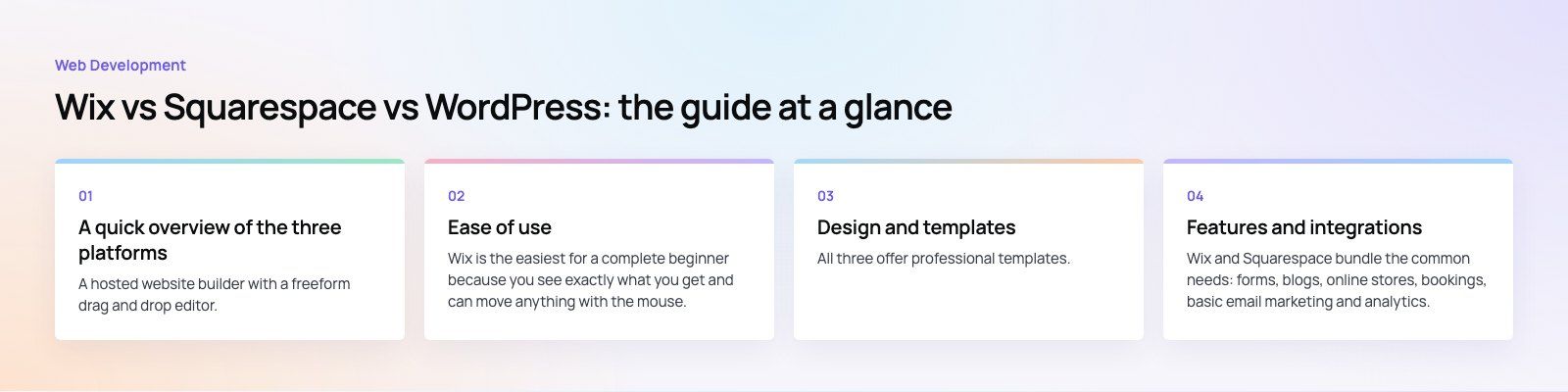
Features and integrations
Wix and Squarespace bundle the common needs: forms, blogs, online stores, bookings, basic email marketing and analytics. If what you need is on their list, setup is fast. If it is not, your options are limited to their app libraries and embed code.
WordPress works the other way round. The core is lean and you add features through plugins: WooCommerce for selling, form builders, membership tools, multilingual plugins, CRM connectors and more. Almost anything can be added, and what does not exist can be built. The trade off is that each plugin is another thing to update and vet for quality.
SEO and performance
All three let you edit titles, meta descriptions and URLs, generate a sitemap and connect Google Search Console. For a small local business site, the platform choice rarely decides rankings; content, reviews and links matter more.
Differences show up at scale. WordPress gives you full control over page templates, structured data, redirects and site architecture, which matters for sites with hundreds of pages. Performance depends heavily on hosting and theme quality: a well built WordPress site can be very fast, and a bloated one can be slow. Hosted builders give you less to tune but also less to break. If speed is already a problem, a speed optimization review will show what is holding the site back.
Ownership, lock-in and moving later
This is the factor most people overlook. With Wix and Squarespace you rent the platform. You can export some content, such as blog posts, but the design and most features cannot be moved. Changing platform means rebuilding the site.
With self hosted WordPress you own the files and database. You can change host, hire a different developer or redesign without starting from zero. For a business that expects its website to grow for years, that portability is worth a lot. If you are already on a builder and want out, a planned site migration protects your rankings by mapping every old URL to its new home.
What drives the cost
Wix and Squarespace charge a subscription that includes hosting, security and support. Higher plans add commerce features and lower transaction fees, and premium apps cost extra. Your total depends on the plan tier, any paid apps and whether you sell online.
WordPress software is free, but you pay for hosting, a domain, a premium theme or custom design, paid plugins and maintenance. A simple site can be inexpensive; a custom build costs more upfront but avoids rebuilding later. Compare the cost over three years, not just the first month.
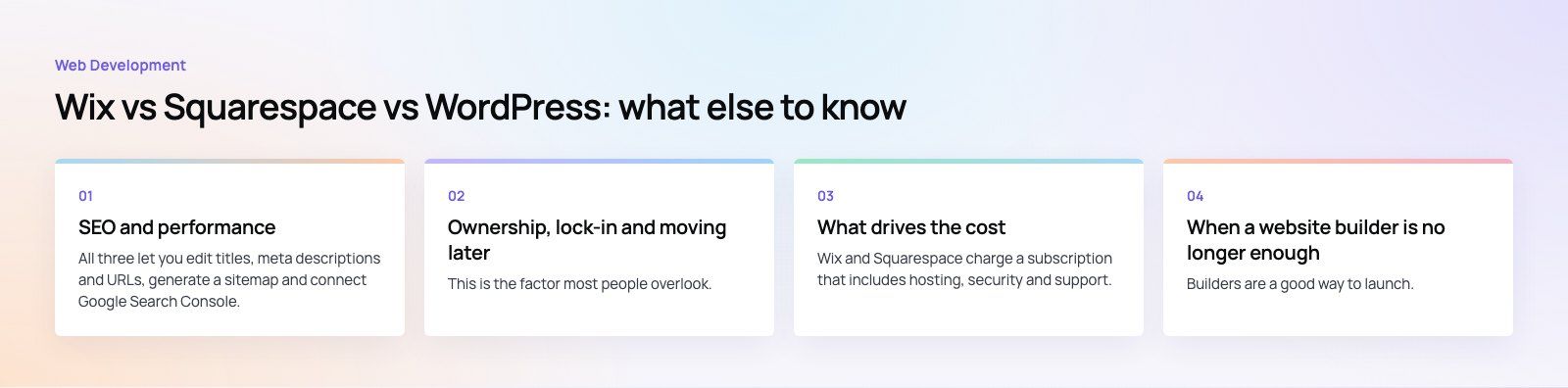
When a website builder is no longer enough
Builders are a good way to launch. These are the signs you have outgrown one:
- You need integrations the app store does not offer, such as a CRM, ERP or custom booking logic.
- Your design is limited by the template and the brand looks like everyone else's.
- Page speed or Core Web Vitals are holding back search performance and you cannot fix the code.
- You need multilingual or right to left layouts that work properly.
- Transaction fees and app subscriptions are adding up as sales grow.
At that point the usual next step is a custom WordPress build or a headless setup with a framework such as Next.js. Both give you ownership and control without forcing your team to learn code to update content.
Which one should you choose?
- Pick Wix if you are a small business that wants to build and edit the site yourself with maximum layout freedom.
- Pick Squarespace if design quality matters most and your needs fit what the platform includes.
- Pick WordPress if you plan to publish a lot of content, need integrations, want full ownership or expect the site to grow into something custom.
Codeeo has delivered 200+ projects across the UAE and the US. If you want a site that you own and can grow, see our WordPress development and web development services, or start with a platform fit review to confirm the right choice before you build.
Frequently asked questions
For small sites the difference is minor, because all three platforms cover the basics such as titles, descriptions, sitemaps and clean URLs.
WordPress pulls ahead on larger sites, where full control over templates, structured data, redirects and site architecture matters. Rankings still depend far more on useful content, page speed, reviews and links than on the platform itself.
Web DevelopmentWordPress VIP or Self Hosted Enterprise WordPress in the UAEWordPress VIP or self hosted enterprise WordPress in the UAE: compare data residency, hosting SLA, cost drivers and code review rules, plus key setup notes. Web DevelopmentWhat a WordPress Maintenance SLA Should CoverWhat WordPress maintenance services should cover in writing: core and plugin updates, security, backups, multilingual publishing support and response times.
 Web DevelopmentWordPress Release Management: Staging, QA and RollbackA WordPress deployment workflow that releases safely: Git based builds, a staging site that mirrors live, smoke tests to run and a rollback plan written first.
Tell us what the business needs. We will tell you what to build first.
Schedule a free consultation and get a written recommendation, with costs, before you commit to anything.
Get in touchPROVEN RESULTS
4.7 / 5verified reviews on Google