 E-CommerceGenerative AI in Online Retail: Uses That Pay BackGenerative AI ecommerce uses ranked by payback and risk: product descriptions, AI search and support assistants, plus Arabic quality checks for UAE stores.
WooCommerce vs Shopify: Which Platform Fits Your Store?
WooCommerce vs Shopify compared on setup, cost drivers, scalability, extensions, dropshipping, security, support and SEO, with a checklist to help you choose.
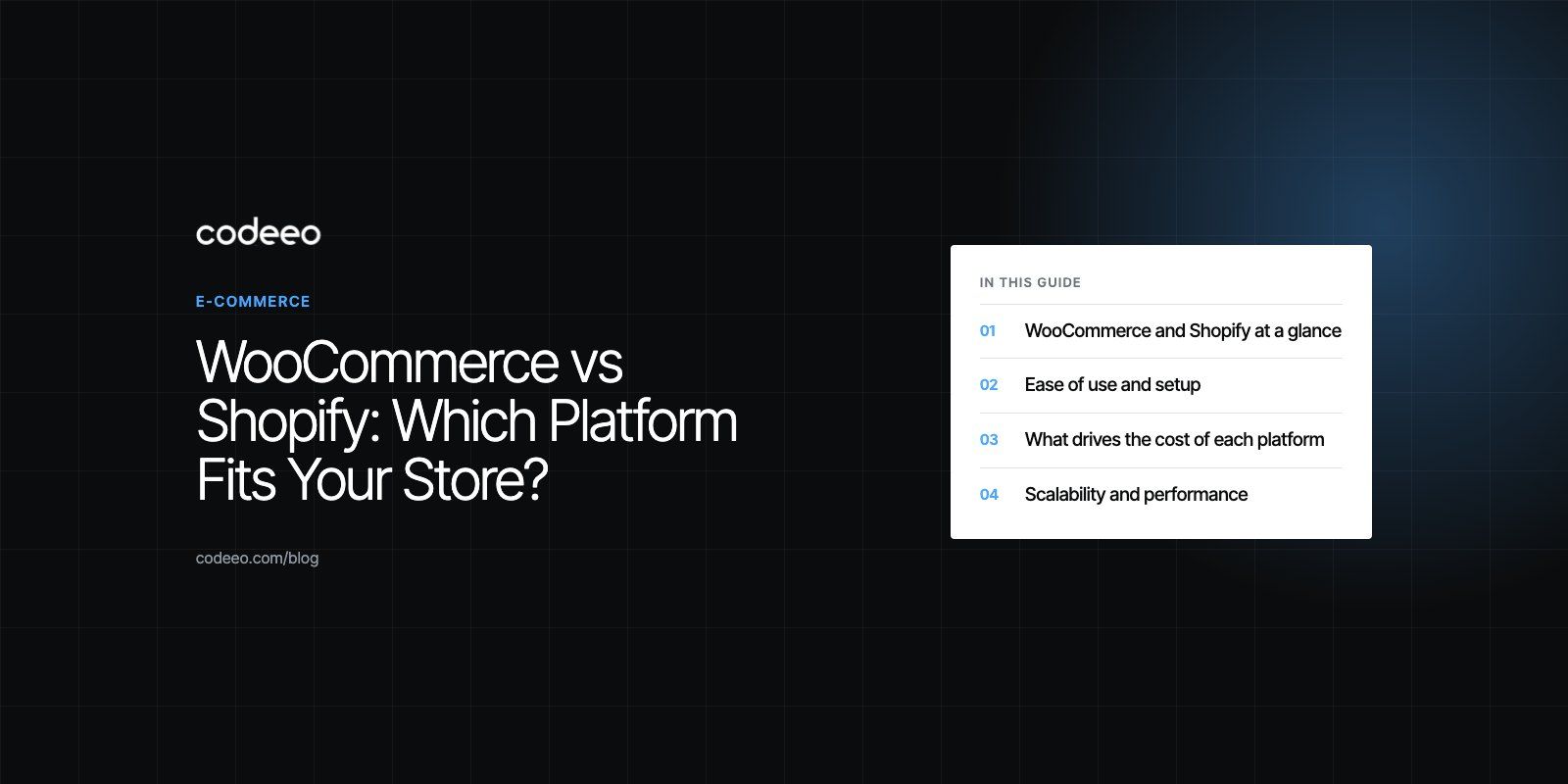
Shopify suits most merchants who want to launch quickly, avoid managing servers and get support from one vendor. WooCommerce suits merchants who already run WordPress, want full control over code, hosting and data, and have access to a developer. Neither is better in every case: the right choice depends on your team's skills, how much customization you need and how you prefer to pay for running the store.
This guide compares the two platforms on the points that actually change the decision: setup, running costs, scalability, extensions, dropshipping, security, support and SEO. It finishes with a short checklist you can use with your team.
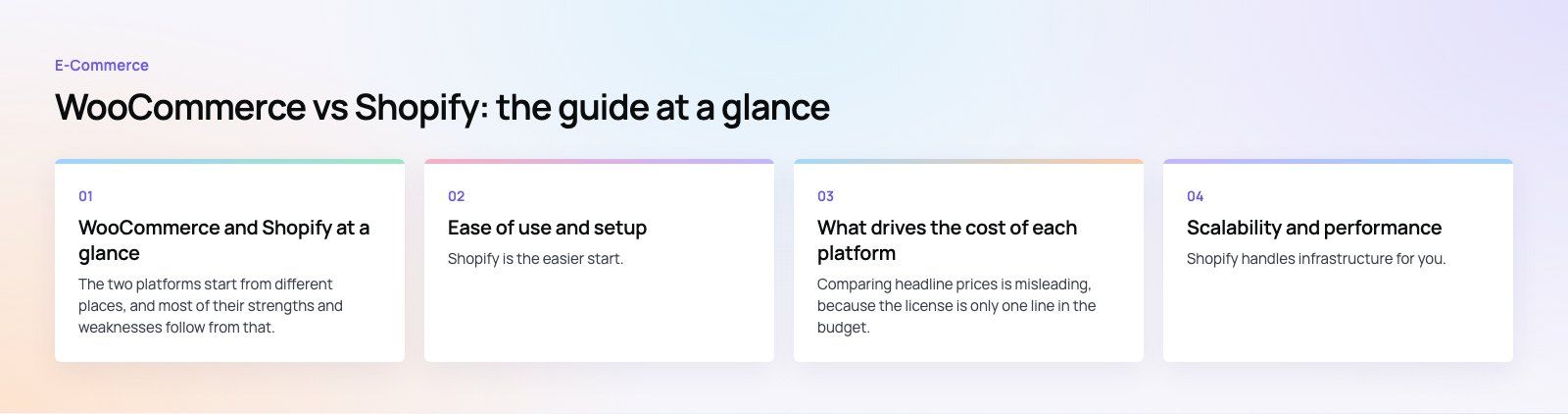
WooCommerce and Shopify at a glance
The two platforms start from different places, and most of their strengths and weaknesses follow from that.
- WooCommerce is a free, open source plugin that turns a WordPress site into a store. You choose the hosting, the theme and the plugins, and you own the full codebase. The plugin and its changelog are listed on the official WordPress.org plugin page.
- Shopify is a hosted commerce platform sold on a monthly subscription. Shopify runs the servers, security patches and checkout, and you extend the store with themes and apps from its marketplaces.
| Factor | WooCommerce | Shopify |
|---|---|---|
| Software model | Open source WordPress plugin | Hosted, subscription platform |
| Hosting | You choose and manage it | Included and managed by Shopify |
| Setup effort | Moderate, easier for WordPress users | Low, guided setup |
| Customization | Almost unlimited with code access | Wide, but within Shopify's rules |
| Content and blogging | Full WordPress editor and plugins | Built in, simpler blog |
| Support | Forums, documentation, extension vendors, your developer | Shopify's own support team and help center |
| Running costs | Hosting, premium plugins, theme, maintenance | Plan fee, apps, theme, payment fees |
| Maintenance | Your responsibility | Mostly handled by Shopify |
Ease of use and setup
Shopify is the easier start. You sign up, pick a theme, add products and connect payments from one admin panel. Nothing needs installing, and updates arrive automatically. For a founder with no developer, that matters more than any feature list.
WooCommerce asks for a few more decisions. You need hosting, a WordPress install, a theme that supports WooCommerce and a set of plugins for payments, shipping and tax. If your team already runs a WordPress site, this feels familiar. If not, expect a learning curve, especially around updates and plugin compatibility.
Our view on usability
For non-technical teams, Shopify usually wins. For teams that already know WordPress and want one admin for content and commerce, WooCommerce is often just as comfortable.
What drives the cost of each platform
Comparing headline prices is misleading, because the license is only one line in the budget. Look at the full cost of running the store for two or three years.
Cost drivers for Shopify
- Plan level: higher plans add staff accounts, reporting and lower card rates, so your plan tends to rise as you grow.
- Payment fees: card processing applies on every plan. If you use a third party payment provider instead of Shopify Payments, Shopify adds its own transaction fee on top, as explained in the Shopify Help Center.
- Apps: many useful features, such as subscriptions, reviews or advanced filtering, come from paid apps with monthly fees. Several small app subscriptions add up quickly.
- Theme and custom development: a premium theme or custom sections built by a developer.
Cost drivers for WooCommerce
- Hosting: cheap shared hosting rarely survives a busy sale. Managed WordPress hosting with caching costs more but keeps the store fast.
- Premium extensions: subscriptions, bookings, advanced shipping and some payment gateways are paid, usually with yearly renewals.
- Maintenance: someone has to update WordPress, WooCommerce and plugins, test after updates and fix conflicts. This is the cost most owners underestimate.
- Development: custom features are cheaper to build because you own the code, but you also own the upkeep.
In short, Shopify trades lower technical effort for ongoing platform fees. WooCommerce has no platform fee but shifts cost into hosting and maintenance. Neither is automatically cheaper.
Scalability and performance
Shopify handles infrastructure for you. Traffic spikes during a campaign or seasonal sale are Shopify's problem, not yours, which is a real advantage for small teams.
WooCommerce scales as far as your hosting and code allow. Large WooCommerce stores run well with good hosting, object caching, a lean theme and a disciplined plugin list. Problems start when a store depends on dozens of plugins that each add database queries. A WooCommerce store needs planning to scale; a Shopify store mostly needs a bigger plan.
As an example, the Clock Springs Australia store runs on WooCommerce with 4,540 parts across 37 makes, shop by make and model, and fitment on every product. Catalogs like that are where WooCommerce's flexible data model pays off.
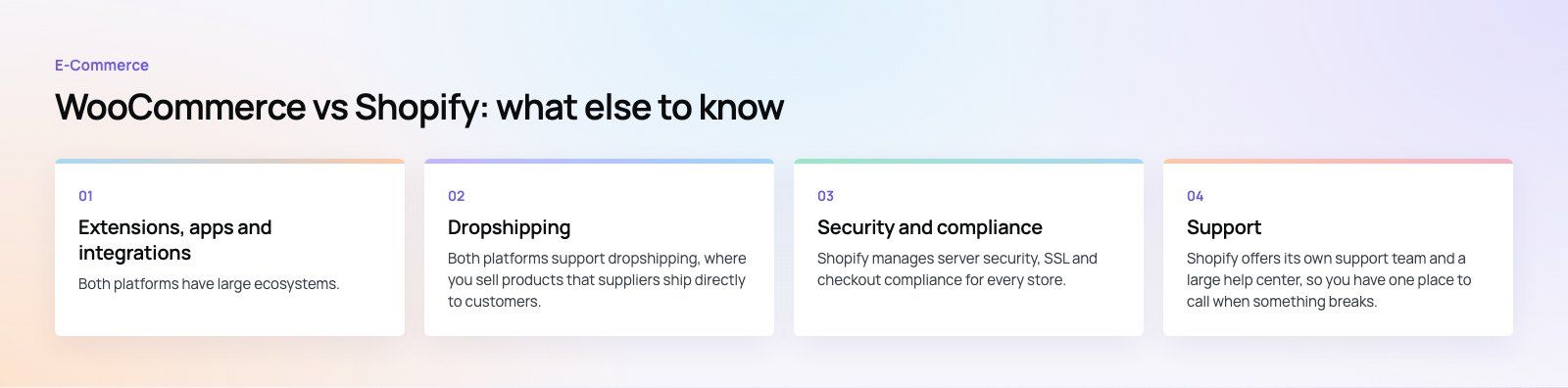
Extensions, apps and integrations
Both platforms have large ecosystems. The difference is in how much you can change.
- Shopify App Store: thousands of apps for email, reviews, loyalty, accessibility, shipping and more. Apps are reviewed by Shopify and install with one click, but they work only within the hooks Shopify exposes.
- WooCommerce extensions: the official marketplace plus the wider WordPress plugin directory. Because you have code access, almost any behavior can be changed or built from scratch, including checkout logic and pricing rules.
If your business has unusual rules, such as trade pricing, complex product configuration or custom fitment data, WooCommerce gives you more room. If your needs are standard retail, Shopify's apps will usually cover them with less effort.
Dropshipping
Both platforms support dropshipping, where you sell products that suppliers ship directly to customers. Shopify has a large range of dropshipping apps in its App Store that connect to supplier catalogs and push orders automatically. WooCommerce has dropshipping plugins too, and you can build custom supplier integrations when a supplier offers an API.
For a quick start with mainstream suppliers, Shopify is simpler. For a store that needs custom supplier feeds or margins calculated in specific ways, WooCommerce is more flexible. Whichever you choose, check that the app or plugin is actively maintained and supports the suppliers you actually plan to use.
Security and compliance
Shopify manages server security, SSL and checkout compliance for every store. You cannot change the hosting setup, but you also cannot misconfigure it, which suits most merchants.
With WooCommerce, security is shared between your host, your developer and you. A well maintained store is secure, and you can add firewalls and security plugins such as Wordfence or Solid Security. The risk comes from neglect: outdated plugins and weak admin passwords cause most compromised WordPress stores. If nobody on your side will own updates, Shopify is the safer choice.
Support
Shopify offers its own support team and a large help center, so you have one place to call when something breaks. WooCommerce has documentation, community forums and support from the vendors of paid extensions, but no single party owns your whole store. In practice, WooCommerce merchants rely on their hosting company and their developer.
SEO and content
Both platforms can rank well. WooCommerce benefits from WordPress, which is still the stronger tool for blogs, landing pages and long-form guides, with mature SEO plugins. Shopify covers the essentials, including editable titles, meta descriptions, redirects and sitemaps, but its URL structure is fixed and its blog is simpler. If content marketing is central to your growth plan, WooCommerce has an edge. If product pages carry most of your traffic, the difference is small, and page speed and product copy matter more than the platform.
Pros and cons summary
| WooCommerce | Shopify | |
|---|---|---|
| Main strengths | Full code control, WordPress content tools, no platform fee, flexible data | Fast setup, managed hosting and security, own support team, simple admin |
| Main weaknesses | Needs maintenance, plugin conflicts, scaling depends on hosting | Ongoing fees, app costs add up, limits on deep customization |
| Best for | WordPress teams, content led brands, unusual catalogs | New stores, small teams, brands that want to focus on selling |
How to choose: a short checklist
- Who will run the store day to day? If no one technical, lean toward Shopify.
- Do you already run WordPress? If yes, WooCommerce keeps content and commerce in one place.
- How unusual are your products and pricing? Complex rules favor WooCommerce.
- Which payment providers do you need? Check that your preferred local gateways and buy now pay later options work on the platform.
- What will the store cost over three years? Add plan fees, apps, hosting, extensions and maintenance before deciding.
On the Shopify side, the EGO Sustainable store is a bilingual Shopify build for a GCC athleisure label, with Tabby and Tamara and five markets. It is a good picture of a brand that wanted to focus on selling rather than running servers.
Codeeo has delivered 200+ projects across the UAE and the US, and our team builds on both platforms. If you are still undecided, a platform fit review looks at your catalog, integrations and team before you commit. You can also talk to our WooCommerce developers or our Shopify developers, and if you are moving an existing store, our site migration service protects your rankings and data.
Frequently asked questions
Shopify is usually better for beginners because hosting, security and updates are handled for you and the admin is guided from the first login.
WooCommerce can also suit beginners who already use WordPress, but it asks you to choose hosting, a theme and plugins and to keep them updated. If nobody on your team is technical, Shopify is the lower risk start.
E-CommerceGenerative AI in Online Retail: Uses That Pay BackGenerative AI ecommerce uses ranked by payback and risk: product descriptions, AI search and support assistants, plus Arabic quality checks for UAE stores. E-CommerceConnecting WooCommerce to ERP, CRM and Shipping Without DuplicatesPlan a WooCommerce ERP integration that avoids duplicates: data ownership rules, idempotent order sync, CRM matching and UAE shipping, with Odoo and Dynamics.
 E-CommerceEnterprise Ecommerce Platform Selection: Requirements Before DemosChoose an enterprise ecommerce platform by setting integration, multi entity, data residency and order management requirements before any vendor demo starts.
Tell us what the business needs. We will tell you what to build first.
Schedule a free consultation and get a written recommendation, with costs, before you commit to anything.
Get in touchPROVEN RESULTS
4.7 / 5verified reviews on Google