 Web DevelopmentWordPress VIP or Self Hosted Enterprise WordPress in the UAEWordPress VIP or self hosted enterprise WordPress in the UAE: compare data residency, hosting SLA, cost drivers and code review rules, plus key setup notes.
WordPress Mobile Optimization: How to Speed Up Your Site on Phones
How to test and improve WordPress mobile performance: the Core Web Vitals that matter, why WordPress sites slow down on phones and a step by step fix plan.
WordPress mobile optimization means making your site load fast, display correctly and stay easy to use on phones. In practice that comes down to a responsive theme, properly sized and compressed images, fewer and lighter plugins, page caching, good hosting and a mobile friendly layout. Because Google ranks sites based on their mobile version, mobile performance affects both your visitors and your search visibility.
This guide covers why mobile performance matters, how to test your WordPress site, the most common causes of slow mobile pages and a step by step plan to fix them.
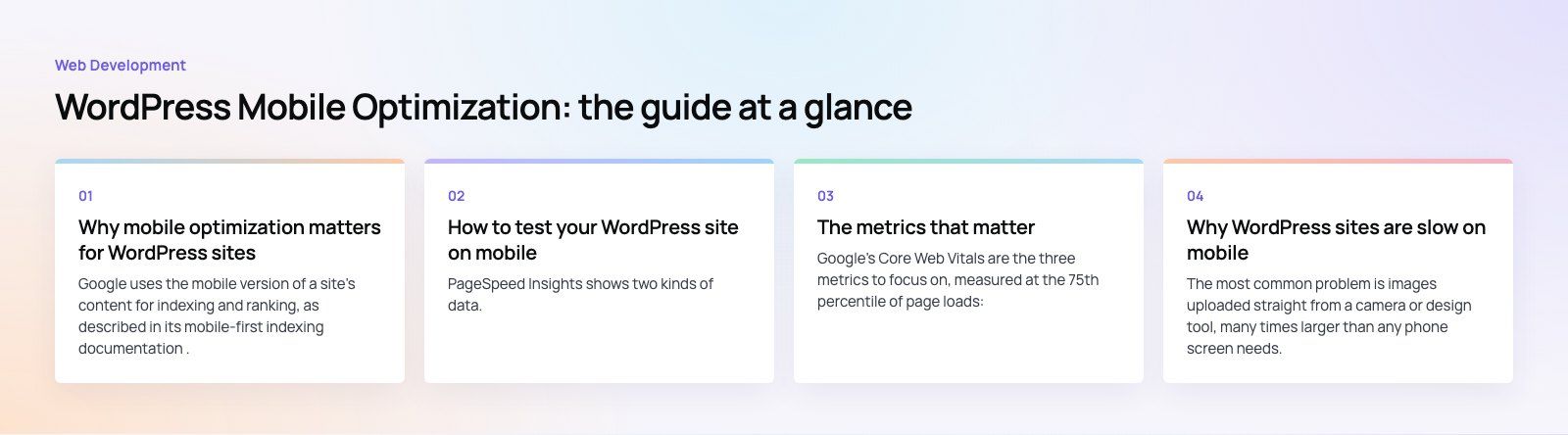
Why mobile optimization matters for WordPress sites
Google ranks your mobile version
Google uses the mobile version of a site's content for indexing and ranking, as described in its mobile-first indexing documentation. If your mobile pages hide content, load slowly or break their layout, that is the version Google judges.
Visitors leave slow pages
People on phones are often on the move, on mobile data and short of patience. A page that takes too long to show anything useful, or jumps around while loading, loses them before they read a word.
Conversions happen on mobile
Contact forms, bookings, WhatsApp clicks and checkouts all need to work with a thumb on a small screen. Small usability problems, such as tiny buttons or a form that is hard to complete, quietly cost leads and sales.
How to test your WordPress site on mobile
Google PageSpeed Insights
PageSpeed Insights shows two kinds of data. Field data comes from real Chrome users visiting your site, where enough traffic exists. Lab data comes from a simulated mobile test. Field data tells you what visitors actually experience; lab data helps you find the causes.
Lighthouse in Chrome DevTools
Lighthouse runs the same lab tests locally. It is useful for checking a staging site before changes go live.
GTmetrix and Pingdom
GTmetrix and Pingdom produce waterfall charts that show every file a page loads and how long each takes. These are the fastest way to spot an oversized image, a slow third party script or a slow server response.
Real devices
Nothing replaces opening the site on an ordinary mid range phone over mobile data. Check menus, forms, pop ups and checkout by hand.
The metrics that matter
Google's Core Web Vitals are the three metrics to focus on, measured at the 75th percentile of page loads:
| Metric | What it measures | Good result |
|---|---|---|
| Largest Contentful Paint (LCP) | How quickly the main content appears | Within 2.5 seconds |
| Interaction to Next Paint (INP) | How quickly the page responds to taps and clicks | 200 milliseconds or less |
| Cumulative Layout Shift (CLS) | How much the layout jumps while loading | 0.1 or less |
Two notes on older advice. INP replaced First Input Delay as a Core Web Vital in 2024, and Time to Interactive was removed from Lighthouse 10, so guides that focus on TTI are out of date. First Contentful Paint is still a useful diagnostic, but it is not a Core Web Vital.
Why WordPress sites are slow on mobile
Oversized images
The most common problem is images uploaded straight from a camera or design tool, many times larger than any phone screen needs. WordPress creates several image sizes on upload and adds lazy loading to images by default, but themes and page builders do not always use them well.
- Resize images before upload to the largest size your layout actually shows.
- Compress them and serve modern formats such as WebP or AVIF.
- Do not lazy load the main image at the top of the page; it should load first.
Too many plugins, or heavy ones
Every plugin can add scripts, styles and database queries to every page. The number matters less than the weight: one bloated plugin can do more harm than ten light ones.
- Remove plugins you no longer use, and deactivate ones that duplicate features.
- Check what each plugin loads on the front end, and limit scripts to the pages that need them.
- Prefer well maintained plugins with recent updates.
Heavy themes and page builders
Multipurpose themes and visual builders often load large amounts of CSS and JavaScript for features you never use. That code has to download and run on every phone.
Slow hosting
If the server takes a long time to send the first byte, nothing else can start. Cheap shared hosting is a frequent cause. Look for hosting with current PHP versions, server level caching and data centers close to your visitors.
No caching or CDN
Without page caching, WordPress builds every page from scratch for every visitor. A caching layer serves ready made pages instead, and a content delivery network stores static files close to your users.
Render blocking scripts
Third party scripts for chat widgets, tag managers, ads and analytics often cause the slowest INP scores. Defer what you can, remove what you do not need and load chat widgets only after the user interacts.
How to optimize WordPress for mobile, step by step
- Measure first. Record field and lab results for your home page and your most important templates, such as a service page, a blog post and a product page.
- Fix hosting and caching. Make sure page caching is on and the server responds quickly. These help every page at once.
- Use a responsive, lightweight theme. Check the theme on real phones, not just the demo. A lighter theme often beats any amount of plugin tuning.
- Optimize images. Resize, compress, use modern formats and set width and height so the layout does not jump.
- Audit plugins and scripts. Remove, replace or limit anything heavy. Minify and combine CSS and JavaScript where it helps, and defer non critical scripts.
- Design for thumbs. Use a clear mobile menu, readable text without zooming, buttons large enough to tap and short forms.
- Avoid intrusive pop ups. Full screen interstitials on mobile annoy visitors and are called out in Google's page experience guidance.
- Retest and monitor. Field data updates over weeks, so check again after changes and keep an eye on it after every plugin or theme update.
What about AMP?
Accelerated Mobile Pages was once a common recommendation for fast mobile pages. Today most sites get better value from making their normal responsive pages fast, which avoids maintaining two versions of every page. AMP can still make sense for some publishers, but it is no longer the default answer for a business website.
Quick reference
| Fix | Main metric it helps | Effort |
|---|---|---|
| Page caching and better hosting | LCP | Low to medium |
| Resize and compress images | LCP | Low |
| Set image dimensions and reserve space for ads and embeds | CLS | Low |
| Defer or remove third party scripts | INP and LCP | Medium |
| Remove heavy plugins | INP and LCP | Medium |
| Switch to a lighter theme | All three | High |
Getting help
Many of these fixes are quick, but the bigger gains, such as replacing a heavy theme or untangling plugin conflicts, need a developer. Codeeo's WordPress development team builds and tunes WordPress sites, our Core Web Vitals service focuses on the metrics above, and a speed optimization quick start is a short way to find and fix the biggest problems first. We have delivered 200+ projects across the UAE and the US.
Frequently asked questions
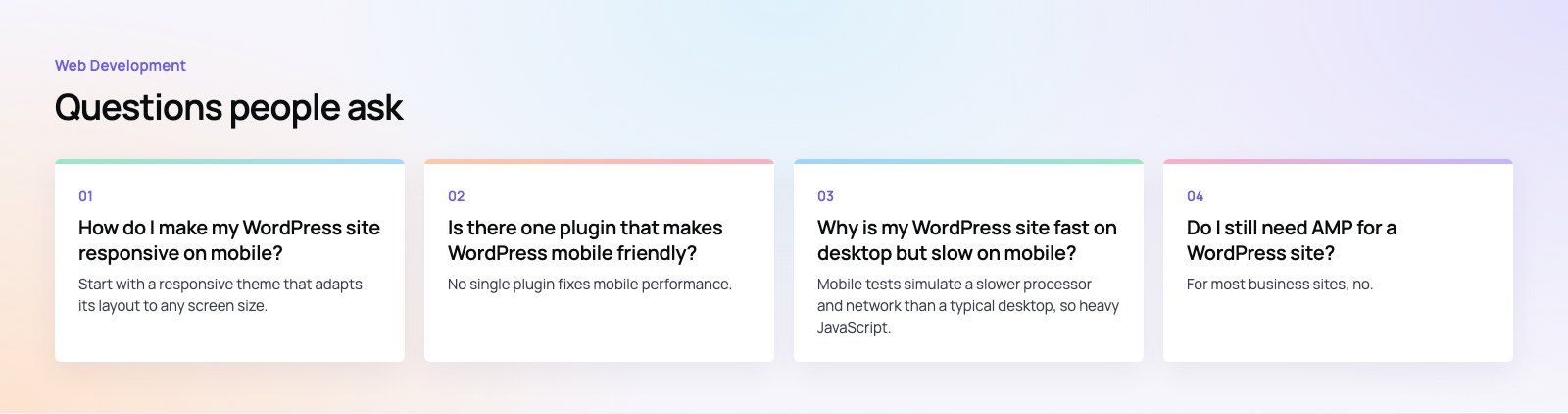
Start with a responsive theme that adapts its layout to any screen size, and test it on real phones rather than relying on the demo.
Then check that images scale correctly, menus collapse into a usable mobile menu, text is readable without zooming and buttons are large enough to tap. Page builders also have mobile settings that need checking for each section.
Web DevelopmentWordPress VIP or Self Hosted Enterprise WordPress in the UAEWordPress VIP or self hosted enterprise WordPress in the UAE: compare data residency, hosting SLA, cost drivers and code review rules, plus key setup notes. Web DevelopmentWhat a WordPress Maintenance SLA Should CoverWhat WordPress maintenance services should cover in writing: core and plugin updates, security, backups, multilingual publishing support and response times.
 Web DevelopmentWordPress Release Management: Staging, QA and RollbackA WordPress deployment workflow that releases safely: Git based builds, a staging site that mirrors live, smoke tests to run and a rollback plan written first.
Tell us what the business needs. We will tell you what to build first.
Schedule a free consultation and get a written recommendation, with costs, before you commit to anything.
Get in touchPROVEN RESULTS
4.7 / 5verified reviews on Google