 App DevelopmentFood Delivery Apps in Dubai: A 2026 Guide for RestaurantsWho runs food delivery in Dubai in 2026, which apps left, and when a restaurant should build its own ordering app instead of relying on aggregators.
Apps Like Cleo: The Best Budgeting App Alternatives in the UK
Compare Cleo with Plum, Emma, Goodbudget and Monefy, learn how to pick a budgeting app, and see when a business should build its own.
The closest apps like Cleo in the UK are Plum for automatic saving, Emma for tracking spending and subscriptions, and Goodbudget for strict envelope budgeting. Cleo stands out for its chatty AI assistant, while each alternative is stronger at one specific job. If you run a business rather than a household budget, a custom budgeting tool that connects to your own finance systems is often a better fit than any consumer app.
This guide explains what Cleo does, compares the main alternatives, and covers when an organisation should build its own budgeting app instead.
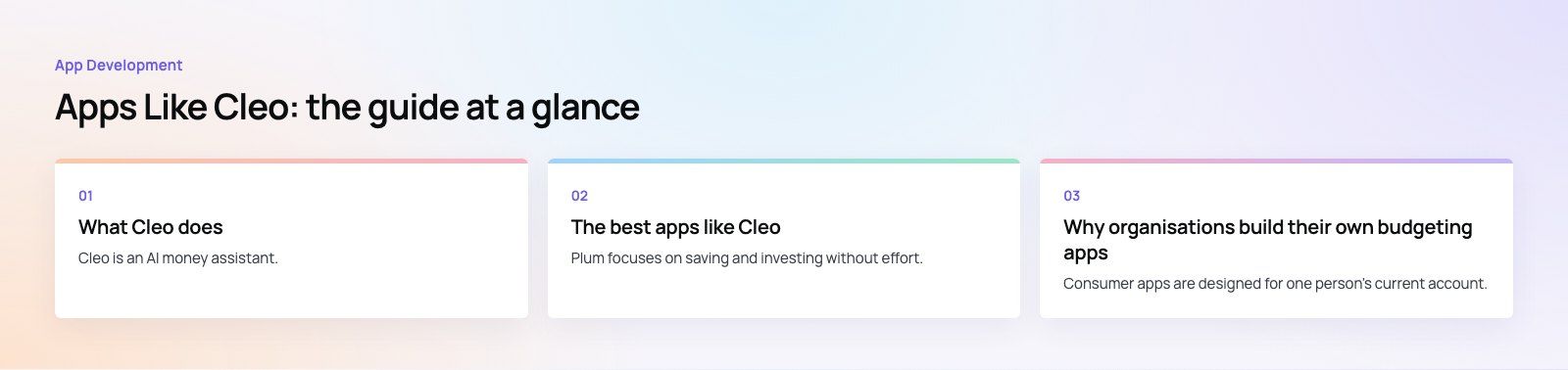
What Cleo does
Cleo is an AI money assistant. You connect your bank accounts and talk to it through a chat interface, asking questions such as "how much did I spend on takeaways this month?" It replies with numbers, nudges and a sense of humour, including an optional "roast" mode that teases you about your spending.
Its main features are spending breakdowns, budgets, bill reminders, savings goals and, on paid plans, extra tools such as credit building and cash advances in some markets. Cleo began in London and grew mainly in the US, so the features on offer depend on where you live. Check what is available in your country before signing up.
Where Cleo is strong
- Conversational insights that feel less like a spreadsheet
- Quick answers to everyday spending questions
- A tone that suits people who avoid traditional finance apps
Where it is weaker
- Limited tools for detailed, category by category planning
- Not built for couples, families or businesses with shared budgets
- Some features vary by country or need a paid plan
The best apps like Cleo
Plum
Plum focuses on saving and investing without effort. It reads your transactions and moves small amounts into savings automatically, based on what it thinks you can afford. It also offers savings pockets and investment options. Choose Plum if your goal is to build savings without thinking about it, rather than to plan every category of spending.
Emma
Emma pulls all your accounts into one view, categorises transactions and highlights subscriptions you may have forgotten. It is a strong pick for people who want a clear picture of where their money goes each month and a way to cut recurring costs. Unlike Cleo and Plum, it does not move money into savings for you.
Goodbudget
Goodbudget uses the envelope method. You divide your income into virtual envelopes such as rent, food and fun, then record spending against each one. It does not connect to your bank, so entries are manual, but that is part of the appeal for people who want to be deliberate. It also works well for couples who share a budget.
Monefy
Monefy is a quick manual expense tracker. You tap a category and enter an amount in seconds, and it shows your spending in a simple chart. It suits people who want a light record of cash and card spending without linking bank accounts.
Your bank's own budgeting tools
Many UK banks and app based banks, such as Monzo and Starling, now include spending categories, pots or spaces for savings, and bill planning inside their apps. If most of your spending runs through one account, these built in tools may be all you need, with no extra app to trust with your data.
Cleo alternatives compared
| App | Main strength | Connects to bank | AI or automation | Best for |
|---|---|---|---|---|
| Cleo | Chat based insights | Yes | AI assistant | People who want a friendly nudge |
| Plum | Automatic saving and investing | Yes | Automated saving | Building savings without effort |
| Emma | Spending and subscription tracking | Yes | Automatic categories | Seeing every account in one place |
| Goodbudget | Envelope budgeting | No | None | Disciplined planners and couples |
| Monefy | Fast manual logging | No | None | Simple expense records |
| Bank app tools | Built in pots and insights | Your own bank | Varies | One main account |
How to choose a budgeting app
- Name your goal. Saving more, cutting subscriptions, sticking to a plan and paying off debt each point to a different app.
- Decide on bank access. Connected apps are convenient. Manual apps keep your bank data private and make you think about each purchase.
- Check regulation. Apps that read your bank data in the UK should be authorised for open banking. You can look any firm up on the FCA Financial Services Register.
- Read the paid plan terms. Note what is free, what is extra and how to cancel.
- Try it for a month. A budgeting app only helps if you open it. If you have not looked at it in two weeks, try another style.
Why organisations build their own budgeting apps
Consumer apps are designed for one person's current account. Businesses, charities, schools and finance teams have different needs: many cost centres, approval chains, shared budgets and reporting to a board. That is where a custom budgeting application earns its place.
Tailored functionality
A custom tool can mirror your actual budget structure, with departments, projects and cost codes, rather than forcing you into personal finance categories. It can include the approval steps your finance policy requires.
Integration with existing systems
It can pull actuals from your accounting or ERP system, so nobody re-enters data from spreadsheets. That cuts manual work and the errors that come with it.
Security and control
You decide where data is stored, who can see each budget and how access is logged. Role based permissions mean a department head sees their budget, while finance sees everything.
Reporting that fits your board
Dashboards can show budget against actual by team, forecasts for the rest of the year and alerts when a line is close to its limit. Many organisations connect these to a business intelligence tool such as Power BI.
Room to grow
As the organisation changes, new entities, currencies or approval rules can be added without switching products or retraining everyone.
Off the shelf or custom?
| Question | If yes |
|---|---|
| Does a standard finance tool already cover your budget structure? | Configure that tool rather than building |
| Do you need approvals or rules no product supports? | Consider a custom app or extension |
| Is budgeting part of a product you sell to customers? | Build, since it is part of your offer |
| Do staff need it on mobile in the field? | Check mobile support or build a companion app |
Codeeo has built money and reminder apps such as Purpose Payment and Remin Diary. If you are planning a budgeting tool for staff or customers, our mobile app development team can help, alongside our fintech work and Power BI developers for reporting. A product scoping session is the quickest way to test whether custom is worth it.
Frequently asked questions
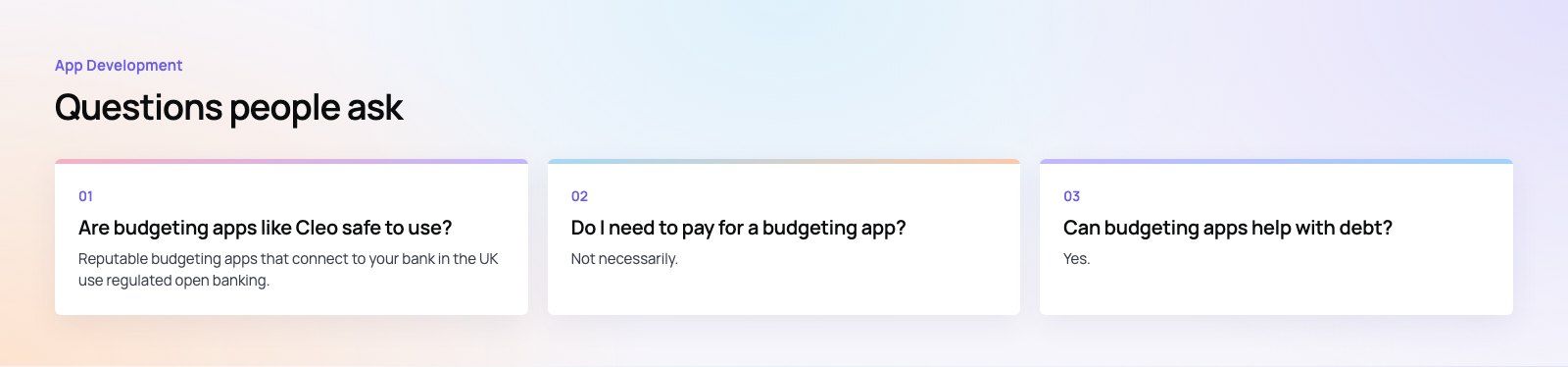
Reputable budgeting apps that connect to your bank in the UK use regulated open banking, which gives them read access without sharing your login details.
Check that the provider is authorised on the FCA register, read what data it keeps, and turn on two factor sign in. You can withdraw an app's access from your bank at any time.
App DevelopmentFood Delivery Apps in Dubai: A 2026 Guide for RestaurantsWho runs food delivery in Dubai in 2026, which apps left, and when a restaurant should build its own ordering app instead of relying on aggregators. App DevelopmentFlutter vs React Native in 2026: Which Should You Choose?Both frameworks rebuilt their internals. Here is how Flutter and React Native compare in 2026, and how to pick one for your app.
 App DevelopmentApp Store Rejection Reasons and How to Avoid ThemWhy Apple rejects apps, using its own 2024 and 2025 review data: crashes and demo logins, website wrappers, account deletion, payment rules and regulated UAE apps.
Tell us what the business needs. We will tell you what to build first.
Schedule a free consultation and get a written recommendation, with costs, before you commit to anything.
Get in touchPROVEN RESULTS
4.7 / 5verified reviews on Google