 MarketingGoogle Ads Conversion Tracking With GTM: Fixing Zero ConversionsWhy Google Ads shows zero conversions while leads arrive, and how to fix it in GTM: form triggers, WhatsApp clicks, GCLID capture, consent mode and a seven-step debugging order.
Shopify Audiences: How to Use It for Targeted Marketing
What Shopify Audiences is, who can use it, the audience types it builds, and how to use them with Meta, Google and email segments for better targeting.
Shopify Audiences is a free tool for Shopify Plus merchants in the US and Canada that builds ad audiences from purchase intent signals across the Shopify network and exports them to ad platforms such as Meta and Google. Used well, it gives your retargeting and prospecting campaigns better lists than your own store data could produce alone. It works best alongside the customer segments you build in your Shopify admin for email and onsite personalization.
This guide explains who can use Shopify Audiences, the audience types it creates, how to use them across channels, and the practices that keep campaigns efficient.
What Shopify Audiences is, and what it is not
Two Shopify features are often confused:
| Shopify Audiences | Customer segments in Shopify admin | |
|---|---|---|
| Purpose | Paid ad targeting | Grouping your own customers |
| Data used | Commerce intent signals from across the Shopify network | Your store's customer and order data |
| Where lists go | Exported to connected ad accounts | Email, discounts, marketing apps and exports |
| Who can use it | Eligible Shopify Plus merchants in the US and Canada | Shopify merchants generally |
Shopify Audiences is about finding and retargeting people on ad platforms. Customer segments are about understanding and messaging the customers you already have. A good targeted marketing plan uses both.
Who can use Shopify Audiences
According to Shopify's Audiences page, the tool is available only to merchants on the Shopify Plus plan who use Shopify Payments and operate in the US or Canada. You also need Shopify Network Intelligence enabled in your privacy settings, because the tool depends on shared network data. Shopify's help center explains how to check eligibility from your admin.
If your store is outside those markets or on another plan, the rest of this guide still applies to the customer segments and ad platform audiences you can build yourself.
The audience types Shopify Audiences creates
- Retargeting Boost: a lower funnel list of people who have engaged with your brand, used to bring warm shoppers back.
- Prospecting: potential new customers Shopify predicts are likely to engage with your brand.
- Lookalike: a larger audience that the ad platform builds from your Retargeting Boost list, for broader reach.
- Existing Customers Plus: your existing customers, which you can exclude from prospecting so you stop paying to acquire people you already have, or include in re-engagement campaigns.
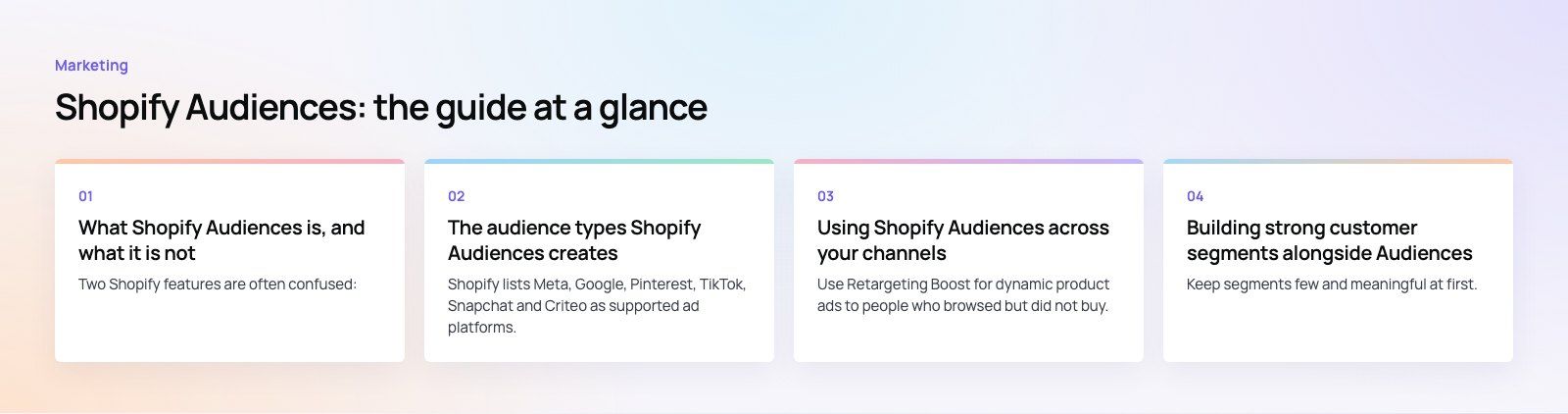
Shopify lists Meta, Google, Pinterest, TikTok, Snapchat and Criteo as supported ad platforms. You connect your ad accounts once, and lists are exported and refreshed automatically.
How to set it up
- Confirm eligibility and turn on Shopify Network Intelligence in your privacy settings.
- Install the Shopify Audiences app from your admin.
- Connect the ad accounts you use, such as Meta and Google.
- Generate the audience lists you need, following the options the app shows for your store.
- Use the exported lists in campaigns inside each ad platform, and make sure your pixel and conversion tracking are working so results can be measured.
Using Shopify Audiences across your channels
Meta and Instagram ads
Use Retargeting Boost for dynamic product ads to people who browsed but did not buy. Use Prospecting and Lookalike lists for new customer campaigns, and exclude Existing Customers Plus so budget goes to genuinely new buyers. Rotate creative often, since warm audiences tire of the same ad quickly.
Google Ads
Add the lists to Search, Shopping, Performance Max and YouTube campaigns as audience signals or remarketing lists. Raising bids for Retargeting Boost on search terms you already target is a practical starting point.
Pinterest, TikTok and other platforms
Discovery platforms reward inspiring creative. Pair Prospecting lists with product focused visuals and short videos, and test them against each platform's own interest targeting to see which performs better for you.
Email and onsite personalization
Shopify Audiences does not feed email directly. For email, use customer segments in your admin: repeat buyers, lapsed customers, people who bought a specific category, or high spenders. Send each group a message that fits where they are, such as a replenishment reminder, a win back offer or early access to a new range.
Building strong customer segments alongside Audiences
- Behavior based: first time buyers, repeat buyers, high value customers and people who abandoned checkout.
- Interest based: customers grouped by the categories or products they buy.
- Location based: customers by region, so shipping offers and timing make sense.
- Lifecycle based: new, active, at risk and lapsed, based on time since last order.
Keep segments few and meaningful at first. Five segments you actually message are worth more than thirty you never use.
Best practices for Shopify Audiences campaigns
Keep data clean
Make sure products are well categorized, tracking pixels fire correctly and checkout events reach your ad platforms. Audience quality depends on the quality of the signals behind it.
Test against a baseline
Run Shopify Audiences lists alongside your existing targeting in the same campaign structure, with the same creative, and compare cost per purchase and return on ad spend. Decide based on your own numbers, not general claims.
Match creative to the season
Update the products and offers featured in your ads as your bestsellers and seasons change, so each list sees what is most relevant now.
Use exclusions
Excluding existing customers from prospecting, and recent buyers from retargeting, is one of the simplest ways to cut wasted spend.
Respect privacy
Keep your privacy policy and cookie consent up to date, honor customer preferences for marketing, and only send email to people who agreed to receive it. Privacy rules differ between US states and Canada, so take advice if you are unsure.
Common mistakes to avoid
- Treating Shopify Audiences as a replacement for good creative and a fast, clear store.
- Judging results after a few days instead of a full buying cycle.
- Showing the same retargeting ad for weeks.
- Forgetting to exclude existing customers from new customer campaigns.
- Ignoring email segments, which are usually your most profitable channel for repeat sales.
Getting more from your Shopify store
Better audiences only help if the store converts the visitors they bring. Codeeo's Shopify developers build and improve stores such as the bilingual EGO Sustainable store, and our digital marketing team runs paid campaigns across Meta and Google. If you think checkout is leaking sales, start with a checkout teardown.
Frequently asked questions
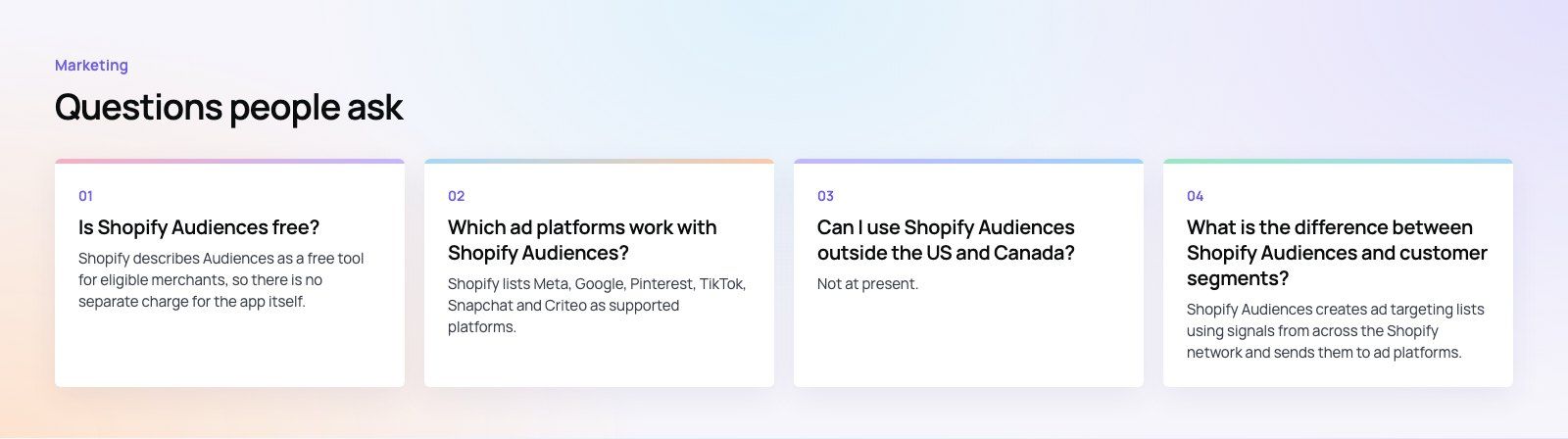
Shopify describes Audiences as a free tool for eligible merchants, so there is no separate charge for the app itself.
You still pay the ad platforms for the campaigns you run with the lists it exports. Eligibility is limited to Shopify Plus merchants using Shopify Payments in the US or Canada with Network Intelligence enabled.
MarketingGoogle Ads Conversion Tracking With GTM: Fixing Zero ConversionsWhy Google Ads shows zero conversions while leads arrive, and how to fix it in GTM: form triggers, WhatsApp clicks, GCLID capture, consent mode and a seven-step debugging order. MarketingArabic vs. English Digital Marketing Strategies for GCC AudiencesIntroduction Marketing in the Gulf Cooperation Council (GCC) requires choosing between Arabic and English content. The GCC region includes countries like the UAE, Saudi Arabia, Qatar, and Kuwait. Millions of local Arab citizens and international workers live together here. Because of this mix, a sin
 MarketingBest Digital Marketing Agency in Deira Introduction Deira is one of the oldest and busiest commercial hubs in Dubai. Thousands of traditional traders, wholesale markets, retail shops, and modern corporate offices operate here every day. As buyers shift from walking down market streets to searching on mobile screens, local businesses must
Tell us what the business needs. We will tell you what to build first.
Schedule a free consultation and get a written recommendation, with costs, before you commit to anything.
Get in touchPROVEN RESULTS
4.7 / 5verified reviews on Google