 Web DevelopmentWordPress vs Drupal: Which CMS Is Right for Your Business?WordPress vs Drupal compared on ease of use, content modeling, security, performance, ecommerce and cost drivers, with five questions to help you choose.
Affordable Web Design: How to Get Quality Without Overspending
What drives website cost, which platforms keep it in check, when to DIY or hire, and the hidden extras that inflate a small business web design budget.
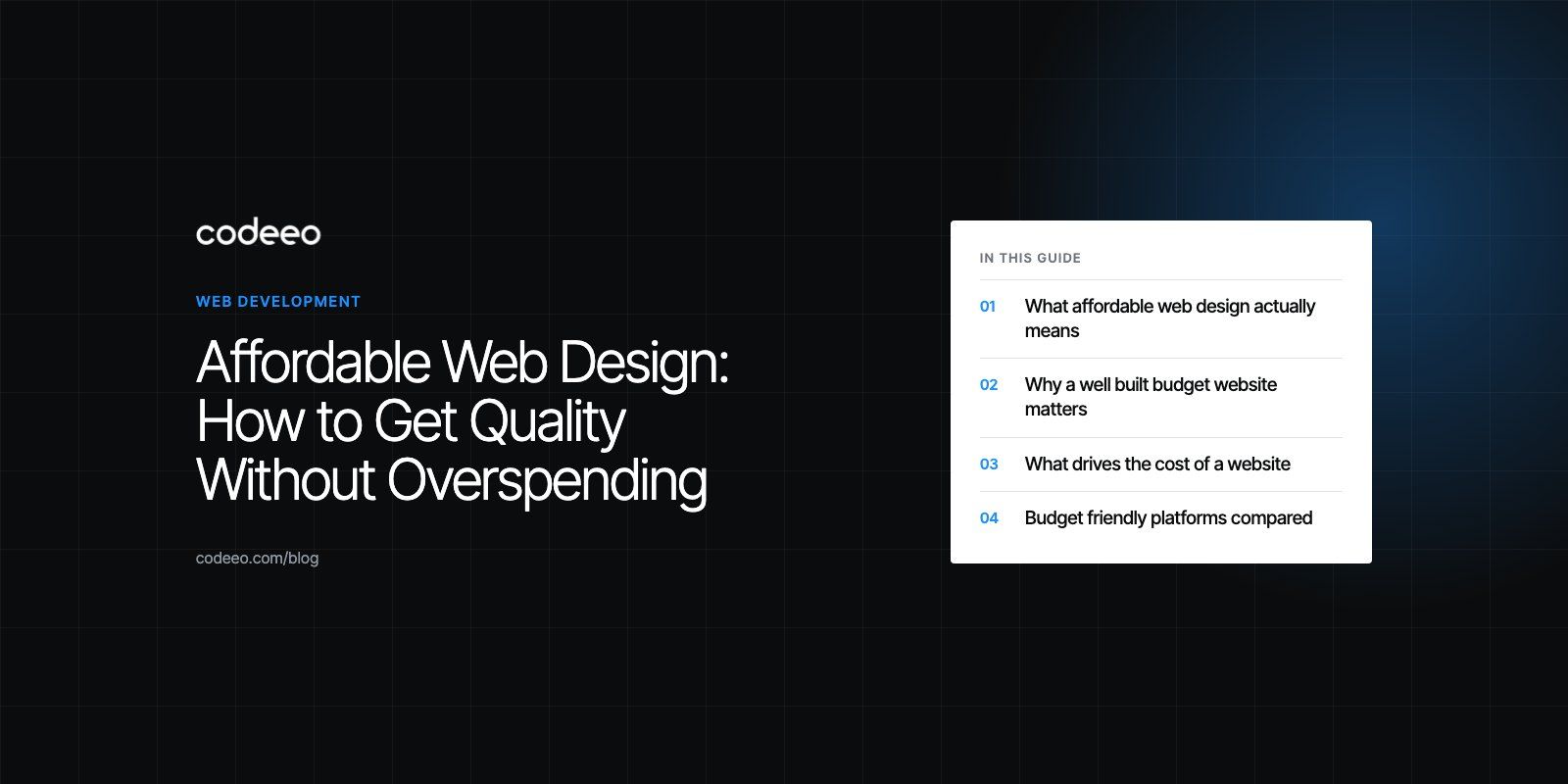
Affordable web design means getting a site that looks professional, loads fast and brings in enquiries, while spending only on what your business actually needs. The way to get there is to plan tightly, start from a proven platform or template, and put your budget into content and conversion rather than custom features nobody asked for. Cheap and affordable are not the same thing: a cheap site often costs more later in rebuilds, lost leads and fixes.
This guide covers what drives the cost of a website, which platforms keep it under control, when to do it yourself and when to hire, and the mistakes that quietly inflate a budget.
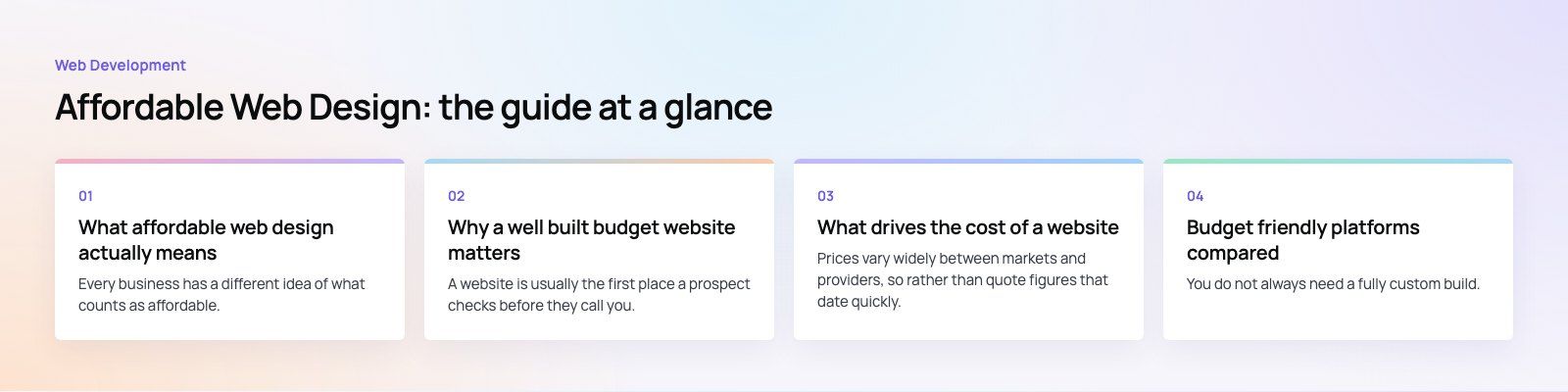
What affordable web design actually means
Every business has a different idea of what counts as affordable. A useful definition is the best ratio of features, quality and cost for the job the site has to do. A five page site for a local service business has a different job from an online store with hundreds of products, and both can be affordable if the scope fits the goal.
An affordable site still needs the basics done properly:
- A clear message on the home page that tells visitors what you do and who you do it for.
- Fast loading on mobile, since most first visits happen on a phone.
- Simple navigation with no more than a handful of top level menu items.
- A working contact route, whether that is a form, a phone link or WhatsApp.
- Basic search engine setup: page titles, descriptions, headings and an XML sitemap.
If any of these are missing, the site is not affordable at all, because it will not earn back what it cost.
Why a well built budget website matters
A website is usually the first place a prospect checks before they call you. Even a modest site helps a small business compete with larger firms, because visitors judge credibility in seconds and mostly on clarity and polish, not on size.
- Credibility. A tidy, current site signals that the business is active and takes itself seriously.
- New customers. Search engines and maps send people to sites that answer their questions clearly.
- Lead capture. A good form or booking flow turns visits into conversations without extra staff time.
- Growth. A site on a sound platform can add pages, services or a shop later without starting again.
What drives the cost of a website
Prices vary widely between markets and providers, so rather than quote figures that date quickly, it is more useful to understand the factors that move a quote up or down.
Domain and hosting
The domain name is a small yearly cost unless you want a premium name someone else already owns. Hosting ranges from shared plans suited to brochure sites to managed or cloud hosting for busy stores. Many hosts bundle the domain with the first year of hosting, but check the renewal terms, not just the introductory offer.
Design and build
This is usually the largest line. It covers the structure of the site, the visual design and the build itself. Cost rises with the number of unique page layouts, custom functionality, integrations with other systems and the number of languages.
Content
Copy, photography and video are often forgotten in the budget. If you can supply clear, accurate text and decent photos, you save time on the project. If not, plan for it, because good content does more for results than extra design flourishes.
Ongoing care
Updates, security patches, backups and small changes continue after launch. A site that is not maintained gets slower and more exposed over time.
The web design process in four steps
- Planning and discovery. Define the purpose of the site, the audience, the pages and the one action you want visitors to take. Write it down before anyone designs anything.
- Design and development. The designer creates layouts for the key pages, you approve them, and the developer builds the site on the chosen platform.
- Content. Text, images and any downloads go in. This is where many projects stall, so start writing early.
- Launch and maintenance. Test forms, mobile layouts and speed, connect analytics, then keep the platform and plugins updated.
Budget friendly platforms compared
You do not always need a fully custom build. These platforms cover most small business needs at a sensible cost.
| Platform | Best for | Strengths | Watch out for |
|---|---|---|---|
| WordPress (self hosted) | Service businesses, content heavy sites, growing companies | Open source, huge choice of themes and plugins, you own the site | Needs hosting, updates and someone to keep plugins under control |
| Wix | Very small sites built by the owner | Drag and drop editor, quick to start | Less flexible as needs grow, harder to move away later |
| Squarespace | Portfolios and visual brands | Polished templates, hosting included | Limited customization beyond what templates allow |
| Shopify | Online stores | Products, payments and inventory handled for you | Monthly plan plus app fees can add up |
| Webflow | Design led marketing sites | Strong visual control without heavy coding | Learning curve and plan limits on larger sites |
WordPress.org remains the most common starting point for businesses that want ownership and room to grow, and it is the platform we most often recommend for service sites through our WordPress development work. For stores, a hosted platform such as Shopify usually beats a custom cart on cost, and our Shopify developers can set one up without unnecessary custom code.
DIY or hire a web design company?
The right choice depends on your time, your technical comfort and how much the site needs to do.
Doing it yourself
A website builder is a sensible choice when the site is simple, you are comfortable with technology and you have time to learn the tool. You keep full creative control and pay only the platform fee. The trade offs are limited design flexibility, a risk of technical mistakes that hurt speed or search visibility, and hours you could spend running the business.
Hiring a professional
A designer or agency saves time and brings experience with layout, copy structure, speed and search basics. You also get someone to call when something breaks. The cost is higher than DIY, and you need to communicate clearly to get what you want.
A middle path works well for many small businesses: have a professional set up the structure, design and technical foundations, then make routine text and image updates yourself.
How to find good value web design services
- Ask for itemized quotes. Be clear about scope and budget up front so quotes are comparable.
- Judge the portfolio, not just the price. Look for live sites similar in size and purpose to yours, and check how they load on your phone.
- Check references. Ask past clients about deadlines, communication and support after launch.
- Consider freelancers for small jobs. They can be good value for a single task, but check experience and availability.
- Clarify ownership. Make sure you own the domain, the hosting account and the site files.
Tips to keep your website cost effective
- Prioritize essentials. Launch with the pages and features that bring enquiries. Add the rest later.
- Start from a good template. A well chosen theme adjusted to your brand is far cheaper than a design from scratch.
- Write clear content. Strong copy reduces the need for complex layouts and features.
- Handle small updates yourself. Learn to change text, images and blog posts to cut maintenance calls.
- Plan before design starts. A clear brief prevents expensive rounds of revisions.
- Use free resources. Open licensed fonts and properly licensed stock images save money without hurting quality.
- Compare and negotiate. Agree scope and price in writing before work begins.
Elements that quietly push up the cost
Custom features
Unique widgets, complex forms and one off calculators take real development time. A tested plugin or integration, lightly adjusted, often does the same job.
Heavy animation
Animations look impressive in a demo but take time to build and can slow pages down. Keep motion simple and purposeful.
Endless revisions
Every extra round adds hours. Agree on a brief, give consolidated feedback and limit decision makers.
Large images and video
Uncompressed media slows the site and raises hosting needs. Resize and compress images, serve modern formats and host long videos on a video platform. Google's guidance on Core Web Vitals explains why speed affects both visitors and search.
Ecommerce complexity
Custom checkouts, advanced filtering and product configurators are expensive. Standard platforms like Shopify or WooCommerce include most of what a small store needs.
Over customized themes
Pushing a theme far beyond its design means fighting it at every update. Pick one close to your needs and change only what matters.
Onshore or offshore web design?
| Onshore | Offshore | |
|---|---|---|
| Cost | Usually higher labor rates | Usually lower labor rates |
| Communication | Same time zone and language | Time zone gaps, needs clear written briefs |
| Market knowledge | Familiar with local customers and norms | Varies, depends on the team's experience |
| Oversight needed | Lower | Higher, especially for quality checks |
A distributed team can combine both: local project leads who understand your market, supported by developers in other locations. Whichever route you choose, insist on a written scope, regular check ins and a staging site you can review.
Trends that are making good websites cheaper
- AI assisted design tools. Builders can now generate a first draft layout and copy from a short brief. Treat the output as a starting point and edit it heavily.
- No code and low code platforms. Tools like Webflow let teams maintain sites without a developer for every change.
- Progressive web apps. For some businesses, an installable web app replaces the need for separate mobile apps.
- Open source ecosystems. Mature themes and plugins reduce the amount of code written from scratch.
- Pay as you go cloud hosting. Growing sites can scale hosting with traffic rather than paying for capacity up front.
- Accessibility by default. Building to the WCAG guidelines from day one is cheaper than retrofitting later.
If you want a professional site without paying for features you do not need, our web development and design teams scope projects around the result you are after. You can see one example in our EGL Aesthetic case study, or start with a website audit of your current site.
Frequently asked questions
Start with a clear written plan that lists the pages, features and main goal of the site.
Use a proven platform and a good template instead of a design from scratch, supply your own text and photos where possible, and give consolidated feedback to avoid extra revision rounds. Then learn to make simple text and image updates yourself so you only pay for work that needs a professional.
Web DevelopmentWordPress vs Drupal: Which CMS Is Right for Your Business?WordPress vs Drupal compared on ease of use, content modeling, security, performance, ecommerce and cost drivers, with five questions to help you choose. Web DevelopmentCustom Website Development vs Website Builders: Pros and ConsAn honest comparison of custom website development and website builders: control, cost over time, SEO, integrations, and how to decide which fits your business.
 Web DevelopmentWeb Development Consultant: What They Do and When to Hire OneWhat a web development consultant does, how the role differs from a developer or agency, when hiring one pays off and how to choose the right one.
Tell us what the business needs. We will tell you what to build first.
Schedule a free consultation and get a written recommendation, with costs, before you commit to anything.
Get in touchPROVEN RESULTS
4.7 / 5verified reviews on Google