 Web DevelopmentWordPress vs Drupal: Which CMS Is Right for Your Business?WordPress vs Drupal compared on ease of use, content modeling, security, performance, ecommerce and cost drivers, with five questions to help you choose.
How to Build a PWA with React: Setup, Offline Mode and Deployment
A practical guide to building a progressive web app with React in 2026: Vite or Next.js setup, manifest, service worker caching, push and deployment.
To build a progressive web app with React, start a React project on a current build tool such as Vite or a framework such as Next.js, add a web app manifest so the app can be installed, and register a service worker that caches the app shell and handles offline requests. Serve it over HTTPS, test it in browser DevTools, and you have a React app that installs to the home screen, loads fast on repeat visits and keeps working on a weak connection.
This guide walks through that process as it stands now, including one big change from older tutorials: Create React App is no longer the recommended starting point.
What a React PWA actually is
A progressive web app is a website that meets a few extra conditions so browsers can treat it like an installed app. React does not make an app progressive on its own. React handles the interface; the PWA behavior comes from three browser features that sit alongside it.
- A web app manifest. A small JSON file that gives the app a name, icons, a start URL, colors and a display mode such as standalone, so it opens in its own window without browser chrome.
- A service worker. A script that runs in the background, separate from the page, and can intercept network requests, serve cached files, receive push messages and sync data later.
- HTTPS. Service workers only run in a secure context, with an exception for localhost during development.
Because the code is one web codebase, the same app runs on Android, iOS and desktop browsers. That is the main reason teams choose a PWA over separate native apps, and it is also why its limits matter: you get what the browser allows on each platform, nothing more.
Why React suits progressive web apps
React's component model fits PWAs well. An app shell built from reusable components (header, navigation, layout, loading states) can be cached once and reused on every screen, so repeat visits feel instant while only data changes.
The ecosystem also does much of the heavy lifting. Routing libraries, data fetching libraries with built in caching, and build tools with PWA plugins mean you rarely write service worker plumbing by hand. React's lazy loading support makes it easy to split a large app into chunks so the first screen loads quickly, which matters more for a PWA than for a typical site because users expect app speed.
If your team already builds with React, a PWA is often the cheapest way to give users an installable, offline capable product without starting a second codebase. Our React developers use this route when a product needs reach before it needs deep device access.
Setting up the project in 2026
Older guides start with Create React App because it shipped a service worker template. The React team deprecated Create React App for new apps in February 2025 and now points developers to a framework or to a build tool such as Vite. Do not start a new PWA on it.
Option 1: Vite with a PWA plugin
For a client rendered single page app, Vite is the simplest base. Create a new React project with the Vite React template, then add the community Vite PWA plugin. The plugin generates the manifest and a service worker at build time using Workbox, Google's service worker library, so you configure behavior instead of writing caching code line by line.
In the plugin configuration you set three things: the manifest details (name, short name, icons, theme color, background color, display mode), the update strategy (prompt the user or update automatically), and which files to precache. In the app itself you call the plugin's register helper once, usually from the entry file.
Option 2: A framework such as Next.js
If the product also needs server rendering for SEO, a framework is the better base. Next.js supports a manifest file natively, and you add a service worker either by hand or with a Workbox based package. The PWA layer is the same idea; it simply sits on top of server rendered pages. Teams weighing this choice can compare it against our Next.js development approach.
The manifest checklist
- A name and a short name that fits under a home screen icon.
- Icons in at least a 192 pixel and a 512 pixel size, plus a maskable icon so Android can crop it into any shape.
- A start URL and a scope that match where the app lives.
- Display set to standalone for an app window.
- Theme and background colors that match the splash screen and status bar you want.
Missing or mismatched icons are the most common reason a React app fails install checks, so verify the paths after every build.
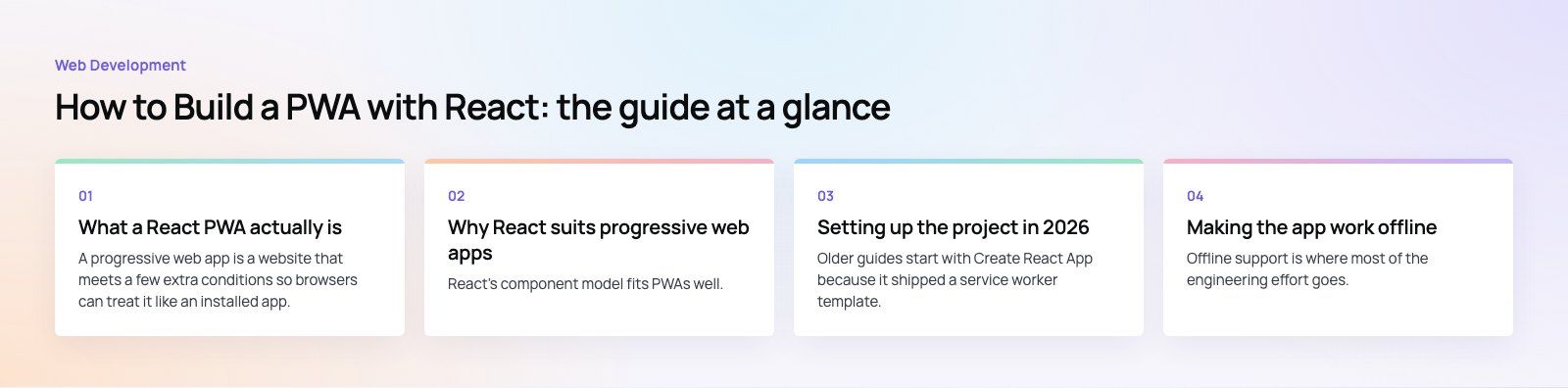
Making the app work offline
Offline support is where most of the engineering effort goes. The service worker decides, request by request, whether to answer from the cache or the network. Pick a strategy per type of resource rather than one rule for everything.
| Strategy | How it works | Best for |
|---|---|---|
| Precache | Files are downloaded and stored when the service worker installs | The app shell: HTML, JavaScript bundles, CSS, core icons |
| Cache first | Serve from cache; go to the network only if missing | Fonts, images and versioned static files that rarely change |
| Network first | Try the network; fall back to cache if offline | API data that must be fresh, such as account details or orders |
| Stale while revalidate | Serve the cached copy now and update it in the background | Content where speed beats perfect freshness, such as listings or feeds |
| Network only | Never cache | Payments, logins and anything sensitive |
With Workbox you express these as runtime caching rules that match URL patterns. Without it, you write install and fetch event handlers in the service worker yourself, as described in MDN's Service Worker API guide.
Design the offline experience, not just the cache
Caching files is only half of it. Decide what the user sees when data is unavailable: a friendly offline page, the last loaded data with a note that it may be out of date, or a queue that sends form submissions once the connection returns. In React, a small hook that listens to the browser's online and offline events lets components show the right state.
One issue we often see is a service worker that caches API responses containing personal data on shared devices. Keep sensitive endpoints out of the cache and clear caches on logout.
Handle updates deliberately
A service worker keeps serving the old version until the new one takes over. If you skip this step, users can be stuck on a stale build for days. Either show a prompt that says a new version is available with a reload button, or activate updates automatically and reload at a safe moment, such as on the next navigation. Change cache names on each release so old files are cleaned up.
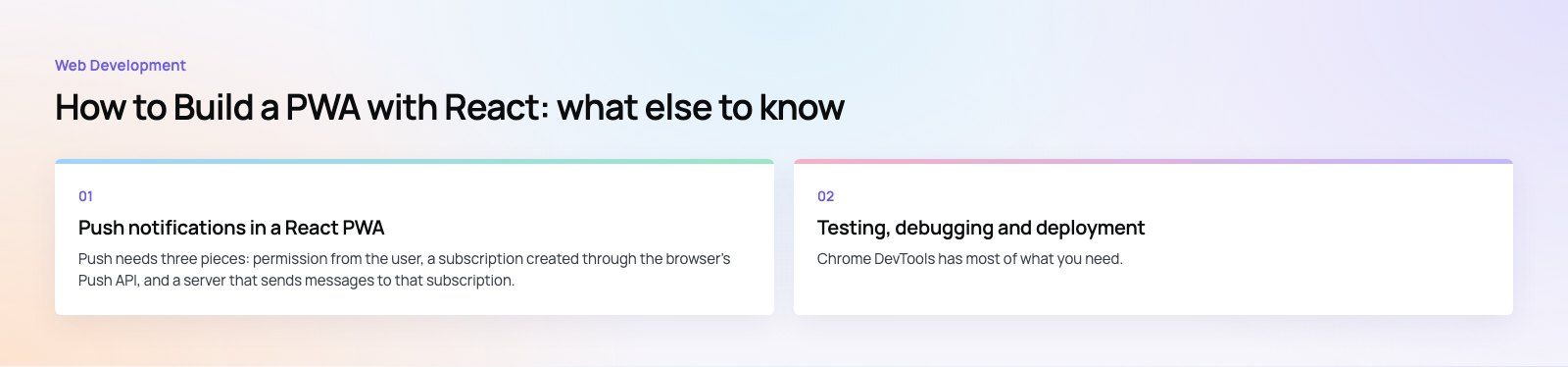
Push notifications in a React PWA
Push needs three pieces: permission from the user, a subscription created through the browser's Push API, and a server that sends messages to that subscription. Many teams use Firebase Cloud Messaging for the server side; current versions of the Firebase JavaScript SDK use a modular import style, so older snippets based on the namespaced API need updating.
Platform support is the key caveat. WebKit added web push for Home Screen web apps on iOS and iPadOS in 2023, which means iPhone users only receive notifications after adding the app to the home screen. Plan an install prompt before you plan a notification strategy.
Ask for permission after a user action that makes the value obvious, such as turning on order updates, not on first load. Early permission prompts are usually dismissed, and a dismissed prompt is hard to get back.
Performance habits that matter for PWAs
- Split code by route. Use React's lazy loading with a suspense fallback so each screen downloads only its own code.
- Keep the precache small. Precache the shell and critical assets only; large media should be cached at runtime when used.
- Watch real user metrics. Lab scores are a start, but field data on loading and interaction speed tells you what users feel. Our Core Web Vitals service covers this side in depth.
Testing, debugging and deployment
Chrome DevTools has most of what you need. The Application panel shows the manifest, the registered service worker and every cache. The Network panel can simulate offline mode and slow connections. Lighthouse reports on performance, accessibility and best practices; run it against a production build, because development servers behave differently.
Test on real devices too. Install behavior differs between Chrome on Android, Safari on iOS and desktop browsers, and the only way to see the real prompts and splash screens is to try them.
For deployment, run the production build and upload the output to any static host or CDN that serves HTTPS. Make sure the service worker file itself is not cached aggressively by the host, otherwise users will not pick up updates.
Common problems and fixes
- Service worker will not register. Check the console, confirm the site is on HTTPS, and confirm the service worker file is served from the root or from a path that covers the app's scope.
- App is not installable. Open the manifest section in DevTools; it lists missing fields and broken icon paths.
- Users see an old version. Add an update prompt and stop the host from caching the service worker file.
- Offline mode shows a blank screen. The app shell or a lazy loaded chunk was not precached. Check the cache contents after a fresh install.
When a PWA is not enough
A PWA covers most content, commerce and internal tool use cases. It struggles when the product needs deep hardware access, background location, rich widgets or App Store discovery. In those cases a React Native or native app is the better path, and you can share logic and design between the two. If you are unsure which way to go, a short product scoping exercise settles it before any code is written.
A React PWA is a practical way to ship one product that works on every device, as long as the manifest, caching and update flow are planned from the start. If you want help building or reviewing one, our web development team can take it from setup to launch, and our mobile app developers can advise when a native app makes more sense.
Frequently asked questions
No.
The React team deprecated Create React App for new projects in February 2025 and recommends a framework or a build tool such as Vite instead. Existing apps still run, but new PWAs should start on Vite with a PWA plugin, or on a framework such as Next.js when server rendering matters. Migrating an older app is usually a matter of moving the build setup, not rewriting components.
Web DevelopmentWordPress vs Drupal: Which CMS Is Right for Your Business?WordPress vs Drupal compared on ease of use, content modeling, security, performance, ecommerce and cost drivers, with five questions to help you choose. Web DevelopmentCustom Website Development vs Website Builders: Pros and ConsAn honest comparison of custom website development and website builders: control, cost over time, SEO, integrations, and how to decide which fits your business.
 Web DevelopmentWeb Development Consultant: What They Do and When to Hire OneWhat a web development consultant does, how the role differs from a developer or agency, when hiring one pays off and how to choose the right one.
Tell us what the business needs. We will tell you what to build first.
Schedule a free consultation and get a written recommendation, with costs, before you commit to anything.
Get in touchPROVEN RESULTS
4.7 / 5verified reviews on Google