 Web DevelopmentWordPress vs Drupal: Which CMS Is Right for Your Business?WordPress vs Drupal compared on ease of use, content modeling, security, performance, ecommerce and cost drivers, with five questions to help you choose.
How to Build a Video Sharing Website Like YouTube
How to build a video sharing website like YouTube: the upload and streaming pipeline, tech stack, core features, moderation, video SEO and cost drivers.
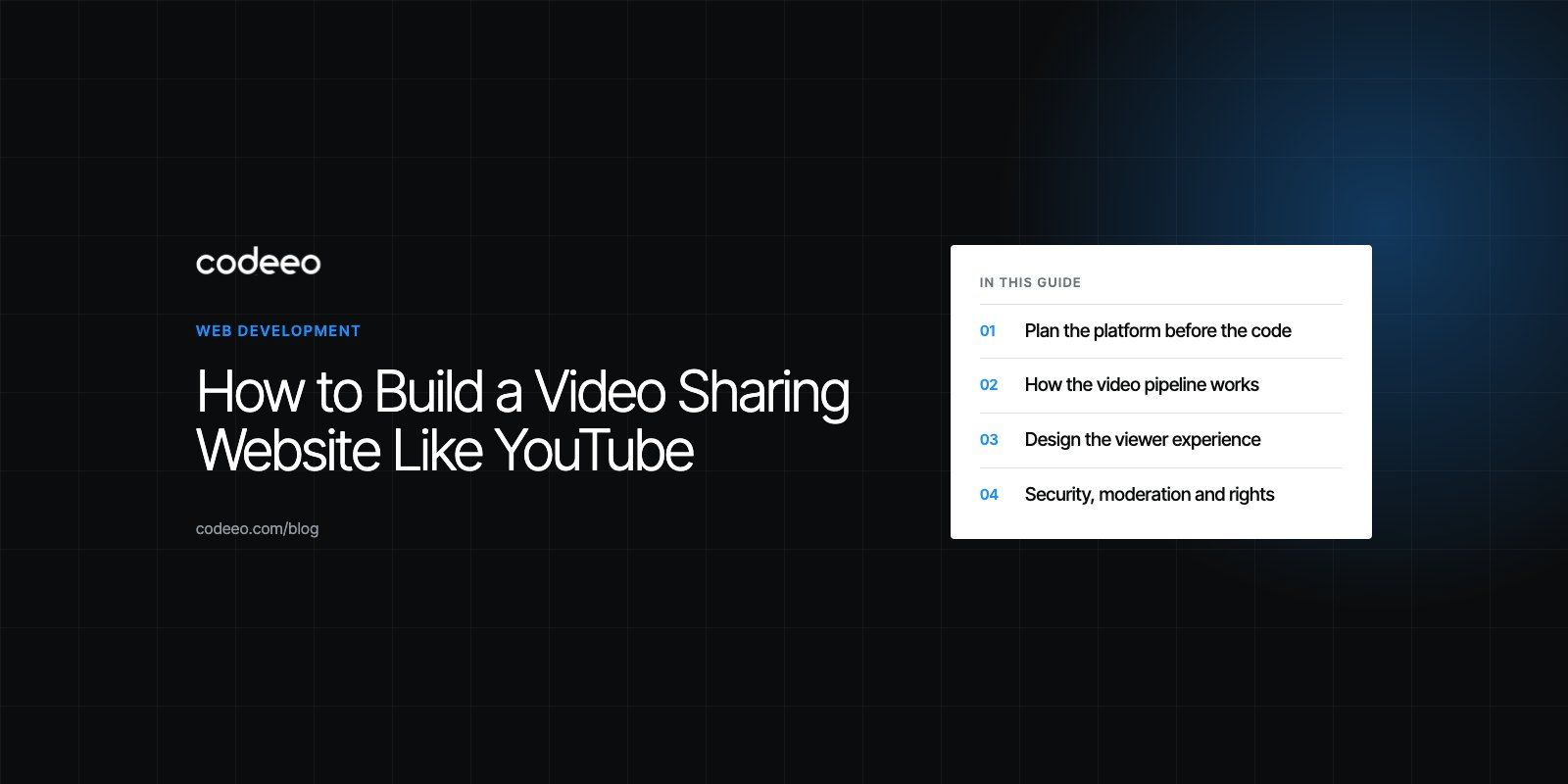
To build a website like YouTube, you need four parts working together: an upload pipeline that transcodes each video into several qualities, a web player that streams adaptively through a content delivery network, search and recommendations so viewers find videos, and channel tools such as subscriptions, comments and moderation. Start with one audience and a small feature set, prove people watch, then scale. The cost is driven by video storage and delivery, the features you build custom and how you plan to make money.
This guide walks through the build in order: planning, architecture, features, security, monetization, testing, launch and the factors that shape your budget.
Plan the platform before the code
Pick an audience YouTube underserves
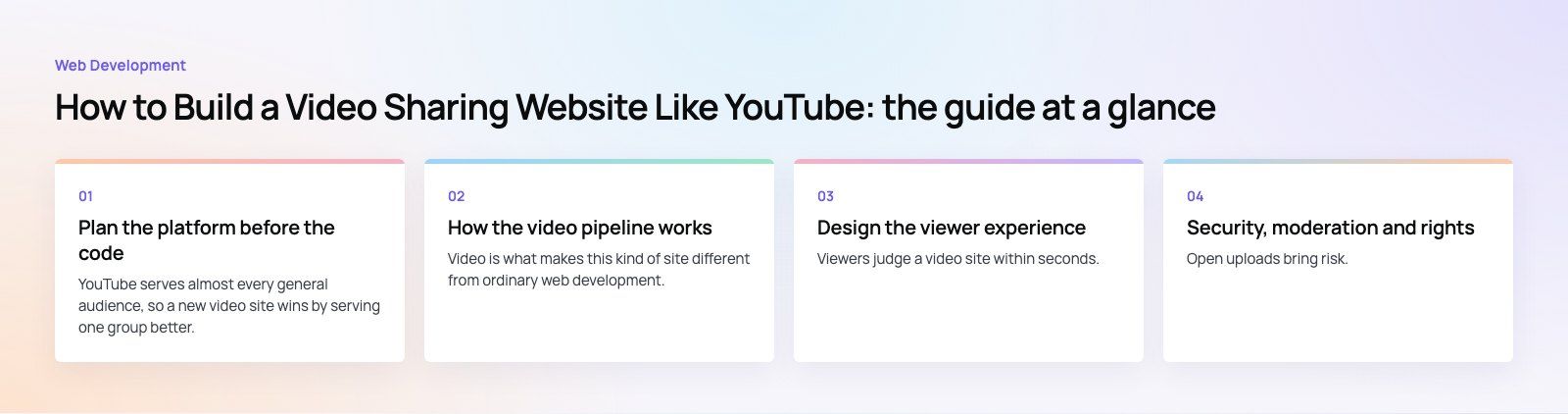
YouTube serves almost every general audience, so a new video site wins by serving one group better. Examples include training libraries for a profession, sermons and lectures for a faith community, match footage for a sports league, courses with quizzes for a school, or a private video library for a company. The audience decides who can upload, whether videos are public, and whether people pay.
Choose a business model
YouTube combines advertising, a paid subscription tier and channel memberships. A smaller platform usually picks one primary model:
| Model | How it earns | Works best when |
|---|---|---|
| Advertising | Pre roll and display ads around videos | You have very high viewing volume |
| Subscription | Monthly or annual access to the library | Content is exclusive or professional |
| Pay per view | One time purchase or rental per video or event | Live events, premium courses, films |
| Creator revenue share | Platform takes a share of fan memberships or tips | You attract creators with existing audiences |
| Business licence | Organizations pay for a private video portal | Internal training or client video libraries |
A short product scoping exercise turns your audience and model into a first release plan.
How the video pipeline works
Video is what makes this kind of site different from ordinary web development. Every upload goes through the same steps:
- Upload. The browser sends the file directly to cloud storage in resumable chunks, so a dropped connection does not restart a large upload.
- Transcode. A processing job, often built on FFmpeg or a managed cloud media service, converts the file into several resolutions and bitrates and creates thumbnails.
- Package. The outputs are split into short segments with a playlist in a streaming format such as HTTP Live Streaming (HLS) or MPEG DASH.
- Deliver. A content delivery network caches the segments close to viewers.
- Play. The web player picks the quality that suits each viewer's connection and switches as conditions change.
You can build this pipeline yourself on cloud services, or use a video platform API that handles upload, transcoding and delivery for you. The managed route is faster to launch and is often the right choice until volume justifies your own pipeline.
Choose the technology stack
- Front end: React or Next.js for fast, search friendly pages. Server rendering helps video pages get indexed. Our Next.js developers build this kind of front end.
- Player: an open source web player that supports HLS or DASH, captions and quality switching.
- Back end: Node.js, Python or Go services for accounts, channels, comments and the processing queue.
- Database: PostgreSQL for users, channels and metadata, with a cache such as Redis for view counts and sessions.
- Search: a search engine such as Elasticsearch or OpenSearch for titles, descriptions, tags and transcripts.
- Storage and delivery: object storage for source and processed files, plus a CDN.
Design the viewer experience
Viewers judge a video site within seconds. Prioritize the watch page: the player loads first, the title and channel sit directly below, and related videos fill the side or bottom. Keep the home page focused on continuing to watch and a few strong rows of recommendations. Design for phones first, because a large share of viewing happens on mobile browsers, then scale up to desktop and large screens.
Accessibility matters for video more than most content. Support captions in the WebVTT format, keyboard controls on the player, and transcripts where you can. Captions and transcripts also give search engines text to index.
Build the core features
Accounts and channels
- Sign up with email or social login, password reset and two factor authentication.
- Channel pages with banner, description, playlists and subscriber counts.
Upload and management
- Resumable upload with progress, title, description, tags, thumbnail and visibility settings.
- A creator dashboard showing processing status, views, watch time and comments.
Playback
- Adaptive streaming, quality selection, playback speed, captions and full screen.
- Resume where the viewer left off, on any device.
Discovery
- Search with filters for upload date, length and channel.
- Recommendations. Start simple with related tags and popular videos, and add personalized ranking once you have enough viewing data.
Community
- Likes, comments with replies, subscriptions, notifications and sharing.
- Reporting tools and a moderation queue.
Security, moderation and rights
Open uploads bring risk. Plan for these from the first release:
- HTTPS everywhere, secure APIs, rate limiting and protection against denial of service attacks.
- Signed, expiring URLs for paid or private videos, and digital rights management if you host premium content.
- A moderation workflow combining automated checks with human review.
- A copyright notice and takedown process, which most countries expect from hosting platforms.
- Privacy controls that follow the data protection law of your markets, with extra care for any audience that includes children.
Payments
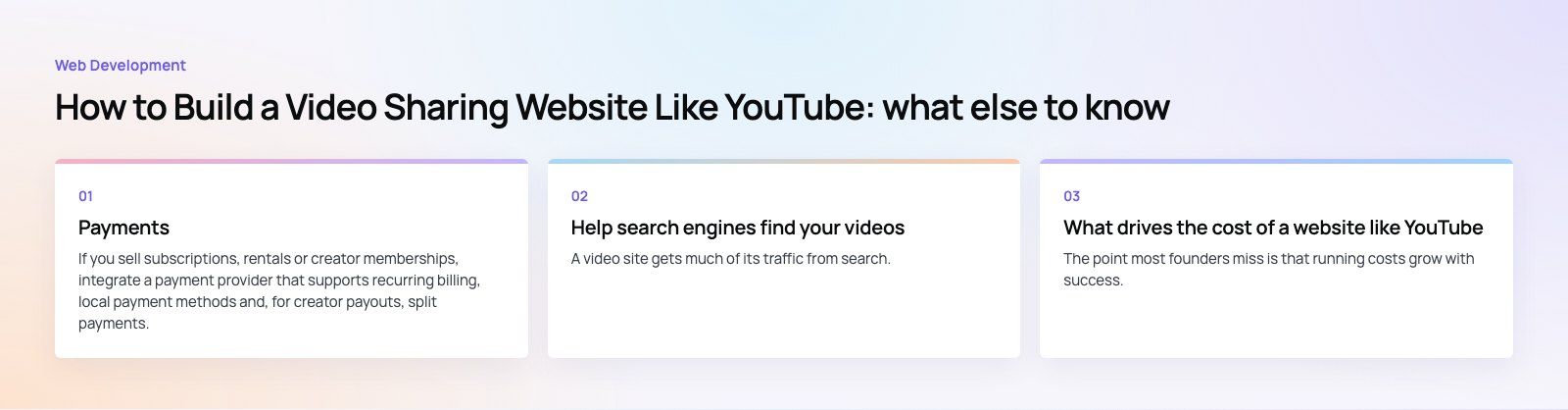
If you sell subscriptions, rentals or creator memberships, integrate a payment provider that supports recurring billing, local payment methods and, for creator payouts, split payments. Our payment integration team builds these flows. Keep card data off your own servers by using the provider's hosted fields or checkout.
Help search engines find your videos
A video site gets much of its traffic from search. Give every video its own fast loading page with a unique title, description and transcript, add video structured data, and submit a video sitemap. Google's video SEO best practices explain what it needs to index video pages. Page speed matters too, and our Core Web Vitals work focuses on exactly that.
Test, launch and improve
- Test playback on slow networks, older phones and every major browser.
- Load test uploads and transcoding, since a queue backlog is the first thing to break at launch.
- Run a private beta with a small group of creators so the site has content before viewers arrive.
- Launch with marketing aimed at your niche: partnerships, social clips and search optimized pages.
- Measure watch time, return visits and upload frequency, then build what the data says viewers want.
What drives the cost of a website like YouTube
| Cost driver | What raises it |
|---|---|
| Video storage | Long videos, many renditions, keeping source files |
| Delivery | Viewing hours and high resolutions; CDN bandwidth grows with every view |
| Transcoding | Upload volume, number of qualities, live streaming |
| Build approach | Own pipeline versus a managed video API; custom player and recommendations |
| Features | Live streaming, monetization, creator analytics, native apps |
| Security and rights | DRM, moderation tools and staff |
| Ongoing work | Maintenance, updates, support and marketing |
The point most founders miss is that running costs grow with success. Every extra hour watched adds delivery cost, so match your revenue model to viewing volume from the start. Native apps can follow later through mobile app development once the web platform proves demand.
Getting started
A video platform succeeds by serving one audience better than YouTube does, with a reliable pipeline and a watch page that loads fast. Codeeo has delivered 200+ projects across the UAE and the US, including real time media products such as Ourcast Live. Our web development team can help you scope and build your video site.
Frequently asked questions
There is no fixed figure, because cost depends on features, build approach and viewing volume.
A focused site using a managed video API costs far less upfront than one with its own transcoding pipeline, live streaming and native apps. Remember that storage and delivery costs rise with every hour watched, so plan running costs alongside the build budget.
Web DevelopmentWordPress vs Drupal: Which CMS Is Right for Your Business?WordPress vs Drupal compared on ease of use, content modeling, security, performance, ecommerce and cost drivers, with five questions to help you choose. Web DevelopmentCustom Website Development vs Website Builders: Pros and ConsAn honest comparison of custom website development and website builders: control, cost over time, SEO, integrations, and how to decide which fits your business.
 Web DevelopmentWeb Development Consultant: What They Do and When to Hire OneWhat a web development consultant does, how the role differs from a developer or agency, when hiring one pays off and how to choose the right one.
Tell us what the business needs. We will tell you what to build first.
Schedule a free consultation and get a written recommendation, with costs, before you commit to anything.
Get in touchPROVEN RESULTS
4.7 / 5verified reviews on Google