 Web DevelopmentWordPress vs Drupal: Which CMS Is Right for Your Business?WordPress vs Drupal compared on ease of use, content modeling, security, performance, ecommerce and cost drivers, with five questions to help you choose.
Features Every Business Website Should Have
The ten features every business website needs, from navigation and speed to security, analytics and maintenance, with the common mistakes to avoid.
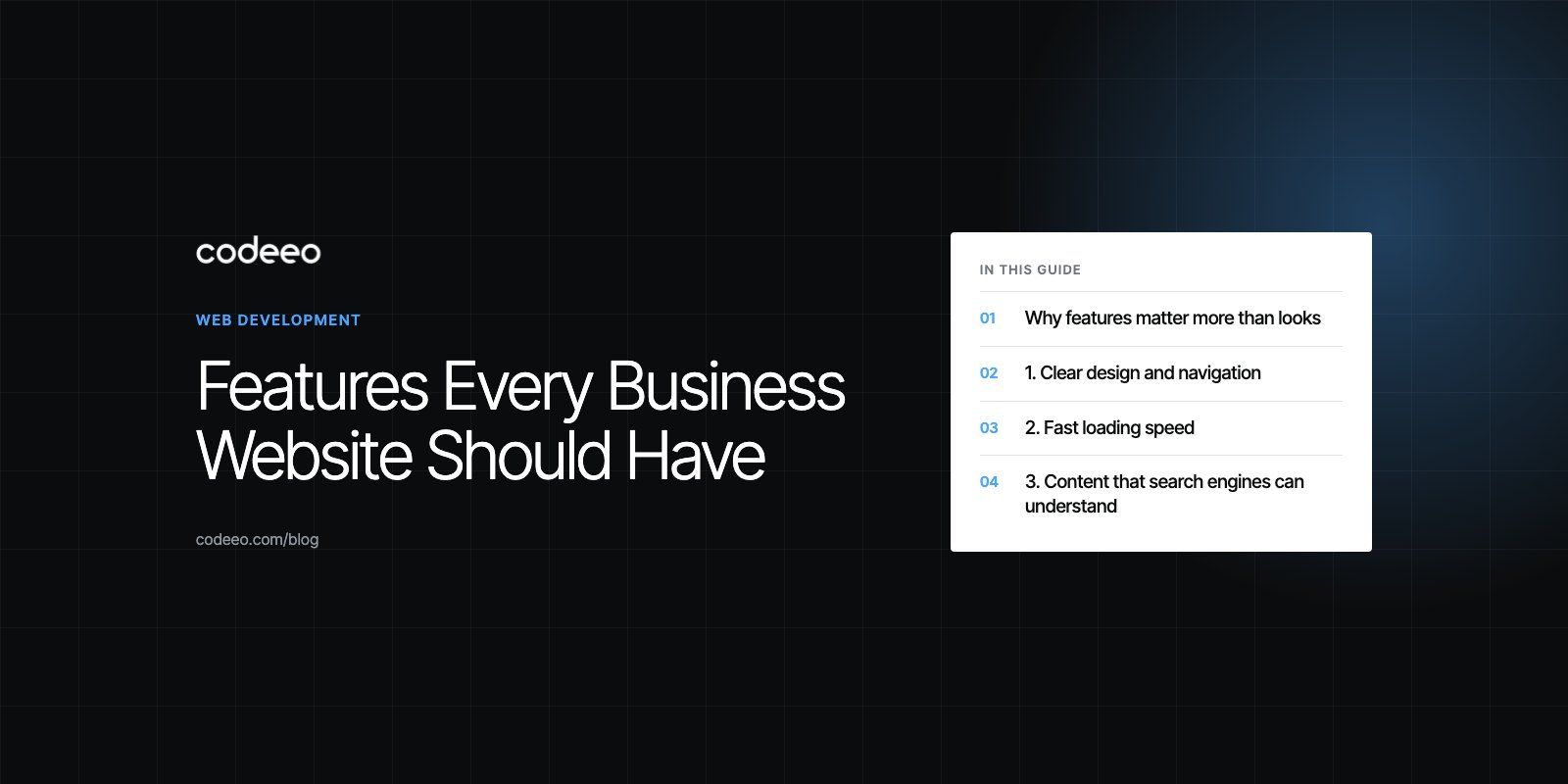
Every business website should have clear navigation, fast load times, content that search engines can understand, an obvious next step for the visitor, easy ways to make contact, secure hosting, analytics and a plan for ongoing maintenance. Those features decide whether a visitor finds what they came for and acts on it. Everything else, from animation to chat widgets, is optional until those basics work.
This guide walks through the ten features in order of impact, explains what "good" looks like for each, and points out the mistakes we see most often when reviewing business sites.
Why features matter more than looks
A business website has a job: to answer questions, build trust and turn visitors into enquiries, bookings or sales. A beautiful homepage that hides the phone number or takes several seconds to load fails at that job. When you plan a new site or a rebuild, rank each feature by how directly it helps a visitor finish a task, then design around that list.
| Feature | What it does for the business | Common failure |
|---|---|---|
| Clear design and navigation | Visitors find services and answers quickly | Menus named after internal departments |
| Fast loading | Fewer people leave before the page renders | Oversized images and too many scripts |
| Search friendly content | Organic traffic from people already looking | Thin pages with no real answers |
| Clear calls to action | Turns interest into enquiries and sales | Five competing buttons on one screen |
| Purposeful visuals | Shows the product, team and work | Generic stock photos that say nothing |
| Contact options and forms | Makes it easy to start a conversation | Long forms and hidden phone numbers |
| Social and review integration | Adds proof and extends reach | Feeds that slow the page down |
| Secure hosting and backups | Protects data and uptime | No tested restore process |
| Analytics and tracking | Shows what works and what does not | Tracking pageviews but not leads |
| Maintenance plan | Keeps the site safe and current | Nobody owns updates after launch |
1. Clear design and navigation
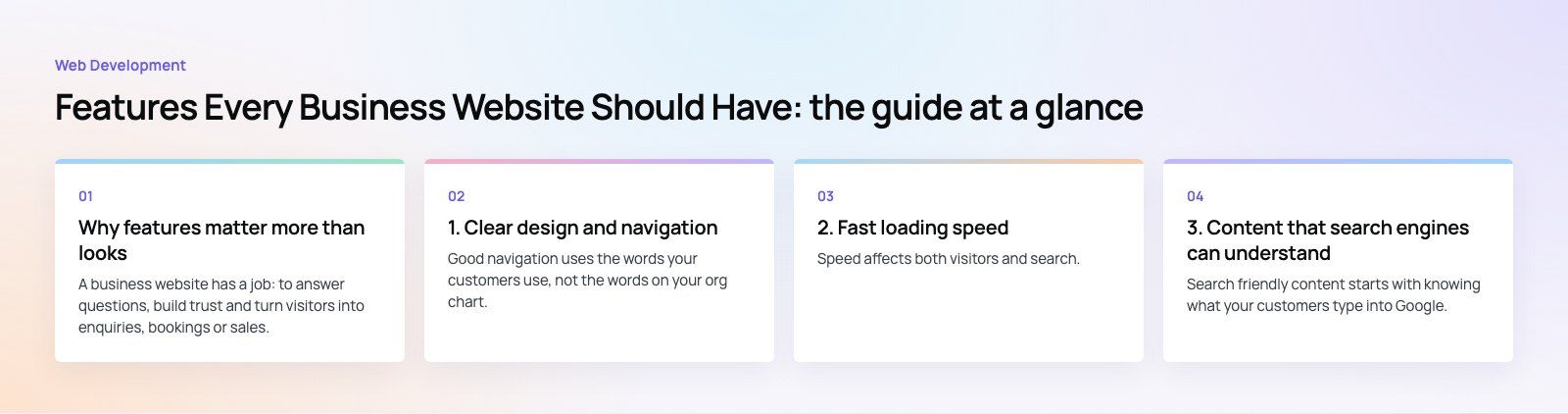
Good navigation uses the words your customers use, not the words on your org chart. Keep the main menu short, group services logically and make sure every page has a visible route back to the main sections. A clean layout with consistent fonts, colors and spacing makes the site feel trustworthy before anyone reads a word.
Design for small screens first
Most visits to business sites now start on a phone, and Google uses the mobile version of a page for indexing and ranking, as its mobile first indexing documentation explains. Design the mobile layout first, then expand it for desktop. Check that buttons are large enough to tap, text is readable without zooming and menus open without covering the content.
Build in accessibility
Accessible sites work better for everyone. Use real headings, descriptive link text, sufficient color contrast, alt text on meaningful images and forms that can be completed with a keyboard. The W3C's WCAG 2.2 (the current Recommendation, updated in December 2024) is the reference most teams build against.
Our design team usually starts with a site map and a set of user tasks before any visual work begins, because navigation problems are much cheaper to fix on paper than in code.
2. Fast loading speed
Speed affects both visitors and search. Google's Core Web Vitals give concrete targets: according to web.dev (checked 2026), Largest Contentful Paint should happen within 2.5 seconds, Interaction to Next Paint should be 200 milliseconds or less, and Cumulative Layout Shift should be 0.1 or less.
The usual fixes are not exotic:
- Serve images in modern formats at the size they are displayed, and lazy load anything below the fold.
- Remove plugins and third party scripts that nobody uses.
- Use caching and a content delivery network so pages are served from close to the visitor.
- Reserve space for images and embeds so the layout does not jump as the page loads.
If your scores are already poor, a focused Core Web Vitals project usually finds the few changes that make the largest difference.
3. Content that search engines can understand
Search friendly content starts with knowing what your customers type into Google. Build one strong page per service or topic, write a clear title and heading that match the search, and answer the real questions people ask. Google's own SEO starter guide stresses helpful, original content and a logical site structure over tricks.
On page basics
- One descriptive title tag and meta description per page.
- A single main heading, then logical subheadings.
- Internal links between related pages so visitors and crawlers can follow the path.
- Structured data where it fits, such as organization, product or FAQ details.
For businesses that serve a specific city or region, a local SEO setup with a complete Google Business Profile and consistent contact details is often the fastest win.
4. Clear calls to action
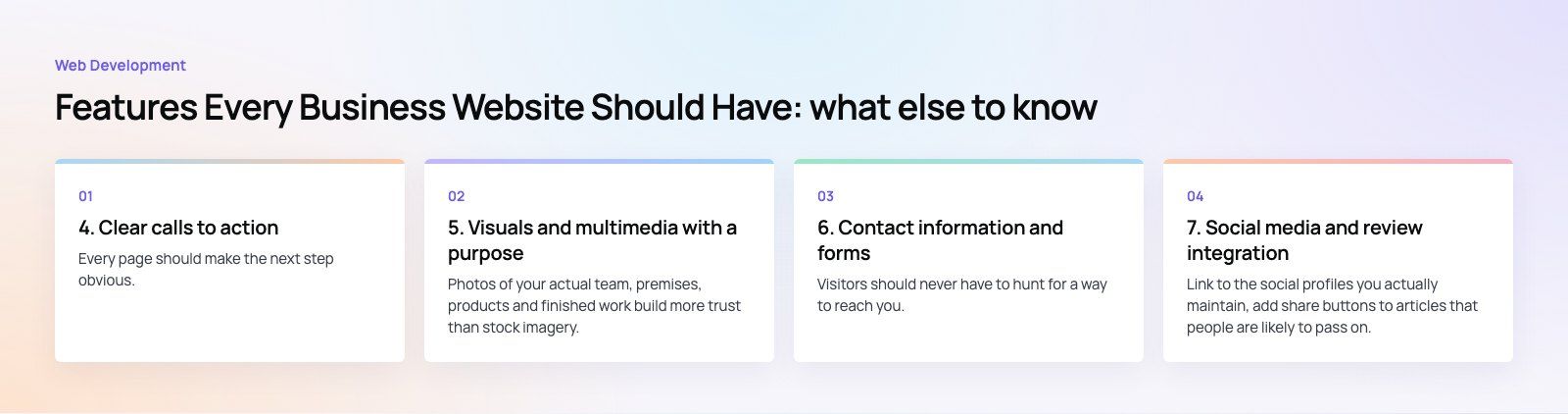
Every page should make the next step obvious. A call to action can be "Book a consultation", "Request a quote" or "Shop the range", but it should be specific, visible without scrolling on mobile and repeated where a reader naturally finishes a section.
One mistake we often see is giving equal weight to several buttons at once. Pick one primary action per page and style secondary options more quietly. Then test: small wording or placement changes can shift conversion noticeably, and analytics will tell you which version wins.
5. Visuals and multimedia with a purpose
Photos of your actual team, premises, products and finished work build more trust than stock imagery. Short videos can explain a product or process faster than text, and simple diagrams help with anything technical. Keep paragraphs short and break long pages up with headings, lists and images so readers can scan.
Every visual costs load time, so compress files, set width and height attributes and avoid autoplaying video on mobile.
6. Contact information and forms
Visitors should never have to hunt for a way to reach you. Put your phone number, email and address (if you have one customers visit) in the header or footer, and give the contact page a short form.
Keep forms short
Ask only for what you need to reply: name, a contact method and a message is often enough. Every extra field reduces completions. Add a clear confirmation message, send the enquiry to a monitored inbox or CRM, and protect the form from spam without forcing visitors through frustrating puzzles.
For service businesses, an online booking or appointment request can replace a lot of back and forth. The HMS physiotherapy website is one example where treatments, professionals and appointment requests sit together so patients can act on what they read.
7. Social media and review integration
Link to the social profiles you actually maintain, add share buttons to articles that people are likely to pass on, and show genuine customer reviews where they support a decision. Embedded feeds can be heavy, so prefer simple links or a lightweight widget over loading several platforms' scripts on every page.
8. Secure and reliable hosting
Security is a feature visitors notice only when it is missing. At a minimum, every business site needs:
- HTTPS on every page, with automatic certificate renewal.
- A host with good uptime, current server software and support that responds.
- Automatic, offsite backups and a restore process that someone has actually tested.
- Strong passwords, two factor authentication for admin accounts and limited admin users.
- A firewall or security service that blocks common attacks.
If your site handles payments, bookings or personal data, security planning needs to happen during the build, not afterward.
9. Analytics and tracking
Without measurement you are guessing. Set up analytics from launch, then go one step further and track the actions that matter: form submissions, calls from the site, bookings and purchases. Pageviews alone will not tell you whether the site is earning its keep.
Review the numbers monthly. Look for pages with high traffic but few enquiries, forms that people start but abandon, and the search terms that bring in your best leads. Make sure your cookie and consent setup matches the privacy rules in the markets you serve.
10. A plan for updates and maintenance
A website is never finished. Content management systems, plugins and frameworks release security fixes regularly, and outdated software is one of the most common ways sites get compromised. Agree before launch who will:
- Apply updates and check that nothing breaks.
- Review content so prices, staff, services and policies stay accurate.
- Monitor uptime, speed and broken links.
- Renew domains and certificates on time.
A content management system such as WordPress makes routine edits easy for your own team, while a developer handles the technical upkeep. If you are unsure where your current site stands, a website audit is a sensible first step.
Features worth adding once the basics work
When the ten essentials are in place, consider features that fit your business model: live chat or a WhatsApp button for quick questions, a resource or blog section that answers common questions, online payments, a client portal, or multilingual content if you serve more than one language group. Add each one because it solves a real problem, not because a competitor has it.
Codeeo has delivered more than 200 projects across the UAE and the US, and the sites that perform best consistently get these fundamentals right. If you are planning a new site or rebuilding an old one, our web development team can help you prioritize the features that will make the biggest difference for your business.
Frequently asked questions
Clear navigation paired with a clear call to action matters most, because together they decide whether a visitor finds what they need and takes the next step.
A site can be fast and attractive, but if people cannot locate your services or work out how to contact you, it will not produce enquiries. Plan the main user tasks first and design everything else around them.
Web DevelopmentWordPress vs Drupal: Which CMS Is Right for Your Business?WordPress vs Drupal compared on ease of use, content modeling, security, performance, ecommerce and cost drivers, with five questions to help you choose. Web DevelopmentCustom Website Development vs Website Builders: Pros and ConsAn honest comparison of custom website development and website builders: control, cost over time, SEO, integrations, and how to decide which fits your business.
 Web DevelopmentWeb Development Consultant: What They Do and When to Hire OneWhat a web development consultant does, how the role differs from a developer or agency, when hiring one pays off and how to choose the right one.
Tell us what the business needs. We will tell you what to build first.
Schedule a free consultation and get a written recommendation, with costs, before you commit to anything.
Get in touchPROVEN RESULTS
4.7 / 5verified reviews on Google