 Web DevelopmentWordPress vs Drupal: Which CMS Is Right for Your Business?WordPress vs Drupal compared on ease of use, content modeling, security, performance, ecommerce and cost drivers, with five questions to help you choose.
Why Cross-Browser Compatibility Matters in Front-End Development
Why cross-browser compatibility still matters, where browsers differ today, and the practices and testing that keep a front end working for every visitor.
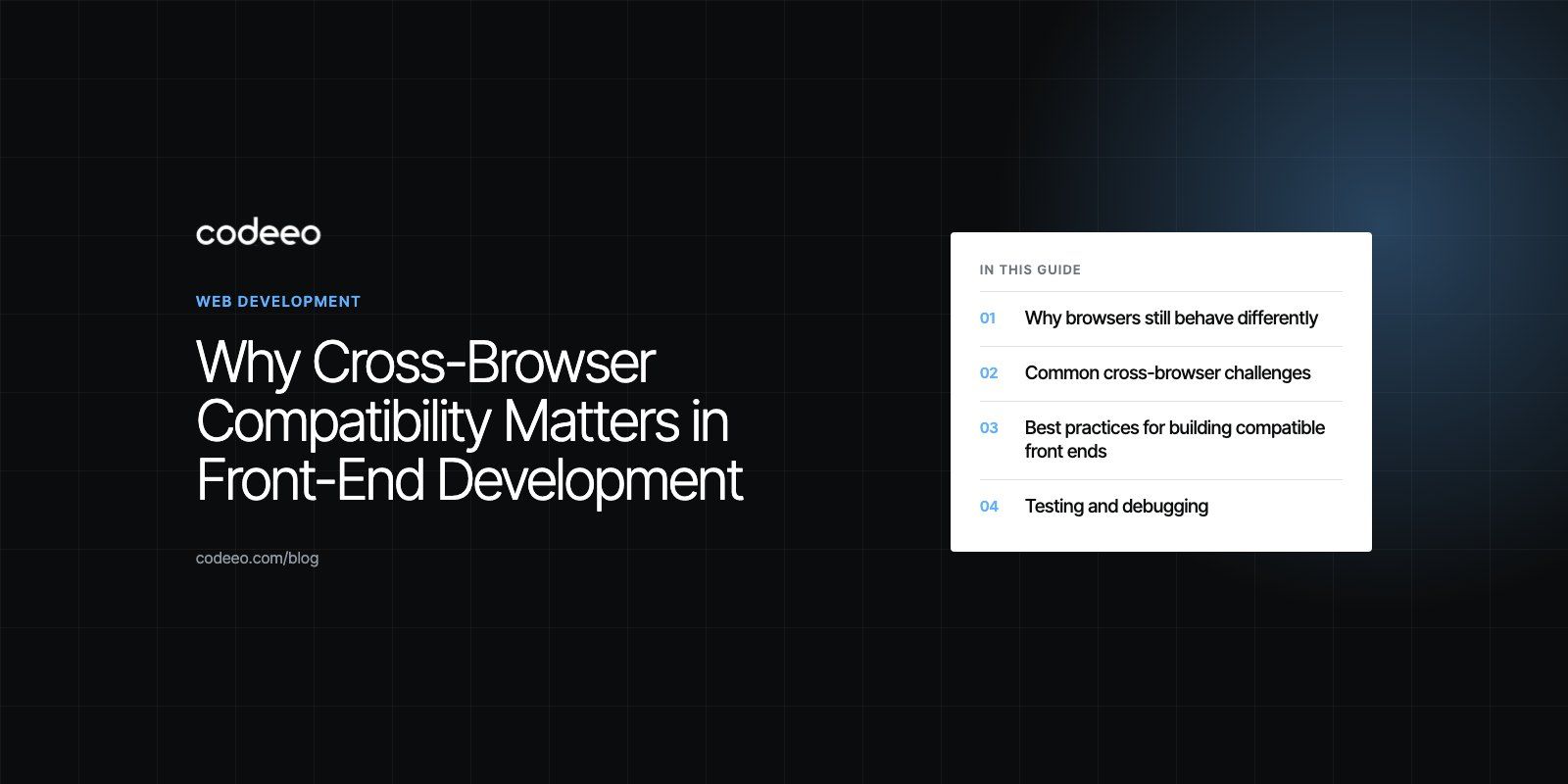
Cross-browser compatibility matters because your visitors do not all use the same browser, device or operating system, and a site that breaks in one of them loses those visitors without telling you. In front-end development it means the layout, features and performance work acceptably in every browser your audience actually uses. You get there by targeting standards, checking feature support, testing on real engines and fixing differences before launch rather than after complaints.
Browsers are far more consistent than they were a decade ago, but compatibility problems have not disappeared. They have moved: from basic layout bugs toward newer CSS and JavaScript features, mobile quirks, privacy restrictions and form behavior.
Why browsers still behave differently
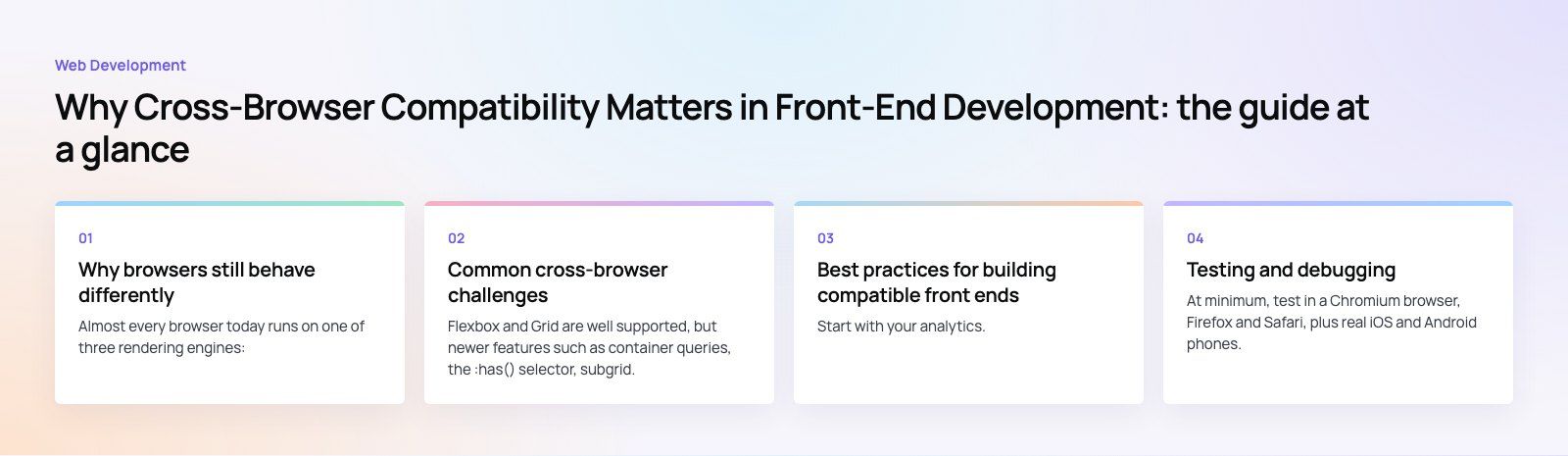
Almost every browser today runs on one of three rendering engines:
| Engine | Main browsers | Why it matters for testing |
|---|---|---|
| Blink | Chrome, Edge, Opera, Samsung Internet and most Chromium based browsers | Usually the first to ship new features, so a site can look fine here and break elsewhere |
| WebKit | Safari on macOS, and every browser on iPhone and iPad | Often the last to ship certain features and has its own mobile viewport and form quirks |
| Gecko | Firefox | Strong standards support, but differences in some form controls, scrollbars and newer APIs |
Each engine implements web standards on its own schedule. A CSS property or JavaScript API can be available in one engine months before the others. Browsers also differ in default styles, font rendering, how they handle autofill and date inputs, and how strictly they block third party cookies and trackers.
The iPhone point catches many teams out. On iOS, Chrome and Firefox use the WebKit engine under the hood, so testing in Chrome on a desktop tells you little about how an iPhone visitor sees your site.
Why it matters for the business
- Lost conversions. A checkout button that does not respond in Safari, or a form that rejects valid input in Firefox, costs sales silently. Users rarely report it. They leave.
- Brand trust. Overlapping text, missing images or broken menus make a company look careless, even when the problem is a single browser.
- Accessibility. Assistive technology depends on browsers exposing your markup correctly. Inconsistent behavior often hits users with disabilities first.
- Search performance. Layout shifts and slow rendering in some browsers drag down real user metrics, which feed into how search engines judge page experience.
- Support costs. Every browser specific bug that reaches production turns into tickets, hotfixes and developer time.
Common cross-browser challenges
CSS layout and newer features
Flexbox and Grid are well supported, but newer features such as container queries, the :has() selector, subgrid, cascade layers and some color functions arrived at different times in different engines. Viewport units are another trap on mobile, where the browser toolbar changes the visible height as the user scrolls.
JavaScript APIs
Most modern JavaScript runs everywhere, but browser APIs vary: clipboard access, notifications, web share, payment requests, file handling and some storage behavior differ by engine and by platform. Code that assumes an API exists will throw errors where it does not.
Forms and inputs
Date pickers, number fields, autofill styling, validation messages and file uploads all look and behave differently across browsers. Forms are where compatibility bugs most often turn into lost leads.
Media and fonts
Image formats such as AVIF and WebP, video codecs and variable fonts have uneven histories of support. Serving modern formats with sensible fallbacks avoids blank spaces where images should be.
Privacy and storage
Safari and Firefox restrict third party cookies and some forms of storage more aggressively. Embedded widgets, single sign on flows and analytics can behave differently as a result.
Best practices for building compatible front ends
Decide which browsers you support
Start with your analytics. List the browsers and devices that make up nearly all of your traffic and write them into the project as the supported set. This turns "works everywhere" into something testable, and it stops the team from spending days on browsers nobody uses.
Check support before you use a feature
Look up features on MDN or Can I Use before adopting them. The Baseline initiative marks features as "newly available" or "widely available" across the major engines, which gives teams a simple rule: use widely available features freely and treat newer ones with care.
Use progressive enhancement
Build the core experience with well supported HTML, CSS and JavaScript, then layer improvements on top for browsers that support them. Use the CSS @supports rule and JavaScript feature detection rather than sniffing user agent strings, which are unreliable and easy to get wrong.
Let tooling handle the routine differences
- A modern CSS reset or normalize file removes default style differences.
- Autoprefixer adds vendor prefixes where they are still needed, based on your supported browser list.
- Build tools in frameworks such as React and Next.js can transpile JavaScript for the browsers you target.
- Polyfills fill specific gaps, but load them only where needed to avoid slowing every visitor down.
Write valid, semantic markup
Proper headings, buttons, labels and landmarks behave predictably across browsers and assistive technology. Many cross-browser bugs start with a div pretending to be a button.
Testing and debugging
Test on real engines, not just one browser
At minimum, test in a Chromium browser, Firefox and Safari, plus real iOS and Android phones. Cloud testing platforms such as BrowserStack, Sauce Labs and LambdaTest give access to many browser and device combinations without maintaining a device lab. The MDN guide to cross-browser testing sets out a sensible process for planning and running these checks.
Automate what repeats
Automated test tools such as Playwright can run the same user flows in Chromium, Firefox and WebKit on every pull request. Visual regression tools compare screenshots between releases and flag layout changes. Automation catches regressions early; manual testing catches the things automation was never told to look for.
Use the developer tools in each browser
Every major browser ships developer tools for inspecting layout, network requests and console errors. Safari's tools can inspect a connected iPhone, which is often the fastest way to find a mobile only bug.
Test the paths that earn money
Prioritize sign up, contact forms, search, cart and checkout. A minor visual difference in a footer can wait. A broken payment step cannot.
Fixing browser specific issues
When a bug only appears in one browser, work through it methodically:
- Reproduce it in the affected browser and note the exact version and device.
- Isolate the smallest piece of code that shows the problem.
- Check MDN and the browser's issue tracker to see whether it is a known bug or an unsupported feature.
- Prefer a standards based fix or a feature detected fallback over a browser specific hack.
- Add a test so the bug cannot return unnoticed.
Keep a short internal log of fixes and workarounds. The same quirks tend to appear on every project, and a shared log saves the next developer hours.
Where compatibility fits in the project
Compatibility is cheapest when it is planned at the start. Agree the supported browser list during discovery, design with feature support in mind, include cross-browser checks in every sprint, and run a full pass on real devices before launch. Retrofitting compatibility onto a finished site usually means rework.
If you are not sure how your current site behaves across browsers, a codebase review or website audit will surface the issues. For new builds, our web development team includes cross-browser and real device testing in the delivery process, so the site your customers see matches the one you approved.
Frequently asked questions
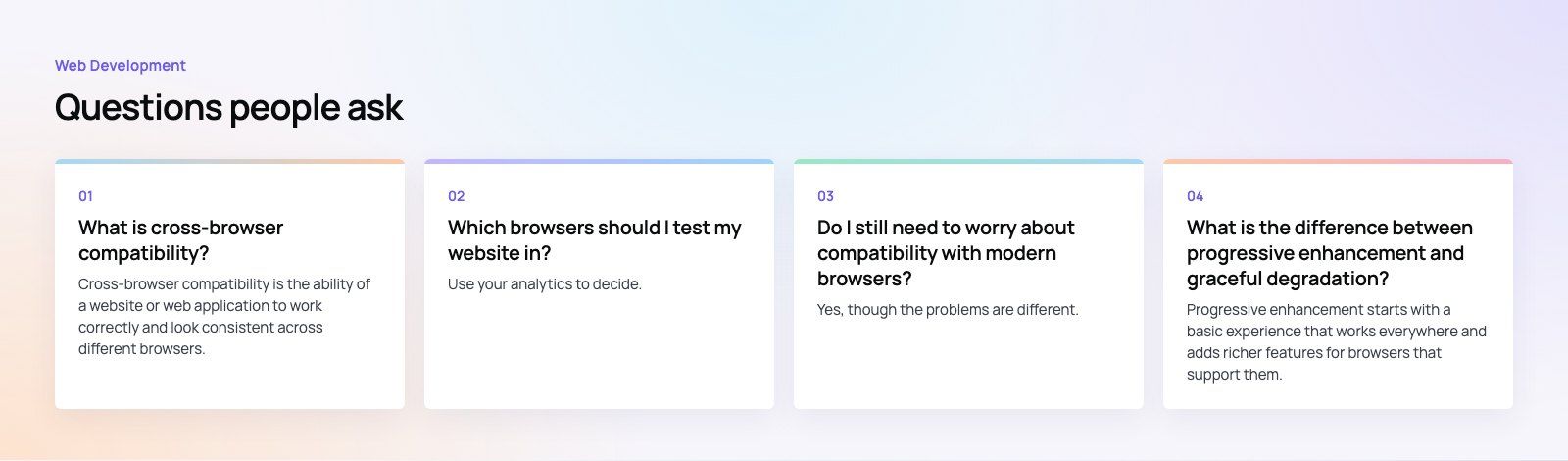
Cross-browser compatibility is the ability of a website or web application to work correctly and look consistent across different browsers, devices and operating systems.
It does not mean pixel identical results everywhere. It means every user in your supported set can read the content, use the features and complete key tasks such as forms and checkout without errors, broken layouts or missing functionality.
Web DevelopmentWordPress vs Drupal: Which CMS Is Right for Your Business?WordPress vs Drupal compared on ease of use, content modeling, security, performance, ecommerce and cost drivers, with five questions to help you choose. Web DevelopmentCustom Website Development vs Website Builders: Pros and ConsAn honest comparison of custom website development and website builders: control, cost over time, SEO, integrations, and how to decide which fits your business.
 Web DevelopmentWeb Development Consultant: What They Do and When to Hire OneWhat a web development consultant does, how the role differs from a developer or agency, when hiring one pays off and how to choose the right one.
Tell us what the business needs. We will tell you what to build first.
Schedule a free consultation and get a written recommendation, with costs, before you commit to anything.
Get in touchPROVEN RESULTS
4.7 / 5verified reviews on Google