 Web DevelopmentWordPress vs Drupal: Which CMS Is Right for Your Business?WordPress vs Drupal compared on ease of use, content modeling, security, performance, ecommerce and cost drivers, with five questions to help you choose.
Front-End Development: Key Tools and Frameworks Explained
HTML, CSS, JavaScript, React, Vue, Angular, Vite, Git and testing tools: what each front-end layer does and how to choose a stack for your project.
Front-end development uses HTML for structure, CSS for presentation and JavaScript for behavior, usually organized with a framework such as React, Vue, Angular or Svelte. Around that core sit build tools like Vite or webpack, Git for version control, and tools for testing, performance and accessibility. This guide explains what each layer does and how to choose the right combination for a project.
The front-end toolkit at a glance
| Layer | Common tools | What it handles |
|---|---|---|
| Markup | HTML | Content and structure of each page |
| Styling | CSS, Sass, Tailwind CSS | Layout, typography, color and responsive behavior |
| Language | JavaScript, TypeScript | Interactivity, data fetching, state |
| UI frameworks | React, Vue, Angular, Svelte | Building interfaces from reusable components |
| Meta-frameworks | Next.js, Nuxt, SvelteKit | Routing, server rendering, static generation |
| Build tools | Vite, webpack, Parcel | Bundling, compiling and optimizing assets |
| Version control | Git, GitHub, GitLab | Tracking changes and collaborating |
| Quality | ESLint, Prettier, Vitest, Jest, Playwright, Cypress | Code style, unit tests, browser tests |
| Performance and accessibility | Lighthouse, browser DevTools, axe | Speed, Core Web Vitals and usability for everyone |
HTML: the structure
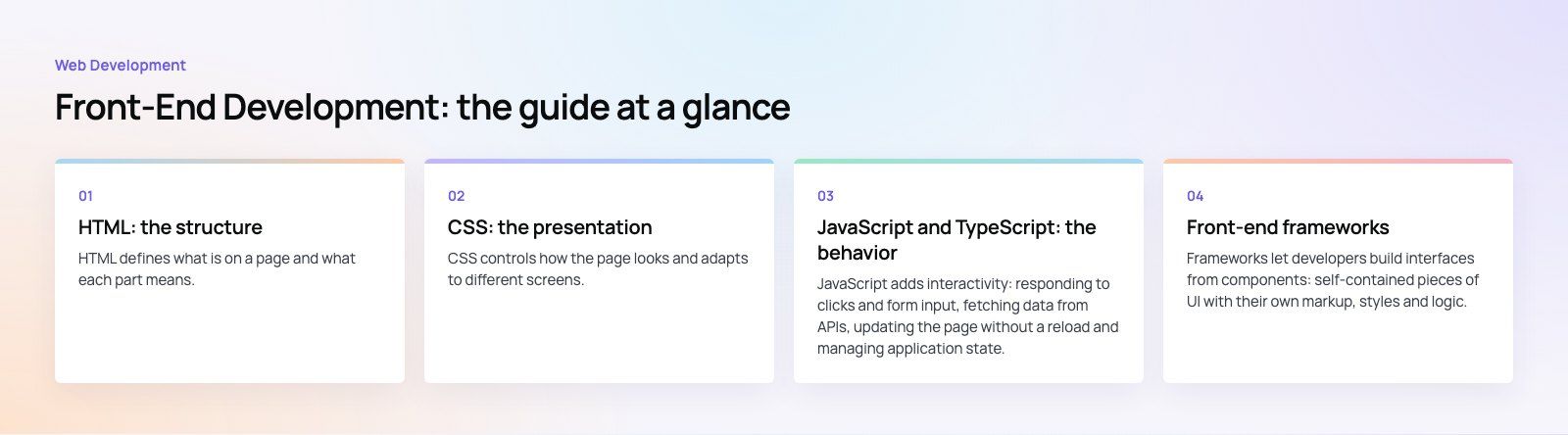
HTML defines what is on a page and what each part means. Good front-end work starts with semantic HTML: headings in a logical order, nav for navigation, main for the primary content, button for actions and real form labels. Semantic markup helps screen readers, search engines and other developers understand the page without extra effort.
Common building blocks include the root html element, the head with metadata such as the title and description, and sectioning elements like header, article and footer. Generic containers such as div are still useful, but they should not replace elements that carry meaning. MDN's web development guides remain the most reliable reference for all three core languages.
CSS: the presentation
CSS controls how the page looks and adapts to different screens. Modern CSS covers much of what used to need JavaScript or extra libraries: Flexbox and Grid for layout, custom properties for themes, container queries for components that respond to their own width, and native nesting.
Ways teams organize CSS
- Plain CSS with a naming convention. Simple and dependency free, good for smaller sites.
- Preprocessors such as Sass. Variables, mixins and partials, though native CSS has closed much of the gap.
- Utility frameworks such as Tailwind CSS. Small single purpose classes applied in the markup, popular for fast iteration and design consistency.
- CSS Modules or scoped styles. Styles bound to a component so they cannot leak into the rest of the app.
JavaScript and TypeScript: the behavior
JavaScript adds interactivity: responding to clicks and form input, fetching data from APIs, updating the page without a reload and managing application state. Its core concepts are variables that store data, functions that package reusable logic, objects that group related data and methods, and asynchronous code for work that takes time, such as network requests.
TypeScript adds static types on top of JavaScript. It catches a whole class of bugs before code runs and makes large codebases easier to change safely, which is why many professional teams now treat it as the default for anything beyond a small script.
Front-end frameworks
Frameworks let developers build interfaces from components: self-contained pieces of UI with their own markup, styles and logic. That makes large applications easier to organize and reuse.
| Framework | Character | Often chosen when |
|---|---|---|
| React | A library for UI components with a very large ecosystem | You want flexibility and the widest pool of developers and packages |
| Vue | A progressive framework with approachable templates | You want a gentle learning curve and clear conventions |
| Angular | A complete, opinionated framework with TypeScript built in | Large teams want one standard way of doing everything |
| Svelte | A compiler that produces lean JavaScript | You want small bundles and simple component syntax |
For most websites and many apps, the framework is paired with a meta-framework. Next.js (for React), Nuxt (for Vue) and SvelteKit add routing, server rendering and static generation, which help speed and search visibility. Our React developers and Next.js developers work with these combinations daily.
Build tools
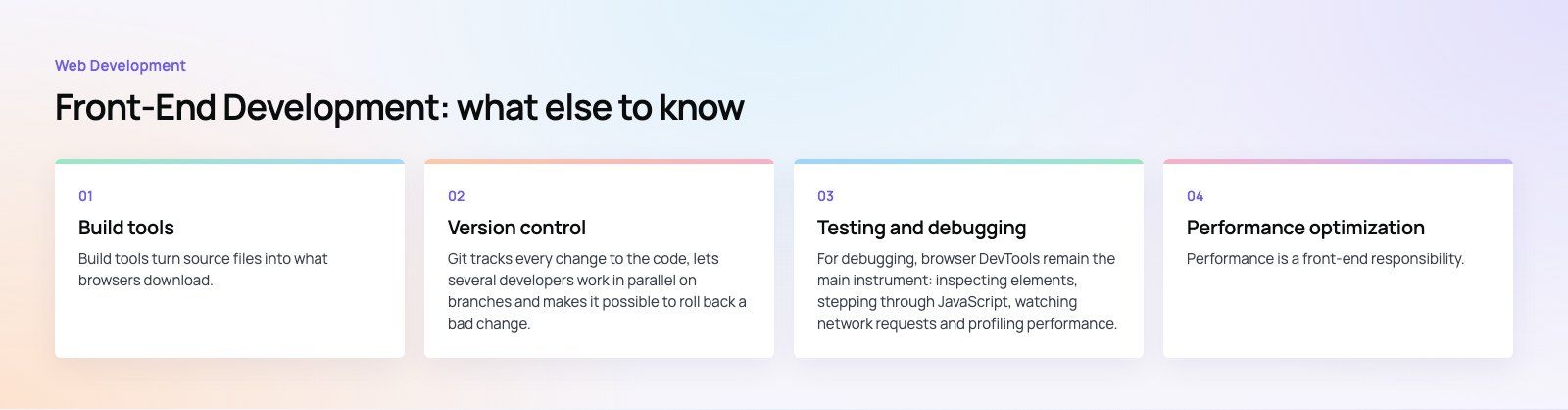
Build tools turn source files into what browsers download. They bundle modules, compile TypeScript and modern syntax, process CSS, optimize images and split code so each page only loads what it needs.
- Vite. A fast development server with instant updates and an optimized production build. It is now the default starting point for many frameworks.
- webpack. A highly configurable bundler that still powers many established projects.
- Parcel. A bundler that works with little or no configuration.
Package managers such as npm, pnpm and Yarn install and update the libraries a project depends on. Keep dependencies few and updated; each one adds weight and a possible security issue.
Version control
Git tracks every change to the code, lets several developers work in parallel on branches and makes it possible to roll back a bad change. Hosted platforms such as GitHub and GitLab add pull requests for code review, issue tracking and automated pipelines that test and deploy code when changes are merged. A simple branching rule, review on every pull request and automated checks before merge prevent most front-end regressions.
Testing and debugging
Layers of front-end testing
- Linting and formatting. ESLint catches likely bugs; Prettier keeps formatting consistent so reviews focus on logic.
- Unit and component tests. Vitest or Jest check functions and components in isolation.
- Browser tests. Playwright or Cypress drive a real browser through key user flows such as sign up or checkout.
- Visual review. Tools like Storybook show components in every state so designers can sign them off.
For debugging, browser DevTools remain the main instrument: inspecting elements, stepping through JavaScript, watching network requests and profiling performance.
Performance optimization
Performance is a front-end responsibility. Google's Core Web Vitals give clear targets: according to web.dev (2026), the main content should load within 2.5 seconds, interactions should respond within 200 milliseconds and layout shift should stay at 0.1 or less.
- Serve images in modern formats at the right size, and lazy load those below the fold.
- Split JavaScript by route and remove unused code and libraries.
- Render on the server or at build time where content allows.
- Reserve space for images, ads and embeds to prevent layout shift.
- Audit third party scripts, which are often the heaviest part of a page.
If an existing site is slow, our Core Web Vitals service finds and fixes the causes.
Accessibility
Accessible front ends work for people using keyboards, screen readers, magnification or voice control. Start with semantic HTML, sufficient color contrast, visible focus states, labels on every form field and text alternatives for images. Test with a keyboard and a screen reader, not only an automated checker. The W3C's WCAG guidelines define the standard most organizations and many regulations refer to.
How to choose your front-end stack
- Start from the product. A content site, a store and a dashboard need different rendering approaches.
- Consider your team. A framework your developers already know usually beats a theoretically better one.
- Check the ecosystem. Look for maintained libraries for forms, data fetching, testing and the integrations you need.
- Plan for scale. TypeScript, a component library and a design system pay off as the app grows. In the Distinct healthcare workforce platform, one design system is shared by the web app and the admin.
- Think about hiring and handover. Popular, well documented tools make it easier to bring new developers in later.
Choosing and running a front-end stack is a long-term decision. Codeeo's web development team builds front ends with these tools, and a codebase review can tell you whether your current stack is holding you back.
Frequently asked questions
React, Vue, Angular and Svelte are the main front-end frameworks, and each has a large, active community.
React has the biggest ecosystem of libraries and developers. Vue is known for an approachable learning curve. Angular offers a complete, opinionated structure for large teams. Svelte compiles to lean JavaScript. Meta-frameworks such as Next.js, Nuxt and SvelteKit add routing and server rendering on top.
Web DevelopmentWordPress vs Drupal: Which CMS Is Right for Your Business?WordPress vs Drupal compared on ease of use, content modeling, security, performance, ecommerce and cost drivers, with five questions to help you choose. Web DevelopmentCustom Website Development vs Website Builders: Pros and ConsAn honest comparison of custom website development and website builders: control, cost over time, SEO, integrations, and how to decide which fits your business.
 Web DevelopmentWeb Development Consultant: What They Do and When to Hire OneWhat a web development consultant does, how the role differs from a developer or agency, when hiring one pays off and how to choose the right one.
Tell us what the business needs. We will tell you what to build first.
Schedule a free consultation and get a written recommendation, with costs, before you commit to anything.
Get in touchPROVEN RESULTS
4.7 / 5verified reviews on Google