 Web DevelopmentWordPress vs Drupal: Which CMS Is Right for Your Business?WordPress vs Drupal compared on ease of use, content modeling, security, performance, ecommerce and cost drivers, with five questions to help you choose.
Headless Web Development: Benefits, Trade Offs and When to Use It
What headless web development is, how the front end and back end split, the real benefits and trade offs, and which industries gain the most from it.
Headless web development means building your website's front end as a separate application that pulls content, products and data from back end systems through APIs. Instead of one platform rendering every page, a framework such as Next.js renders the pages and talks to a CMS, a commerce engine and other services behind the scenes. It suits businesses that need fast pages, custom design or one content source for several channels, and it adds complexity that simpler sites do not need.
This article looks at headless as an architecture decision: what the pieces are, what you gain, what it costs in effort, and how different industries use it. If you want a closer look at the content system itself, read our companion guide on choosing a headless CMS.
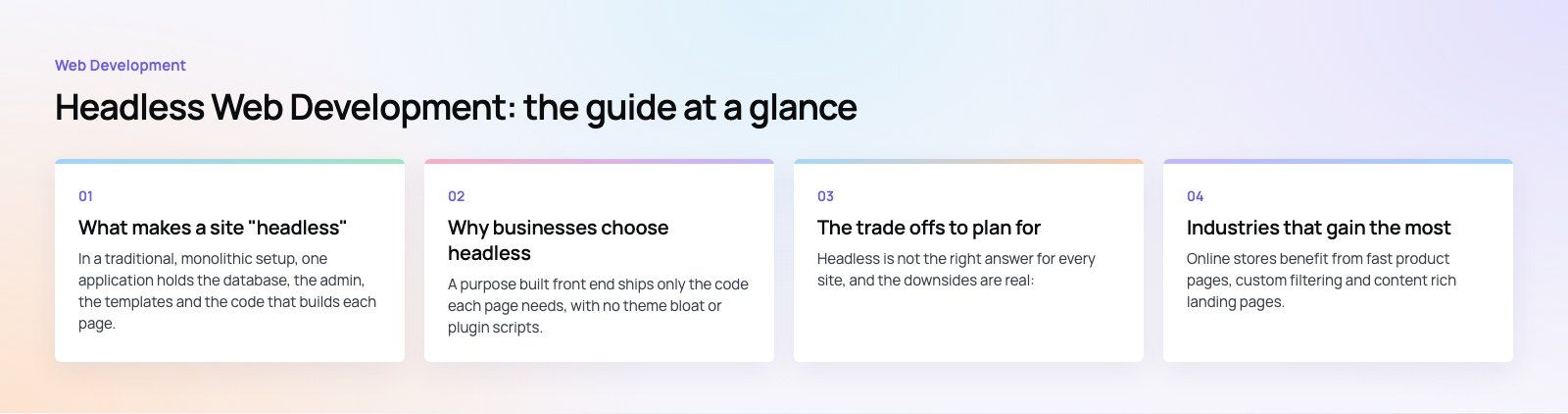
What makes a site "headless"
In a traditional, monolithic setup, one application holds the database, the admin, the templates and the code that builds each page. WordPress with a theme, or a hosted store with its own storefront, are typical examples. Everything ships together, and every change moves through the same system.
A headless build splits that into layers that talk over APIs:
- The front end: the code visitors actually load, usually built with React, Vue or Svelte through a framework like Next.js, Nuxt or Astro.
- Content services: a headless CMS for pages, articles and media.
- Business services: commerce, search, payments, CRM, booking or inventory systems, each exposing its own API.
- Delivery: a CDN and edge network that cache pages and assets close to users.
Because the front end only depends on APIs, you can swap a search provider or add a new app without rebuilding the whole site.
Rendering choices matter
Headless front ends can build pages in several ways. Static generation creates HTML ahead of time, which is very fast and cheap to serve. Server side rendering builds the page on each request, which suits personalized or frequently changing pages. Incremental regeneration mixes the two by rebuilding static pages in the background when content changes. Picking the right mode per page type is where much of the performance benefit comes from. The Next.js documentation explains these options in detail.
Why businesses choose headless
Speed and Core Web Vitals
A purpose built front end ships only the code each page needs, with no theme bloat or plugin scripts. Combined with static generation and edge caching, this usually produces faster load times and better scores on Google's Core Web Vitals. Speed is not automatic, though. A poorly built React front end can be slower than a tidy traditional site, which is why our Core Web Vitals work looks at the whole stack.
Design without template limits
Designers are no longer bound by what a theme or page builder allows. Interactive product configurators, complex filters and unusual layouts become ordinary front end work rather than fights with a platform.
One source of content for many channels
The same product descriptions, articles and offers can feed the website, a mobile app, in store screens and email. Teams edit once and every channel stays consistent.
Parallel work and safer releases
Front end and back end teams can ship on their own schedules as long as the API contract holds. A design refresh does not require a CMS upgrade, and a back end change does not force a front end redeploy.
A smaller public attack surface
The admin and databases can sit on private infrastructure while the public site is mostly static files on a CDN. That removes many of the plugin and login page risks common on traditional sites. You still need to secure the APIs themselves with authentication, rate limits and careful permissions.
Easier to replace parts later
Because each service sits behind an API, you can replace one piece, such as search or payments, without a full rebuild. That makes the stack easier to evolve as better tools appear.
Traditional vs headless web development
| Aspect | Traditional | Headless |
|---|---|---|
| Structure | One application for content and pages | Separate front end and back end services |
| Channels | Mostly the website | Website, apps, screens and integrations |
| Design control | Limited by theme and plugins | Full control in code |
| Performance | Varies with plugins and hosting | High potential with static and edge delivery |
| Launch speed | Faster for standard sites | Slower at first, faster for later changes |
| Team skills | Platform specialists, fewer developers | Front end, API and DevOps skills |
| Running costs | One platform to host and update | Several services, each with its own plan |
| Editor experience | Built in preview and page building | Preview and page building must be set up |
The trade offs to plan for
Headless is not the right answer for every site, and the downsides are real:
- More moving parts. You run a front end, a CMS and often a commerce or search service. Each needs monitoring, updates and access control.
- Developer dependency. Marketers can no longer install a plugin to add a form or a popup. Plan component libraries so editors can still build pages from approved blocks.
- Preview and SEO need deliberate work. Draft preview, redirects, sitemaps, structured data and meta tags all have to be built into the front end.
- Higher upfront effort. The first release takes longer than launching a theme. The payoff comes in later changes and in performance.
A useful rule: if your site is a brochure with a blog and a contact form, a well built traditional site is usually the better value. If you sell online at scale, serve several channels, or need a very custom experience, headless is worth the extra effort.
Industries that gain the most
Ecommerce and retail
Online stores benefit from fast product pages, custom filtering and content rich landing pages. A headless storefront can draw on the commerce engine for catalog and checkout while marketing manages campaigns in a CMS. See our headless commerce service and the retail and ecommerce industry page.
Media and publishing
Publishers push the same story to the web, apps, newsletters and social previews. Structured content and static delivery cope well with traffic spikes on breaking news.
Financial services
Banks and fintech firms keep regulated systems behind strict APIs while building fast, accessible public sites. Separating the marketing front end from core systems also limits what is exposed publicly.
Healthcare
Clinics and hospital groups publish treatment pages, doctor profiles and appointment flows. A headless front end can present content quickly while booking and patient data stay in secured systems. Our healthcare page covers the wider picture.
Education
Schools and universities manage course catalogs, events and admissions content across websites, portals and apps, often in more than one language.
Travel, hospitality and real estate
Booking engines, property listings and availability data live in specialist systems. A headless front end combines them with editorial content and fast search, giving visitors one smooth experience across web and app.
How to move an existing site to headless
- Audit the current site. List page types, integrations, traffic sources and performance issues. Sometimes a cleanup fixes the problem without a rebuild.
- Design the content model. Turn page layouts into structured content types with clear fields.
- Choose the stack. Pick the front end framework, CMS, hosting and any commerce or search services based on team skills and requirements.
- Migrate in stages. Many teams move the highest value sections first, such as product or landing pages, and route the rest to the old site until it is replaced.
- Protect rankings. Keep URLs where possible, map every changed URL to a 301 redirect, and compare indexing and traffic after launch.
- Train editors. Show the team how to build pages from components and use preview before go live.
If you are considering a headless rebuild or a staged migration, our Next.js developers and site migration team can help you scope it. A website audit is a sensible first step to confirm headless is the right move.
Frequently asked questions
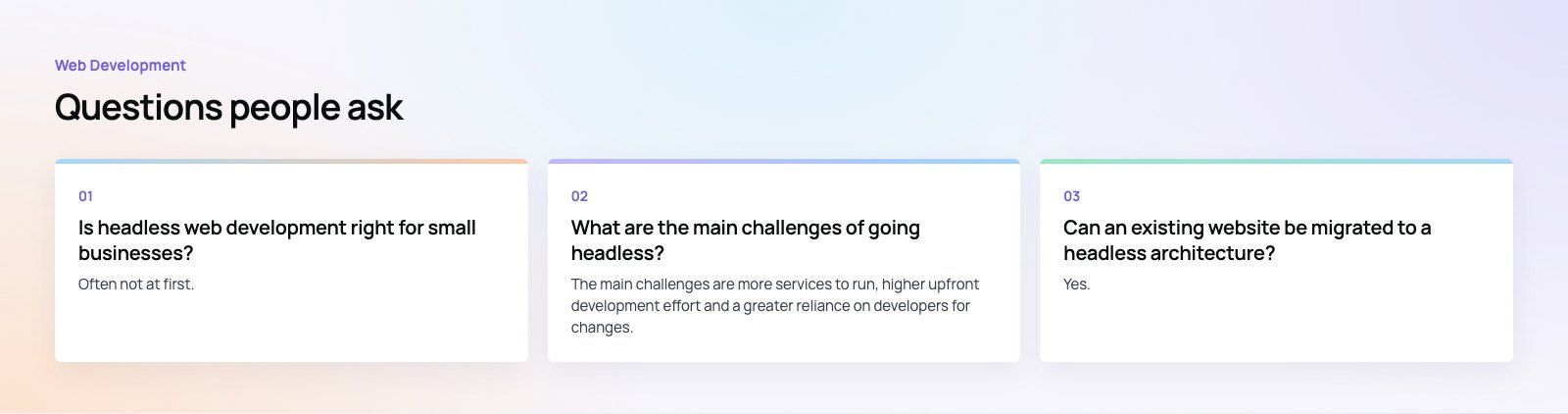
It usually can, because the front end ships only the code each page needs and pages can be pre built and cached on a CDN.
That said, speed depends on how the front end is built. Heavy client side JavaScript, large images or uncached API calls can make a headless site slow. Measure Core Web Vitals before and after, rather than assuming the architecture alone will fix performance.
Web DevelopmentWordPress vs Drupal: Which CMS Is Right for Your Business?WordPress vs Drupal compared on ease of use, content modeling, security, performance, ecommerce and cost drivers, with five questions to help you choose. Web DevelopmentCustom Website Development vs Website Builders: Pros and ConsAn honest comparison of custom website development and website builders: control, cost over time, SEO, integrations, and how to decide which fits your business.
 Web DevelopmentWeb Development Consultant: What They Do and When to Hire OneWhat a web development consultant does, how the role differs from a developer or agency, when hiring one pays off and how to choose the right one.
Tell us what the business needs. We will tell you what to build first.
Schedule a free consultation and get a written recommendation, with costs, before you commit to anything.
Get in touchPROVEN RESULTS
4.7 / 5verified reviews on Google