 Web DevelopmentWordPress vs Drupal: Which CMS Is Right for Your Business?WordPress vs Drupal compared on ease of use, content modeling, security, performance, ecommerce and cost drivers, with five questions to help you choose.
How to Build a Website Like Craigslist: Steps, Features and Tips
A practical guide to building a classified ads website like Craigslist: niche choice, build steps, must have features, trust and safety, and revenue models.
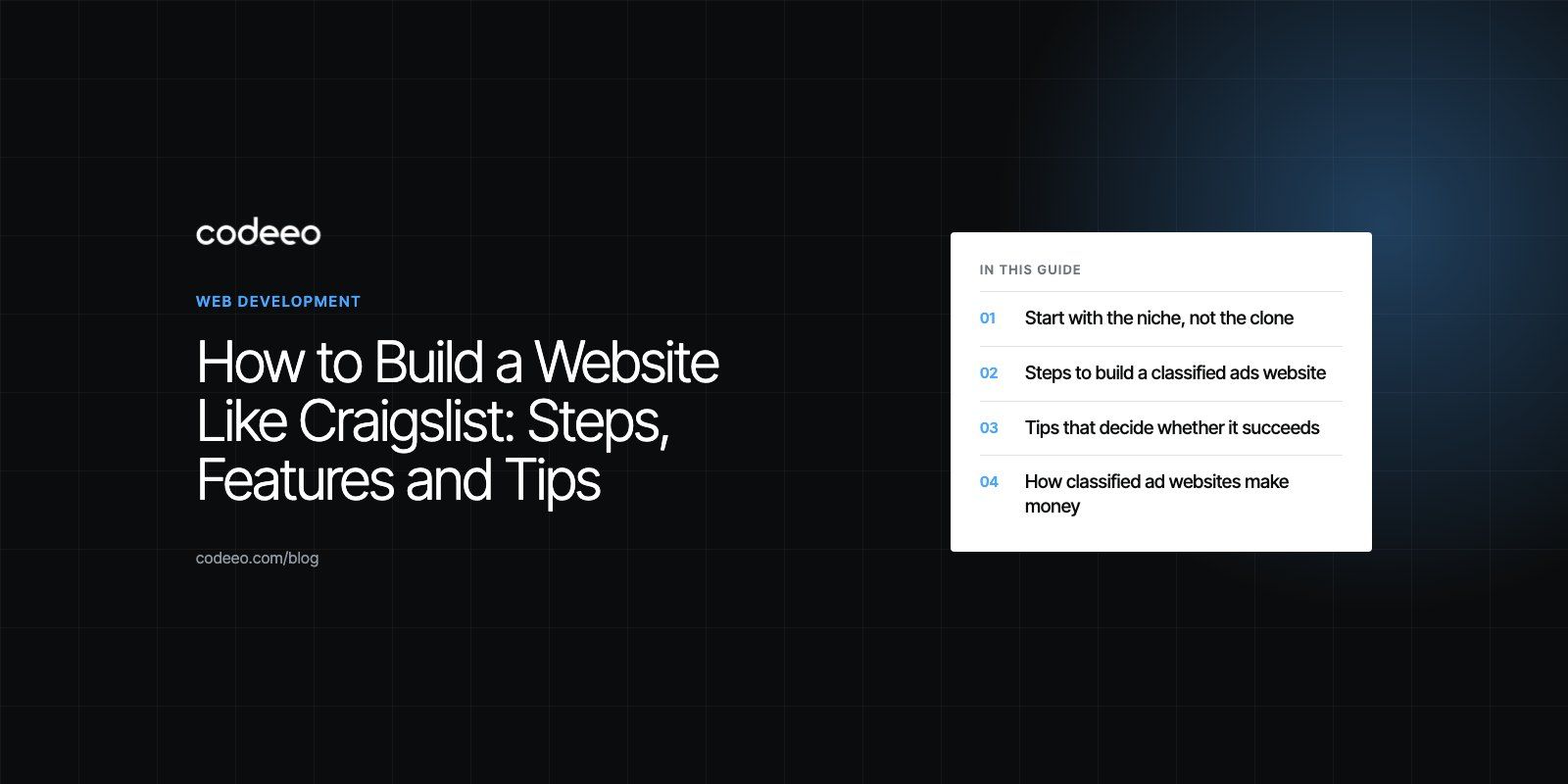
To build a website like Craigslist, you need a focused niche or region, a clear category structure, fast search with filters, simple ad posting, private messaging between buyers and sellers, and strong moderation against spam and scams. Technically it is a database driven web app with user accounts, listings, search and an admin panel. The hard part is not the code but attracting enough listings and buyers in one place to make the site useful.
Craigslist itself has stayed famously plain for decades, which is a lesson in itself: classified sites win on speed, trust and local relevance, not on visual flair. This guide walks through planning, features, tech choices, launch and the ways a classifieds site earns money.
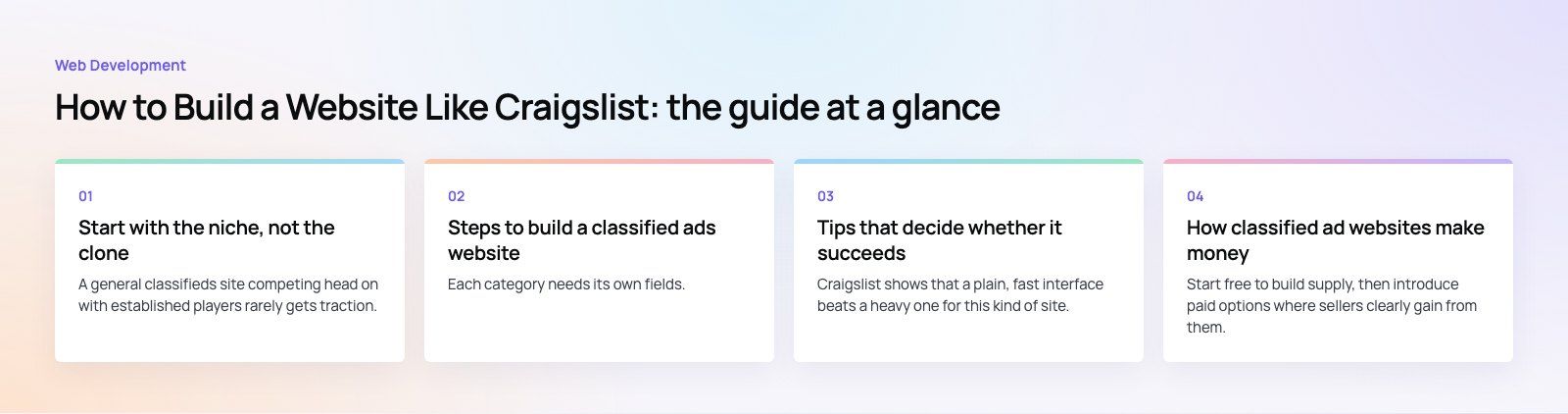
Start with the niche, not the clone
A general classifieds site competing head on with established players rarely gets traction. Successful newcomers usually pick a slice the big sites serve badly:
- A vertical: used cars, heavy equipment, rentals, jobs in one trade, pets, or musical instruments.
- A place: one city, a group of neighborhoods, a university campus or an expat community.
- A community: a language group, a professional association or a hobby club.
Talk to potential sellers and buyers before writing any code. Ask where they list today, what annoys them, and what would make them switch. Study existing sites in your niche, including Craigslist, for their category structure, posting rules and gaps. Write a one sentence value proposition, such as "the fastest way to sell used camera gear in our city", and test every later decision against it.
Steps to build a classified ads website
1. Plan the categories and listing data
Each category needs its own fields. A car listing needs make, model, year and mileage. A rental needs bedrooms, area and availability date. Define these early because they drive search filters, posting forms and database design.
2. Choose the build approach
You have three broad options. A classifieds theme or plugin on an existing CMS gets you live quickly but limits custom features. A marketplace SaaS builder is easy to run but ties you to its rules. A custom build costs more effort upfront but gives full control over search, moderation and monetization. Many teams validate demand with the first option and move to a custom build once the model works.
3. Pick the tech stack for a custom build
A typical modern stack uses a React or Vue front end through a framework such as Next.js, a back end in Node.js, Laravel, Django or Ruby on Rails, and a relational database such as PostgreSQL or MySQL. Add a dedicated search engine such as Elasticsearch, OpenSearch or Meilisearch once listings grow, and object storage with a CDN for photos. Our Laravel developers and React developers often pair on this kind of build.
4. Design for speed and clarity
Wireframe the key user flows first: browse a category, search, view a listing, contact the seller and post an ad. Keep pages light and mobile first, because many buyers browse on their phones while out and about. Tools like Figma make it easy to test layouts with real users before development.
5. Build the core features
Develop the home and category pages, listing pages, the posting form, user accounts, messaging, search and the admin panel. Build in that order of priority and release only when the core loop works smoothly.
6. Integrate payments and notifications
If you charge for listings or featured placement, integrate a payment provider. If buyers pay sellers through the site, look at marketplace payment products such as Stripe Connect, which handle payouts and compliance for multi party payments. See our payment integration service for local gateway options. Add email and push notifications for new messages, saved search alerts and expiring ads.
7. Test properly
Run functional tests on every form, usability tests with real users, load tests on search and listing pages, and security testing against common attacks listed in the OWASP Top 10. Classifieds sites attract bots quickly, so test your spam defenses too.
8. Launch and seed the marketplace
Deploy on a cloud host with a CDN in front. Before opening to the public, seed listings by inviting local sellers, partnering with dealers or importing listings with permission. An empty classifieds site does not get a second visit.
9. Maintain and improve
Watch search terms that return nothing, listings that get no replies, and drop offs in the posting form. These tell you what to fix next.
Must have features for a classifieds site
| Feature | Why it matters | Build tip |
|---|---|---|
| Fast search and filters | Buyers leave if they cannot find items quickly | Use a search engine with category specific filters and location radius |
| Simple ad posting | Supply depends on how easy it is to list | Short form, photo upload from phone, autosave drafts |
| Private messaging | Protects personal phone numbers and emails | Relay messages on platform with email or push alerts |
| Saved searches and alerts | Brings buyers back without ad spend | Email or push when a new listing matches |
| Verification | Builds trust in sellers | Phone or email verification, optional ID for high value categories |
| Reporting and moderation | Keeps scams and spam off the site | User flags, keyword rules, duplicate photo detection and a review queue |
| Admin panel | Lets your team run the site day to day | Manage users, listings, categories, reports and payments |
| Listing expiry | Keeps results fresh | Auto expire ads and invite sellers to renew |
Tips that decide whether it succeeds
Keep the design simple
Craigslist shows that a plain, fast interface beats a heavy one for this kind of site. Focus on readable lists, clear photos and obvious buttons.
Treat mobile as the main channel
Make posting from a phone camera effortless. Once traffic justifies it, a companion app with push alerts can lift repeat visits. Our mobile app development team can add that later on top of the same back end.
Invest early in trust and safety
Scams kill classifieds sites. Hide contact details behind messaging, warn users about common fraud patterns, rate limit new accounts, and review high risk categories manually. Publish clear safety tips for meeting buyers.
Plan for scale from the start
Host images on object storage, cache category pages, and design the database so that adding a city or category does not mean a rewrite. Cloud platforms make it straightforward to add capacity as traffic grows.
Build SEO into the structure
Category and location pages are your main ranking assets. Give them clean URLs, unique titles and helpful intro text. Mark up listings with structured data, keep expired listings from creating thin pages, and generate a sitemap that updates automatically.
Respect privacy and local law
Publish terms of use and a privacy policy, collect only the personal data you need, and follow the data protection laws where your users live. Some categories, such as jobs, housing, vehicles and pets, carry extra rules in many places.
How classified ad websites make money
- Paid listings in high value categories such as jobs, property or vehicles, while keeping general categories free to build volume.
- Featured and bumped ads that appear at the top of results or on the home page.
- Business subscriptions for dealers and agencies that post many listings, with bulk tools and a storefront page.
- Display advertising once traffic is large enough to attract advertisers.
- Transaction fees if you process payments or offer delivery and escrow services.
Start free to build supply, then introduce paid options where sellers clearly gain from them.
Benefits for the business behind it
A classifieds platform gives you direct data on what people in your niche want to buy and sell, at what quality, and in which areas. It builds a community that returns regularly, and it can expand to new cities or categories without physical premises. For an existing business, such as a dealer group or a trade association, it can also become a strong source of leads and brand recognition. Our Lynxnet case study shows a related model, where providers list services and customers post requests, book and chat.
If you are planning a classifieds site or a wider marketplace, our marketplaces and on demand team can help, and a product scoping session is a good way to turn the idea into a feature list and plan.
Frequently asked questions
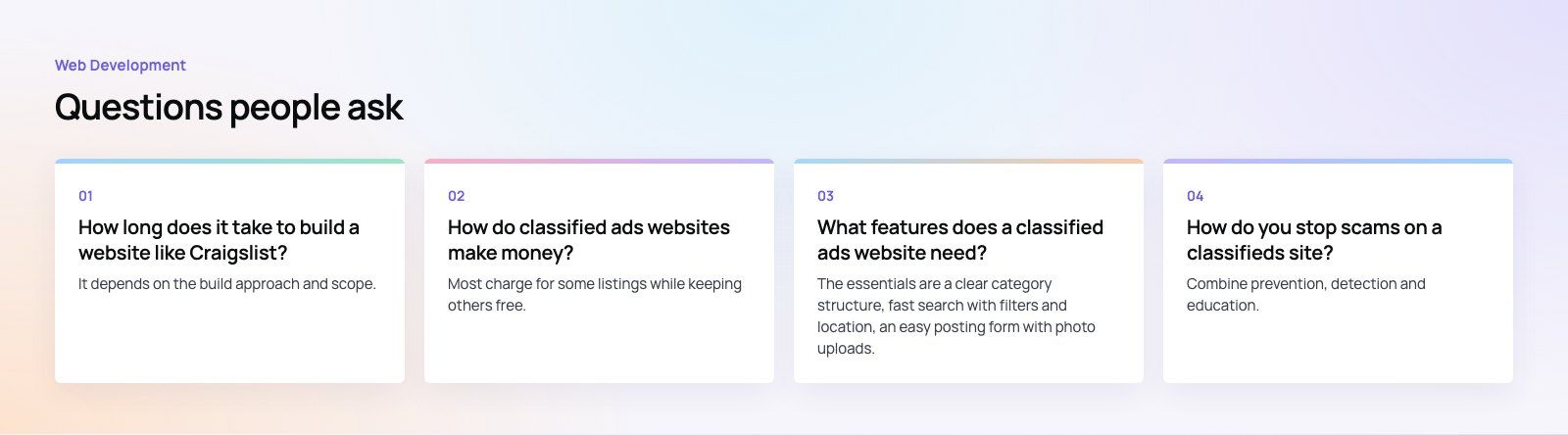
It depends on the build approach and scope.
A site based on a classifieds theme or SaaS builder can go live in weeks, which suits testing demand. A custom build with category specific fields, advanced search, messaging, moderation tools and payments usually takes several months from scoping to launch. Releasing a focused first version and adding features after launch is faster and less risky than building everything at once.
Web DevelopmentWordPress vs Drupal: Which CMS Is Right for Your Business?WordPress vs Drupal compared on ease of use, content modeling, security, performance, ecommerce and cost drivers, with five questions to help you choose. Web DevelopmentCustom Website Development vs Website Builders: Pros and ConsAn honest comparison of custom website development and website builders: control, cost over time, SEO, integrations, and how to decide which fits your business.
 Web DevelopmentWeb Development Consultant: What They Do and When to Hire OneWhat a web development consultant does, how the role differs from a developer or agency, when hiring one pays off and how to choose the right one.
Tell us what the business needs. We will tell you what to build first.
Schedule a free consultation and get a written recommendation, with costs, before you commit to anything.
Get in touchPROVEN RESULTS
4.7 / 5verified reviews on Google