 Web DevelopmentWordPress vs Drupal: Which CMS Is Right for Your Business?WordPress vs Drupal compared on ease of use, content modeling, security, performance, ecommerce and cost drivers, with five questions to help you choose.
How to Improve Site Speed for Faster Loads and More Conversions
The site speed fixes that pay off first: images, caching, third party scripts, layout shift, fonts, code and hosting, with notes for WordPress and Shopify.
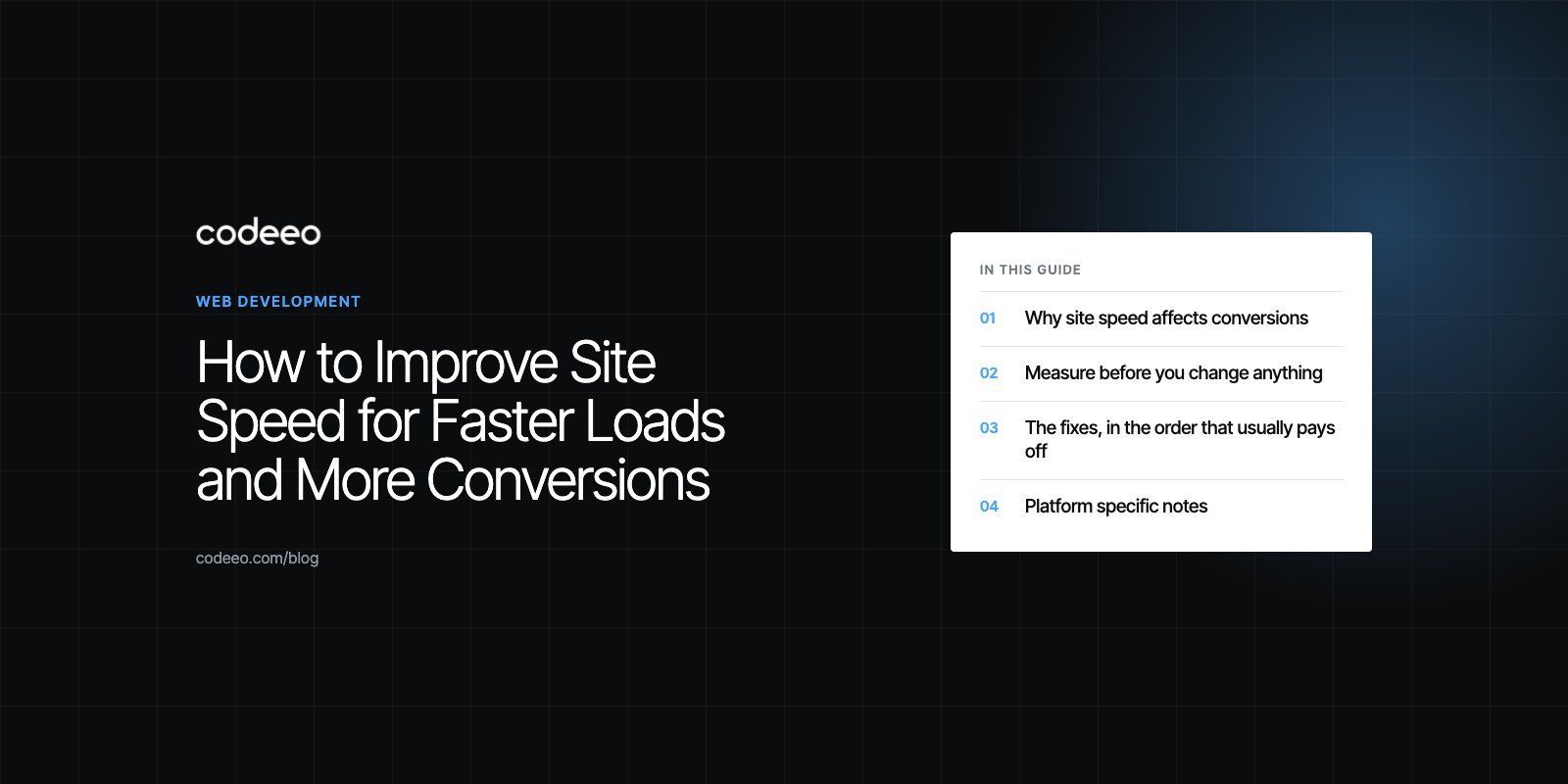
To improve site speed, fix the few things that cause most slowdowns: oversized images, a slow server, too much JavaScript (especially third party scripts) and missing caching. Start by measuring which of those is hurting your key pages, fix the biggest one first and measure again. Faster pages keep more visitors on the site long enough to read, add to cart or send an enquiry, which is why speed work shows up in conversions and not just in test scores.
This guide is the practical fix list: what to change at each layer of a website, in the order that usually pays off, with notes for WordPress, WooCommerce and Shopify.
Why site speed affects conversions
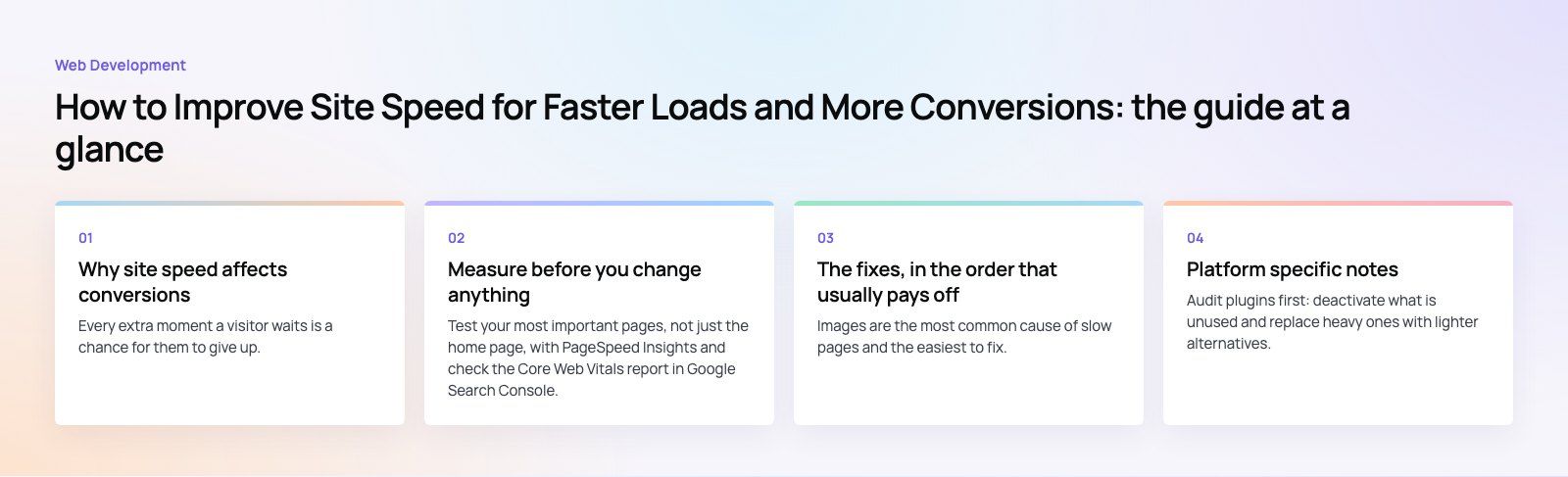
Every extra moment a visitor waits is a chance for them to give up. The effect is strongest on mobile, on paid traffic and on checkout or form pages, where people arrive with intent but little patience. A slow page also makes the whole brand feel less trustworthy.
Speed affects search visibility too. Google's Core Web Vitals measure loading, responsiveness and layout stability, and they form part of how it assesses page experience. But the commercial reason is the stronger one: the same traffic converts better on a faster site.
Measure before you change anything
Test your most important pages, not just the home page, with PageSpeed Insights and check the Core Web Vitals report in Google Search Console. Note three numbers for each page template:
- Largest Contentful Paint (LCP): good is 2.5 seconds or less.
- Interaction to Next Paint (INP): good is 200 milliseconds or less.
- Cumulative Layout Shift (CLS): good is 0.1 or less.
These thresholds come from Google's web.dev guidance (checked 2026). INP replaced the older First Input Delay metric in 2024. Keep a simple record of the before numbers so you can prove what each change achieved.
The fixes, in the order that usually pays off
| Fix | Usually helps | Effort |
|---|---|---|
| Compress, resize and modernize images | LCP, page weight | Low |
| Page caching and a CDN | LCP, TTFB | Low to medium |
| Remove or delay third party scripts | INP, LCP | Low to medium |
| Set image and embed dimensions | CLS | Low |
| Trim fonts | LCP, CLS | Low |
| Reduce and defer JavaScript and CSS | INP, LCP | Medium |
| Upgrade hosting and database performance | TTFB, LCP | Medium |
| Rebuild heavy templates or move platform | All metrics | High |
1. Optimize images and media
Images are the most common cause of slow pages and the easiest to fix.
- Resize images to the largest size they actually display at. A 4,000 pixel photo shown at 800 pixels wastes bandwidth.
- Serve modern formats such as WebP or AVIF, with JPEG as a fallback where needed.
- Use responsive images (srcset) so phones download smaller files than desktops.
- Lazy load images and videos below the fold, but never the main hero image, which should load first.
- Replace autoplaying background videos with a poster image, or load the video only after the page is interactive.
2. Add caching at every level
- Page caching stores finished HTML so the server does not rebuild each page for every visitor. On WordPress this is often the single biggest server side improvement.
- Browser caching tells returning visitors' browsers to reuse logos, CSS and scripts instead of downloading them again.
- Object caching (such as Redis) speeds up database heavy sites, including stores and membership sites.
- A content delivery network serves files, and often whole cached pages, from servers close to each visitor.
3. Cut third party scripts
Chat widgets, tag managers loaded with old tags, heatmaps, social embeds, review widgets and multiple analytics tools all compete for the browser's attention. One issue we often see is a site carrying tracking tags for campaigns that ended long ago. List every script, remove what nobody uses, and delay the rest until after the page has loaded or the user interacts.
4. Stop layout shift
Set width and height on every image, video and iframe so the browser reserves space. Reserve room for cookie banners, ads and promotional bars instead of pushing content down when they appear. This is usually a quick fix with a visible improvement in how polished the site feels.
5. Trim fonts
Load only the weights and styles you actually use, host fonts on your own domain where licensing allows, preload the main text font and use a font display setting that avoids invisible text. System fonts are the fastest option of all.
6. Reduce JavaScript and CSS
- Minify and compress files (Brotli or gzip) on the server.
- Remove unused CSS and JavaScript, which page builders and themes often load on every page.
- Load non essential scripts with defer or async so they do not block the first render.
- Inline the small amount of CSS needed for the top of the page and load the rest afterwards.
- Break up long JavaScript tasks that freeze the page when users tap or type.
Combining files matters less than it used to, because modern HTTP/2 and HTTP/3 connections handle many small files efficiently. Removing code you do not need matters more.
7. Limit redirects
Each redirect adds a round trip before the page even starts loading. Update internal links to point straight at the final URL, fix chains where one redirect leads to another, and use server side redirects rather than JavaScript ones.
8. Improve the server
If Time to First Byte is slow even with caching, the hosting is the bottleneck. Options include moving to better managed hosting, choosing a server region close to your audience, upgrading PHP or runtime versions, and cleaning up the database (old revisions, expired transients, orphaned tables). Make sure the server supports HTTP/2 or HTTP/3.
Platform specific notes
WordPress and WooCommerce
Audit plugins first: deactivate what is unused and replace heavy ones with lighter alternatives. Use a lightweight theme rather than a multipurpose one that loads everything everywhere. On WooCommerce, cart fragments, large product galleries and filter plugins are common culprits. Our WordPress and WooCommerce developers handle this kind of clean up regularly.
Shopify
Hosting and CDN are handled for you, so speed work focuses on the theme and apps. Uninstall apps you no longer use and check that they removed their code from the theme. Limit apps that inject scripts on every page and keep product image sizes sensible. See our Shopify developers for theme performance work.
Custom and headless sites
Frameworks such as Next.js can produce very fast sites through static generation and image optimization, but client side JavaScript can still grow out of control. Watch bundle sizes and render as much as possible on the server.
Mistakes that waste speed work
- Stacking optimization plugins. Two caching or minification plugins often conflict and can break the site.
- Lazy loading the hero image. It delays the very element LCP measures.
- Optimizing for the score, not users. Hiding content or delaying everything can raise a lab score while making the real experience worse.
- Not retesting after releases. New campaigns and plugins quietly undo earlier gains.
Keep it fast
Set a simple rule: every new script, plugin or design change gets a speed check before it goes live, and key pages are retested monthly. Speed is easier to keep than to recover.
If you want help, Codeeo's speed optimisation quick start finds the biggest wins on your key pages, and our Core Web Vitals service implements the fixes. You can also contact us to discuss a slow store or site.
Frequently asked questions
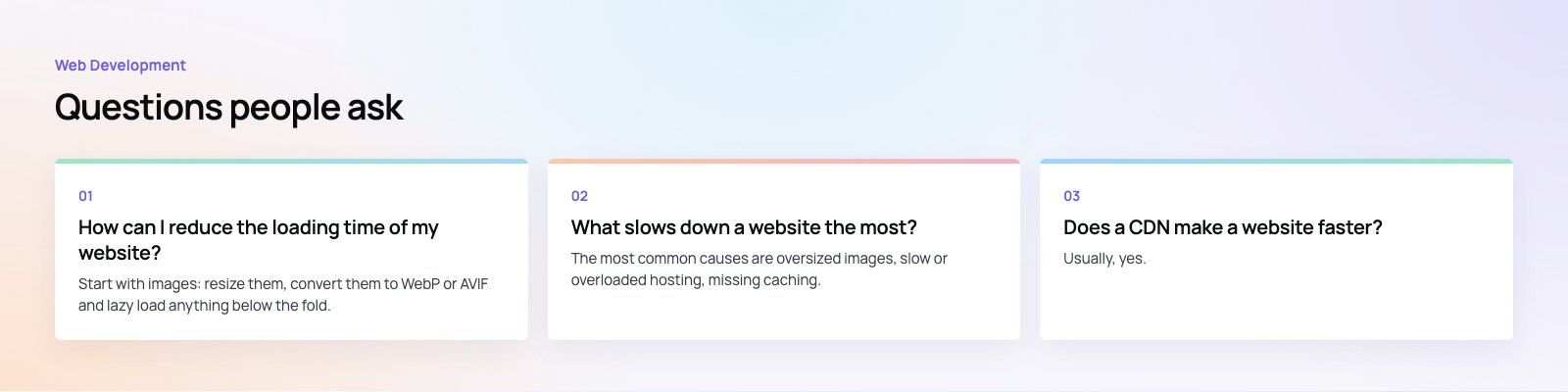
Start with images: resize them, convert them to WebP or AVIF and lazy load anything below the fold.
Then enable page caching and a CDN, remove third party scripts you do not need, and defer the rest. Set dimensions on images to stop layout shift. Measure before and after each change so you know which fixes made the difference on your site.
Web DevelopmentWordPress vs Drupal: Which CMS Is Right for Your Business?WordPress vs Drupal compared on ease of use, content modeling, security, performance, ecommerce and cost drivers, with five questions to help you choose. Web DevelopmentCustom Website Development vs Website Builders: Pros and ConsAn honest comparison of custom website development and website builders: control, cost over time, SEO, integrations, and how to decide which fits your business.
 Web DevelopmentWeb Development Consultant: What They Do and When to Hire OneWhat a web development consultant does, how the role differs from a developer or agency, when hiring one pays off and how to choose the right one.
Tell us what the business needs. We will tell you what to build first.
Schedule a free consultation and get a written recommendation, with costs, before you commit to anything.
Get in touchPROVEN RESULTS
4.7 / 5verified reviews on Google