 Web DevelopmentWordPress vs Drupal: Which CMS Is Right for Your Business?WordPress vs Drupal compared on ease of use, content modeling, security, performance, ecommerce and cost drivers, with five questions to help you choose.
How to Improve Your Website Quickly: 10 Practical Fixes
Ten practical ways to improve a website fast, from speed and mobile fixes to clearer calls to action, SEO basics, security and measurement.
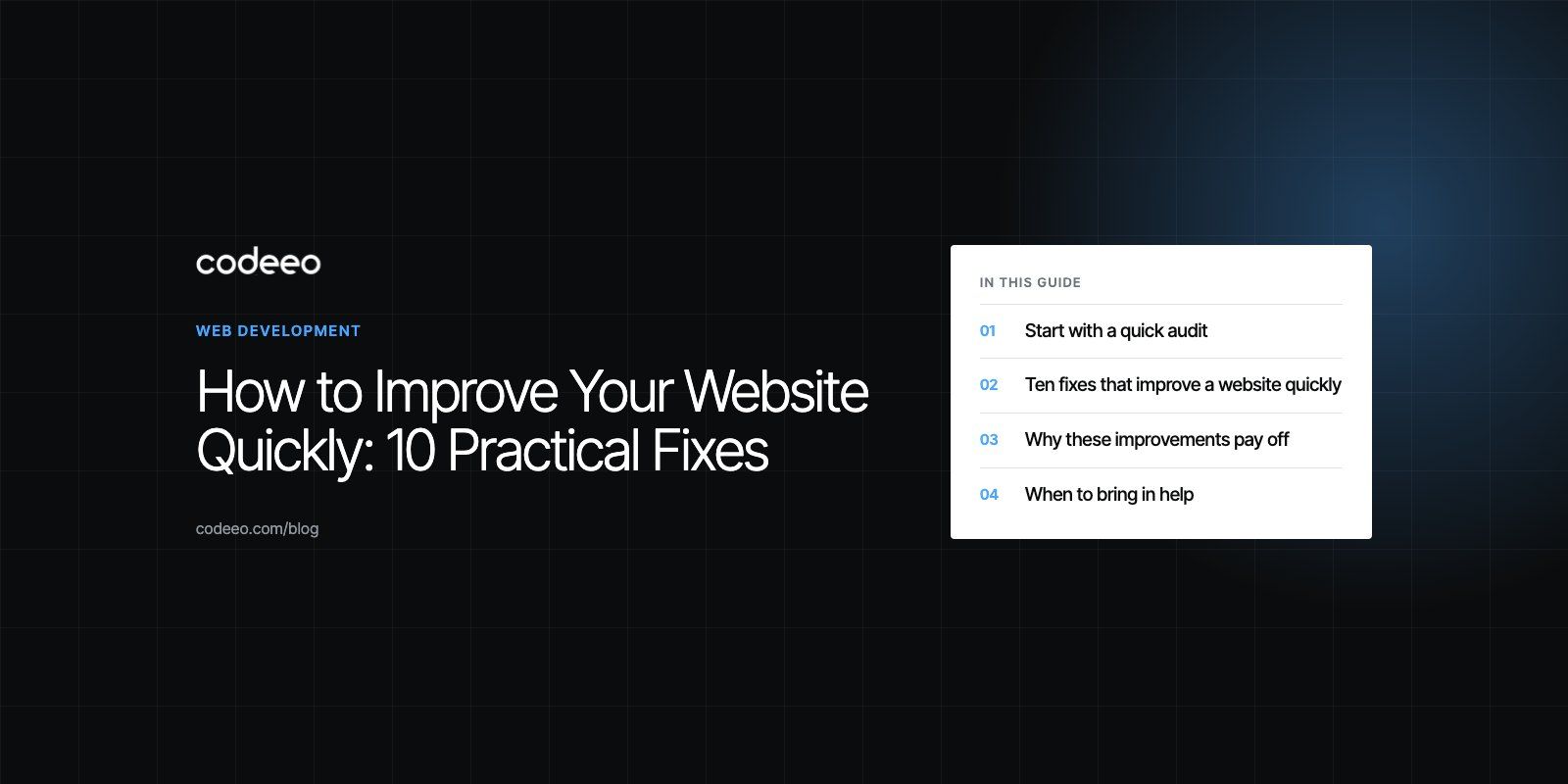
The quickest ways to improve a website are to make it load faster, fix how it works on phones, make the next step obvious on every page, and clean up the basics search engines read. Most of these changes take days, not months, and you can measure the effect with free tools. Start with speed and mobile, because problems there drag down everything else.
Below are ten practical fixes in a sensible order, followed by how to measure progress and the mistakes that waste time.
Start with a quick audit
Before changing anything, spend an hour recording where you stand. Run your home page and two or three key pages through Google PageSpeed Insights, open Google Search Console to see indexing errors and the queries you already appear for, and look at your analytics for the pages with the most traffic and the highest exit rates. Write the numbers down. Without a baseline you will not know which change helped.
If you would rather have someone else do this, a website audit gives you a prioritized list in one pass.
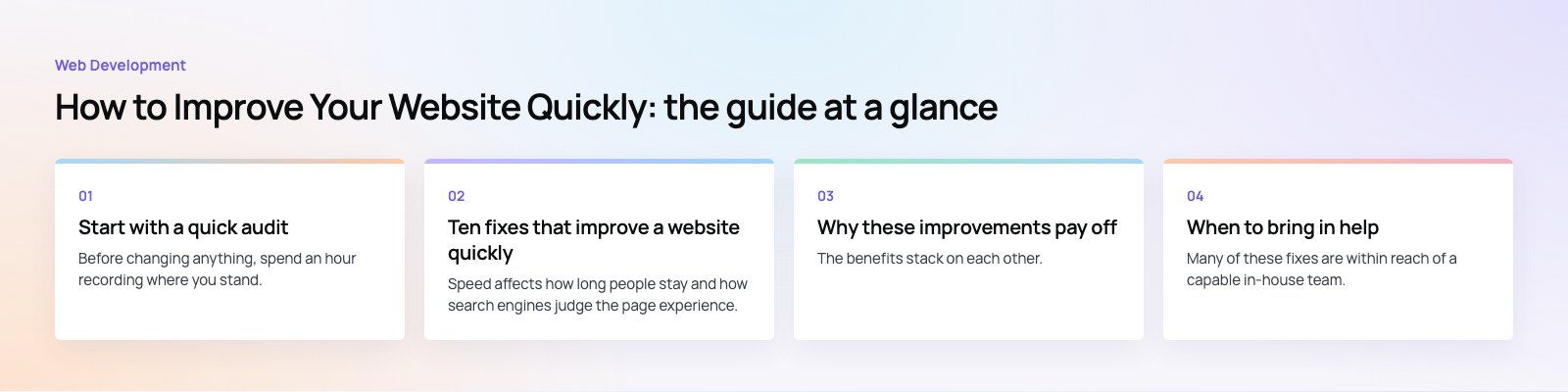
Ten fixes that improve a website quickly
1. Make pages load faster
Speed affects how long people stay and how search engines judge the page experience. Google measures it with Core Web Vitals. According to Google's web.dev guidance (2026), a good experience means Largest Contentful Paint within 2.5 seconds, Interaction to Next Paint under 200 milliseconds and Cumulative Layout Shift below 0.1, measured at the 75th percentile of visits.
The fastest wins are usually:
- Resize and compress images, and serve modern formats such as WebP or AVIF.
- Lazy load images and videos below the fold, but never the main hero image.
- Remove plugins, tracking scripts and chat widgets you no longer use.
- Put a content delivery network and page caching in front of the site.
- Set explicit width and height on images so the layout does not jump.
For deeper work on Core Web Vitals, see our Core Web Vitals service.
2. Fix the mobile experience
Most visitors to most business sites arrive on a phone, so test there first. Check that text is readable without zooming, buttons are big enough to tap, menus open and close cleanly, and forms use the right keyboard for email and phone fields. Pop ups that cover the whole screen on mobile are a common reason people leave immediately.
3. Simplify navigation
Visitors should be able to reach any important page in two or three taps. Keep the main menu short, use plain labels such as "Services" and "Pricing" rather than clever ones, and add a footer with the links people look for: contact, about, privacy and key services. If your analytics show people using site search for the same terms again and again, those pages belong in the menu.
4. Make the next step obvious
Every page needs one clear action. On a service page that might be "Book a call", on a product page "Add to cart", on a blog post a related guide or a newsletter sign up. Use contrasting colors for the main button, keep the label specific, and repeat it at the end of long pages. Too many competing buttons are as harmful as none.
5. Tidy the on-page SEO basics
Search engines need clear signals. Give every page a unique title and meta description, one main heading that says what the page is about, logical subheadings, descriptive image alt text and internal links between related pages. Submit an XML sitemap in Search Console and fix any pages marked as not indexed for avoidable reasons. A technical SEO review catches the issues that are hard to see from the front end.
6. Use visuals that earn their place
Good photography and clear diagrams make a site feel credible, but large unoptimized images are the most common cause of slow pages. Use real photos of your team, work or products where you can, and compress everything. If an image does not help a visitor understand or trust you, remove it.
7. Refresh the content that matters
Out of date prices, old team members, dead links and announcements from years ago make a site look abandoned. Update your highest traffic pages first, then set a simple calendar so service pages and key guides get reviewed every few months. Fresh, accurate content helps visitors and gives search engines a reason to recrawl.
8. Tighten security
Make sure every page loads over HTTPS with a valid certificate, update your CMS, themes and plugins on a regular schedule, remove unused admin accounts and turn on two factor authentication for the ones you keep. Browsers warn visitors about insecure forms, and a hacked site can be removed from search results until it is cleaned.
9. Measure what visitors actually do
Set up Google Analytics 4 with conversion events for the actions you care about, such as form submissions, calls and purchases. Add a session recording or heatmap tool on key pages for a few weeks to see where people hesitate. Data turns opinions about the website into decisions.
10. Show real social proof
Reviews, testimonials and case studies reduce the risk a visitor feels. Place them near the decision point, such as beside a contact form or under pricing, rather than on a separate page nobody visits. Use real names and details where customers allow it; vague praise does little.
Which fixes to do first
| Fix | Typical effort | Main benefit | How to measure |
|---|---|---|---|
| Image compression and caching | Low | Faster loading | PageSpeed Insights, Core Web Vitals report |
| Mobile layout and forms | Low to medium | Fewer drop offs on phones | Mobile conversion rate |
| Clear calls to action | Low | More enquiries or sales | Conversion events in analytics |
| Titles, descriptions, headings | Low | Better search visibility and click rate | Search Console clicks and impressions |
| Navigation restructure | Medium | Easier to find key pages | Pages per session, site search terms |
| Security updates | Low, ongoing | Trust and uptime | Update log, security scans |
| Content refresh | Medium, ongoing | Accuracy and rankings | Traffic to refreshed pages |
Why these improvements pay off
The benefits stack on each other. A faster, clearer site keeps visitors longer, which gives them more chances to act. Better search visibility brings more people who are already looking for what you offer, so you depend less on paid ads. Clear calls to action and social proof turn more of that traffic into leads or orders, which means each visitor is worth more. And a site that is measured and maintained adapts more easily when search engines, devices or your own services change.
Mistakes that slow improvement down
- Redesigning when a fix would do. A full redesign takes months. Many problems are solved by speed work, clearer copy and better buttons.
- Changing everything at once. If you change ten things in one week, you cannot tell which helped.
- Testing only on a fast office connection. Check pages on a mid range phone over mobile data.
- Adding plugins to fix plugin problems. Each extra plugin adds weight and another thing to update.
- Ignoring Search Console. It tells you for free which pages Google cannot index and why.
When to bring in help
Many of these fixes are within reach of a capable in-house team. Outside help makes sense when the site is built on a theme or platform that resists change, when speed problems come from the server or code rather than content, or when nobody has time to own the work. Codeeo has delivered 200+ projects across the UAE and the US, including content managed sites such as HMS, a physiotherapy and sports medicine group with treatments, events and appointment requests. If your site needs more than quick fixes, see how our web development team approaches rebuilds and improvements.
Frequently asked questions
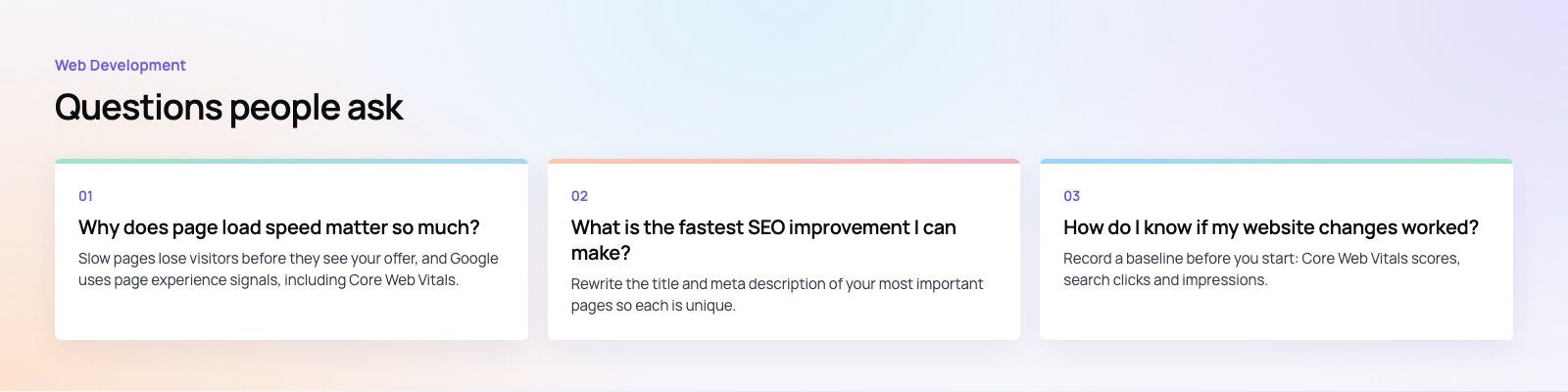
Slow pages lose visitors before they see your offer, and Google uses page experience signals, including Core Web Vitals, when ranking results.
A faster site usually means more people reading, clicking and converting. Speed also affects paid campaigns, because visitors who arrive from ads and wait too long leave before the landing page appears, wasting the click you paid for.
Web DevelopmentWordPress vs Drupal: Which CMS Is Right for Your Business?WordPress vs Drupal compared on ease of use, content modeling, security, performance, ecommerce and cost drivers, with five questions to help you choose. Web DevelopmentCustom Website Development vs Website Builders: Pros and ConsAn honest comparison of custom website development and website builders: control, cost over time, SEO, integrations, and how to decide which fits your business.
 Web DevelopmentWeb Development Consultant: What They Do and When to Hire OneWhat a web development consultant does, how the role differs from a developer or agency, when hiring one pays off and how to choose the right one.
Tell us what the business needs. We will tell you what to build first.
Schedule a free consultation and get a written recommendation, with costs, before you commit to anything.
Get in touchPROVEN RESULTS
4.7 / 5verified reviews on Google