 Web DevelopmentWordPress vs Drupal: Which CMS Is Right for Your Business?WordPress vs Drupal compared on ease of use, content modeling, security, performance, ecommerce and cost drivers, with five questions to help you choose.
How Website APIs Work: Requests, Endpoints and Methods
How website APIs work in plain terms: requests and responses, endpoints, HTTP methods, authentication, API types, benefits, risks and best practices.
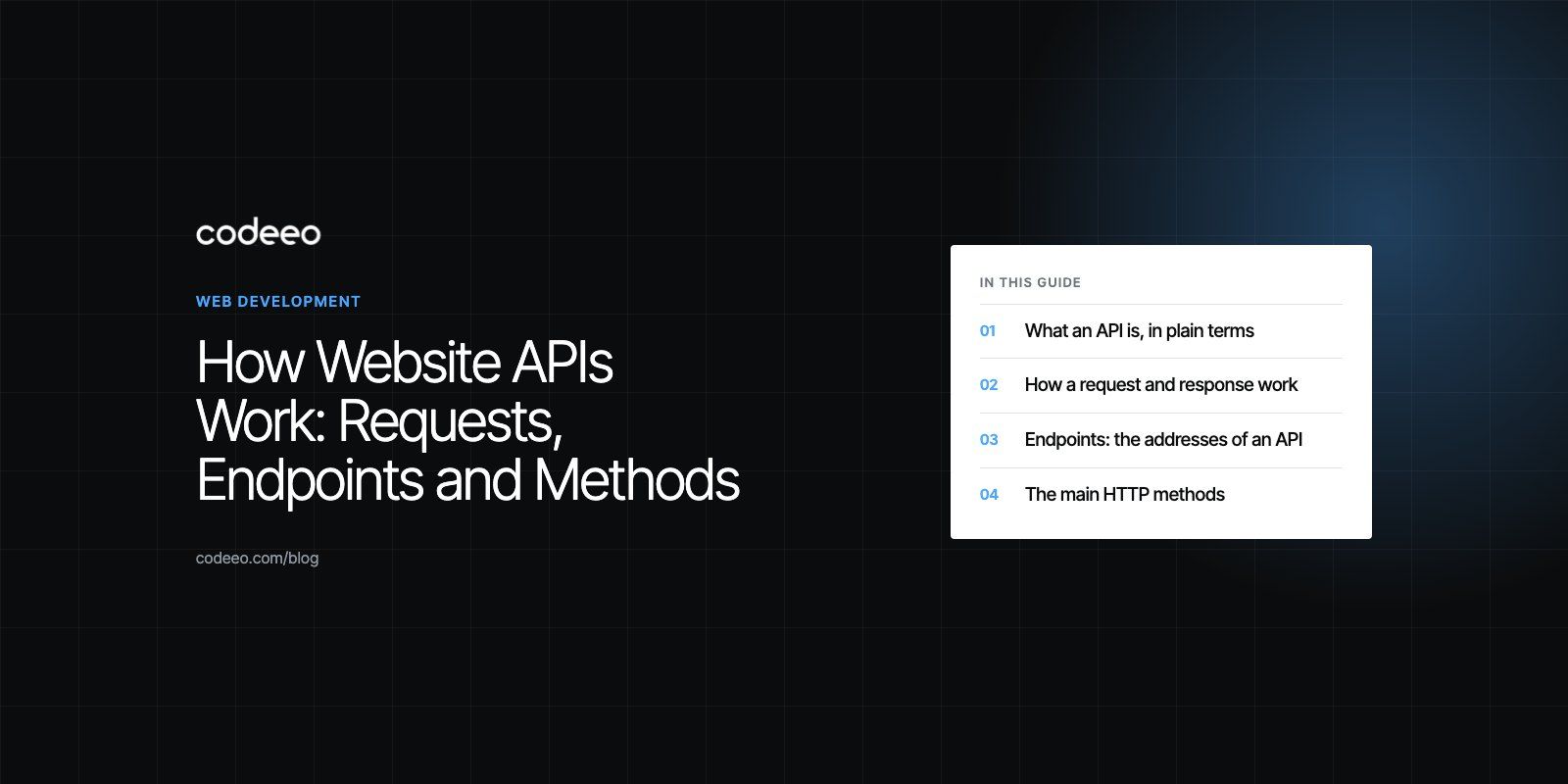
A website API works by letting one piece of software send a structured request to another and get a structured answer back. Your website (or a browser, or an app) calls a specific URL called an endpoint, using a method such as GET or POST, and the server on the other side checks the request, does the work and returns data, usually as JSON. The user only sees the result: a map, a payment confirmation, a list of products.
This guide explains the key ideas behind APIs in plain language: requests and responses, endpoints, methods, authentication and the main types of API, plus the benefits, the risks and the habits that keep integrations healthy.
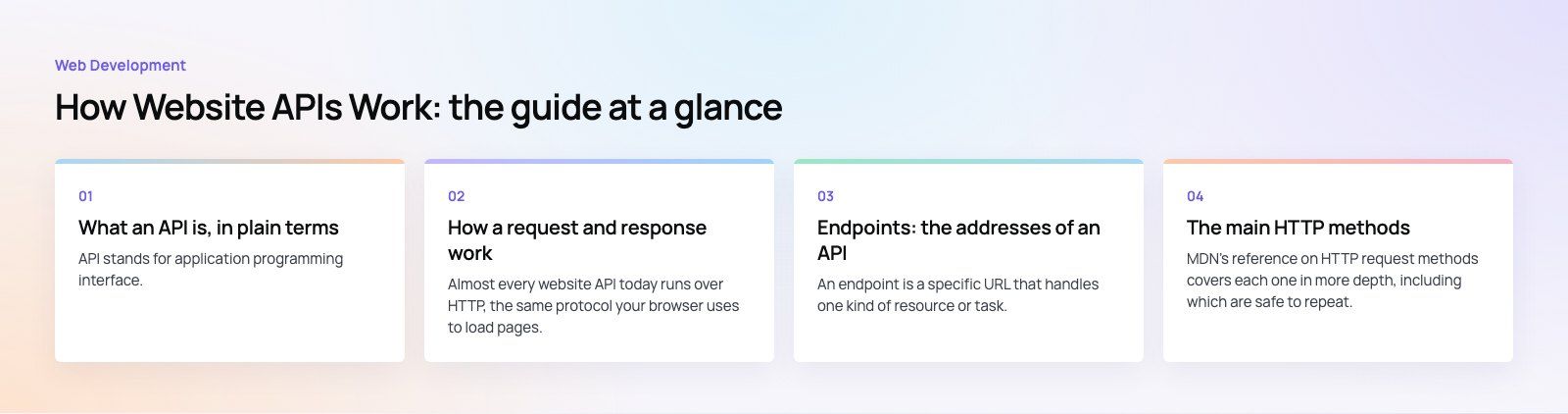
What an API is, in plain terms
API stands for application programming interface. The classic comparison is a restaurant. You do not walk into the kitchen; you give your order to a waiter, who takes it to the kitchen and brings back your food. The API is the waiter. It accepts requests in an agreed format, passes them to the system that can fulfill them, and returns the result.
A weather widget is a good real example. The website does not store weather data for every city. When a visitor opens the page, the site asks a weather service's API for the current conditions in their city. The service returns the temperature and forecast, and the site displays them. The API is the agreed way to ask and answer.
How a request and response work
Almost every website API today runs over HTTP, the same protocol your browser uses to load pages. Each exchange has two halves.
The request
- Endpoint: the URL being called, such as https://api.example.com/products/42.
- Method: what you want to do, such as GET to read or POST to create.
- Headers: extra information, including the format you are sending and your credentials.
- Body: the data you are sending, for methods that create or change things.
The response
- Status code: a number that says what happened. 200 means success, 201 means something was created, 400 means the request was wrong, 401 means you are not authenticated, 404 means not found, and 500 means the server failed.
- Headers: information about the response, such as how long it can be cached.
- Body: the data itself, usually in JSON.
Once you can read these parts, most API documentation starts to make sense.
Endpoints: the addresses of an API
An endpoint is a specific URL that handles one kind of resource or task. If an API is a building, endpoints are the room numbers. A store API might have /products for the product list, /products/42 for one product, /orders for orders and /customers for customer records.
Well designed APIs use predictable endpoints based on nouns (products, orders) and let the method describe the action. That makes them easier to learn and harder to misuse. Query parameters refine a request, for example /products?category=shoes&page=2.
The main HTTP methods
| Method | What it does | Everyday example |
|---|---|---|
| GET | Reads data without changing it | Loading a product page or a list of blog posts |
| POST | Creates something new or triggers an action | Submitting a sign up form or placing an order |
| PUT | Replaces an existing record | Saving a full set of profile details |
| PATCH | Updates part of a record | Changing only your delivery address |
| DELETE | Removes a record | Removing an item from a saved list |
MDN's reference on HTTP request methods covers each one in more depth, including which are safe to repeat.
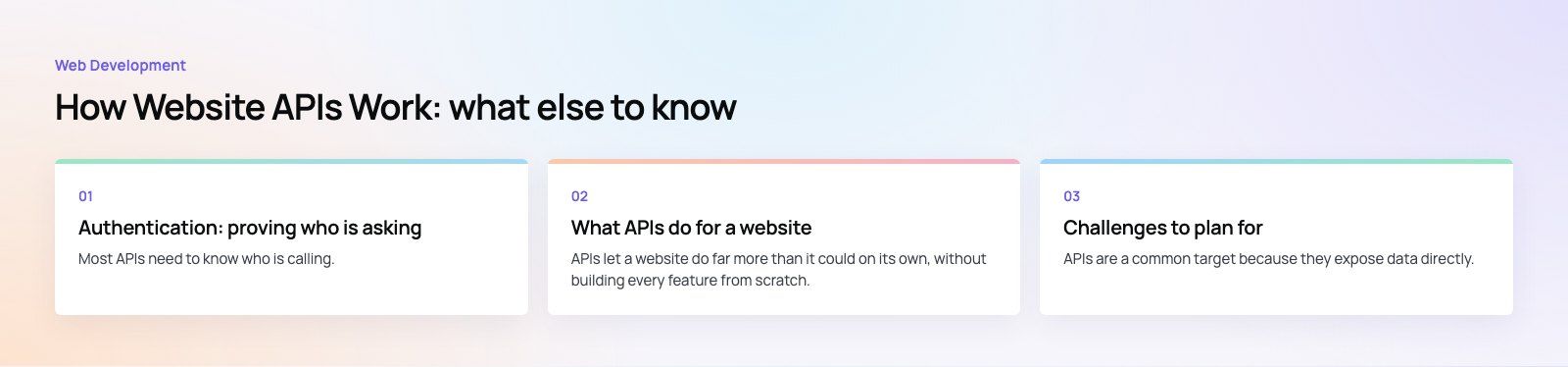
Authentication: proving who is asking
Most APIs need to know who is calling. The common approaches are:
- API keys: a secret string identifying your application. Simple, but must be kept on the server.
- Tokens: issued after a user signs in and sent with each request, often as a bearer token in a header.
- OAuth: lets a user grant your site limited access to their account on another service without sharing their password. "Sign in with Google" is the familiar example.
The golden rule: secret keys never go in front end code. Anything in the browser can be read by visitors. Your site's own server should hold the keys and make the calls.
Types of API
By who can use them
- Public (open) APIs are available to outside developers, usually after registering for a key. Mapping, weather and payment services work this way.
- Partner APIs are shared with selected businesses under an agreement, such as a supplier sharing stock levels with resellers.
- Internal APIs connect a company's own systems, such as a website and a warehouse system.
- Composite APIs combine several calls into one, so the client gets everything a screen needs in a single request.
By style
- REST is the most common style for websites: resources at URLs, standard methods, JSON responses.
- GraphQL uses one endpoint where the client describes exactly which fields it wants.
- Webhooks reverse the direction: the other service calls your site when something happens, such as a payment succeeding.
What APIs do for a website
APIs let a website do far more than it could on its own, without building every feature from scratch.
- Payments through a gateway such as Stripe, PayPal or a regional provider, without handling card data yourself.
- Maps and locations through Google Maps Platform or similar services.
- Sign in with Google, Apple or Microsoft accounts.
- CRM and marketing by sending form leads straight into your CRM and email platform.
- Live data such as stock levels, delivery tracking or exchange rates, updated without manual work.
- Headless content where a CMS delivers content through an API to a separate front end, website and app alike.
The benefits are speed (you plug in proven services), focus (your team builds what is unique to your business) and flexibility (you can swap or add services as you grow).
Challenges to plan for
Security
APIs are a common target because they expose data directly. Weak authentication, missing permission checks and leaked keys are frequent causes of breaches. The OWASP Top 10 is a useful starting point for understanding web application risks.
Rate limits
Most third party APIs cap how many requests you can make in a period. A site that calls an API on every page view can hit that cap during a busy day. Caching responses and calling only when needed avoids this.
Changes and versions
Providers update their APIs and eventually retire old versions. An integration that works today can break when a deprecated version is switched off. Watch provider announcements and build integrations so they are easy to update.
Compatibility and reliability
Older systems may only offer limited or unusual APIs, and any outside service can go down. Your site should handle failures gracefully, for example by showing cached data or a clear message rather than a broken page.
Best practices for using APIs on your site
- Choose established providers with clear documentation, especially for payments and authentication.
- Keep secrets on the server and use HTTPS for every call.
- Request only what you need and cache responses that do not change often.
- Handle errors and timeouts so a slow outside service cannot freeze your pages.
- Log and monitor response times and error rates so you notice problems before customers do.
- Wrap each integration in its own module, so replacing a provider means changing one place, not the whole site.
Real examples of website APIs
- Google Maps Platform adds interactive maps, place search and directions to store locators and contact pages.
- Stripe processes card payments, subscriptions and invoices on many online stores and software products.
- OpenWeatherMap supplies current conditions and forecasts to travel, events and outdoor sites.
- Spotify Web API lets music sites and apps search the catalog and show playlists.
- WordPress REST API lets apps and other sites read and manage WordPress content.
APIs are what let a modern website connect to payments, maps, CRMs and apps instead of standing alone. If you are planning integrations, our web development and payment integration teams can help, and our Azure integration team connects business systems on Microsoft Azure. The JobIQ case study shows a marketplace that handles chat, dispatch and payment in one platform, and you can get in touch to talk through your own project.
Frequently asked questions
A website API works through requests and responses.
A client, such as a browser, an app or another server, sends a request to a specific URL called an endpoint, using a method like GET or POST and often including credentials. The server checks the request, performs the work, and returns a status code and data, usually as JSON, which the client then displays or uses.
Web DevelopmentWordPress vs Drupal: Which CMS Is Right for Your Business?WordPress vs Drupal compared on ease of use, content modeling, security, performance, ecommerce and cost drivers, with five questions to help you choose. Web DevelopmentCustom Website Development vs Website Builders: Pros and ConsAn honest comparison of custom website development and website builders: control, cost over time, SEO, integrations, and how to decide which fits your business.
 Web DevelopmentWeb Development Consultant: What They Do and When to Hire OneWhat a web development consultant does, how the role differs from a developer or agency, when hiring one pays off and how to choose the right one.
Tell us what the business needs. We will tell you what to build first.
Schedule a free consultation and get a written recommendation, with costs, before you commit to anything.
Get in touchPROVEN RESULTS
4.7 / 5verified reviews on Google