 Software DevelopmentAPI Integration for Saudi Business Websites: ERP, CRM and Payment GatewaysHow Saudi websites connect to ERP, CRM, payment gateways like mada and Tabby, ZATCA e-invoicing, logistics and WhatsApp through APIs.
CodeeoInsightsSoftware Development
Low-Code App Development: Benefits, Limits and When to Use It
What low-code app development is, where it speeds things up, where it causes problems, and a practical checklist for choosing between low-code and custom code.
Low-code app development means building software with visual editors, drag and drop components and prebuilt connectors instead of writing most of the code by hand. It works best for internal tools, forms, approvals and simple customer apps where speed matters more than unusual logic. For products with complex workflows, heavy traffic or a unique user experience, custom code is usually still the better long term choice.
This guide explains how low-code platforms work, where they help, where they cause trouble, and how to decide whether your next app should be built on one.
What low-code app development actually is
A low-code platform gives you a visual canvas for screens, a data model you configure rather than program, and a library of actions such as "send an email", "create a record" or "call this API". Behind the scenes the platform generates and hosts the application. Developers can still drop into code for the parts the visual tools cannot express, which is the difference between low-code and no-code.
Well known examples include Microsoft Power Apps, OutSystems, Mendix, Appian and Salesforce's own app builder. Each has a different sweet spot, but they share the same idea: assemble the standard parts of an app from ready made pieces, and spend developer time only on what is specific to your business.
Low-code, no-code and custom code compared
| Approach | Who builds | Best for | Main limit |
|---|---|---|---|
| No-code | Business users | Simple forms, trackers, basic automations | Little room for custom logic or integrations |
| Low-code | Developers and trained business users | Internal tools, workflow apps, portals, prototypes | Platform rules, licensing model, vendor dependency |
| Custom code | Software engineers | Customer facing products, complex logic, high scale | Longer build time and a larger team |
Why companies use low-code
The appeal is straightforward. Many teams have a backlog of small applications that never reach the top of the engineering queue: an expense approval flow, a field inspection form, a stock request tool. Low-code lets those get built in days or weeks rather than waiting months.
Faster delivery
Prebuilt templates, screen components and connectors remove a lot of repetitive work. A first working version can often be shown to users in the first week, which shortens the feedback loop and means fewer surprises at launch.
Closer work between IT and the business
Because the logic is visible on screen, a finance manager or operations lead can sit with a developer and see exactly how a rule works. That shared view cuts down on the misunderstandings that happen when requirements travel through long documents.
Citizen developers
People who know a process well but are not professional programmers, often called citizen developers, can build or adjust simple apps themselves. This is valuable when the person closest to the problem can fix a form or add a field without filing a ticket.
Lower effort for routine changes
Adding a field, changing an approval step or updating a screen is usually quick on a low-code platform. The vendor also handles hosting, patching and much of the security baseline, which reduces day to day maintenance for your own team.
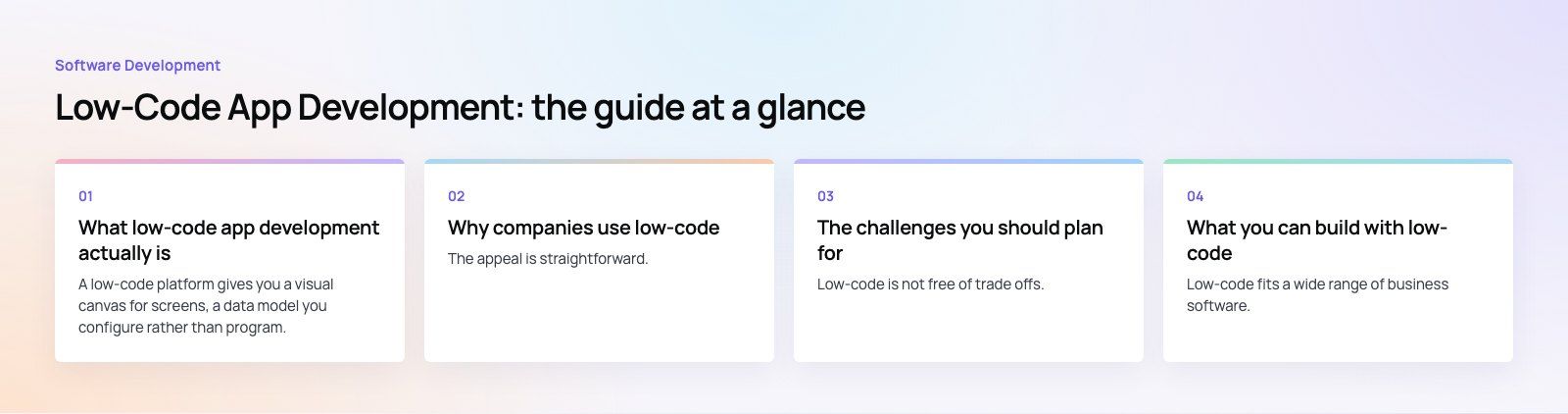
The challenges you should plan for
Low-code is not free of trade offs. Most of the problems we see come from treating it as a shortcut that needs no planning, rather than as a platform choice with its own rules.
Shadow IT and governance
When anyone can build an app, departments start creating tools that IT does not know about. These apps may store customer data in the wrong place, skip access controls or duplicate data held elsewhere. Set rules early: who can build, which data sources are allowed, and how an app gets reviewed before other people rely on it.
Limits on customization
Visual builders are excellent at standard patterns and awkward at anything unusual. Complex pricing rules, heavy calculations, offline first mobile use or a highly designed interface can push you into workarounds. Once more than a small share of the app is custom code wrapped inside the platform, you are paying for low-code without getting its benefits.
A real learning curve
"No coding" does not mean "no thinking". Builders still need to understand data relationships, permissions, error handling and testing. Business users without that grounding can build apps that work in a demo and break under real use. Training and a review step from an experienced developer make a large difference.
Vendor lock-in
Most platforms are proprietary. Your screens, logic and often your data model live in the vendor's format, so moving away later can mean rebuilding from scratch. Licensing usually scales by user or by app, which can change the economics as adoption grows. Read the exit terms and check whether you can export your data in a usable form before you commit.
Integration with older systems
Connectors cover popular services well. Legacy databases, on premises ERP systems or partner APIs with unusual authentication are a different story and often need custom connectors or middleware. Map every system the app must talk to before choosing a platform, because this is where projects most often stall.
What you can build with low-code
Low-code fits a wide range of business software. Typical good candidates include:
- Internal approval and request workflows, such as leave, purchasing or IT access
- Field data capture apps for inspections, audits or site visits
- Simple customer or partner portals on top of an existing database
- Dashboards and admin screens over CRM or ERP data
- Prototypes used to test an idea before investing in a full product
It is a weaker fit for consumer apps that compete on experience, marketplaces with complex matching or payments, products with very high traffic, and anything that must run on hardware or with strict performance limits. For those, custom software development gives you full control over performance, design and ownership of the code.
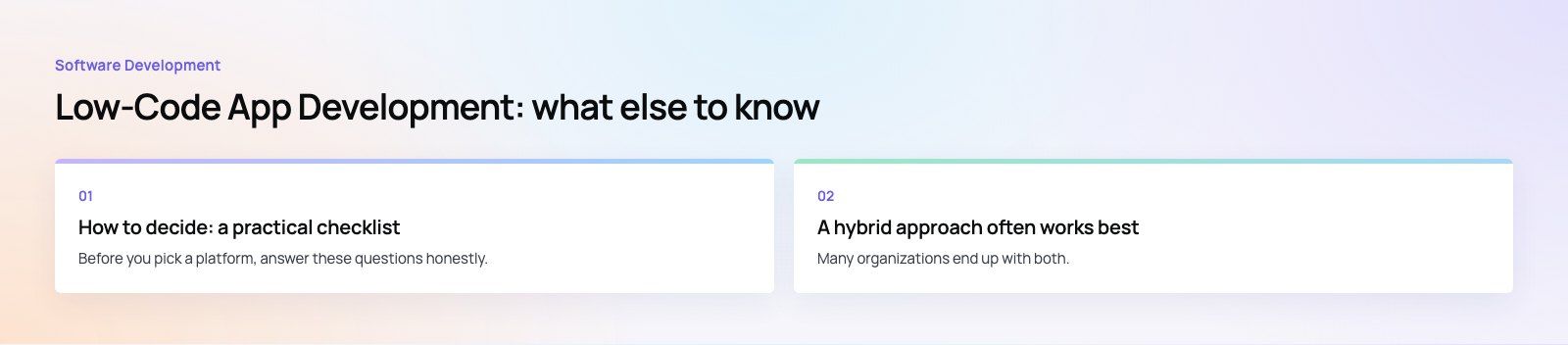
How to decide: a practical checklist
Before you pick a platform, answer these questions honestly.
- Who will use it? Internal staff tolerate standard interfaces. Paying customers compare you with the best apps on their phone.
- How unusual is the logic? If you can describe the workflow as forms, lists and approvals, low-code is a good match. If it needs algorithms or real time behavior, lean toward code.
- What does it connect to? List every system. Check that a supported connector exists for each, or budget time for custom integration.
- How will it grow? Model the licensing as users and apps increase, and check platform limits on records, API calls and storage.
- Who owns it after launch? Decide who maintains the app, who approves changes and how it is tested.
- Can you leave? Confirm how data can be exported and what a migration would involve.
If your organization already runs on Microsoft 365 and Dynamics, the Power Platform is often the natural starting point, since it shares identity, data and security with tools your team already uses. Microsoft's own Power Apps overview is a useful plain description of how that model works. Our Power Platform developers often combine it with Dataverse so that apps built by different teams share one governed data store.
A hybrid approach often works best
Many organizations end up with both. Low-code handles internal tools and quick experiments, while custom code powers the core product and anything customer facing. The two can share data through APIs, so an operations team can build its own dashboard on a low-code platform while the main app stays in a codebase your engineers control.
A common pattern is to prototype on low-code, learn what users actually need, and then rebuild the parts that prove valuable in custom code. That avoids spending months building the wrong thing, and it avoids keeping a fragile prototype in production longer than it should be.
Common mistakes to avoid
- Skipping design. Low-code makes it easy to build screens quickly, which also makes it easy to build confusing ones. Sketch the flow first.
- No test environment. Changing a live app directly is risky. Use separate development and production environments, which most serious platforms support.
- Ignoring permissions. Check who can see and edit each record type before real data goes in.
- Letting apps multiply. Keep a simple register of what exists, who owns it and what data it touches.
- Forcing it. If the team spends most of its time fighting the platform, that is the signal to move that app to code.
Codeeo's team of 80+ across Dubai, Riyadh and Karachi works on both sides of this decision, from Power Platform apps to fully custom products like the ones in our case studies. If you are weighing low-code against a custom build, a short product scoping session is a practical way to map requirements to the right approach before any money is committed.
Frequently asked questions
Professional developers, business analysts and trained business users can all work on low-code platforms.
Developers handle integrations, security and the custom code a platform cannot express, while business users build or adjust simple forms and workflows. The best results usually come from mixed teams, where someone with development experience reviews what others build before it goes live.
Software DevelopmentAPI Integration for Saudi Business Websites: ERP, CRM and Payment GatewaysHow Saudi websites connect to ERP, CRM, payment gateways like mada and Tabby, ZATCA e-invoicing, logistics and WhatsApp through APIs. Software DevelopmentAI Workflow Automation for Case Management: Where AI Saves Case Teams Real TimeHow AI workflow automation fits into case management: practical uses, human review, data security and when to build a custom AI workflow.
 Software DevelopmentLaw Firm Client Portal, Legal CRM and Intake Software: Turning Inquiries into Signed ClientsTurn more legal inquiries into signed clients with intake software, a legal CRM and a secure client portal built around your firm.
Tell us what the business needs. We will tell you what to build first.
Schedule a free consultation and get a written recommendation, with costs, before you commit to anything.
Get in touchPROVEN RESULTS
4.7 / 5verified reviews on Google