 E-CommerceGenerative AI in Online Retail: Uses That Pay BackGenerative AI ecommerce uses ranked by payback and risk: product descriptions, AI search and support assistants, plus Arabic quality checks for UAE stores.
Magento vs WooCommerce: Which Platform Fits Your Store?
Magento vs WooCommerce compared on cost drivers, usability, B2B features, payments, extensions, SEO, security and support, with a clear way to choose.
WooCommerce suits most small and mid-sized stores because it runs inside WordPress, is quick to launch and is easy for non-developers to manage. Magento, now sold by Adobe as Magento Open Source and the paid Adobe Commerce, suits large catalogs, complex B2B selling and multi-store setups, but it needs experienced developers and stronger hosting. The right answer depends on catalog size, internal skills and how much custom logic your business needs.
Below we compare the two platforms on cost drivers, usability, features, extensions, SEO, security and support, then finish with a simple way to decide.
Magento and WooCommerce at a glance
Both platforms are open source and written in PHP, and both can run a serious online store. They come from very different starting points, though.
- WooCommerce is a free plugin that turns a WordPress site into a store. It inherits WordPress themes, plugins, editors and hosting options. You can review the plugin and its update history on the official WordPress.org listing.
- Magento is a dedicated commerce application. Magento Open Source is free to download and self host. Adobe Commerce is the licensed edition with extra modules, including B2B tools, and an optional cloud hosting package. Adobe documents both in its Commerce developer documentation.
| Factor | WooCommerce | Magento |
|---|---|---|
| Software model | Free WordPress plugin | Free Open Source edition, licensed Adobe Commerce edition |
| Learning curve | Gentle for WordPress users | Steep, developer led |
| Best fit | Small to mid-sized catalogs, content led brands | Large catalogs, B2B, multiple stores and currencies |
| Hosting needs | Standard managed WordPress hosting | Tuned servers with caching and search services |
| Developer pool | Very large | Smaller and more specialized |
| Built-in features | Lean core, extended by plugins | Broad core with deep catalog and pricing rules |
What drives the cost of each platform
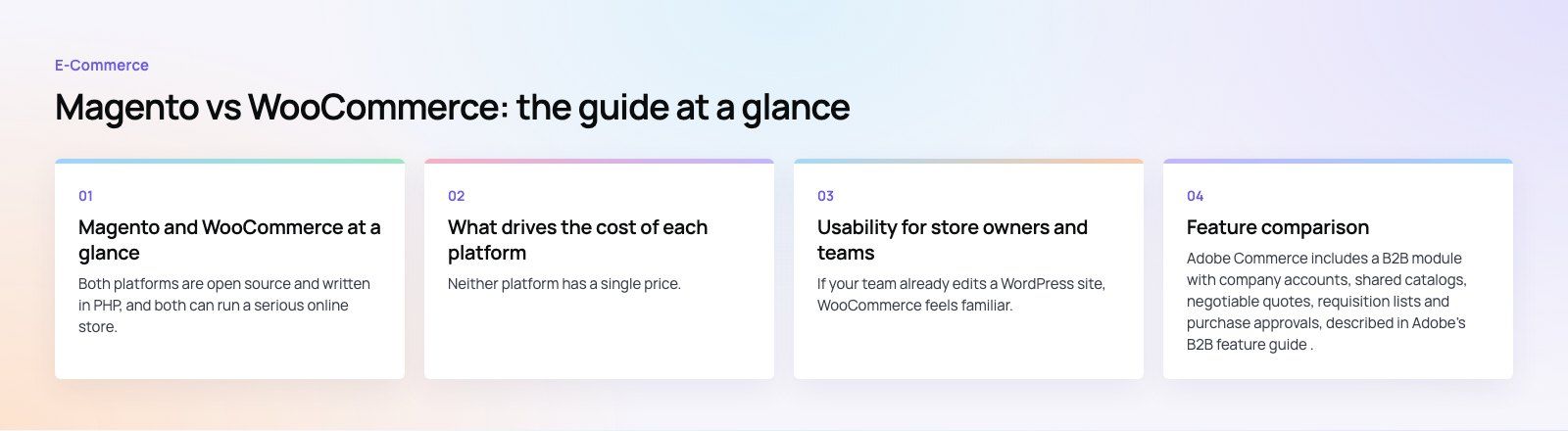
Neither platform has a single price. The license is only one line in the budget, and for WooCommerce and Magento Open Source the license itself is free. What you actually pay for is everything around it.
WooCommerce cost drivers
- Hosting: a small store runs well on managed WordPress hosting, while a busy store needs more server resources and caching.
- Premium extensions: subscriptions, bookings, advanced shipping and B2B pricing are usually paid extensions with yearly renewals.
- Theme and design: a ready theme is cheaper to start with, while a custom theme costs more but avoids plugin bloat.
- Maintenance: WordPress core, WooCommerce and every plugin need regular updates and testing.
Magento cost drivers
- Edition: Adobe Commerce carries a license fee that scales with business size, while Open Source does not.
- Infrastructure: Magento expects a search engine service, caching layers and enough server capacity for indexing and cron jobs.
- Specialist developers: custom modules, upgrades and performance tuning need Magento experience, which costs more per hour than general PHP work.
- Upgrades: major version upgrades and security patches take planned development time.
In practice, WooCommerce is cheaper to launch and run for most stores. Magento starts to make financial sense when its built-in features replace a long list of extensions and custom code you would otherwise maintain on WooCommerce.
Usability for store owners and teams
WooCommerce
If your team already edits a WordPress site, WooCommerce feels familiar. The setup wizard walks you through currency, payments, shipping and tax, and products are managed from the same dashboard as pages and blog posts. Blocks and the site editor let marketers change layouts without code, and documentation and tutorials are easy to find.
The trade off is that every extra plugin adds its own settings screen. Stores that grow by adding plugins often end up with a cluttered admin and overlapping features.
Magento
Magento's admin is powerful and organized around catalogs, customer groups, price rules and store views. Day to day order and product management is reasonable once configured, but initial setup, theming and extension installs are developer tasks. Most of the documentation is written for developers rather than store owners.
Verdict: WooCommerce wins on ease of use. Magento rewards teams that have, or hire, dedicated technical people.
Feature comparison
B2B selling
Adobe Commerce includes a B2B module with company accounts, shared catalogs, negotiable quotes, requisition lists and purchase approvals, described in Adobe's B2B feature guide. Magento Open Source does not include that module. WooCommerce handles B2B through extensions for wholesale pricing, quote requests and role based catalogs. That works well for simpler wholesale models, but complex buyer hierarchies are easier on Adobe Commerce.
Catalog and inventory
Both platforms support large product counts. Magento is built for it: configurable products, layered navigation, multi-source inventory and multiple stores and languages from one installation are all core features. WooCommerce handles thousands of products well with good hosting, but multi-store and multi-warehouse setups depend on plugins.
Payments
Magento ships with integrations for PayPal and Braintree, and other gateways connect through extensions. WooCommerce has WooPayments plus official extensions for Stripe, PayPal and many regional gateways. For both, check that your local gateway has a maintained integration before you commit. If it does not, a custom payment integration is usually a small, well defined project.
Themes and design
WooCommerce has a very large choice of themes, both free and premium, and works with most well built WordPress themes. Magento has fewer ready themes, and most serious Magento stores use a custom theme. Either way, a theme built for your brand and your catalog structure usually outperforms a generic one.
Extensions, APIs and integrations
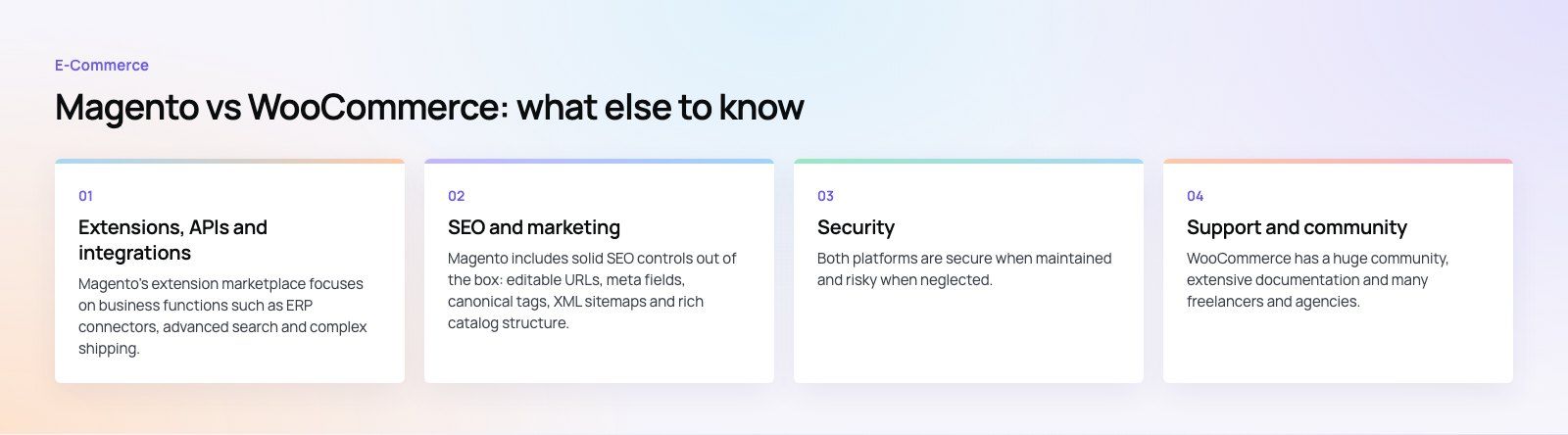
Magento's extension marketplace focuses on business functions such as ERP connectors, advanced search and complex shipping. Its REST and GraphQL APIs are mature, which makes it a good base for headless storefronts and deep integrations.
WooCommerce has a far larger plugin ecosystem thanks to WordPress, plus a REST API that covers products, orders and customers. Most marketing, CRM and accounting tools offer a WooCommerce connector. The risk is quality: plugins vary widely, so stick to well maintained ones.
Verdict: WooCommerce offers more choice. Magento offers deeper, enterprise style integrations.
SEO and marketing
Magento includes solid SEO controls out of the box: editable URLs, meta fields, canonical tags, XML sitemaps and rich catalog structure. Its weak spot is speed, which needs careful tuning because page speed affects both rankings and conversion.
WooCommerce benefits from WordPress, which is excellent for content. Blog posts, guides and landing pages live next to products, and established SEO plugins handle metadata and schema. For content led brands this is a real advantage.
On both platforms, the biggest SEO wins usually come from fast templates, clean category structure and good product copy rather than the platform itself.
Security
Both platforms are secure when maintained and risky when neglected. Magento publishes regular security patches, and stores must apply them promptly. WooCommerce security depends on keeping WordPress, WooCommerce and every plugin updated, using a small number of trusted plugins and hardening the hosting. One issue we often see is a store running abandoned plugins nobody remembers installing.
Whichever you choose, budget for updates, backups, a web application firewall and PCI compliant payment handling through your gateway.
Support and community
WooCommerce has a huge community, extensive documentation and many freelancers and agencies. Paid extensions come with vendor support. Magento has a smaller but highly technical community, and Adobe Commerce customers get vendor support from Adobe. For Open Source users, support comes from partners and the community.
How to choose between Magento and WooCommerce
- Count your products and variants. A few hundred or a few thousand products sit comfortably on WooCommerce. Very large catalogs with many attributes lean toward Magento.
- Map your selling model. Simple retail favors WooCommerce. Company accounts, quotes and approval flows favor Adobe Commerce.
- Check your team. If marketers will run the store day to day, WooCommerce is easier. If you have in-house developers, Magento's depth becomes usable.
- List your integrations. ERP, warehouse and marketplace connectors may decide the question for you.
- Plan for three years, not three months. Migrating later is possible but costly, so pick the platform that fits where the business is going.
For examples of focused WooCommerce builds, see the Gorgeous Flower case study and the Clock Springs Australia parts store, which handles shop by make and model fitment on WooCommerce.
If you are still undecided, a short platform fit review compares your requirements against both options before any build starts. Codeeo has delivered 200+ projects across the UAE and the US, and our WooCommerce developers can help you plan, build or move your store, including a careful site migration if you are switching platforms.
Frequently asked questions
WooCommerce is a plugin that adds a store to WordPress, so it is easy to launch and manage for small and mid-sized businesses.
Magento is a dedicated commerce application built for large catalogs, multiple stores and complex pricing. WooCommerce trades depth for simplicity, while Magento trades simplicity for depth and needs experienced developers to set up and maintain.
E-CommerceGenerative AI in Online Retail: Uses That Pay BackGenerative AI ecommerce uses ranked by payback and risk: product descriptions, AI search and support assistants, plus Arabic quality checks for UAE stores. E-CommerceConnecting WooCommerce to ERP, CRM and Shipping Without DuplicatesPlan a WooCommerce ERP integration that avoids duplicates: data ownership rules, idempotent order sync, CRM matching and UAE shipping, with Odoo and Dynamics.
 E-CommerceEnterprise Ecommerce Platform Selection: Requirements Before DemosChoose an enterprise ecommerce platform by setting integration, multi entity, data residency and order management requirements before any vendor demo starts.
Tell us what the business needs. We will tell you what to build first.
Schedule a free consultation and get a written recommendation, with costs, before you commit to anything.
Get in touchPROVEN RESULTS
4.7 / 5verified reviews on Google