 Web DevelopmentWordPress vs Drupal: Which CMS Is Right for Your Business?WordPress vs Drupal compared on ease of use, content modeling, security, performance, ecommerce and cost drivers, with five questions to help you choose.
Node.js vs Angular: Differences and How They Work Together
Node.js is a server runtime and Angular is a front-end framework. Learn how they differ, how they work together and which one your project needs.
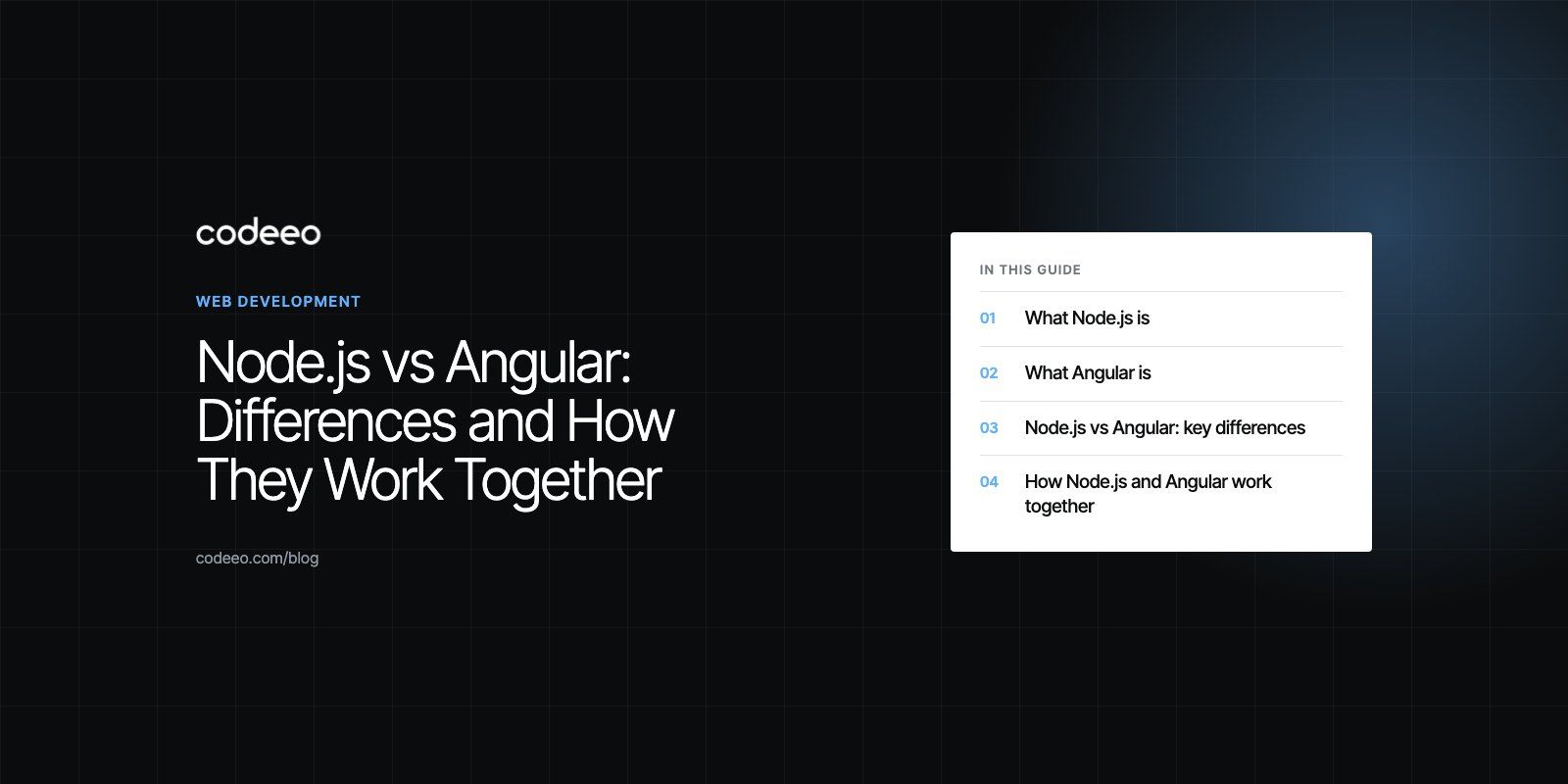
Node.js and Angular are not really competitors. Node.js is a JavaScript runtime that runs code on the server, while Angular is a front-end framework for building the user interface that runs in the browser. Most teams choosing between them are actually deciding how to split work between server and client, and many projects use both together.
This guide explains what each one does, where they differ, how they work together and how to decide which skills or tools your project needs first.
What Node.js is
Node.js lets developers run JavaScript outside the browser. It is built on the V8 JavaScript engine and uses an event driven, non-blocking model, which the Node.js project describes as designed for building scalable network applications. Instead of creating a new thread for every request, Node.js handles many connections on a single event loop and hands slow work such as file and network access to the system.
Node.js is used to build:
- REST and GraphQL APIs that power web and mobile apps
- Real-time features such as chat, notifications and live dashboards
- Microservices and background workers
- Command line tools and build tooling, including the tools Angular itself uses
Popular Node.js frameworks such as Express, Fastify and NestJS add routing, middleware and structure on top of the runtime.
What Angular is
Angular is an open source front-end framework maintained by Google. According to the official Angular documentation, it is a web framework that helps developers build fast, reliable applications. Angular apps are written in TypeScript and organized into components, each combining a template, styles and logic.
Angular is known for being opinionated. It ships with routing, forms, an HTTP client, dependency injection and testing tools, so teams do not need to assemble these pieces themselves. That consistency is a big reason it is common in large enterprise applications, admin portals and internal tools.
Node.js vs Angular: key differences
| Aspect | Node.js | Angular |
|---|---|---|
| Type | Server-side runtime environment | Client-side application framework |
| Runs on | Servers, containers, serverless platforms | The user's browser, with optional server rendering |
| Language | JavaScript or TypeScript | TypeScript |
| Main job | APIs, data processing, real-time connections | User interfaces, forms, navigation |
| Structure | Minimal, structure comes from frameworks you add | Opinionated, components, services and modules built in |
| Typical users | Back-end and full-stack developers | Front-end and full-stack developers |
Where the code runs
Node.js code runs on a server you control. It can read databases, call other services and keep secrets such as API keys. Angular code is downloaded and executed in the visitor's browser, so it must never hold secrets and must treat every response from the server as data to display.
Programming language
Both use the JavaScript ecosystem. Node.js runs JavaScript directly and supports TypeScript through a build step or newer built-in options. Angular is built around TypeScript, which adds static types and catches many errors before code runs. Teams that use TypeScript on both sides can share types for API requests and responses.
Architecture
Node.js does not dictate an architecture. A small API can be a single file, while a large system might be split into microservices, each running its own Node.js process. Angular follows a component based architecture. Components handle what the user sees, services hold shared logic and data access, and dependency injection wires them together. Older material often described Angular as MVC, but the component model is the more accurate picture today.
Development process
A Node.js project usually starts with choosing a framework, a database layer and conventions for folders, logging and testing. An Angular project starts with the Angular CLI, which generates a working structure, components and tests, then builds and serves the app. Angular's built-in conventions make onboarding easier on large teams, while Node.js gives more freedom and requires more decisions.
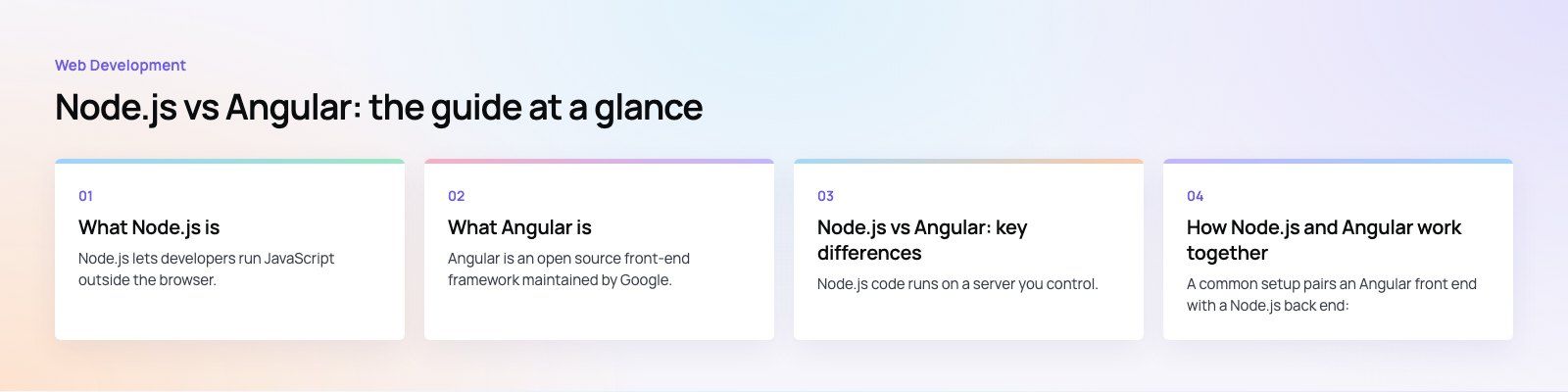
How Node.js and Angular work together
A common setup pairs an Angular front end with a Node.js back end:
- The browser loads the Angular app, which shows screens, forms and navigation.
- When the user saves a form or opens a list, Angular calls an API over HTTP.
- A Node.js service receives the request, checks permissions, reads or writes the database and returns JSON.
- Angular updates the screen with the response.
Node.js also plays a second role in every Angular project: the Angular CLI, its build tools and its development server all run on Node.js. So even an Angular app that talks to a Python or .NET back end still needs Node.js on developer machines and in the build pipeline.
Angular also supports server-side rendering, where pages are rendered on a Node.js server before being sent to the browser. This improves first load time and helps search engines read content.
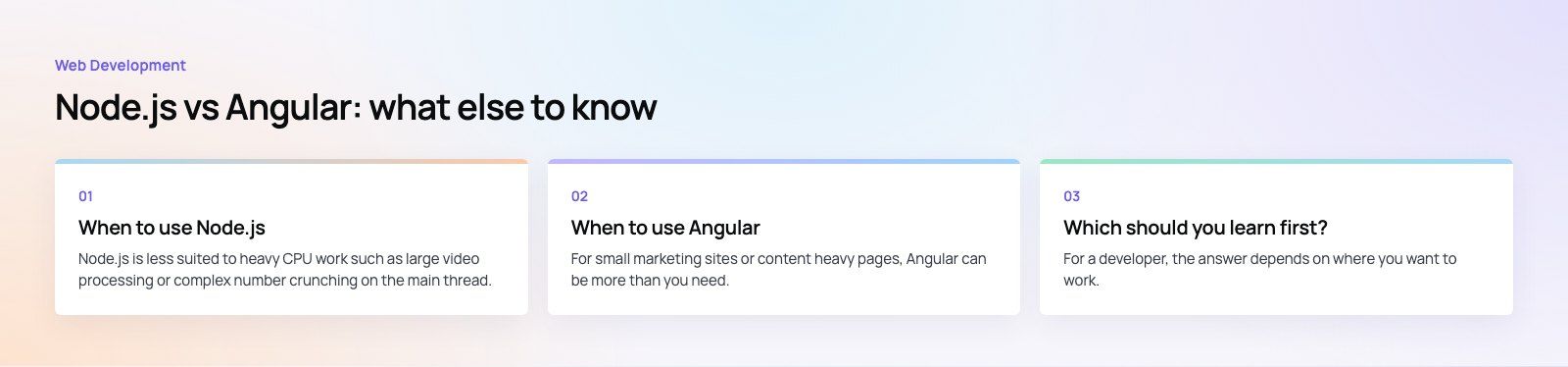
When to use Node.js
- You need an API for a web app, mobile app or both.
- Your product has real-time features such as chat, live tracking or notifications.
- Your team wants one language across front end and back end.
- You are building microservices or lightweight integration services.
Node.js is less suited to heavy CPU work such as large video processing or complex number crunching on the main thread. That work is better moved to worker threads, separate services or languages built for it.
When to use Angular
- You are building a large, form heavy application such as a portal, dashboard or admin system.
- Several teams will work on the same front end and need shared conventions.
- You value built-in tools for routing, forms and testing over picking libraries yourself.
- Your team is comfortable with TypeScript and a structured framework.
For small marketing sites or content heavy pages, Angular can be more than you need. A lighter framework or a CMS often fits better. If you are weighing front-end options, our web development and React developers pages cover the alternatives we build with.
Which should you learn first?
For a developer, the answer depends on where you want to work. If you enjoy building interfaces and user experience, start with core JavaScript and TypeScript, then Angular or another front-end framework. If you prefer data, APIs and system design, start with Node.js and a framework such as Express or NestJS. Full-stack developers eventually need both, and learning TypeScript well makes the move between them much easier.
Common mistakes when choosing
- Treating them as alternatives. Picking Angular does not remove the need for a back end, and picking Node.js does not give you a user interface.
- Putting business rules only in the front end. Validation in Angular improves user experience, but the Node.js API must enforce the same rules.
- Ignoring team skills. A framework your team already knows usually beats a theoretically better one they must learn under deadline pressure.
- Skipping API design. Agree the API contract early so front-end and back-end work can move in parallel.
If you are planning a new product and want help splitting it into front end, API and data layers, a short product scoping exercise is a good start. Codeeo's team of 80+ across Dubai, Riyadh and Karachi builds custom software with Node.js back ends and modern front ends, and our dedicated developers can join your existing team.
Frequently asked questions
Angular is a front-end framework.
It builds the screens, forms and navigation that users interact with, and it runs in the browser. It can render pages on a server for faster first loads, but it does not replace a back end. You still need an API and a database, which is often built with Node.js, Python, .NET or another server technology.
Web DevelopmentWordPress vs Drupal: Which CMS Is Right for Your Business?WordPress vs Drupal compared on ease of use, content modeling, security, performance, ecommerce and cost drivers, with five questions to help you choose. Web DevelopmentCustom Website Development vs Website Builders: Pros and ConsAn honest comparison of custom website development and website builders: control, cost over time, SEO, integrations, and how to decide which fits your business.
 Web DevelopmentWeb Development Consultant: What They Do and When to Hire OneWhat a web development consultant does, how the role differs from a developer or agency, when hiring one pays off and how to choose the right one.
Tell us what the business needs. We will tell you what to build first.
Schedule a free consultation and get a written recommendation, with costs, before you commit to anything.
Get in touchPROVEN RESULTS
4.7 / 5verified reviews on Google