 Web DevelopmentWordPress vs Drupal: Which CMS Is Right for Your Business?WordPress vs Drupal compared on ease of use, content modeling, security, performance, ecommerce and cost drivers, with five questions to help you choose.
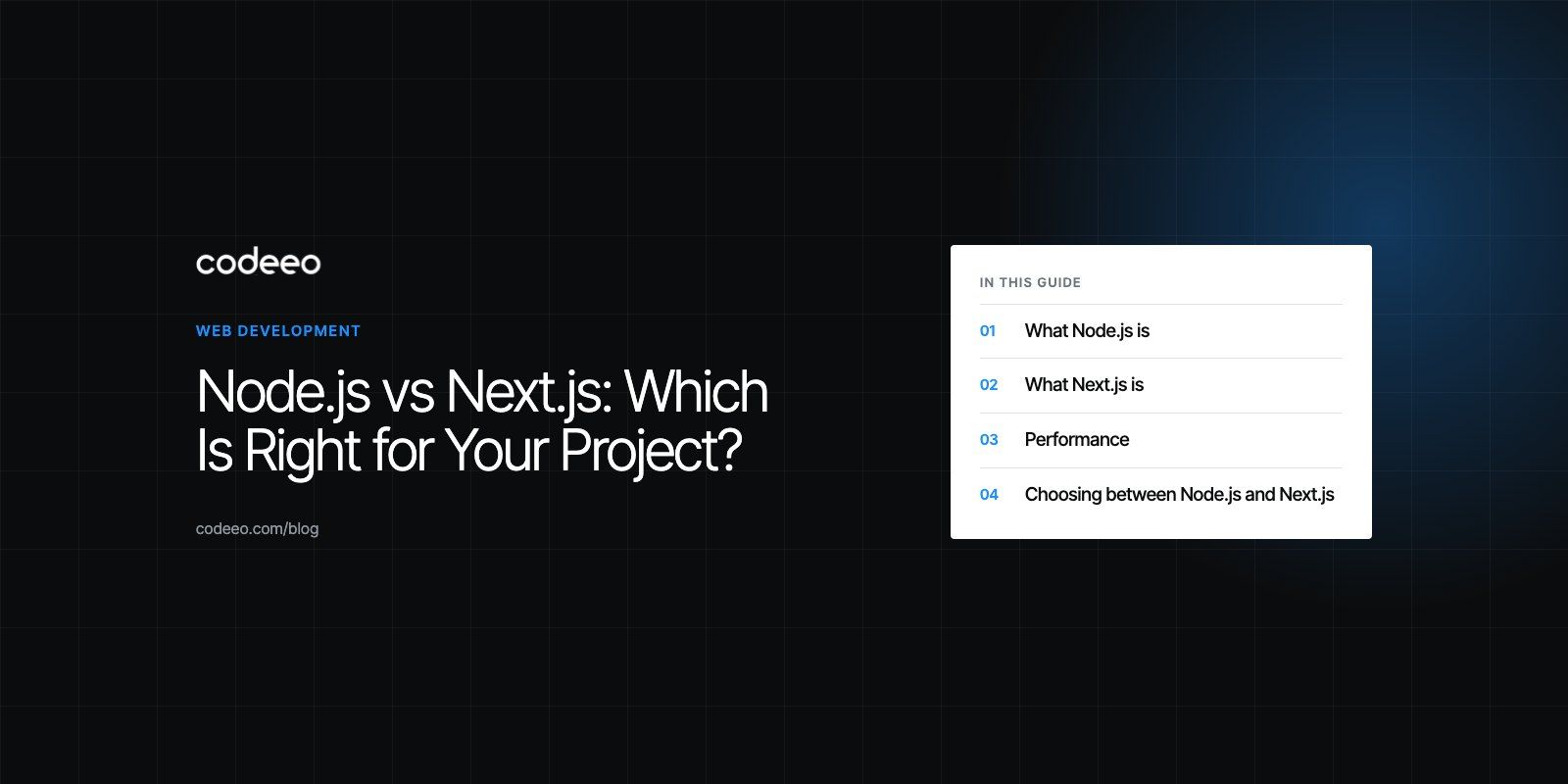
Node.js vs Next.js: Which Is Right for Your Project?
Node.js is a server runtime and Next.js is a React framework built on it. Compare features, performance and trade offs to pick the right fit for your project.
Node.js is a JavaScript runtime for running code on the server, while Next.js is a React framework for building websites and web apps that itself runs on Node.js. Choose Next.js when the main product is a fast, search friendly website or web app with a React front end. Choose a dedicated Node.js back end when the main product is an API, real-time service or set of microservices.
Because Next.js is built on Node.js, this is less a contest than a question of how much of your stack should live in a front-end framework and how much in a separate back end. This guide explains both, compares performance and trade offs, and shows how to decide.
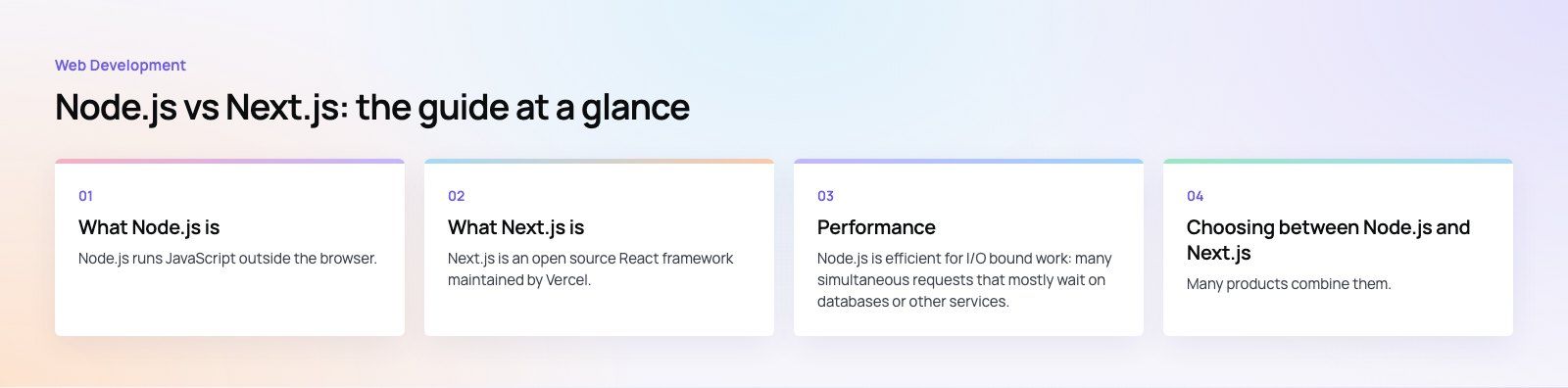
What Node.js is
Node.js runs JavaScript outside the browser. It uses an event driven, non-blocking model so a single process can handle many connections at once, as the Node.js project explains. On its own it is deliberately minimal, and developers add frameworks such as Express, Fastify or NestJS for routing and structure.
Key features of Node.js
- Non-blocking I/O: database calls and network requests do not stop the server from serving other users.
- JavaScript everywhere: the same language, and often the same types, on front end and back end.
- npm ecosystem: packages for almost every database, payment provider and third-party service.
- Flexible deployment: servers, containers or serverless functions.
Common uses for Node.js
- REST and GraphQL APIs for web and mobile apps
- Real-time features such as chat, notifications and live dashboards
- Microservices, background workers and queue consumers
- Integration services that connect CRMs, ERPs and payment systems
- Command line tools and build tooling
What Next.js is
Next.js is an open source React framework maintained by Vercel. The Next.js documentation describes it as a framework for building full-stack web applications with React. It adds routing, rendering strategies, data fetching, image optimization and a production build system on top of React, so teams do not have to configure these pieces themselves.
Key features of Next.js
- Several rendering options: pages can be rendered on the server per request, generated as static files at build time, or regenerated in the background.
- React Server Components: parts of a page render on the server and send less JavaScript to the browser.
- File based routing: folders and files define URLs and layouts.
- Route handlers and server actions: small back-end endpoints and form handlers live inside the same project.
- Built-in optimization: image, font and script handling that helps page speed.
Common uses for Next.js
- Marketing sites and content sites that must rank in search
- Ecommerce storefronts, including headless commerce front ends
- SaaS dashboards and customer portals
- Websites powered by a headless CMS
Node.js vs Next.js compared
| Aspect | Node.js | Next.js |
|---|---|---|
| What it is | JavaScript runtime | React framework that runs on Node.js |
| Main focus | Server logic, APIs, real-time services | Web pages and web apps with a React interface |
| Rendering | None by default, you build it | Server, static and incremental rendering built in |
| Structure | Chosen by the team | Conventions for routing, layouts and data fetching |
| SEO | Depends on what you build on top | Strong, because pages arrive as rendered HTML |
| Best for | APIs, microservices, long lived connections | Websites, storefronts, portals, dashboards |
Performance
Node.js performance
Node.js is efficient for I/O bound work: many simultaneous requests that mostly wait on databases or other services. Its single event loop means CPU heavy work, such as image processing or large calculations, blocks other requests unless moved to worker threads or separate services. Well designed Node.js APIs stay fast through caching, connection pooling and keeping heavy jobs in background queues.
Next.js performance
Next.js performance is mostly about what reaches the browser and how fast. Static generation serves pages from a CDN almost instantly. Server Components reduce the JavaScript a visitor downloads. Built-in image and font handling helps Core Web Vitals. Our Core Web Vitals work often starts with exactly these settings.
Next.js can also be slowed down. Rendering every page on the server for every request, fetching data without caching, or shipping large client components can undo its advantages. Caching and rendering choices need deliberate thought.
Downsides to weigh
Node.js
- No built-in structure, so large codebases need strong conventions and TypeScript.
- Weak at CPU heavy work on the main thread.
- Heavy reliance on third-party packages, which must be kept updated and audited.
- No user interface. You still need a front end.
Next.js
- Tied to React, so it is not a fit for teams using other front-end frameworks.
- Its rendering and caching model takes time to learn properly, and it has changed noticeably between major versions.
- Built-in route handlers are fine for light back-end work but are not a substitute for a full API with jobs, queues and complex business logic.
- Self hosting needs care to get caching and image optimization right outside the vendor's own platform.
Choosing between Node.js and Next.js
Choose Node.js if
- You are building an API that serves several clients, such as a website, iOS and Android apps.
- Your product depends on real-time connections or streaming data.
- You need background jobs, queues and integrations with many external systems.
- You are splitting a system into microservices.
Choose Next.js if
- Search visibility and page speed matter, as with marketing sites, content and storefronts.
- Your team builds with React.
- Most back-end needs are simple, such as form submissions, CMS content and calls to existing APIs.
- You want one project for pages, layouts and light server logic.
Use both
Many products combine them. A Next.js front end handles pages, SEO and user experience, while a separate Node.js API handles business logic, data and mobile clients. This keeps each part focused and lets the API serve apps that are not websites at all.
What drives build time and cost
Neither tool has a license fee, so cost comes from the work. The main drivers are the number of distinct screens and templates, how much business logic sits on the server, the number of integrations, content management needs, and the performance and security bar you set. A content site on Next.js with a headless CMS is usually quicker to deliver than a product that also needs a custom Node.js API, mobile apps and an admin panel. Scoping features before choosing the stack gives far more reliable estimates.
Products like Spirit Check, which runs on a Node.js API, show the back-end side of this choice. If you are planning a build, our Next.js developers handle fast, search friendly front ends, our custom software team builds Node.js APIs, and headless commerce projects often use both. A short product scoping session is a good first step.
Frequently asked questions
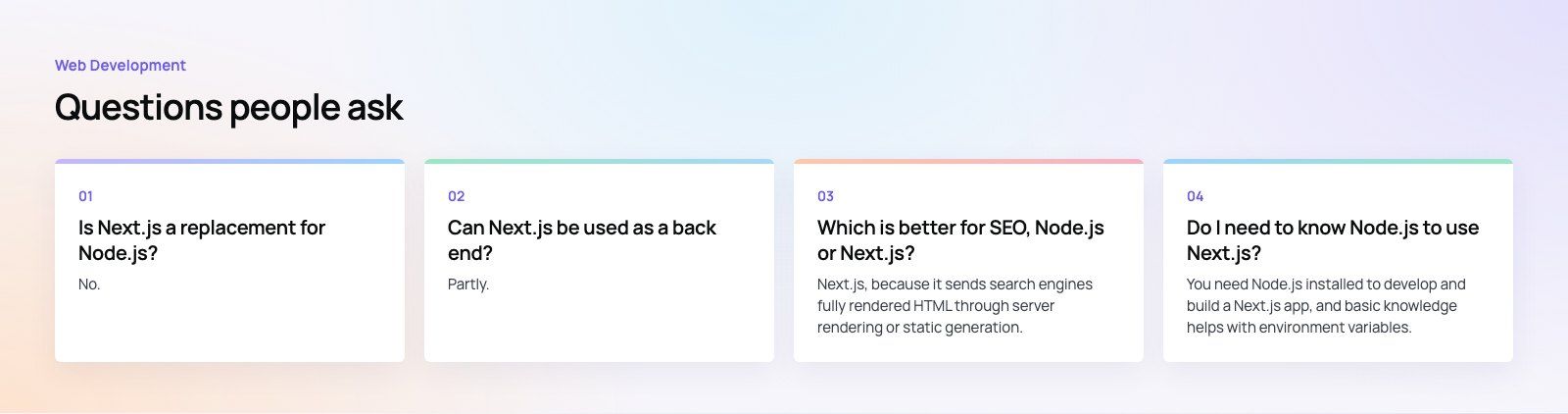
No.
Next.js runs on Node.js, so it depends on it rather than replacing it. Next.js adds a React based way to build pages plus light server features such as route handlers. For full back-end work, including background jobs, queues, real-time connections and APIs that serve mobile apps, teams usually still build a separate Node.js service alongside the Next.js front end.
Web DevelopmentWordPress vs Drupal: Which CMS Is Right for Your Business?WordPress vs Drupal compared on ease of use, content modeling, security, performance, ecommerce and cost drivers, with five questions to help you choose. Web DevelopmentCustom Website Development vs Website Builders: Pros and ConsAn honest comparison of custom website development and website builders: control, cost over time, SEO, integrations, and how to decide which fits your business.
 Web DevelopmentWeb Development Consultant: What They Do and When to Hire OneWhat a web development consultant does, how the role differs from a developer or agency, when hiring one pays off and how to choose the right one.
Tell us what the business needs. We will tell you what to build first.
Schedule a free consultation and get a written recommendation, with costs, before you commit to anything.
Get in touchPROVEN RESULTS
4.7 / 5verified reviews on Google