 Web DevelopmentWordPress vs Drupal: Which CMS Is Right for Your Business?WordPress vs Drupal compared on ease of use, content modeling, security, performance, ecommerce and cost drivers, with five questions to help you choose.
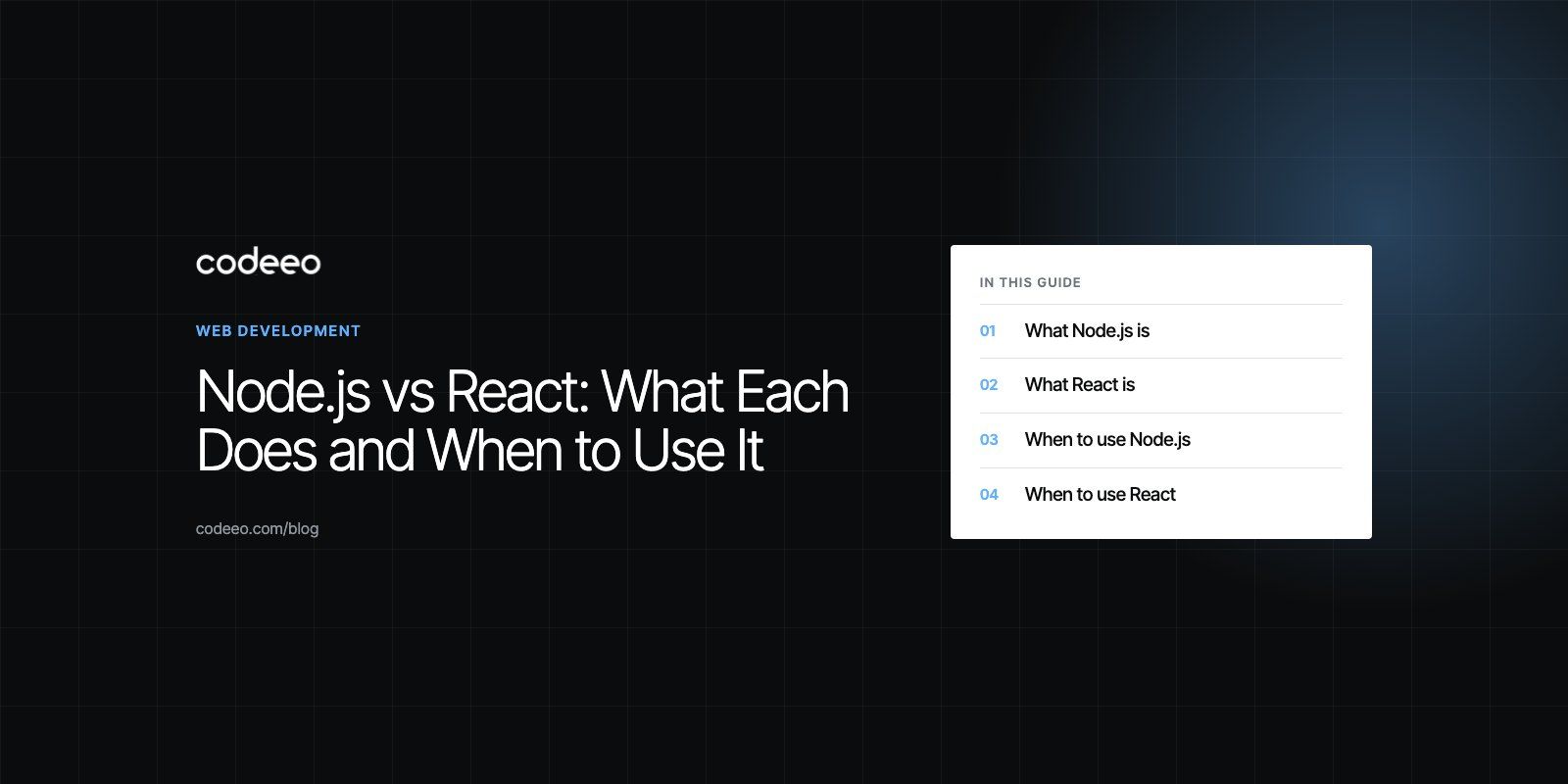
Node.js vs React: What Each Does and When to Use It
Node.js runs JavaScript on the server and React builds interfaces. Compare their strengths and limits, and learn when to use each or both together.
Node.js and React are not competitors, so most projects do not choose between them. Node.js is a runtime that lets JavaScript run on a server, where it handles APIs, databases and real time connections. React is a library for building user interfaces in the browser or on mobile, and many products use React on the front end with a Node.js back end.
The useful question is which one solves the problem in front of you, and how they fit together when you need both. This guide explains what each does well, where each struggles, and how to decide.
What Node.js is
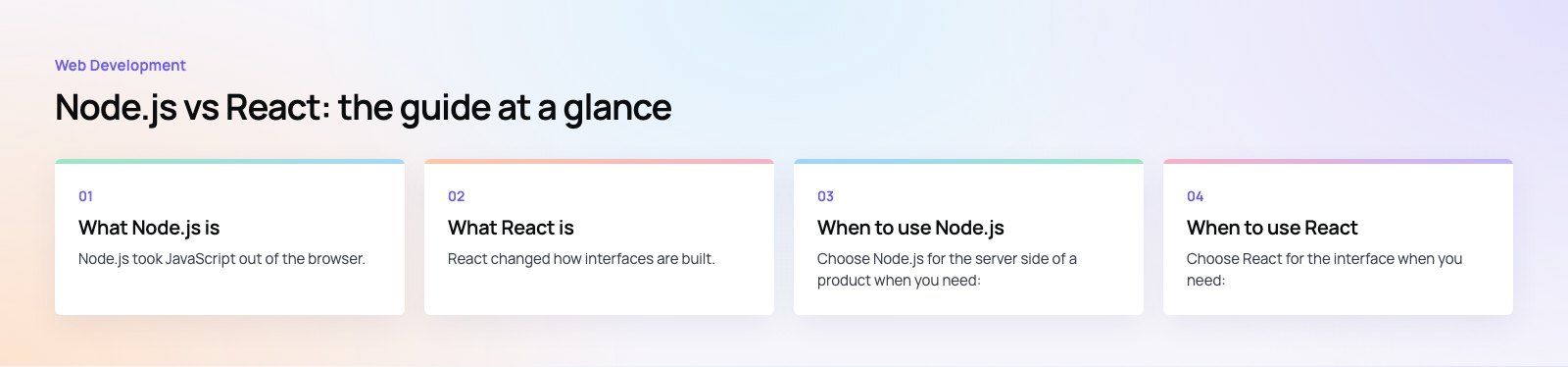
Node.js took JavaScript out of the browser. Before it, JavaScript mostly changed elements on a web page. Node.js runs the same language on a server, so it can read files, talk to databases, call other services and answer HTTP requests.
Non-blocking input and output
Node.js uses an event loop. When a request waits on a database or another API, the server does not sit idle; it moves on to other requests and comes back when the data arrives. That makes it efficient for applications with many simultaneous connections, such as chat, live dashboards, notifications and streaming.
One language across the stack
With Node.js on the server and React in the browser, a team writes JavaScript or TypeScript everywhere. Developers move between front end and back end tasks more easily, and validation rules or types can be shared between the two.
Built for APIs and services
Node.js is a natural fit for REST and GraphQL APIs and for splitting a large system into smaller services that each handle one job. Frameworks such as Express, Fastify and NestJS give structure to that work.
A very large package ecosystem
The npm registry gives access to libraries for databases, authentication, payments, file handling and almost anything else. The trade off is that every package is code you have to trust and keep updated.
What React is
React changed how interfaces are built. Instead of writing one long script that updates a page, you build small components, such as a button, a product card or a checkout form, and compose them into screens.
Component based architecture
Each component holds its own markup, behavior and styling rules. Components are reused across pages, which keeps the interface consistent and speeds up new features. A design system built from React components can serve a customer site and an internal admin from the same building blocks.
Efficient rendering
React works out which parts of the interface changed and updates only those, rather than redrawing the whole page. For interfaces with a lot of state, such as filters, carts and live data, that keeps the experience responsive.
Search friendly when rendered on the server
A React app rendered only in the browser can be harder for search engines to read. Server rendering solves this, and the React team now recommends starting new projects with a framework; its own guide to creating a React app points to full stack frameworks such as Next.js. Those frameworks run on Node.js, which is one more reason the two work together.
Mobile with React Native
React Native uses the same component model to build native iOS and Android apps from one codebase. Teams that already know React can share skills, and sometimes logic, between web and mobile.
Node.js vs React at a glance
| Feature | Node.js | React |
|---|---|---|
| What it is | A JavaScript runtime for servers and tools | A library for building user interfaces |
| Where it runs | On the server, in build tools, in scripts | In the browser, on the server for rendering, on mobile through React Native |
| Core idea | Event driven, non-blocking input and output | Reusable components and declarative rendering |
| Typical jobs | APIs, real time apps, background jobs, integrations | Single page apps, dashboards, storefronts, mobile apps |
| Search visibility | Not directly relevant | Strong with server rendering, weaker without it |
| Scaling approach | More instances, smaller services, queues | Reusable components and code splitting |
| Main weakness | Heavy CPU work can block the event loop | Handles only the view, so routing and data need other tools |
Pros and cons of Node.js
Strengths
- Handles many concurrent connections efficiently, which suits real time features.
- One language for front end and back end.
- A large ecosystem of packages and mature frameworks.
- Scales well horizontally by adding instances or splitting into services.
Limitations
- CPU heavy work such as video processing or large calculations blocks the event loop unless moved to worker threads or another service.
- Deeply nested asynchronous code can become hard to follow without discipline; async and await solve most of this today.
- The size of the dependency tree makes supply chain security an ongoing task.
- Major versions move on a fixed schedule, so upgrades need planning.
Pros and cons of React
Strengths
- Reusable components keep large interfaces consistent.
- Responsive updates for interfaces with a lot of changing state.
- A very large community, with libraries for forms, data fetching, charts and testing.
- React Native extends the same skills to mobile.
Limitations
- JSX and the component mindset take some learning for developers new to it.
- It covers only the interface, so routing, data fetching and state often need extra libraries or a framework.
- State management can grow complex in large apps without clear conventions.
- Client only rendering hurts search visibility; server rendering fixes it but adds infrastructure.
When to use Node.js
Choose Node.js for the server side of a product when you need:
- A REST or GraphQL API for a web or mobile app.
- Real time features: chat, live tracking, notifications, collaborative editing.
- Many simultaneous, mostly input and output bound requests.
- Integrations that connect payment gateways, CRMs and other services.
- A team that wants one language across the whole stack.
Consider another back end, such as Python, Go or Java, if the main workload is heavy computation or data science, or if your team's expertise sits elsewhere.
When to use React
Choose React for the interface when you need:
- A single page app or dashboard with lots of interaction.
- A storefront or marketing site that must be fast and search friendly, usually through a framework like Next.js.
- A design system shared across several products.
- Web and mobile apps built by the same team, using React Native for mobile.
A simple brochure site with little interaction may not need React at all; a content managed site can be faster to build and edit.
How Node.js and React work together
A common setup looks like this: React renders the interface, either in the browser or on the server through a framework. When the user does something, React calls an API. A Node.js service receives the request, checks permissions, reads or writes the database and returns JSON. React updates the screen with the result.
Node.js also sits behind React development itself. The tools that install packages, run the development server and build production bundles all run on Node.js. That is why the React Native environment setup guide asks you to install Node.js before anything else.

How to decide for your project
- Separate the layers. Write down what the interface must do and what the server must do. You are usually choosing a tool for each, not one for both.
- Check the workload. Many concurrent connections favor Node.js; heavy computation may favor another back end language.
- Check search needs. If organic traffic matters, plan for server rendering from the start.
- Think about mobile. If an app is on the roadmap, React plus React Native lets one team cover both.
- Match your team. The best stack is one your developers can maintain after launch.
If you are still weighing the options, a short product scoping session turns requirements into a stack recommendation before any code is written. Codeeo has delivered 200+ projects across the UAE and the US, and its React developers, Next.js developers and mobile app team regularly pair React interfaces with Node.js APIs, as in the Distinct platform.
Frequently asked questions
React itself runs in the browser, but the tools around it run on Node.js.
npm or another package manager installs React and its libraries, the development server previews your app, and the build tool bundles and optimizes the code for production. All of these are Node.js programs, so you install Node.js on your machine even if your back end uses another language.
Web DevelopmentWordPress vs Drupal: Which CMS Is Right for Your Business?WordPress vs Drupal compared on ease of use, content modeling, security, performance, ecommerce and cost drivers, with five questions to help you choose. Web DevelopmentCustom Website Development vs Website Builders: Pros and ConsAn honest comparison of custom website development and website builders: control, cost over time, SEO, integrations, and how to decide which fits your business.
 Web DevelopmentWeb Development Consultant: What They Do and When to Hire OneWhat a web development consultant does, how the role differs from a developer or agency, when hiring one pays off and how to choose the right one.
Tell us what the business needs. We will tell you what to build first.
Schedule a free consultation and get a written recommendation, with costs, before you commit to anything.
Get in touchPROVEN RESULTS
4.7 / 5verified reviews on Google