 Web DevelopmentWordPress vs Drupal: Which CMS Is Right for Your Business?WordPress vs Drupal compared on ease of use, content modeling, security, performance, ecommerce and cost drivers, with five questions to help you choose.
React Component Lifecycle Explained: Class Methods and Hooks
The four phases of the React component lifecycle, how each class method maps to hooks like useEffect, and the mistakes behind most lifecycle bugs.
The React component lifecycle is the sequence a component goes through from the moment it is created and added to the page, through every update caused by new props or state, to the moment it is removed. Class components expose each stage through named methods such as componentDidMount, componentDidUpdate and componentWillUnmount. Function components express the same stages with hooks, mainly useEffect, which is what React recommends for new code.
This guide walks through the four phases (mounting, updating, unmounting and error handling), shows how each class method maps to hooks, and covers the mistakes that cause most lifecycle bugs in real projects.
What the component lifecycle actually is
Every React component has a life with a clear beginning, middle and end. React creates it, renders it, inserts its output into the DOM, re-renders it when its inputs change, and finally tears it down. The lifecycle gives you defined points in that sequence where you can run your own code.
Most of what you do at those points falls into a few categories:
- Setting up things the component needs once it is on screen: fetching data, opening a WebSocket, starting a timer, measuring a DOM node or initializing a third party widget such as a map or chart.
- Reacting to changes: refetching when an ID prop changes, recalculating a total when cart items change, or keeping a scroll position steady when new content arrives.
- Cleaning up before the component disappears: clearing timers, closing connections, removing event listeners and cancelling requests that are still in flight.
- Recovering when something below the component throws during rendering, so one broken widget does not blank the whole page.
The official React documentation for Component now lists class components under legacy APIs. They are still supported, but React does not recommend them for new code. You still need to understand them, because many production codebases contain years of class components, and because the lifecycle model is the clearest way to understand what hooks are doing.
The four phases of the lifecycle
Mounting: the component is created and inserted
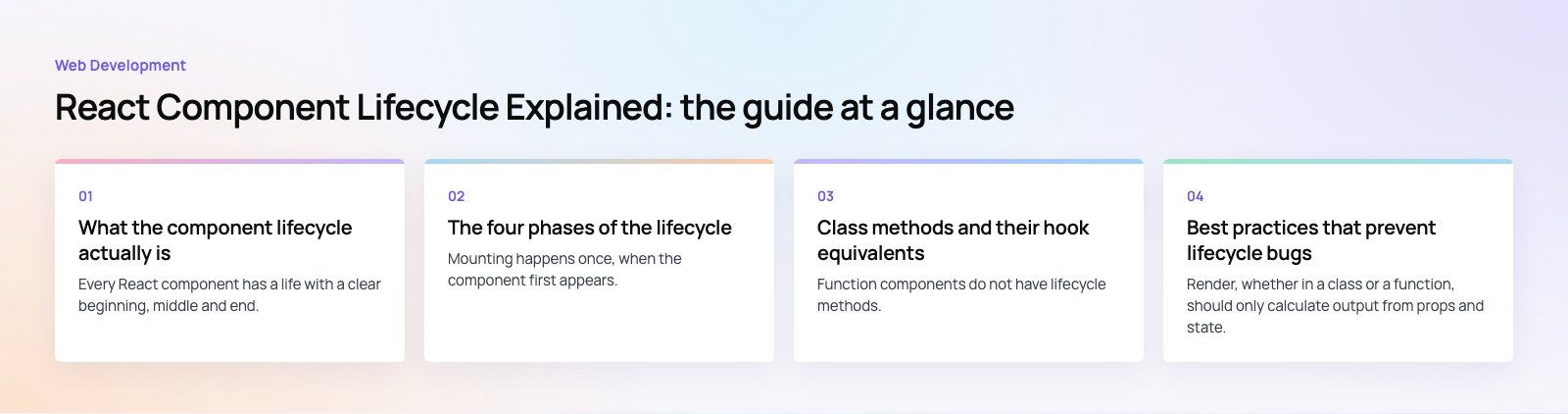
Mounting happens once, when the component first appears. In a class component React calls these methods in order:
- constructor: sets the initial state and binds event handlers. Keep it free of side effects; it should only prepare data.
- static getDerivedStateFromProps: returns an object to merge into state when state must be computed from props. It runs before every render, not just the first.
- render: returns the JSX describing what should appear. It must be pure, with no data fetching and no DOM access.
- componentDidMount: runs after the output is in the DOM. This is the place to fetch data, start subscriptions and touch real DOM nodes.
Picture a product card in an online store. The constructor sets the initial price and availability from props, render shows the card, and componentDidMount requests the reviews for that product once the card is visible.
Updating: props or state change
An update starts whenever a parent passes new props, the component calls setState, or forceUpdate is used. React then runs:
- static getDerivedStateFromProps, again.
- shouldComponentUpdate: returns true or false to tell React whether rendering is worth doing. It is a performance hook, not a correctness tool.
- render, to produce the new output.
- getSnapshotBeforeUpdate: reads something from the DOM just before React commits the change, such as a scroll position. Whatever it returns is passed to the next method.
- componentDidUpdate: runs after the DOM has been updated. It receives the previous props and state, so you can compare and act only when something relevant changed.
A shopping cart is a good example. When the items prop changes, componentDidUpdate compares the old and new item lists and recalculates the total only if they differ. Without that comparison, calling setState inside componentDidUpdate triggers another update, which triggers another, and the component loops.
Unmounting: the component is removed
Unmounting has one method, componentWillUnmount. It runs just before React removes the component, and its job is to undo whatever componentDidMount set up. If componentDidMount started an interval, componentWillUnmount clears it. If it added a resize listener to the window, componentWillUnmount removes it.
Skipping this step is the most common source of memory leaks in React apps. The classic symptom is a timer that keeps running after the user leaves a page, or a warning that the app tried to update state on a component that no longer exists.
Error handling: something below throws
When a component throws during rendering, React looks for the nearest error boundary above it. An error boundary is a class component that defines one or both of these methods:
- static getDerivedStateFromError: updates state so the next render shows a fallback message instead of the broken tree.
- componentDidCatch: receives the error and component stack so you can send them to a logging or monitoring service.
The React docs state that there is currently no way to write an error boundary as a function component. In practice, teams write one ErrorBoundary class, or use the react-error-boundary package, and wrap it around sections of the app. Error boundaries do not catch errors in event handlers, asynchronous code or server rendering, so those still need their own try and catch handling.
Class methods and their hook equivalents
Function components do not have lifecycle methods. Instead, they use hooks that describe what should stay in sync with what. The table maps the common class patterns to the modern approach.
| Class component | Function component | Notes |
|---|---|---|
| constructor with this.state | useState | Initial state can be a value or a function that computes it once. |
| componentDidMount | useEffect with an empty dependency array | Runs after the first render. In development Strict Mode it runs twice to expose missing cleanup. |
| componentDidUpdate | useEffect with dependencies | Runs after any render where a listed dependency changed, so no manual comparison is needed. |
| componentWillUnmount | The cleanup function returned from useEffect | Also runs before the effect re-runs, not only on unmount. |
| shouldComponentUpdate | React.memo, useMemo, useCallback | Use only after measuring a real performance problem. |
| getSnapshotBeforeUpdate | useLayoutEffect, sometimes with a ref | No exact equivalent; layout effects run before the browser paints. |
| componentDidCatch | None | Error boundaries still need a class component or a library. |
The important shift is in thinking. The React team's guide to the lifecycle of reactive effects explains that an effect should be read as "start syncing with X, then stop syncing with X", not as "run this on mount". If you fetch product reviews in an effect that depends on the product ID, React handles the first load, the reload when the ID changes and the cleanup when the card disappears, all from one block of code.
Best practices that prevent lifecycle bugs
Keep render pure
Render, whether in a class or a function, should only calculate output from props and state. No network calls, no subscriptions, no writing to the DOM. React may call render more often than you expect, and in concurrent rendering it may start a render and throw it away.
Pair every setup with a cleanup
Anything you start must be stopped. Write the cleanup at the same time as the setup: an interval with its clearInterval, a listener with its removeEventListener, a fetch with an AbortController so a late response cannot overwrite newer data.
Compare before you set state in updates
In componentDidUpdate, always check that the relevant prop or state actually changed before calling setState. In hooks, list every value the effect reads in its dependency array and let the linter rule for hooks enforce it rather than silencing the warning.
Avoid deriving state from props
getDerivedStateFromProps exists for rare cases. Most of the time, copying props into state creates two sources of truth that drift apart. Calculate the value during render instead, or give the component a key so React resets it when the underlying item changes.
Do not reach for memoization first
shouldComponentUpdate, React.memo and useMemo add complexity and their own bugs when a comparison is wrong. Profile first with React DevTools, then optimize the specific component that is slow.
Watch for the old unsafe methods
Older codebases may still use componentWillMount, componentWillReceiveProps or componentWillUpdate. React renamed them with an UNSAFE_ prefix because they misbehave with modern rendering. When you see them in a codebase review, treat them as a priority to refactor into componentDidMount, componentDidUpdate or an effect.
Common use cases in real projects
- Loading data when a screen opens. A dashboard fetches its figures after mounting and refetches when the selected date range changes.
- Live connections. A chat panel opens a socket on mount, switches rooms when the room prop changes and closes the socket on unmount. Marketplace and booking products such as Jobiq, which handles chat and dispatch, depend on this pattern behaving correctly.
- Third party widgets. Maps, charts and rich text editors are created against a DOM node after mounting and destroyed on unmount, or they leak memory and event handlers.
- Scroll and layout. A message list reads the scroll height before an update and restores it afterwards so the view does not jump.
- Graceful failure. An error boundary around each major section of the page lets one broken panel show a friendly message while the rest of the app keeps working.
Should you still write class components?
For new work, use function components and hooks. They need less code, they group setup and cleanup together, and they are what current React documentation, frameworks like Next.js and most libraries assume. The one routine exception is the error boundary.
For existing class components, there is no need to rewrite everything at once. Convert a component when you are already changing it, start with the ones that use unsafe methods or have known leaks, and keep tests around the behavior so the migration does not change what users see.
If you are planning a new React product or untangling an older one, Codeeo's React developers work across new builds and legacy refactors, and our wider web development team handles the APIs and infrastructure behind them. With 200+ projects delivered across the UAE and the US, we can review where your components stand and what is worth changing first.
Frequently asked questions
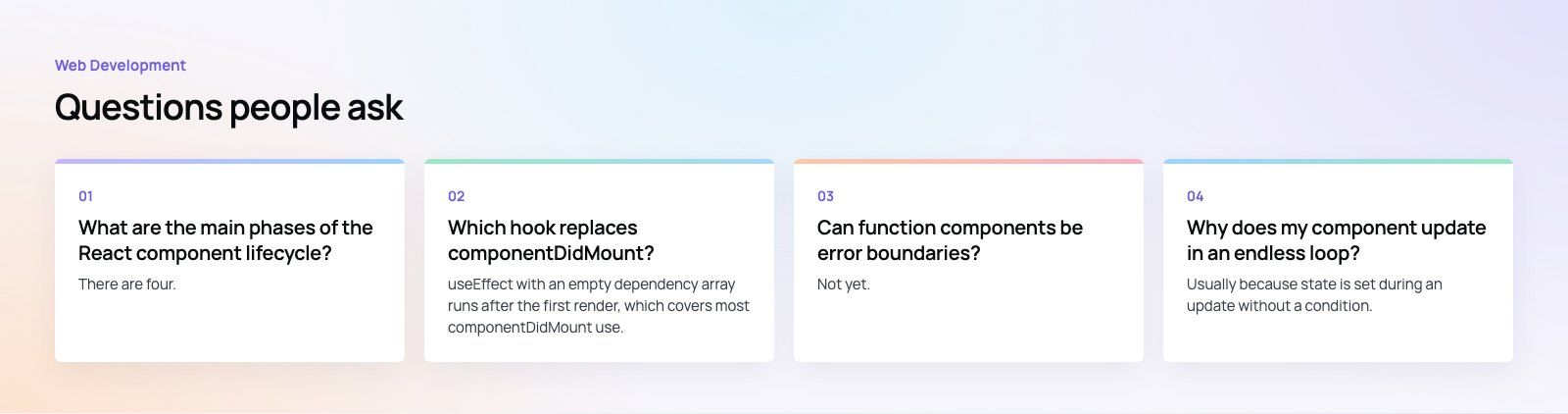
There are four.
Mounting is when the component is created and first inserted into the DOM. Updating happens every time its props or state change and it re-renders. Unmounting is when it is removed from the page. Error handling covers what happens when a component below it throws while rendering, which is managed by an error boundary that shows a fallback and logs the problem.
Web DevelopmentWordPress vs Drupal: Which CMS Is Right for Your Business?WordPress vs Drupal compared on ease of use, content modeling, security, performance, ecommerce and cost drivers, with five questions to help you choose. Web DevelopmentCustom Website Development vs Website Builders: Pros and ConsAn honest comparison of custom website development and website builders: control, cost over time, SEO, integrations, and how to decide which fits your business.
 Web DevelopmentWeb Development Consultant: What They Do and When to Hire OneWhat a web development consultant does, how the role differs from a developer or agency, when hiring one pays off and how to choose the right one.
Tell us what the business needs. We will tell you what to build first.
Schedule a free consultation and get a written recommendation, with costs, before you commit to anything.
Get in touchPROVEN RESULTS
4.7 / 5verified reviews on Google