 Web DevelopmentWordPress vs Drupal: Which CMS Is Right for Your Business?WordPress vs Drupal compared on ease of use, content modeling, security, performance, ecommerce and cost drivers, with five questions to help you choose.
How Responsive Web Design Affects SEO and User Experience
How responsive web design supports SEO through mobile first indexing and page experience, and improves usability, speed and conversions on every screen.
Responsive web design helps SEO because Google indexes and ranks the mobile version of your pages, and a responsive site serves the same content and URL to every device. It helps user experience because visitors can read, tap and buy comfortably on any screen, which keeps them on the site longer and makes them more likely to convert. Those two effects feed each other: better engagement supports rankings, and better rankings bring more visitors to engage.
Below we break down exactly where responsive design affects search performance, where it affects people, and the practices that make a responsive build work well.
What responsive web design means
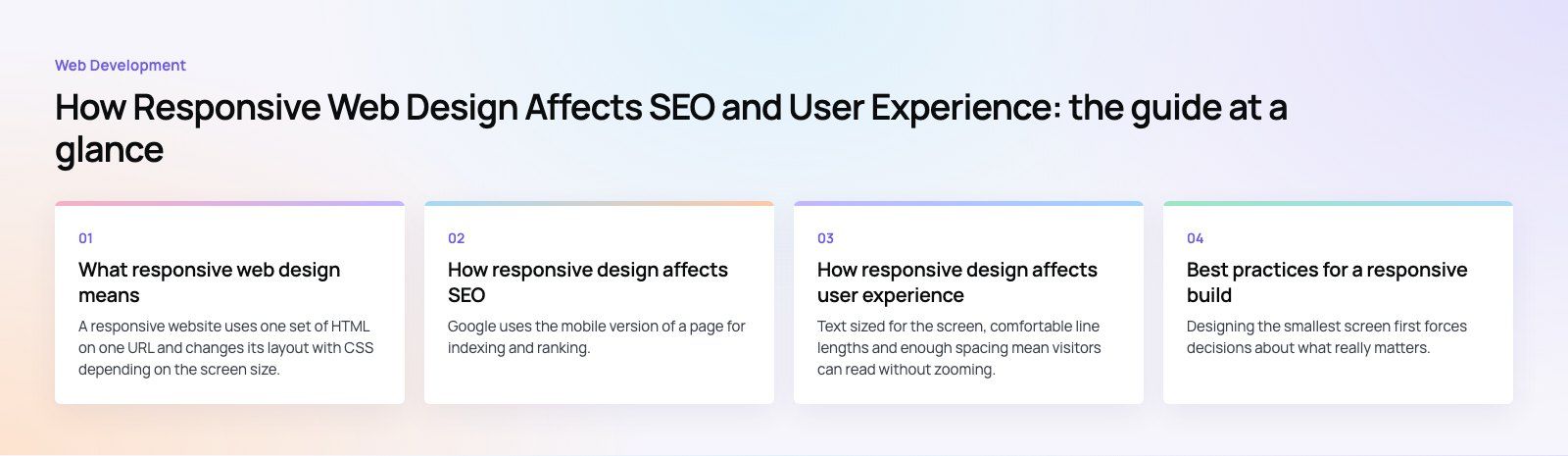
A responsive website uses one set of HTML on one URL and changes its layout with CSS depending on the screen size. Columns stack on a phone, images scale down, navigation collapses into a menu and touch targets get larger. The alternatives are a separate mobile site on its own URL, or dynamic serving, where the server sends different HTML depending on the device.
Google's own documentation says it recommends responsive web design because it is the easiest pattern to implement and maintain. One URL and one codebase also means fewer things can go wrong.
How responsive design affects SEO
Mobile first indexing
Google uses the mobile version of a page for indexing and ranking. If the mobile layout hides content, drops headings or strips out structured data that exists on desktop, Google may never see it. A responsive site avoids this problem because the content is identical across devices; only the presentation changes.
One URL, one set of signals
With a separate mobile site, links, shares and authority are split between two URLs, and you need correct canonical and alternate tags to tie them together. Responsive design keeps every signal on one address. It also removes a whole class of errors, such as mobile redirects that send users to the wrong page.
Page experience and Core Web Vitals
Google's page experience guidance covers loading, responsiveness to input and visual stability, measured through Core Web Vitals. A well built responsive site scores better on these because it serves images sized for the device and keeps the layout steady as the page loads. A badly built one can do the opposite, so responsiveness and speed have to be designed together.
Local search
People searching for a nearby business are very often on a phone, sometimes standing outside. If your page is hard to use on mobile, they go back to the results and choose a competitor. For businesses that rely on local SEO, a fast and easy mobile page is one of the simplest advantages to secure.
Click through and return to results
A page that is easy to use on mobile keeps visitors reading. A page that forces pinching and zooming sends them straight back to the search results. That quick return is a poor experience for the searcher, and over time sites that consistently satisfy visitors tend to earn more clicks, links and mentions.
Mobile search behavior
Mobile searches are often shorter, more local and more urgent, and voice search adds conversational phrasing. A responsive site makes it practical to write for those queries, because the page that answers them is comfortable to read on the device used to ask.
How responsive design affects user experience
Readable content without effort
Text sized for the screen, comfortable line lengths and enough spacing mean visitors can read without zooming. This sounds basic, but it is still where many older sites fail.
Navigation that fits the device
On a phone, a full desktop menu becomes a row of tiny links. Responsive navigation collapses into a clear menu, keeps the most important actions visible and places buttons where thumbs can reach them.
Faster pages
Responsive images let the browser download a smaller file on a smaller screen. Combined with lazy loading and sensible scripts, this makes mobile pages noticeably quicker, which matters on patchy connections.
Consistent brand and content
Visitors often switch devices, starting on a phone and finishing on a laptop. A responsive site gives them the same content, the same structure and the same basket or form state, so nothing feels missing when they come back.
Accessibility
Responsive layouts also support people who zoom text or use the browser at large magnification. The Web Content Accessibility Guidelines include reflow requirements that are much easier to meet with a responsive build.
More conversions
When forms are short, buttons are easy to tap and checkout works on a phone, more visitors finish what they started. This is usually where the business case for responsive design is clearest.
SEO and user experience side by side
| Factor | Effect on SEO | Effect on user experience |
|---|---|---|
| Mobile first indexing | Google sees all your content on the mobile version | Mobile visitors get the full page, not a cut down one |
| Single URL | Links and signals stay on one address | Shared links open correctly on any device |
| Page speed | Better Core Web Vitals | Less waiting and fewer abandoned visits |
| Local search | Stronger performance in nearby searches | Easy calls, directions and bookings on the move |
| Readable layout | Visitors stay rather than return to results | No zooming or sideways scrolling |
| Usable forms and checkout | Supports conversion focused pages | More completed enquiries and orders |
Best practices for a responsive build
Start with mobile layouts
Designing the smallest screen first forces decisions about what really matters. It is easier to add space and detail for larger screens than to squeeze a desktop design down.
Use fluid grids and flexible units
Modern CSS layout tools such as flexbox and grid, with relative units rather than fixed pixel widths, let content flow naturally between sizes. MDN's guide to responsive design is a good technical reference.
Set breakpoints by content, not by device
Rather than targeting specific phone models, add a breakpoint wherever the layout starts to look wrong. New devices appear all the time; content based breakpoints keep working.
Serve responsive images
Use srcset and sizes so each device downloads an appropriately sized file, use modern formats, and always set width and height to stop the layout jumping as images load.
Size touch targets properly
Buttons and links need enough size and spacing to be tapped accurately. Small, tightly packed links frustrate users and are a common accessibility failure.
Keep content parity
Do not hide important text, headings, links or structured data on mobile. If it matters for desktop rankings, it needs to be on the mobile page too.
Test on real devices
Browser developer tools are useful for quick checks, and Lighthouse reports on performance and accessibility. Nothing replaces trying the site on a few real phones, on a real mobile connection, before launch and after major changes.
Common responsive design mistakes
- Pop ups that cover the whole screen on mobile and are hard to close.
- Desktop sized images scaled down by CSS, so phones still download huge files.
- Menus that work with a mouse but not with touch.
- Tables and wide elements that force the whole page to scroll sideways.
- Forms that ignore mobile keyboards, for example no number pad for phone fields.
- Right to left layouts that break on mobile for Arabic versions of a bilingual site.
Is responsive design enough on its own?
No. Responsive design removes a major obstacle, but rankings still depend on useful content, a sound technical setup and links from other sites. Think of it as the foundation that lets everything else work on mobile. If your site already looks responsive but still performs poorly, the problem is often speed, which our Core Web Vitals service addresses, or crawlability, which a technical SEO review will uncover.
Next steps
If your site was built before phones became the main way many of your visitors browse, or it was adapted for phones as an afterthought, a rebuild with responsive layouts from the start is usually the cleanest fix. Codeeo's web development team builds every site mobile first, and our design team plans layouts for each screen size before a line of code is written. Talk to us about your site.
Frequently asked questions
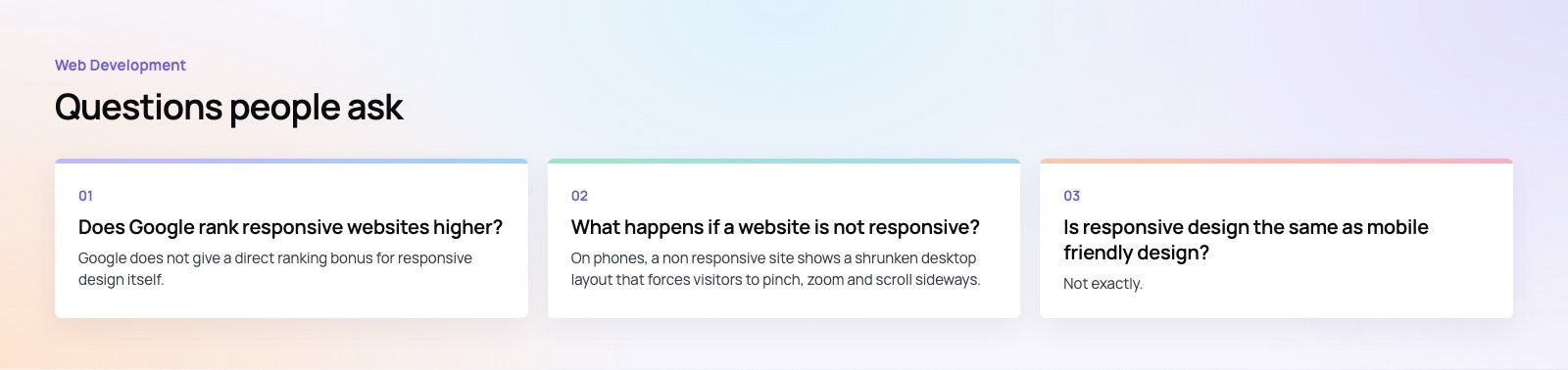
Google does not give a direct ranking bonus for responsive design itself.
However, it indexes the mobile version of pages and recommends responsive design as the easiest way to serve good mobile pages. A responsive site keeps content consistent across devices, avoids common mobile errors and usually performs better on page experience, all of which help a site compete in search results.
Web DevelopmentWordPress vs Drupal: Which CMS Is Right for Your Business?WordPress vs Drupal compared on ease of use, content modeling, security, performance, ecommerce and cost drivers, with five questions to help you choose. Web DevelopmentCustom Website Development vs Website Builders: Pros and ConsAn honest comparison of custom website development and website builders: control, cost over time, SEO, integrations, and how to decide which fits your business.
 Web DevelopmentWeb Development Consultant: What They Do and When to Hire OneWhat a web development consultant does, how the role differs from a developer or agency, when hiring one pays off and how to choose the right one.
Tell us what the business needs. We will tell you what to build first.
Schedule a free consultation and get a written recommendation, with costs, before you commit to anything.
Get in touchPROVEN RESULTS
4.7 / 5verified reviews on Google