 Web DevelopmentWordPress vs Drupal: Which CMS Is Right for Your Business?WordPress vs Drupal compared on ease of use, content modeling, security, performance, ecommerce and cost drivers, with five questions to help you choose.
How to Secure a Website Against Hackers and Cyberattacks
The attacks business websites face most, mapped to the OWASP Top 10:2025, and the layered defenses that stop them: MFA, secure code, WAF, headers and testing.
To secure a website against hackers, you need layers: strong authentication with multi factor login, software that stays patched, code that validates input and enforces access rules on the server, a web application firewall in front of the site, and regular testing that finds weaknesses before attackers do. No single tool covers everything, so the goal is to make each common attack path hard and to notice quickly when something gets through.
This guide walks through the threats that matter most for business websites and web applications, the defenses that stop them, and how to keep those defenses working over time.
What attackers actually go after
Most attacks on business sites are automated and opportunistic. Bots scan millions of sites for known weak plugins, exposed admin pages, default credentials and unpatched frameworks. A smaller share of attacks is targeted, aimed at customer data, payment flows or the site's reputation in search.
The OWASP Top 10:2025 is the most widely used summary of web application risks. Its current list starts with broken access control and security misconfiguration, and it adds software supply chain failures and mishandling of exceptional conditions as categories. The table below explains the risks most business owners should understand.
| Risk | What it means | Main defense |
|---|---|---|
| Broken access control | Users can view or change data that is not theirs, often by editing an ID in a URL | Check permissions on the server for every request |
| Security misconfiguration | Default settings, verbose errors, open storage or debug modes left on | Hardened configuration and regular reviews |
| Software supply chain failures | A vulnerable or malicious package, plugin or build tool | Dependency scanning and trusted sources only |
| Injection | Untrusted input runs as a database query or script, as in SQL injection or cross site scripting | Parameterized queries, input validation and output encoding |
| Authentication failures | Weak passwords, credential stuffing or session flaws | MFA, rate limiting and secure session handling |
| Cross site request forgery | A logged in user is tricked into submitting an action they did not intend | Anti CSRF tokens and SameSite cookies |
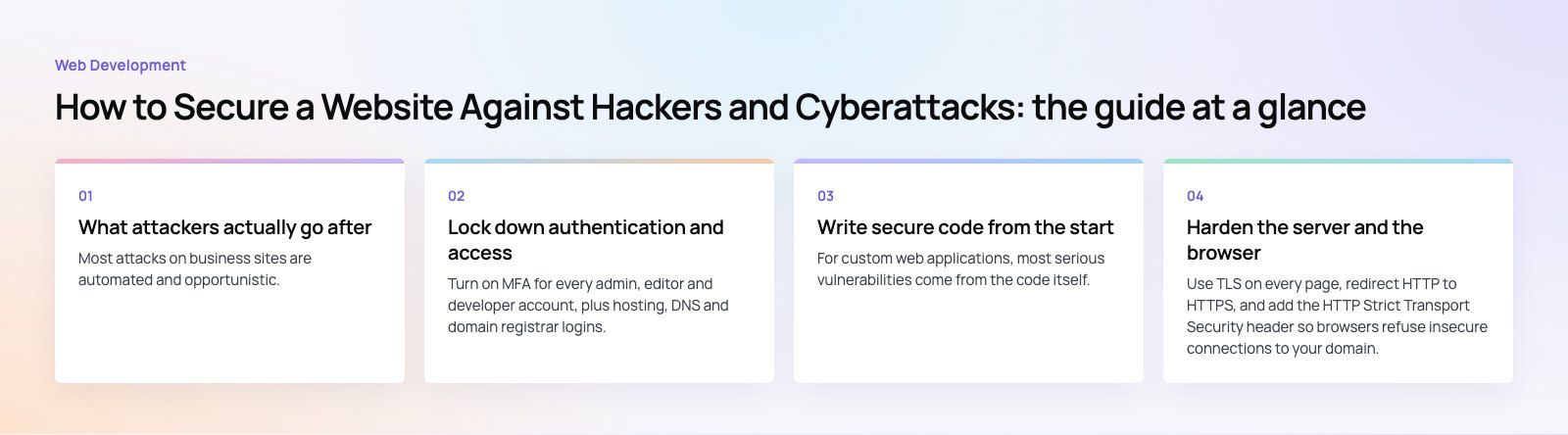
Lock down authentication and access
Require multi factor authentication
Turn on MFA for every admin, editor and developer account, plus hosting, DNS and domain registrar logins. Authenticator apps, passkeys and hardware keys resist phishing far better than SMS codes.
Follow modern password guidance
The US standard NIST SP 800-63B (2025) recommends long passwords, checks against lists of known breached passwords, and no arbitrary forced resets or composition rules. For customer accounts, this means allowing long passphrases and blocking common or leaked passwords at sign up.
Apply least privilege
Give each person and each service account the minimum permissions they need. Separate admin areas from public pages, restrict admin access by IP or single sign on where practical, and log every privileged action.
Write secure code from the start
For custom web applications, most serious vulnerabilities come from the code itself. These practices prevent the majority of them.
Validate input and encode output
Treat everything from the browser as untrusted: form fields, URL parameters, headers and uploaded files. Validate type, length and format on the server, not only in JavaScript. When you display user content, encode it for the context (HTML, attribute, URL or script) so it cannot run as code. Modern frameworks do much of this by default, as long as developers do not bypass the safe helpers.
Use parameterized queries
Never build database queries by joining strings with user input. Prepared statements and ORM query builders separate data from commands, which shuts down SQL injection. Frameworks such as Laravel and the major Node.js database libraries provide this out of the box.
Check authorization on every request
Broken access control tops the OWASP list because it is easy to miss. Every endpoint that reads or changes data should confirm that the current user is allowed to act on that specific record. Hiding a button in the interface is not a security control.
Handle sessions, errors and secrets carefully
- Set session cookies as Secure, HttpOnly and SameSite, and rotate session IDs after login.
- Show users friendly error messages while logging technical details privately, so stack traces never leak.
- Keep API keys and database passwords in environment variables or a secrets manager, never in the code repository.
- Store passwords only with a modern, slow hashing algorithm designed for passwords.
Harden the server and the browser
Serve everything over HTTPS
Use TLS on every page, redirect HTTP to HTTPS, and add the HTTP Strict Transport Security header so browsers refuse insecure connections to your domain.
Add security headers
A few response headers block whole classes of attack in the browser. A Content Security Policy limits which scripts can run, which greatly reduces the damage of cross site scripting. Frame controls stop your pages being embedded for clickjacking, and a strict referrer policy avoids leaking URLs to third parties.
Put a web application firewall in front
A WAF inspects incoming HTTP traffic and blocks common attack patterns, bad bots and abusive request rates. Cloud WAFs that come with a CDN are quick to deploy. Start with managed rules, watch the logs for false positives on forms and checkout, then tighten. A WAF buys time; it does not fix vulnerable code.
Rate limit sensitive endpoints
Login, password reset, sign up, search and contact forms attract automated abuse. Rate limits, bot challenges on suspicious traffic, and account lockout or delay rules make credential stuffing and form spam far less effective.
Manage third party code and plugins
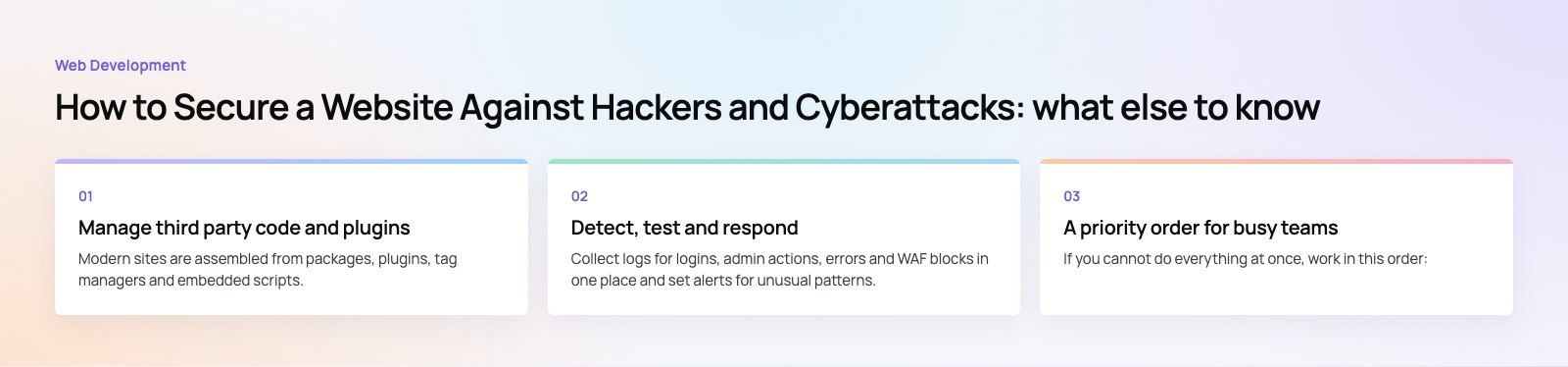
Modern sites are assembled from packages, plugins, tag managers and embedded scripts. Each is a potential way in, which is why supply chain failures now have their own place on the OWASP list.
- Keep an inventory of plugins, packages and external scripts, and remove what you do not use.
- Turn on dependency alerts in your repository and patch flagged packages in the normal release cycle.
- Install plugins only from official sources with recent updates.
- Review who can publish tags in Google Tag Manager, since a tag can inject any script into every page.
Detect, test and respond
Log and monitor
Collect logs for logins, admin actions, errors and WAF blocks in one place and set alerts for unusual patterns, such as many failed logins or new admin accounts. Larger organizations feed these into a SIEM, but even a small business can get useful alerts from its host, CDN and CMS.
Scan and test regularly
Automated vulnerability scanners catch outdated components and common misconfigurations. A manual penetration test goes further by trying to chain weaknesses together the way a real attacker would. Run a test before launching anything that handles personal or payment data, and again after major changes. For an existing codebase, a codebase review is a practical first step.
Have a response plan
Write down who to call, how to take the site offline, where clean backups live, and how to rotate every credential. Practice a restore so the first time is not during a real incident.
A priority order for busy teams
If you cannot do everything at once, work in this order:
- Turn on MFA for every admin, hosting, DNS and registrar account.
- Update the CMS, plugins and server software, and remove anything unused.
- Confirm off site backups exist and test a restore.
- Put a WAF and rate limiting in front of logins and forms.
- Add HTTPS everywhere and the main security headers.
- Review custom code for access control and injection issues, then schedule a penetration test.
Building security in from day one
Website security is cheapest when it is part of the build rather than a fix after an incident. Codeeo has delivered 200+ projects across the UAE and the US, and our web development and custom software teams design access control, input handling and hosting hardening into the architecture. If you take payments online, our payment integration work follows the same approach. Talk to us about reviewing or rebuilding your site.
Frequently asked questions
For most business websites, the most common entry points are outdated plugins or frameworks with publicly known vulnerabilities and weak or reused admin passwords.
Automated bots scan for both constantly. Keeping software patched, removing unused extensions and turning on multi factor authentication for every admin account closes the majority of these easy paths before any targeted attacker gets involved.
Web DevelopmentWordPress vs Drupal: Which CMS Is Right for Your Business?WordPress vs Drupal compared on ease of use, content modeling, security, performance, ecommerce and cost drivers, with five questions to help you choose. Web DevelopmentCustom Website Development vs Website Builders: Pros and ConsAn honest comparison of custom website development and website builders: control, cost over time, SEO, integrations, and how to decide which fits your business.
 Web DevelopmentWeb Development Consultant: What They Do and When to Hire OneWhat a web development consultant does, how the role differs from a developer or agency, when hiring one pays off and how to choose the right one.
Tell us what the business needs. We will tell you what to build first.
Schedule a free consultation and get a written recommendation, with costs, before you commit to anything.
Get in touchPROVEN RESULTS
4.7 / 5verified reviews on Google