 E-CommerceGenerative AI in Online Retail: Uses That Pay BackGenerative AI ecommerce uses ranked by payback and risk: product descriptions, AI search and support assistants, plus Arabic quality checks for UAE stores.
ShipStation WooCommerce Integration: Setup and Best Practices
How to connect ShipStation to WooCommerce step by step, which settings and automation rules to configure, and how to fix the most common sync problems.
The ShipStation WooCommerce integration connects your WooCommerce store to ShipStation so paid orders flow into one shipping dashboard, labels are printed in batches, and tracking numbers flow back to the customer automatically. You install the official ShipStation extension, copy the credentials it generates into ShipStation, choose which order statuses to export, and test the connection. The connection itself is quick; the real work is setting up rules so orders route themselves.
This guide covers what the integration does, how to set it up step by step, the features worth configuring, and the problems store owners most often run into.
Why WooCommerce stores outgrow manual shipping
WooCommerce handles the storefront and checkout well, but shipping is usually where small stores lose hours. A typical manual routine looks like this: open each order, copy the address into a carrier website, buy a label, print it, paste the tracking number back into the order and email the customer. At ten orders a day that is tedious. At a hundred it creates errors, delays and support tickets.
ShipStation sits between your store and your carriers. It pulls in orders, applies your rules, compares carrier services, prints labels in bulk and pushes tracking back to WooCommerce. You stop retyping data, and the customer gets a shipping email as soon as the label exists.
What the integration does
Automatic order import
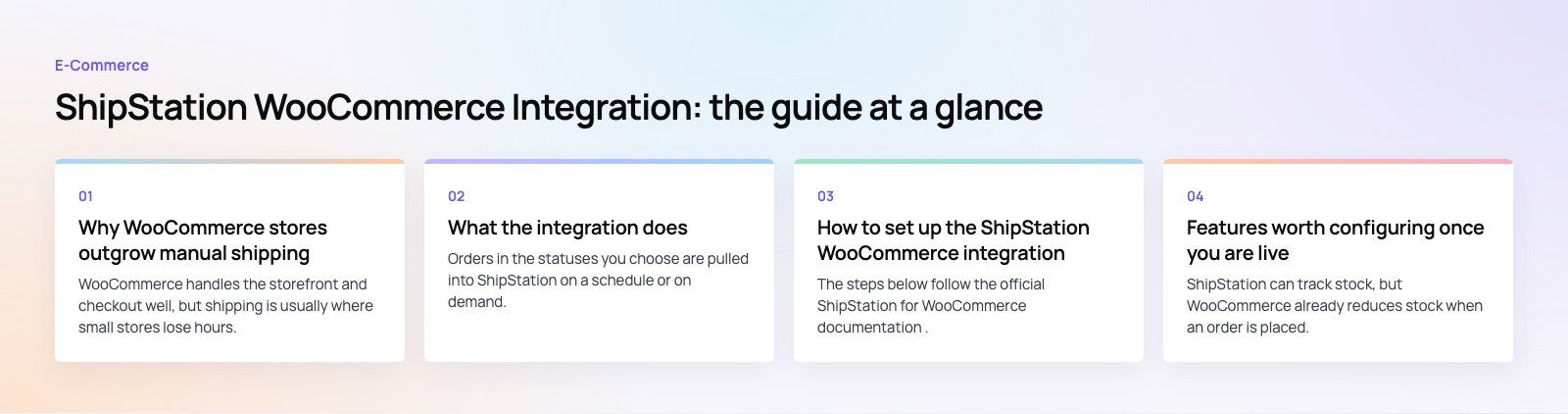
Orders in the statuses you choose are pulled into ShipStation on a schedule or on demand. Shipping address, items, weights and the service the customer selected at checkout come across without manual entry.
Tracking sent back to WooCommerce
When you create a label, ShipStation marks the order as shipped in WooCommerce and adds the tracking details. WooCommerce then sends its own completed order email, so customers hear from your store rather than from a shipping tool they have never heard of.
Automation rules
Rules are where most of the time saving comes from. You can assign a carrier and service based on weight or destination, apply a package type to certain products, tag orders that need special handling, or send orders to a specific warehouse. Once the rules are right, many orders need only a click to ship.
Batch labels and packing slips
You can select dozens of orders and create all the labels and packing slips in one batch. Packing slips and customer emails can carry your logo, which keeps the experience on brand.
International shipping support
For cross border orders, ShipStation can produce customs forms with the declared contents and values, which removes a common source of mistakes and delays at customs.
Mobile access
The ShipStation mobile app lets you check orders and create labels away from your desk, which suits owners who pack orders themselves.
Before you start
- A ShipStation account. ShipStation is a paid subscription with a trial. Check its current plans for the order volume you need.
- The ShipStation extension for WooCommerce. It is listed in the WooCommerce Marketplace and added through your WooCommerce.com account.
- Administrator access to your WordPress site.
- Accurate product weights and dimensions. Rate comparison and rules depend on them, so fill these in before you connect.
- A staging site, if you can. Testing on a copy of the store avoids accidental emails to real customers.
How to set up the ShipStation WooCommerce integration
The steps below follow the official ShipStation for WooCommerce documentation. Menu names can change between versions, so check that page if something looks different.
Step 1: Install and activate the extension
- Add the ShipStation extension to your WooCommerce.com account.
- In WordPress, install it from your subscriptions or upload the plugin file under Plugins, then click Activate.
Step 2: Configure the WooCommerce side
- Go to WooCommerce > Settings > Integration > ShipStation.
- Under Export Order Statuses, choose which orders ShipStation should import. Most stores send only paid orders, usually Processing.
- Under Shipped Order Status, choose the status orders move to once shipped. Completed is the usual choice, and it triggers the WooCommerce completed order email.
- Turn on logging if you want a record for troubleshooting. Logs are found under WooCommerce > Status > Logs.
- In the Credentials section, note the Authentication Key and Store URL. If REST API keys do not exist yet, generate them here. The consumer secret is shown once, so copy it somewhere safe.
- Save changes.
Step 3: Connect the store in ShipStation
- In ShipStation, open your selling channel settings and choose to connect a store.
- Select WooCommerce from the list of platforms.
- Paste the credentials and Store URL from WooCommerce into the matching fields.
- Click Test Connection, then Connect.
- Make sure the option to notify the marketplace is turned on, so shipped status and tracking go back to WooCommerce.
Step 4: Test with a real order
Place a test order, import it in ShipStation, create a label (most carriers let you void a test label) and confirm that the order in WooCommerce changes status and shows tracking. Check the email the customer would receive. Only then switch the routine over for live orders.
Step 5: Build your automation rules
Start with two or three rules that cover most of your orders, such as a default domestic service for parcels under a certain weight and a separate service for international orders. Add more rules once you see which orders still need manual decisions.
Features worth configuring once you are live
| Feature | What it helps with | Best for |
|---|---|---|
| Automation rules | Assigns carrier, service and package without clicks | Any store with repeat order types |
| Batch shipping | Creates many labels and packing slips at once | Stores shipping daily in volume |
| Branded emails and slips | Keeps tracking emails and paperwork on brand | Brands that care about unboxing |
| Returns | Generates return labels and tracks returned parcels | Fashion and other high return categories |
| Reporting | Shows shipping spend, volumes and carrier performance | Owners reviewing shipping costs |
| Multiple warehouses and channels | Routes orders by location and combines marketplaces in one queue | Growing stores selling in several places |
Inventory: know which system is the source of truth
ShipStation can track stock, but WooCommerce already reduces stock when an order is placed. Running inventory in both places without a clear owner leads to mismatched counts. For most single store setups, keep WooCommerce as the stock record and use ShipStation for fulfilment. If you sell across several channels or warehouses, plan the inventory flow deliberately, and consider whether an ERP or inventory system should hold the master figures.
Common problems and how to fix them
Orders are not importing
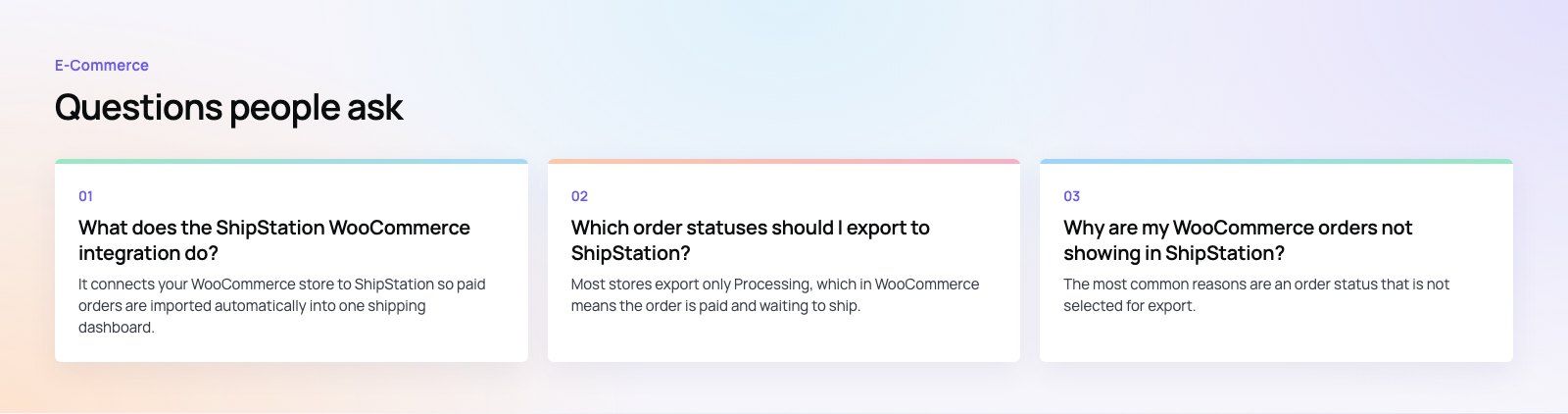
Check that the order status is one of the statuses you chose to export. Unpaid or on hold orders will not appear if only Processing is selected. Also confirm the connection still tests successfully; security plugins and firewalls sometimes block ShipStation's requests to your site.
Tracking does not appear in WooCommerce
This usually means the notify marketplace option was off when the label was created, or the shipped order status is set to something that does not trigger an email. Turn the option on and resend the shipment notification for affected orders.
Rates look wrong
Incorrect weights and dimensions are the usual cause. Fill them in at product level, including variations, and set default package sizes in ShipStation.
Duplicate emails to customers
If both WooCommerce and ShipStation send shipping emails, customers get two. Decide which system sends the message and switch the other off.
Credentials stopped working
Regenerating API keys or changing the site URL breaks the connection. Update the credentials in ShipStation and test again.
Is ShipStation the right fit?
ShipStation suits stores that ship physical parcels through standard carriers and want one queue for several channels. Very small stores shipping a few orders a week may be fine with a carrier's own WooCommerce plugin. Stores with same day local delivery, scheduled delivery windows or their own drivers often need a delivery management tool or custom work instead, because parcel software is built around carrier labels. Check carrier coverage for your country too, since supported carriers differ by region.
Getting shipping right is part of building a store that runs itself. Codeeo has delivered 200+ projects across the UAE and the US, including WooCommerce stores such as The Gorgeous Flower Co with delivery dates and windows at checkout, and Clocksprings Australia with fitment on every product. If you want help connecting fulfilment, payments or inventory to your store, our WooCommerce development team can plan and build it, or start with a checkout teardown to see where orders slow down.
Frequently asked questions
It connects your WooCommerce store to ShipStation so paid orders are imported automatically into one shipping dashboard.
From there you compare carrier services, print labels and packing slips in batches, and apply rules that pick the carrier and package for you. When a label is created, the order is marked shipped in WooCommerce and tracking is added for the customer.
E-CommerceGenerative AI in Online Retail: Uses That Pay BackGenerative AI ecommerce uses ranked by payback and risk: product descriptions, AI search and support assistants, plus Arabic quality checks for UAE stores. E-CommerceConnecting WooCommerce to ERP, CRM and Shipping Without DuplicatesPlan a WooCommerce ERP integration that avoids duplicates: data ownership rules, idempotent order sync, CRM matching and UAE shipping, with Odoo and Dynamics.
 E-CommerceEnterprise Ecommerce Platform Selection: Requirements Before DemosChoose an enterprise ecommerce platform by setting integration, multi entity, data residency and order management requirements before any vendor demo starts.
Tell us what the business needs. We will tell you what to build first.
Schedule a free consultation and get a written recommendation, with costs, before you commit to anything.
Get in touchPROVEN RESULTS
4.7 / 5verified reviews on Google